OpenMusic AI Mastering Guide
Overview
OpenMusic AI Mastering helps refine your music quickly, without requiring technical mastering knowledge.
The system evaluates loudness, dynamics, and frequency balance, then applies intelligent adjustments so your track sounds cleaner, stronger, and closer to a release-ready result.
Start mastering your track
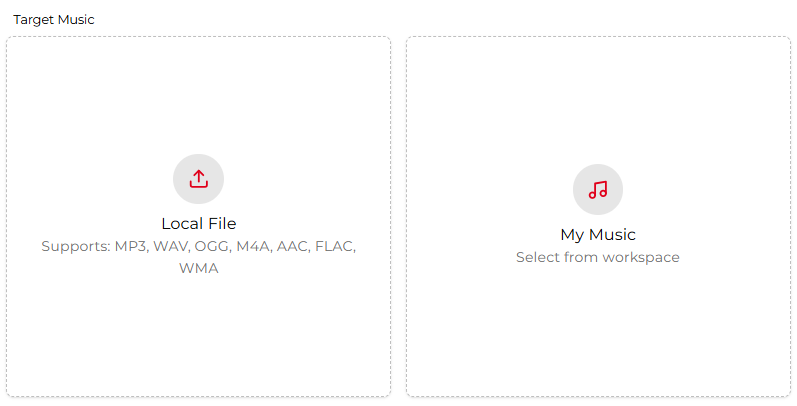
Open the AI Mastering page and locate the Target Music section. Upload the song you want to master or select one from your workspace.
For optimal results, use a clean mix with no clipping or heavy limiting, giving the mastering process enough headroom to work effectively.
Add a reference song
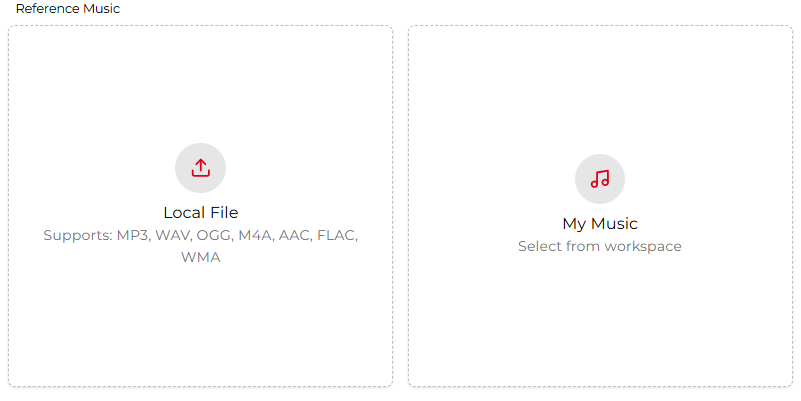
You can optionally choose a reference track to guide the mastering style. OpenMusic analyzes the reference track’s loudness, tonal balance, stereo image, and dynamics, then aligns your song toward similar characteristics.
Choose a professionally produced track that matches your genre and overall mood for the most consistent outcome.
Master and export
Once your settings are ready, click the Master button. Within about 2–3 minutes, OpenMusic generates a mastered version with improved clarity, punch, and balance.
Preview the result, then download the mastered file for sharing, distribution, or release on streaming platforms.