Song AI for Every Step
Use it for lyrics, vocals, covers and full tracks. "Song AI" can mean five different jobs: writing words, turning words into music, singing in a new voice, covering an existing track, or pulling a vocal away from its backing. An AI that creates songs is really a set of tools, and each job needs a different one, and picking the right one saves a lot of trial and error.
Below, each song AI job is matched to an OpenMusic tool. If you want a finished track today, start with the OpenMusic AI song generator; if you are earlier in the process, the sections below show where to begin.
What People Usually Want From Song AI
Most people come to song AI with one of three things in hand: a feeling they want to put into words, a voice they want to hear, or a scrap of melody they can't finish. Where you start decides which tool does the heavy lifting first.

Start from the words: draft lyrics first.
"I need the words"
You know the mood and the story but not the lines. A song AI lyrics generator drafts verses and a chorus you can edit before any music exists.
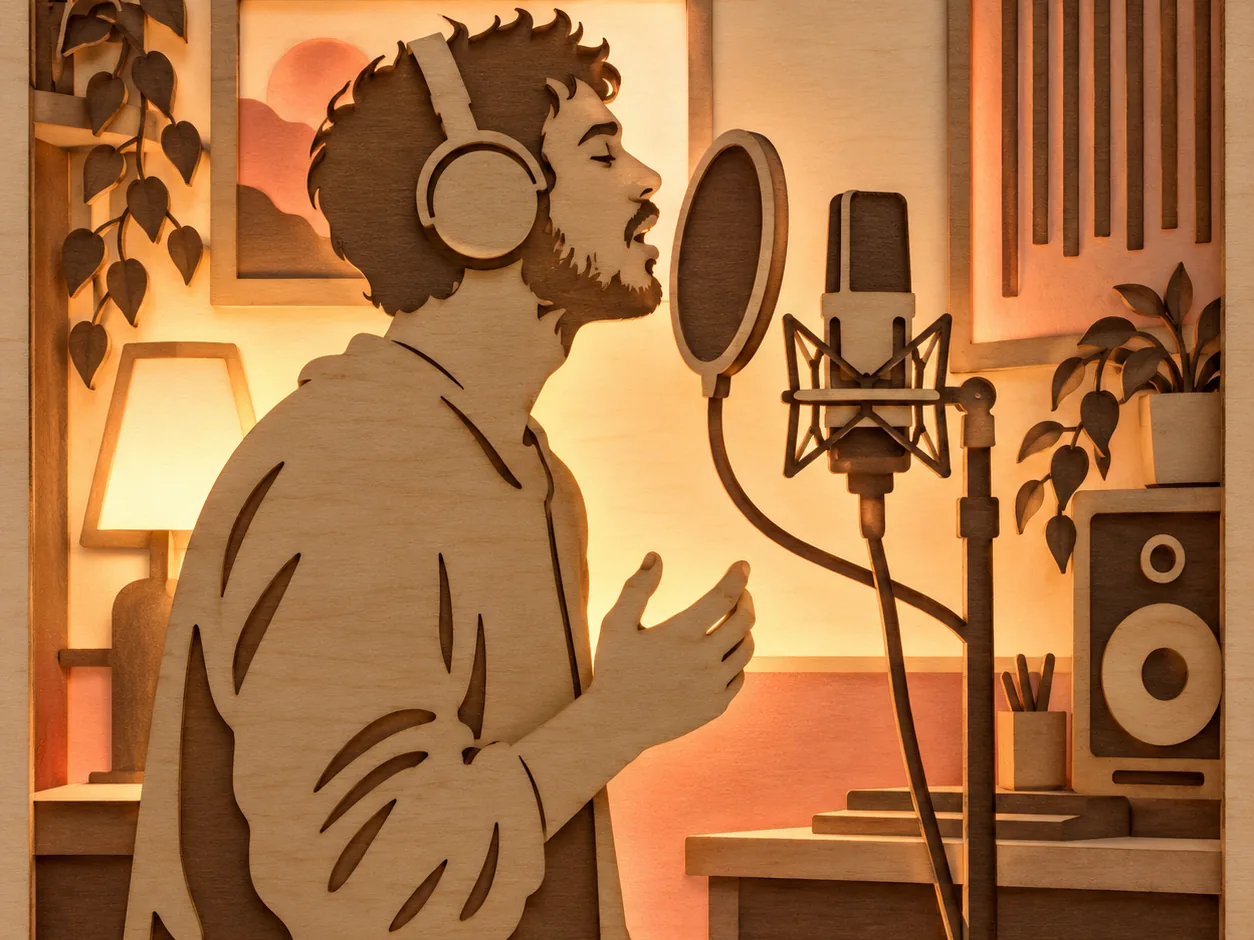
Start from a voice: vocals, covers or your own.
"I want to hear a voice"
You want vocals on a track, a new voice on a song you already have, or your own voice trained so it can sing new material.

Start from a melody you can't finish.
"I want a finished track"
You have an idea, a genre and maybe some lyrics, and you want song AI to give you a complete song with arrangement and vocals to listen to now.
Match Each Song AI Job to the Right OpenMusic Tool
The table below lines up the job you have in mind with the tool built for it and what you need to bring. Several song AI jobs chain together: lyrics first, then a full song, then a music video once the track is done.
| Your job | OpenMusic tool | What you bring |
|---|---|---|
| Write lyrics | AI Lyrics Generator | A prompt, plus mood, structure, style and language |
| Make a full song | AI Song Generator | A text prompt, your own lyrics, or an audio reference |
| Cover a song in a new voice | AI Song Cover Generator | The song you want covered and a voice model |
| Sing with your own voice | AI Singing Voice Generator | Clean, vocal-only recordings of yourself |
| Separate vocals from backing | AI Vocal Remover | An audio file or a song from your library |
| Put the song on video | AI Music Video | The finished track and, if you like, images |
Lyrics and Covers: The Song AI Steps People Skip
Most guides stop at "type a prompt, get a song". Two steps around that are worth a closer look, because they give you more say in how the result turns out.
Draft the words before the music
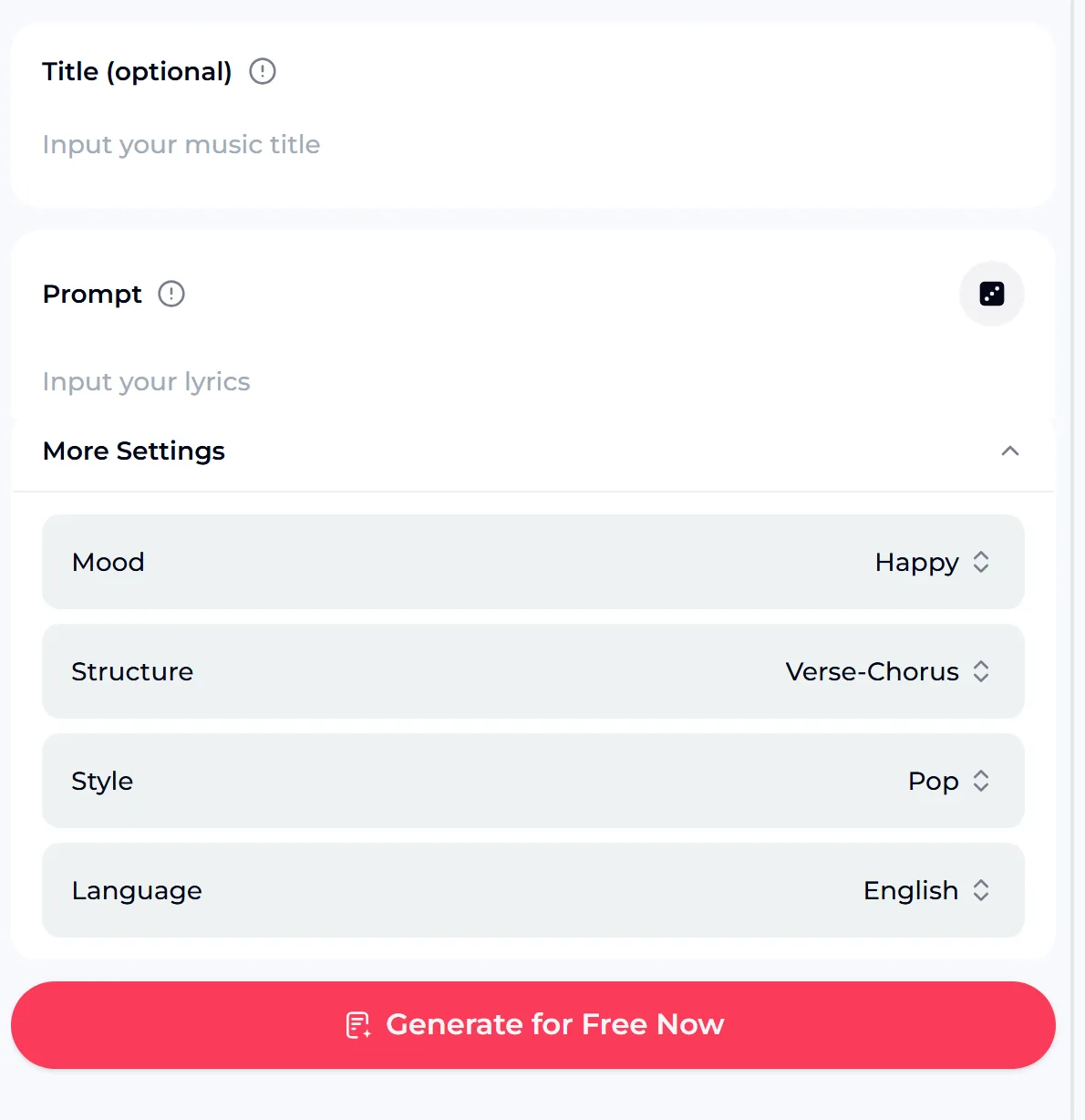
The AI Lyrics Generator takes a short prompt and an optional title, then lets you set the mood, the structure (for example verse and chorus), the style and the language. In song AI, editing lyrics is far quicker than regenerating whole songs, so getting the words right first means fewer attempts later. When the lines feel right, paste them into Own Lyrics mode on the song generator.
Hear a song in a different voice
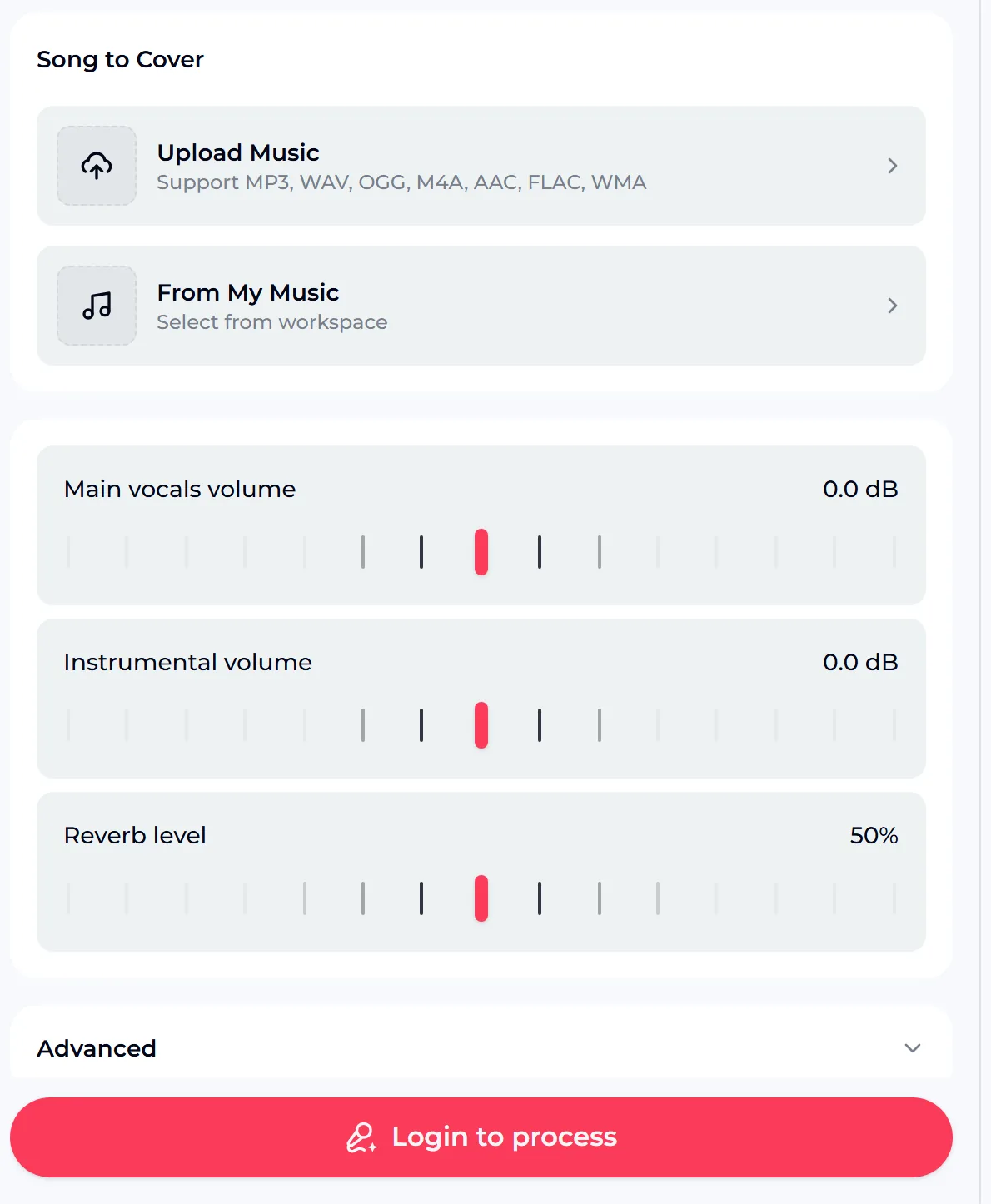
The AI Song Cover Generator takes a track you upload or one from your OpenMusic library and re-sings it with the voice model you choose, including a My Voice option. You can balance the main vocal against the instrumental and set the reverb level before processing. Use your own voice or one you have the rights to; the tool is not for imitating a real singer without permission.
Songs Made With OpenMusic Song AI
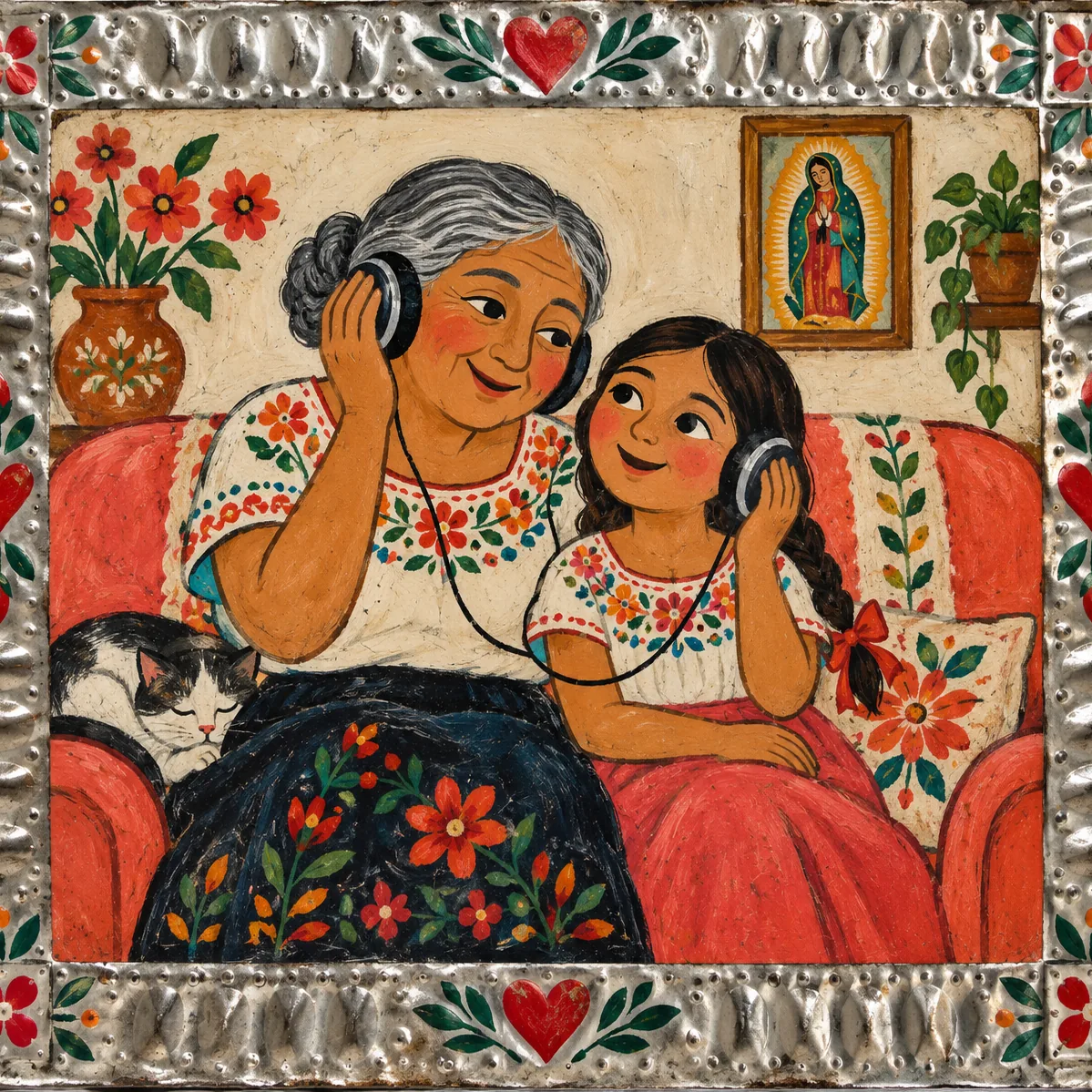
These two samples were made earlier with OpenMusic. They show the kind of complete, sung track that song AI on OpenMusic produces. They are examples only, not results of anything you typed.
What to listen for
- Does the melody carry each line without rushing the words?
- Does the chorus lift compared with the verse?
- Does the vocal tone suit the mood you described?
- Would a different genre or tempo serve the lyrics better?
- Don't judge a whole idea on one take; change the prompt and try again
Song AI on OpenMusic in Figures
A few facts from the OpenMusic tool and pricing pages help you plan. They cover what a song costs in credits, how far the free plan goes, how lyrics are shaped, and how much recording you need to train your own singing voice.
Open the song generator, add your lyrics or a description, pick a genre and a vocal, and hear a complete track.
Is a Song Made With AI Still Yours?
It is the question many people ask once a song AI track sounds good. One user put it simply: "The question I can't shake is whether the song is still mine if AI did most of the work." On OpenMusic, what you can do with a song depends on its Commercial License, so it helps to know how licenses work before you release anything.
- Release and monetize on Spotify, Apple Music or YouTube within the scope of the Commercial License
- Monthly members: 5 credits to download a song's license certificate
- Annual members: no extra credits for the license download
- Pay Once credits: spend 5 credits on a song to get its license
- An annual plan is not required for commercial rights
- Licenses you hold stay valid after you cancel
Songs you made on the free plan can be downloaded once you upgrade to any paid plan. Your credits, subscription status and next refresh date are on your OpenMusic profile.
Four People, Four Ways to Use Song AI
Generates a rough song AI version to hear a direction, then rewrites the parts that don't fit and keeps the ones that spark something.
Writes a few lines about a partner or a parent, drafts them with the lyrics generator and turns them into a song for a birthday or anniversary.
Records ten minutes of clean vocals to train a voice model, then hears that voice on songs they couldn't record in one take.
Makes a track with song AI for a channel or a short, then puts it on screen with the AI Music Video tools.
Song AI Questions, Answered
What can song AI actually do?
Song AI covers several separate jobs. It can draft lyrics from a prompt, turn a description or your own lyrics into a complete song with vocals, re-sing an existing track in a different voice, train a model on your own singing voice, and separate a vocal from its backing. On OpenMusic each of these has its own tool, so it helps to decide which job you need before you start. Most people begin with lyrics or a full song and add the others later.
Is there a free song AI option?
Yes, you can try song AI free. Generating a song costs 2 credits. The free plan includes 30 credits a year, i.e. 15 generations. That is enough to try a few prompts, test lyrics in different genres and decide whether the results suit you. Unused credits do not roll over at renewal, and for extra credits you can upgrade your plan or buy Pay Once credits as a one-time purchase. Songs you made on the free plan can be downloaded once you upgrade to any paid plan.
Can song AI sing in my own voice?
Yes, with the AI Singing Voice Generator. You upload or record clean, vocal-only audio of yourself, and the tool trains a voice model from it. OpenMusic asks for at least 1 minute and at most 30 minutes, and suggests about 10 minutes. If your recordings include music, the tool can separate the vocal first. Only train a voice that is yours or that you have permission to use.
Which song AI tool should I start with?
When you use AI for songs, start with the job you can't do yourself. If you can't find the words, open the lyrics generator and set the mood, structure, style and language. If you have words but no music, paste them into Own Lyrics mode on the song generator. If you already have a song and want to hear it sung differently, use the cover generator. Moving through the tools in that order, from words to music to voice, usually gets the best results.
Can I release songs made with song AI?
Yes, within the scope of the Commercial License. Monthly members download a song's license for 5 credits, annual members pay no extra credits, and Pay Once credit holders can spend 5 credits per song to get one, so an annual plan is not required. With a license you can release and monetize the song on platforms such as Spotify, Apple Music and YouTube. Licenses you already hold stay valid after you cancel, and published songs can keep earning.
Pick Your Starting Point and Make the Song
Choose words, voice or a finished track, open the matching song AI tool, and bring everything together in the song generator.