Best AI MIDI Editor Online
Online AI MIDI Editor
Stop wrestling with complex software. Your Browser is Now a MIDI Studio. OpenMusic gives you a powerful and intuitive MIDI editor to create, edit, and perfect your music on any device.
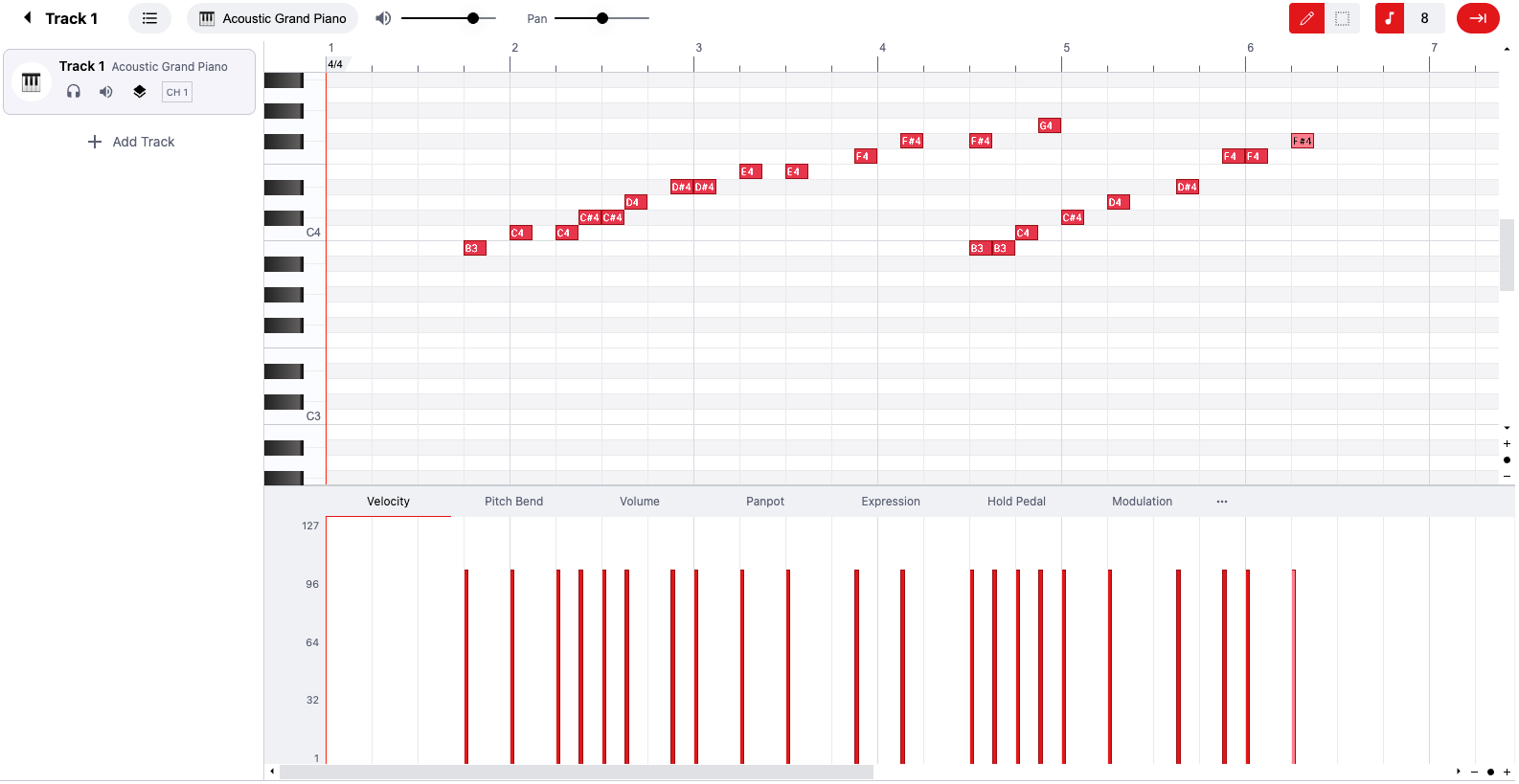
Online MIDI Editor Create MIDI Files Free
Your AI MIDI Studio, Smarter Than Any Other MIDI Editor
Go beyond basic editing. Our AI-powered MIDI tools help you compose and perfect your music faster, giving you professional results with less effort.
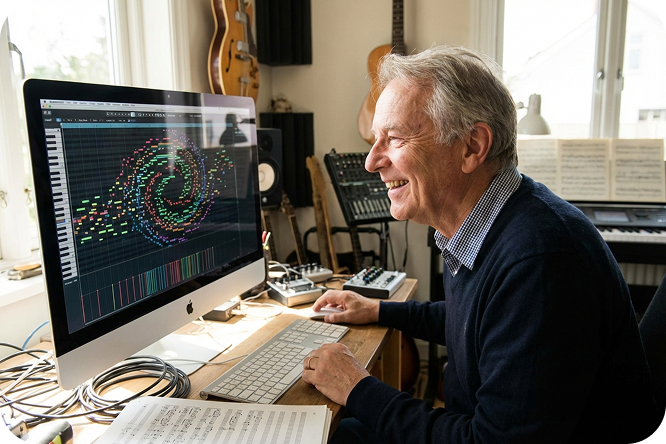
Meet Your AI MIDI Co-Composer
Stuck for ideas? Let our AI generate melodies and harmonies for you. Just pick a style and our online MIDI generator will create a unique composition to get you started.
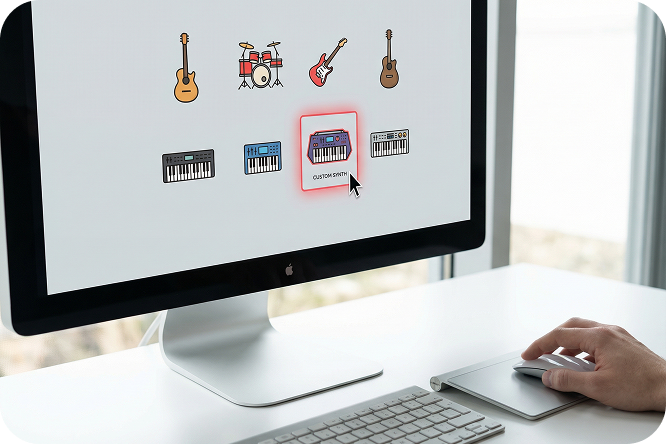
Go Beyond Standard MIDI Sounds
Don't settle for a plain piano. This MIDI editor supports custom instruments. Upload your own SoundFont files or use our vast library to find the perfect sound for your track.
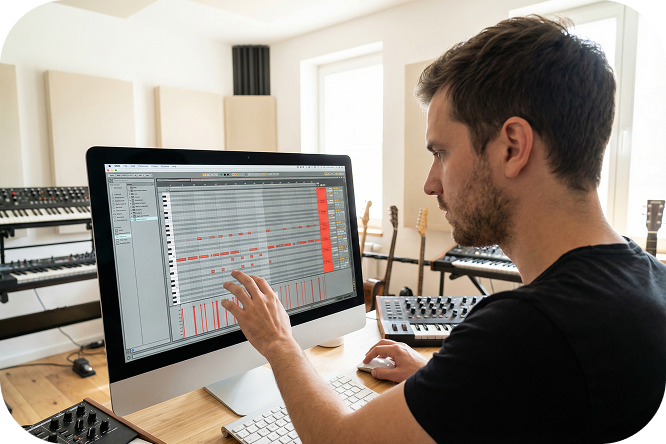
Sculpt Your MIDI with Precision
Easily adjust note velocity, timing, and pitch. Our simple piano roll gives you intuitive, precise control over every musical detail, making it the best MIDI editor for fine-tuning your work.

Your MIDI Studio in a Browser Tab
No software to install. No hidden fees. Access a powerful MIDI file editor from any device with a browser. It’s the perfect tool for quick edits or full projects.
Free Online MIDI Editor
Who Is This Online MIDI Editor For?
Whether you're producing your next hit, making a fun AI cover, or just starting out, our online MIDI editor has the tools you need to succeed.
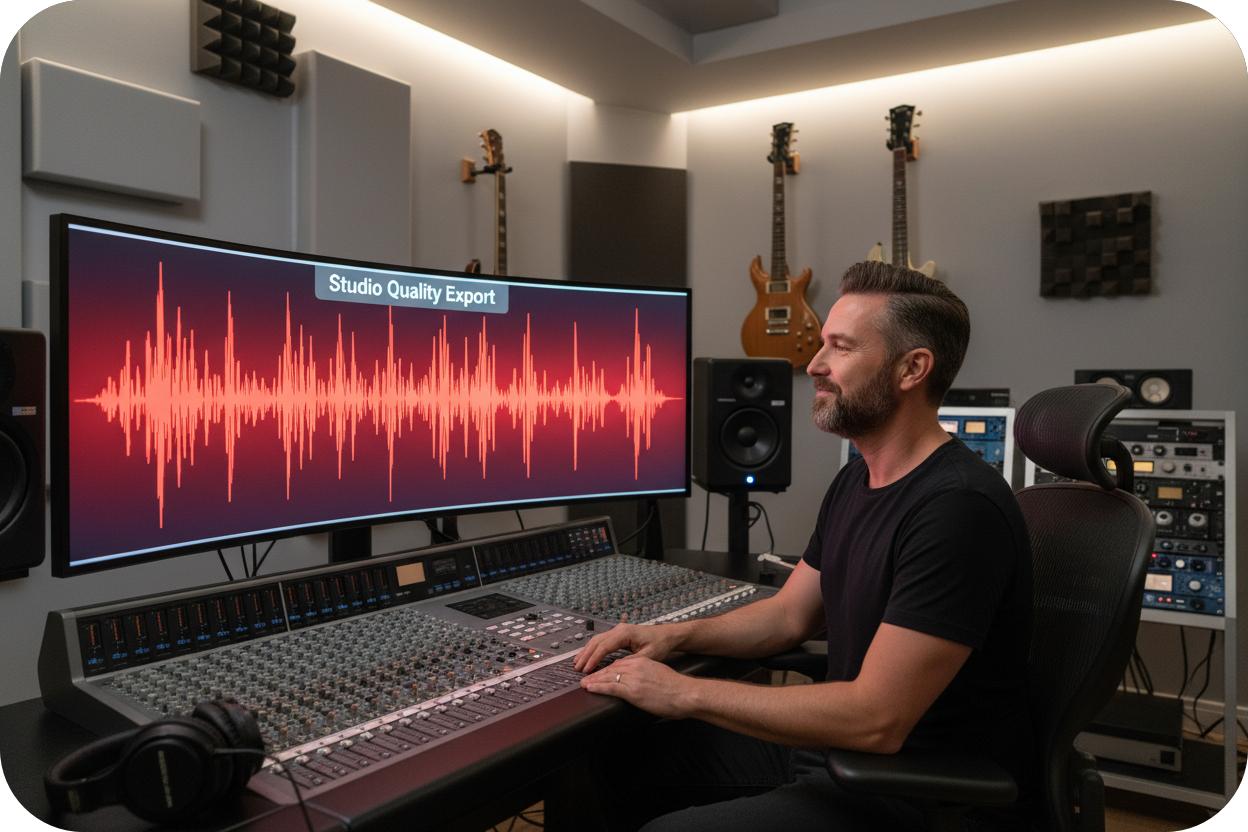
For Music Producers
Compose intricate melodies, fine-tune every note with precision, and use our AI MIDI generator to break through creative blocks and sketch ideas faster than ever.
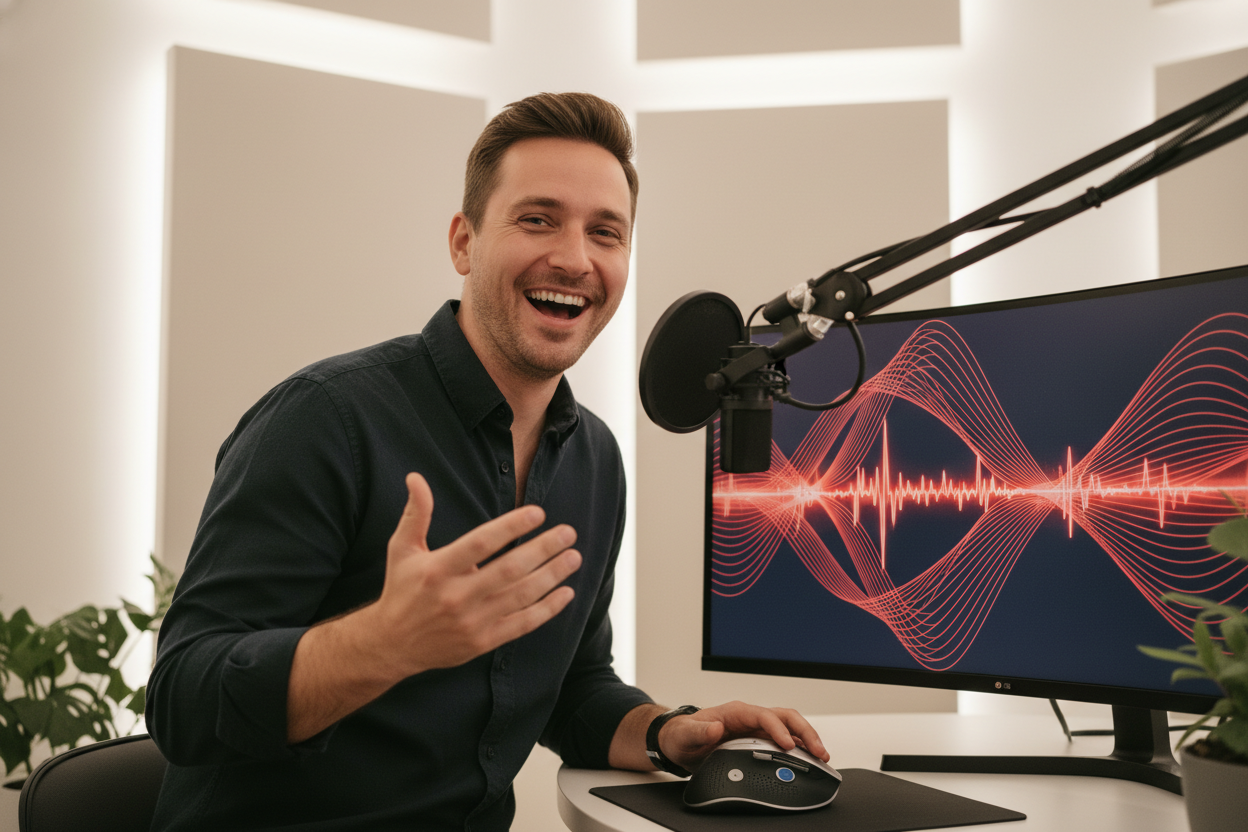
For AI & Remix Artists
Import MIDI files generated from any song, clean up messy notes in seconds, and completely transform tracks by swapping in your own custom instruments.

For Beginners & Hobbyists
Start making music without expensive software. Our free online MIDI editor is the easiest way to learn composition, create your first song, and bring your musical ideas to life.
MIDI Editor Custom Instrument
Create with Our Online MIDI Editor in 3 Steps
Create MIDI files with our intuitive online MIDI generator, following these three easy steps to start your music creation easily.
Import or Create A MIDI File
Upload an existing MIDI file, or use our AI MIDI generator to start a new project from scratch.
Edit & Compose with MIDI Studio
Use our intuitive piano roll to edit notes, change tempos, and assign custom instruments to any track.
Download Your MIDI File
Export your finished work as a standard MIDI file.
Frequently Asked Questions
What is an online MIDI editor?
An online MIDI editor is a tool that runs in your web browser, allowing you to create, modify, and play MIDI music files without downloading any software. The OpenMusic MIDI editor provides all these features for free.
Can I create a MIDI file from scratch?
Absolutely. You can use our online MIDI editor to create a MIDI file from a blank canvas. Add notes on the piano roll to compose your own melodies, chords, and drum patterns with OpenMusic.
Can I use my own instrument sounds?
Yes. OpenMusic is a MIDI editor that supports custom instruments. You can upload your own SoundFont (SF2) files to use any sound you want in your projects.
Do I need to download any software?
No. The OpenMusic MIDI player editor is 100% browser-based. You can start creating and editing immediately without any installation.
How is OpenMusic the best MIDI editor for beginners?
OpenMusic is designed to be the best MIDI editor for users of all levels. For beginners, its simple interface, intuitive controls, and helpful AI features make it easy to start making music right away.
What kind of MIDI files can I edit?
You can edit any standard MIDI file (.mid) with OpenMusic. Simply drag and drop your file into the editor to begin modifying notes, changing instruments, or restructuring the song.

Instantly Create Music with the Best MIDI Editor
Unleash your creativity. Start editing, composing, and generating music for free. Your next masterpiece is just a click away. Try it for free today!