Fast Audio Conversion
Fast Online Midi To Mp3 Audio Tool
Our online converter processes sequence files directly in your browser. You get instant playback and fast downloads without installing complex audio software.
Why Use Our Tool
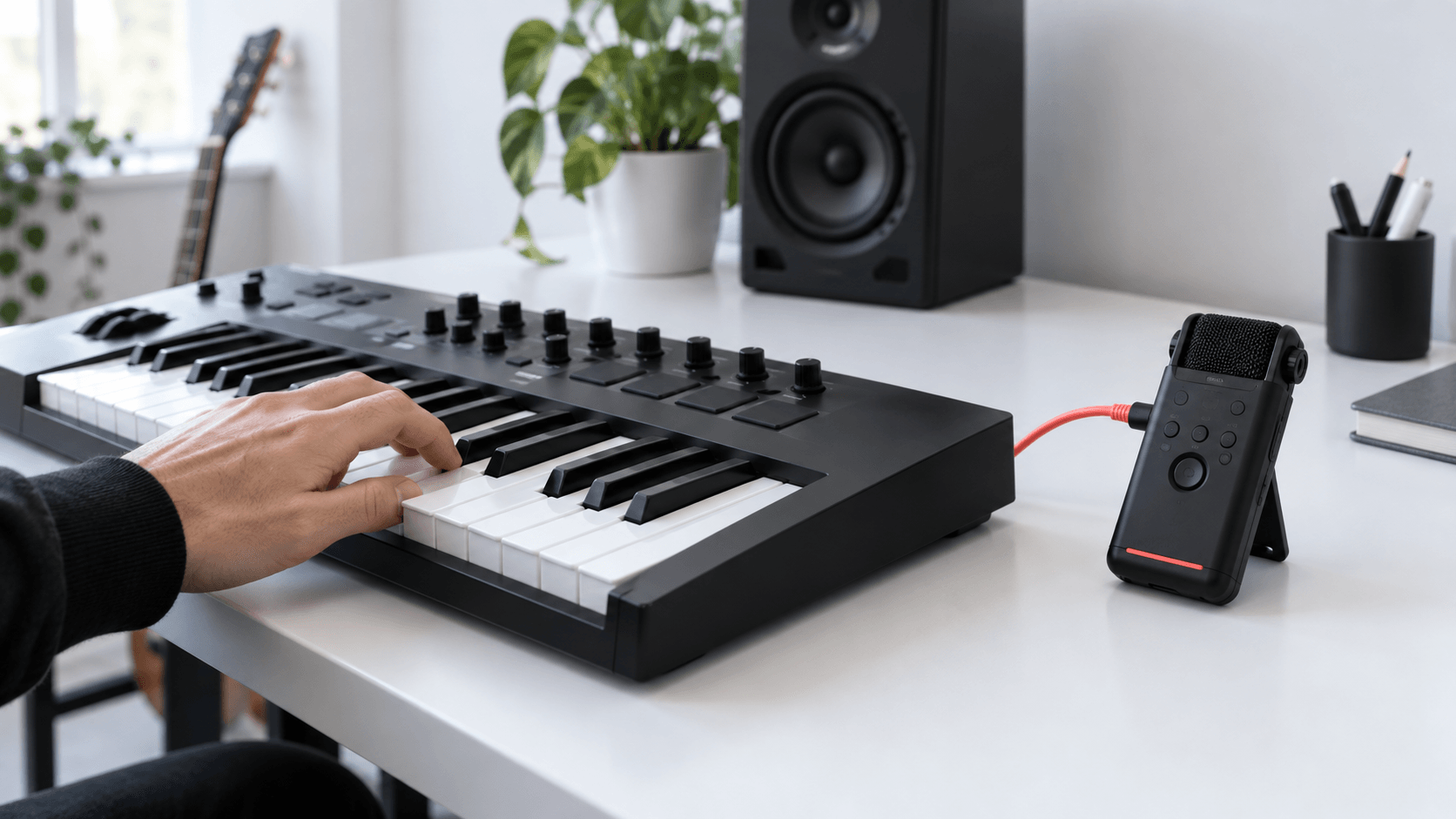
Process Files Quickly In Your Browser
Transfer Midi To Mp3 securely without uploading files to external servers. Your audio stays private while you generate high quality stereo sound tracks.

No Installation Required
Skip the heavy software downloads. OpenMusic AI runs entirely in your web browser for instant access.
Adjustable Audio Quality
Select your preferred bitrate before you download. Choose between standard 128 kbps or crisp 320 kbps.

Instant Track Preview
Listen to the synthesized stereo audio immediately. Verify your sound quality before saving the final file.
Core Capabilities
Powerful Midi To Mp3 Processing Features
Convert Midi To Mp3 using our streamlined interface. Every feature helps you turn raw notes into polished stereo audio files ready for playback.

Direct Browser Synthesis
Turn your .mid files into actual sound waves instantly. The engine reads your note data and generates stereo audio without requiring external plugins.
Multiple Bitrate Options
Control your final file size and audio fidelity. Export your tracks at 128, 192, or 320 kbps to match your specific project requirements.
Secure Local Processing
Keep your original compositions completely private. The conversion happens locally on your device so your raw sequence files never leave your personal computer.
One Click Download
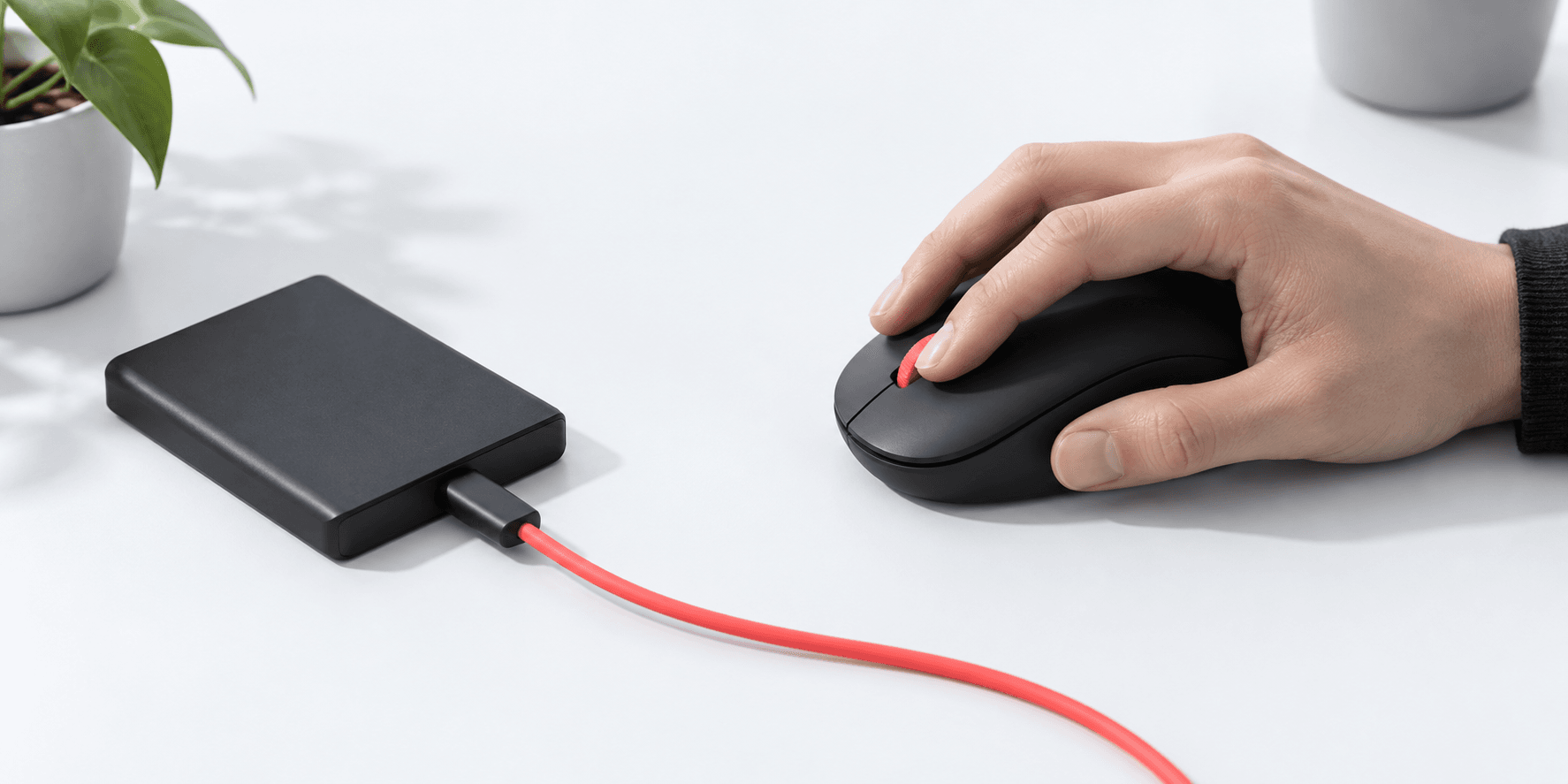
Save your finished tracks directly to your hard drive. Grab your synthesized audio immediately after previewing the generated sound in your web browser.
Simple Three Steps
Turn Sequence Files Into Audio Tracks
Use our Midi To Mp3 Converter to process your music data. Just drop your file select a quality setting and save the final result.
Import Your File
Drag and drop your .mid or .midi file into the browser window. The tool reads your sequence data instantly.
Select Audio Quality
Choose your desired output bitrate. Pick 320 kbps for maximum fidelity or 128 kbps for a smaller file size.
Preview And Save
Listen to the generated stereo track directly on the page. Click the download button to save the final file.
Built For Creators
Perfect For Musicians And Game Developers
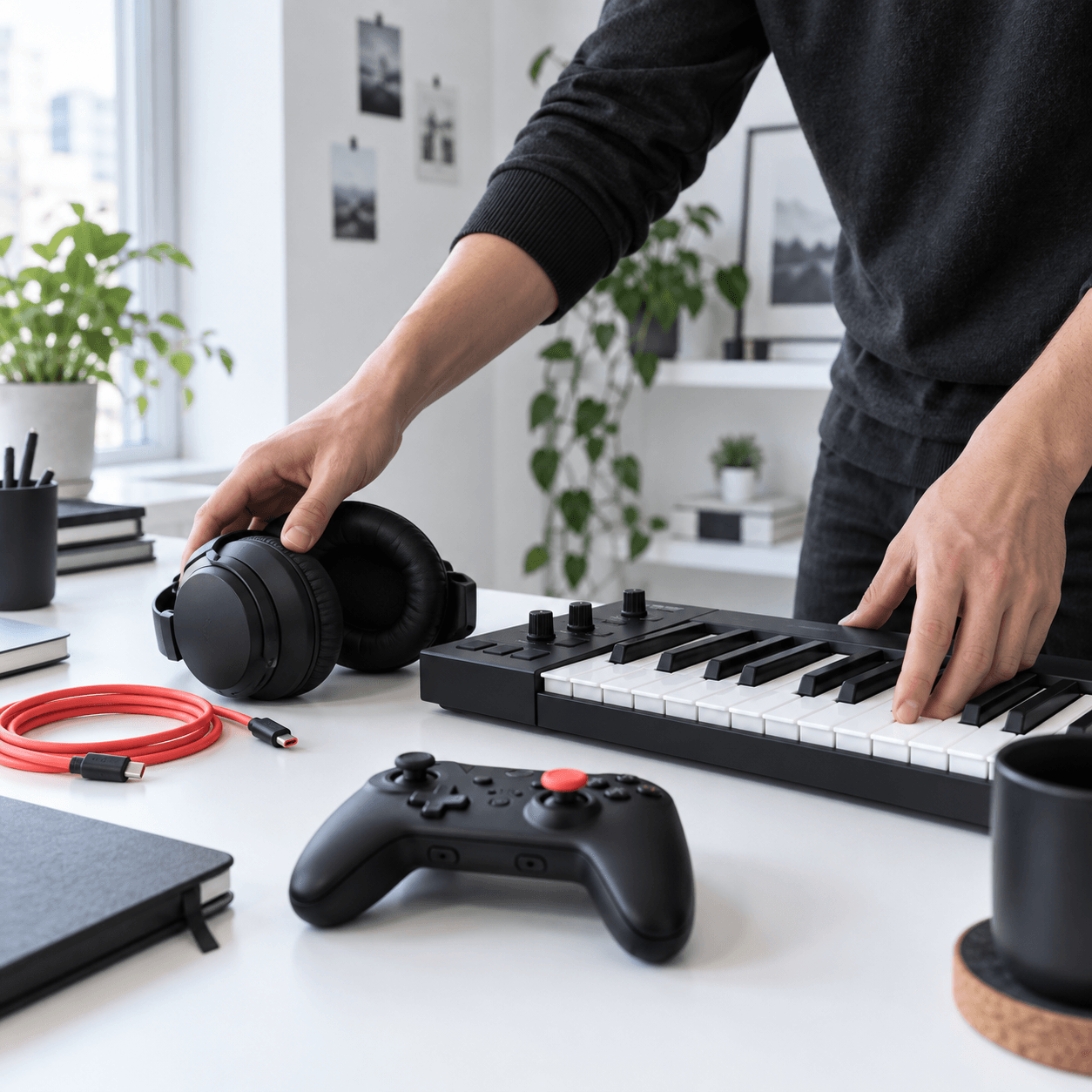
Transfer Midi To Mp3 easily for any creative project. Producers gamers and developers save time by generating playable audio tracks directly online.

Music Producers
Turn rough sequence drafts into shareable audio formats quickly. Send your ideas to collaborators without requiring them to own specific digital audio workstations.
Game Developers
Convert raw game music assets into standard audio files. Implement high quality stereo tracks directly into your game engine for better player experiences.

Content Creators
Generate background music for your videos from basic sequence files. Get standard audio formats that work seamlessly in any popular video editing software.
Frequently Asked Questions
How exactly does the online converter process my imported sequence files?
The tool reads your note data and synthesizes it into stereo audio directly within your browser. You do not need to install any external sound libraries.
What audio quality settings can I choose when I Convert Midi To Mp3?
You can select between 128, 192, and 320 kbps bitrates before exporting. Higher bitrates provide better sound fidelity while lower bitrates save storage space.
Are my original sequence files completely secure when I process them online?
Yes your files remain completely private during the entire conversion process. The synthesis happens locally on your device so nothing gets uploaded to external servers.
Which specific file formats does this online audio processing tool currently support?
You can import standard .mid or .midi files directly into the application. The system will process these sequences and output a standard stereo audio file.
Can I listen to the generated audio track before I download the file?
Absolutely. The interface includes a built in media player so you can preview the synthesized stereo sound before saving it to your computer.

Start Your Midi To Mp3 Conversion Now
Convert Midi To Mp3 instantly in your browser and download high quality audio tracks today.