Podcast Producers
Clean up muddy voice recordings. Cut low-end rumble and boost vocal clarity so your listeners hear every word perfectly.
OpenMusic AI provides an intuitive Audio Equalizer that gives you precise control over specific frequency bands in your sound files. You can cut muddy low frequencies or boost crisp highs directly in your browser without installing heavy software.
Load any track into this 10-band graphic interface to adjust frequencies from 31 Hz to 16 kHz. Apply custom curves or quick presets to fix bad recordings and export a polished mix instantly.
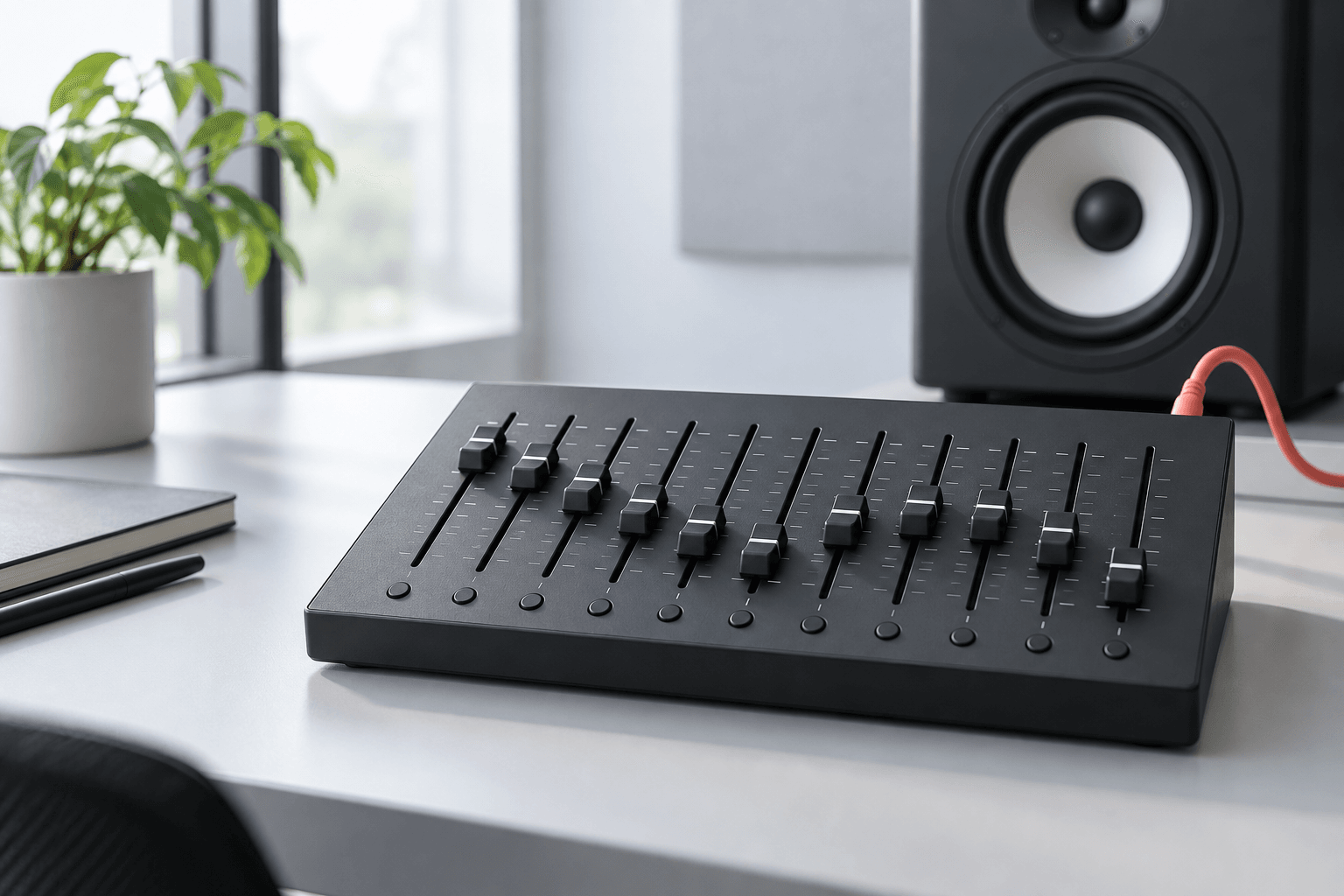
Stop struggling with complex plugins. Our Music Audio Equalizer delivers instant browser-based frequency shaping so you hear perfect results immediately.
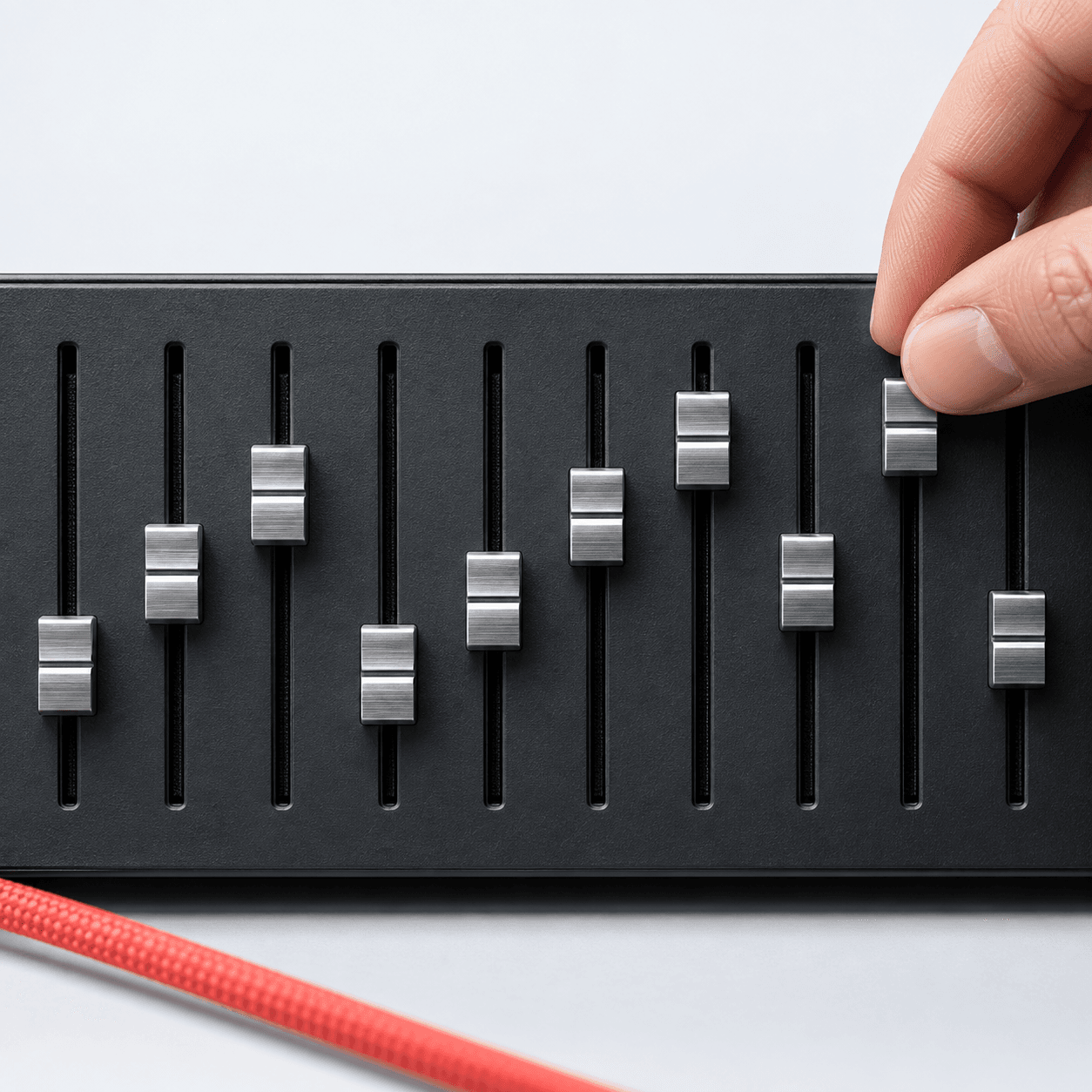
Adjust ten specific frequency ranges between 31 Hz and 16 kHz by up to ±12 dB for exact tonal balance.
Apply built-in curves like Bass, Vocal, Bright, or Flat to fix common sound issues fast before manual tweaking.
Preview your custom frequency adjustments in real time and download the final polished track as a WAV or MP3 file.
Take full command of your sonic profile. Every feature helps you target problem frequencies and enhance the best parts of your track.
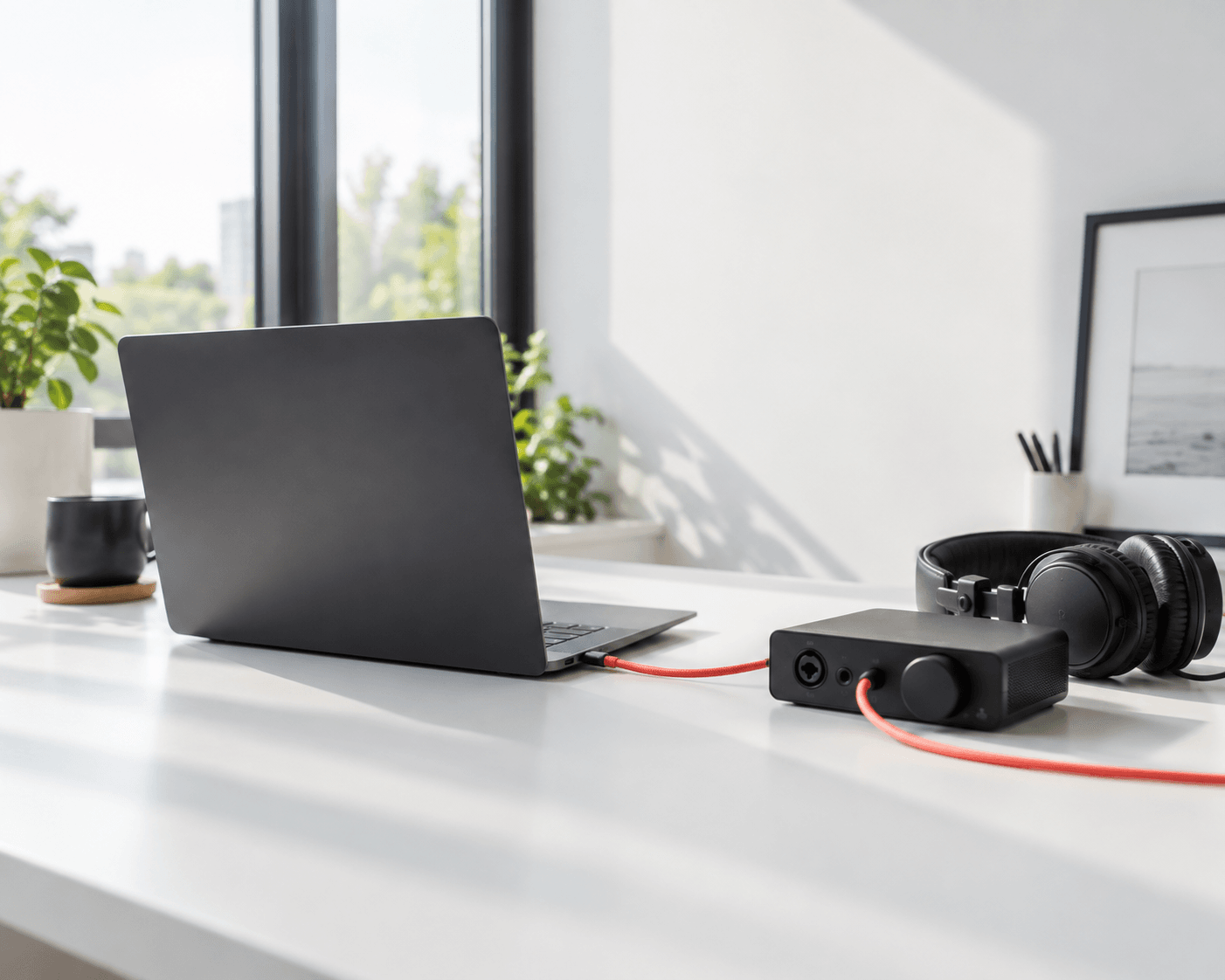
Skip the heavy software downloads. Load your files directly into the web interface and start shaping your sound immediately.
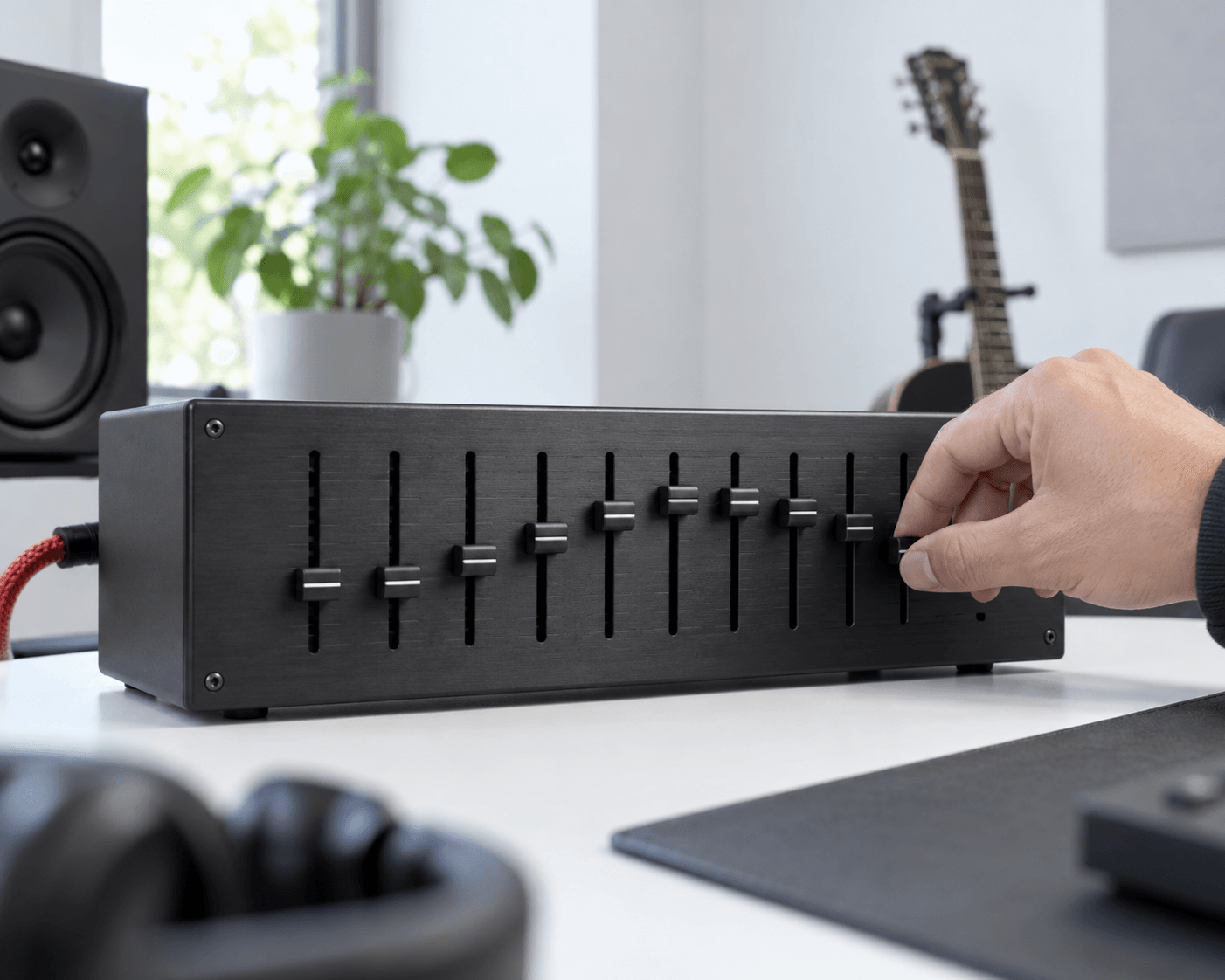
See exactly how your adjustments affect the audio spectrum. The graphic interface makes it easy to spot and fix harsh tones.
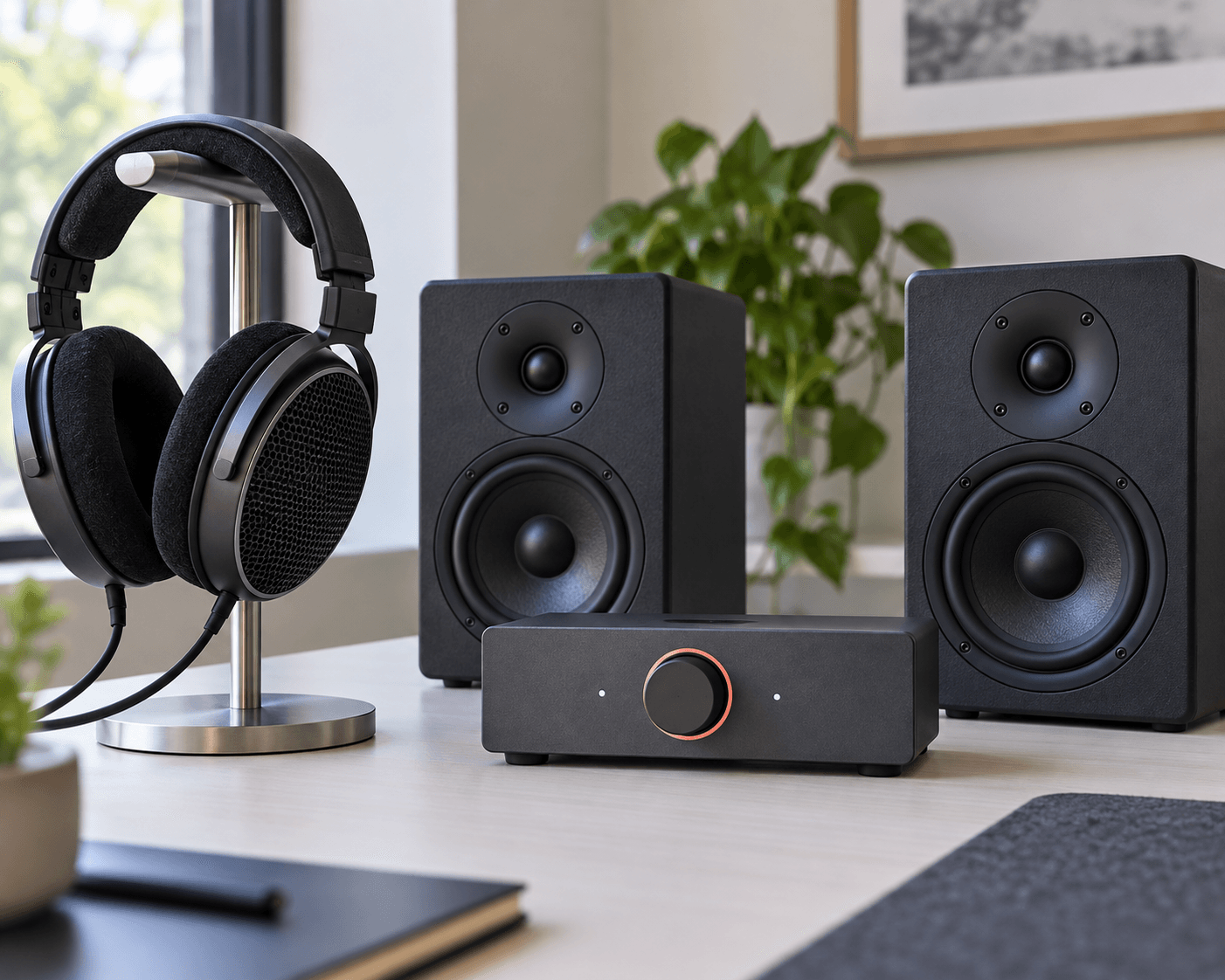
Hear every ±12 dB boost or cut the moment you make it. Compare your edited version against the original file instantly.

Bring in your existing recordings and export the finalized mix in standard formats like WAV or MP3 for immediate distribution.
Getting started takes only seconds. Follow these quick steps to load your track into the Audio Equalizer, adjust frequencies, and download results.
Drag and drop your existing audio file directly into the web workspace to initialize the 10-band graphic interface.
Move the sliders between 31 Hz and 16 kHz or select a quick preset like Bass or Vocal to balance the tone.
Preview the changes in real time and download your newly balanced track as a high-quality MP3 or WAV file.
Different creators face unique sound challenges. This tool provides the exact frequency control needed to fix bad audio and enhance good recordings.
Clean up muddy voice recordings. Cut low-end rumble and boost vocal clarity so your listeners hear every word perfectly.
Balance background tracks against dialogue. Ensure your sound effects punch through the mix without overpowering the main speaker.
Give your demo tracks a quick master. Shape the overall tone of your song before sharing it with your audience.
You can download your finalized tracks in standard formats like WAV and MP3. These formats ensure compatibility with most media players and editing software.
It allows you to target specific frequency ranges to fix imbalances. You can reduce harsh high notes or add warmth to thin-sounding vocals instantly.
Yes, the interface includes quick presets like Flat, Bass, Vocal, and Bright. These options provide an immediate starting point for common mixing tasks.
The tool provides precise control over ten distinct bands ranging from 31 Hz up to 16 kHz. Each band allows a maximum adjustment of ±12 dB.
All processing happens securely within your active session. We do not store your personal files on our servers after you close the application.

Stop settling for flat sound. Balance your frequencies and export professional mixes right now.