AI Music Video
Which Type of Music Video Would You Like to Create?
Showcase
Recent projects and rendered videos.
AI MUSIC VIDEO TOOLS
Four Ways to Turn Your Music into AI Music Video
Pick a format that fits your track — music visualizer, photo slideshow, virtual artist performance, or a story music video built from your lyrics.
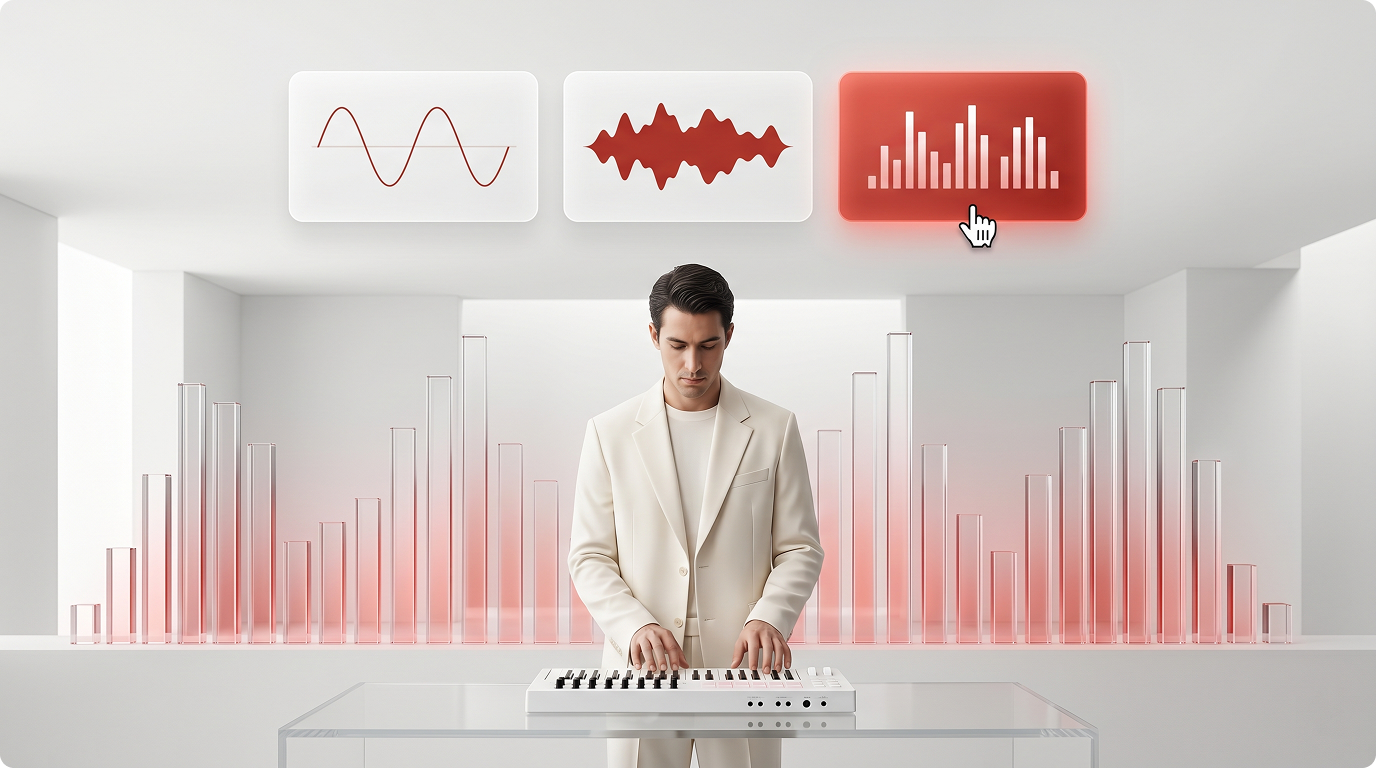
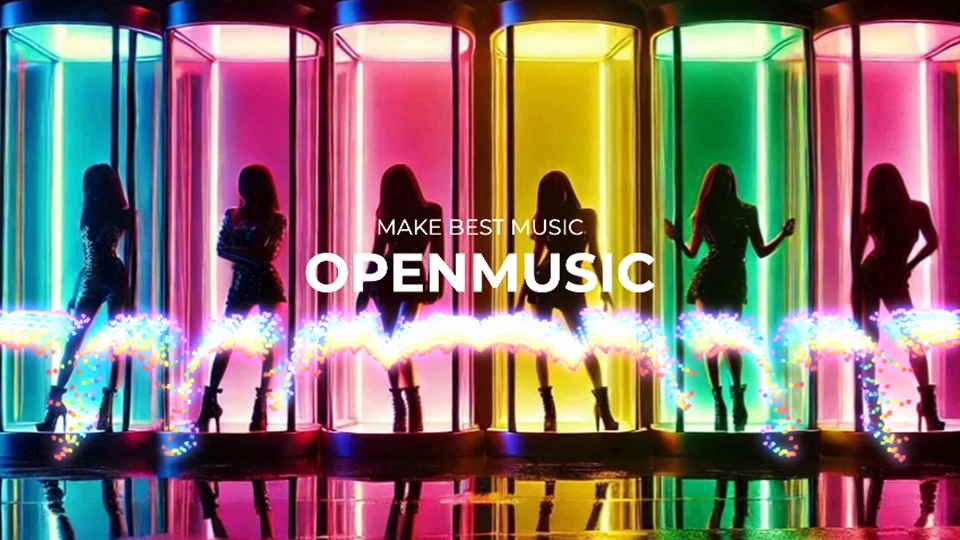
Music Visualizer
Get a polished music visualizer with animated waveforms and dynamic effects. Upload your own background image and customize the waveform style to match your track's mood — no design skills needed.
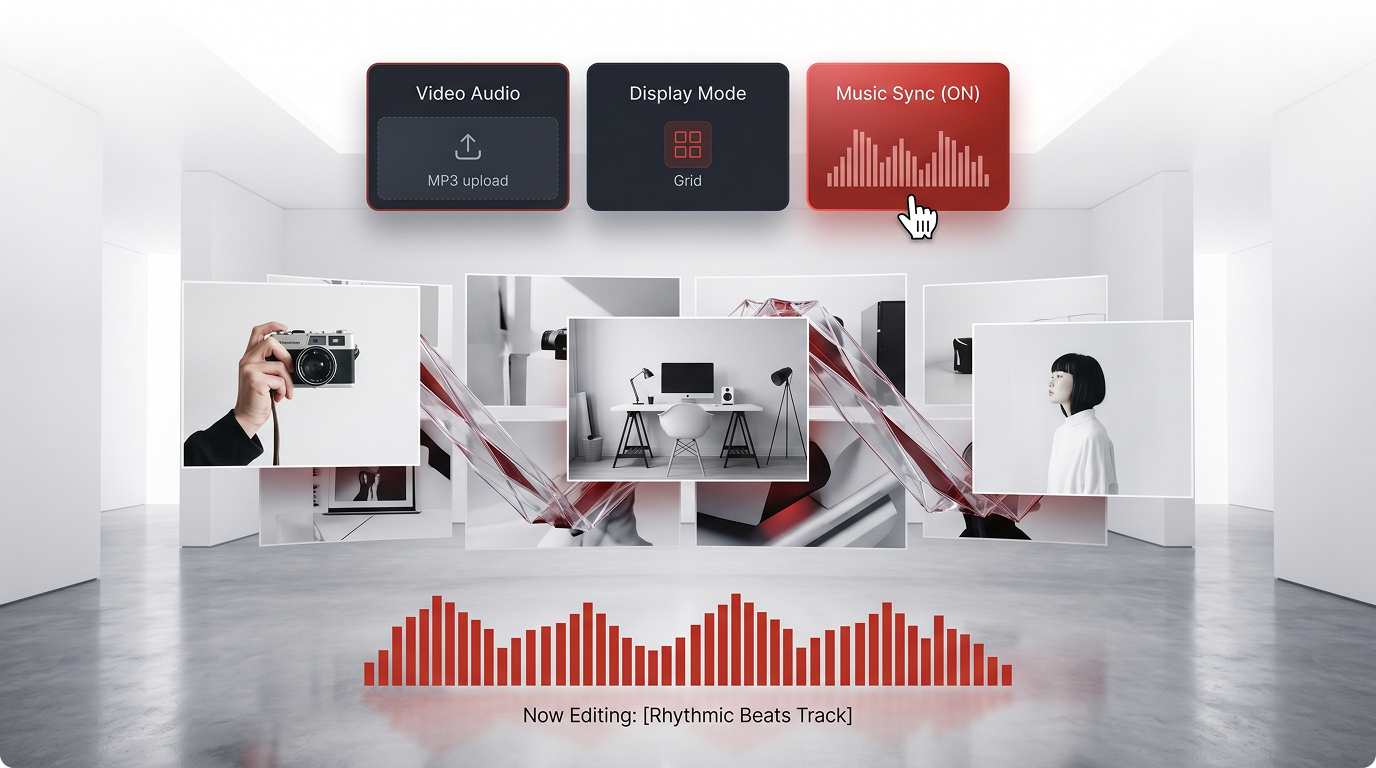
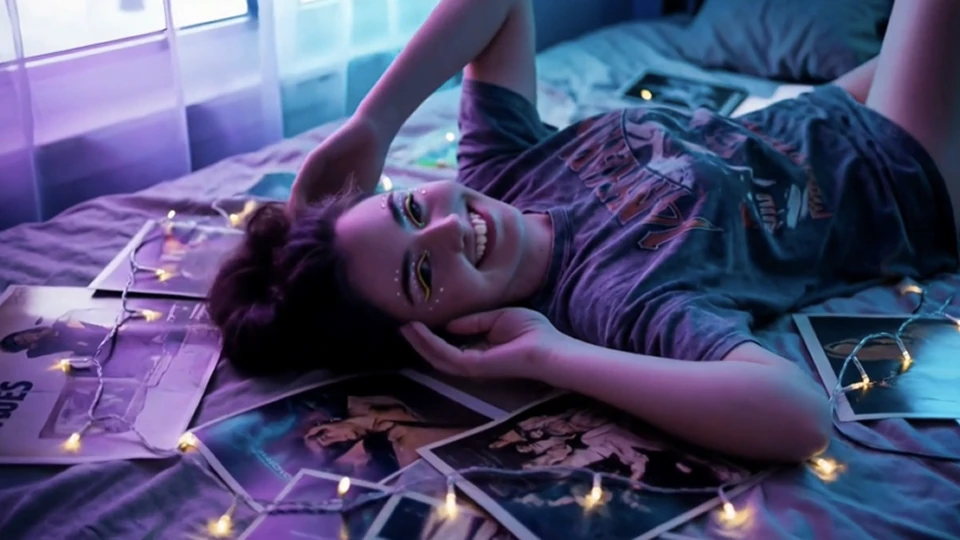
Photo Video
Turn a set of photos into a clean slideshow-style music video. Sync your images to the beat and share a visual story that feels personal — ideal for singles, albums, or social content.
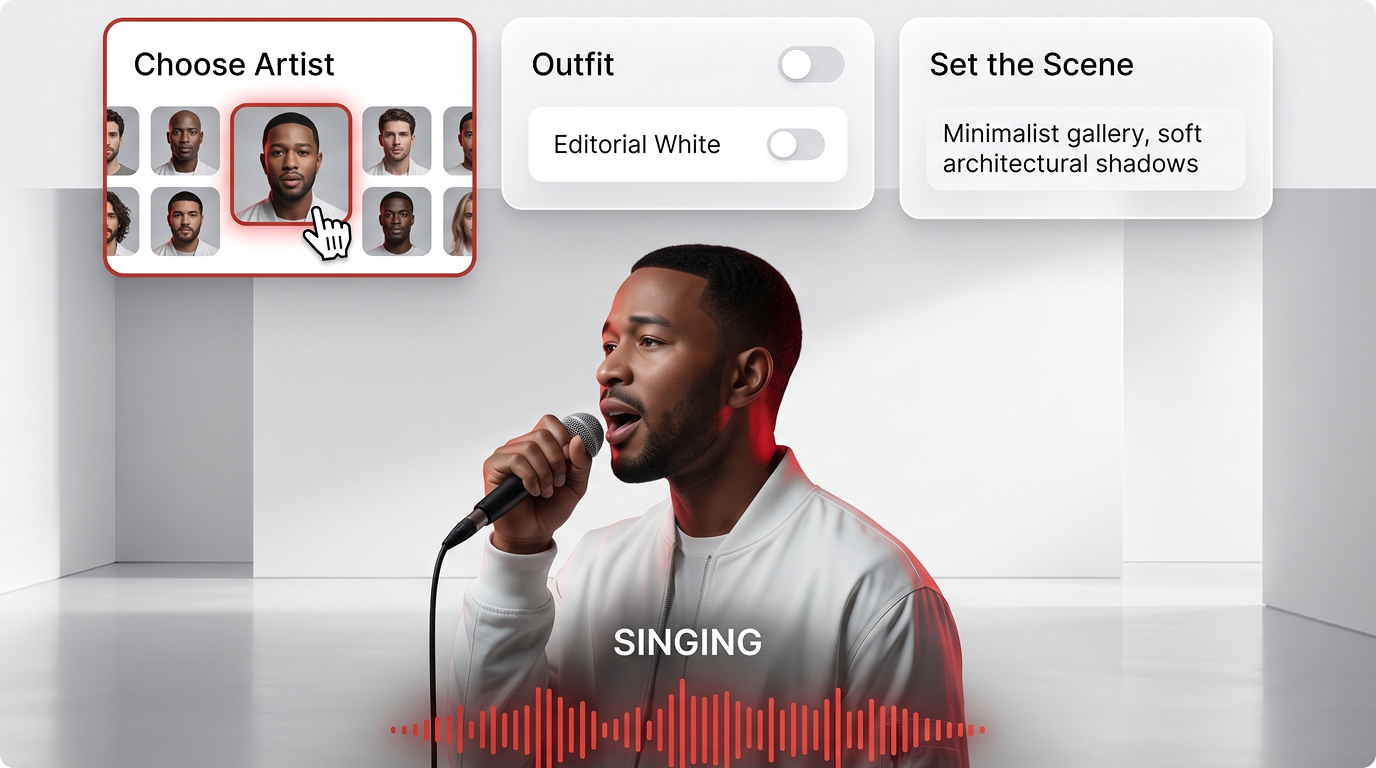
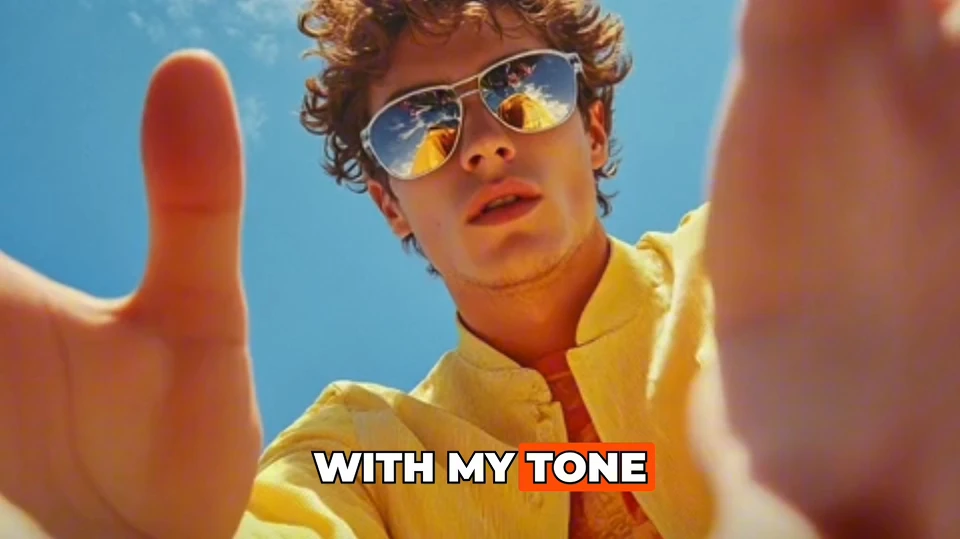
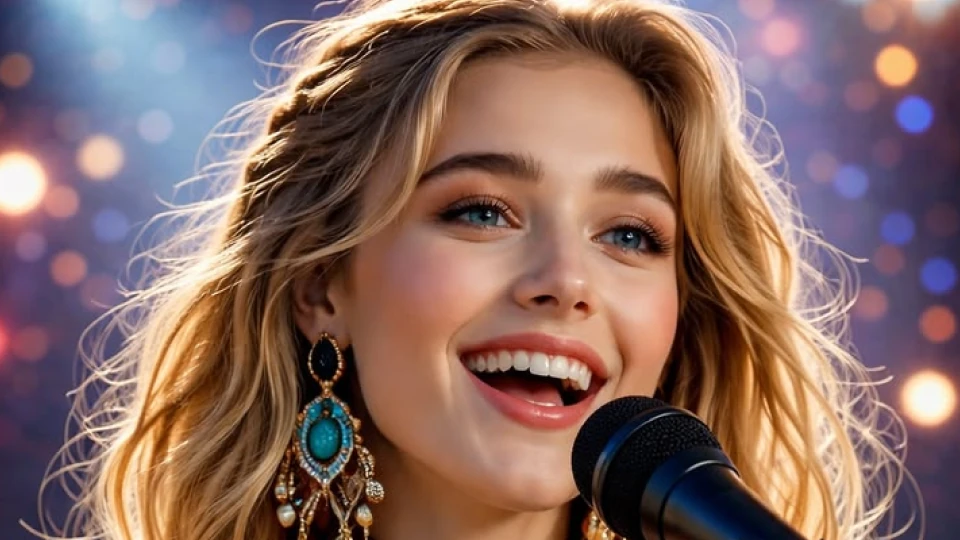
Singing Video
Upload your song and choose a virtual artist to perform it. Your track gets a full singing video with a real on-screen presence — great for artists who want an AI music video without filming anything.
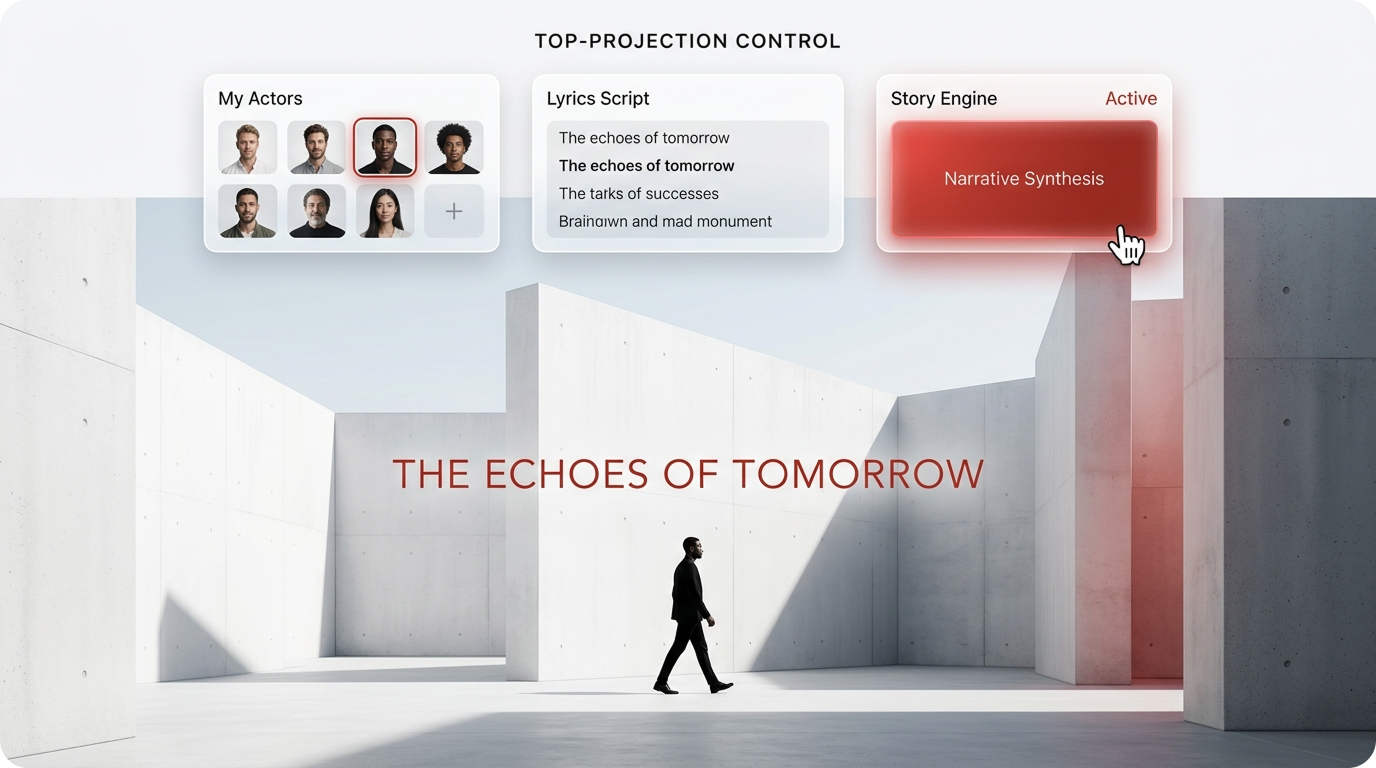
Story Music Video
Upload your track and let the AI read your lyrics to build a narrative scene sequence. The result is a story music video that follows your song's arc — visual storytelling generated automatically.
Who it's built for
Who Needs AI Music Video Tools
From independent artists to content creators, these AI music video tools cover the gap between having a great track and having something visual to share.
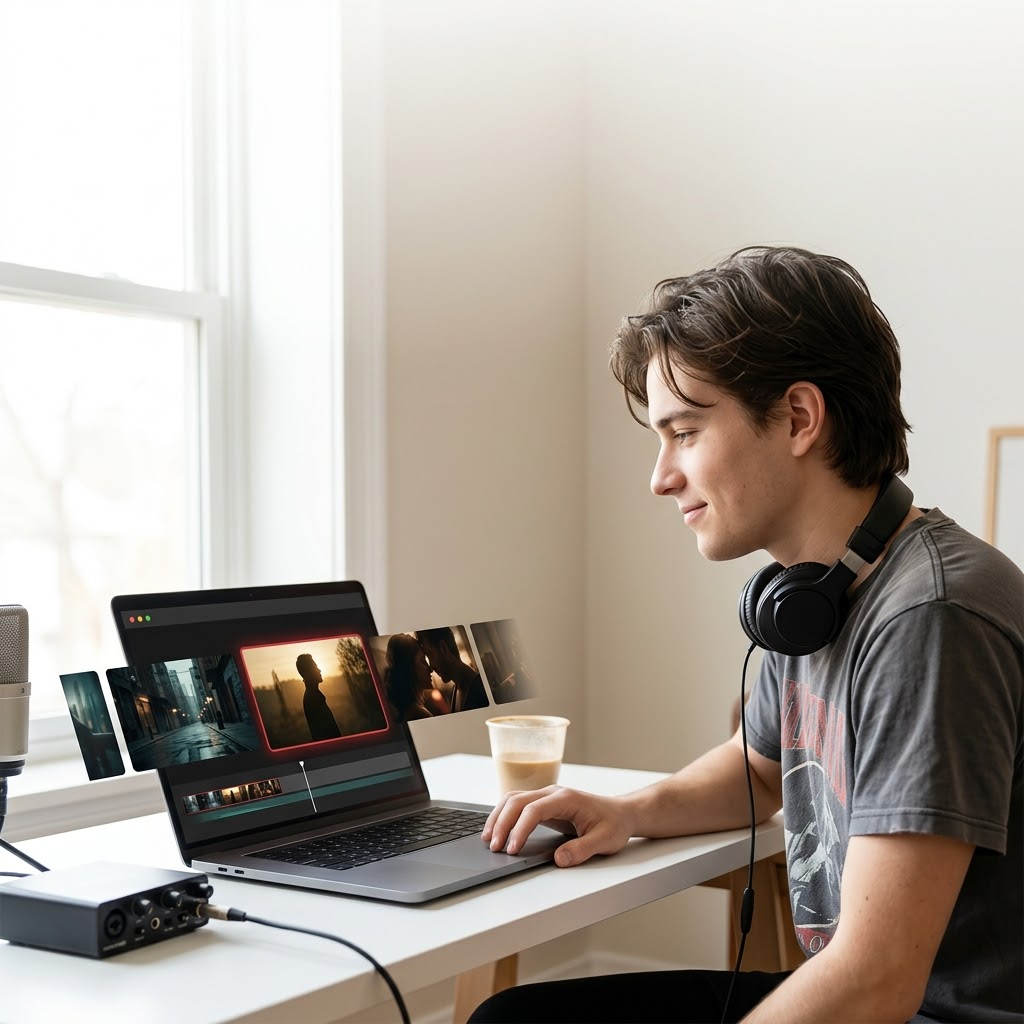
Independent Musicians
You've finished the song but have no budget for a video shoot. Use the singing video or story music video format to get a professional-looking AI music video ready to post — without hiring a crew or editor.
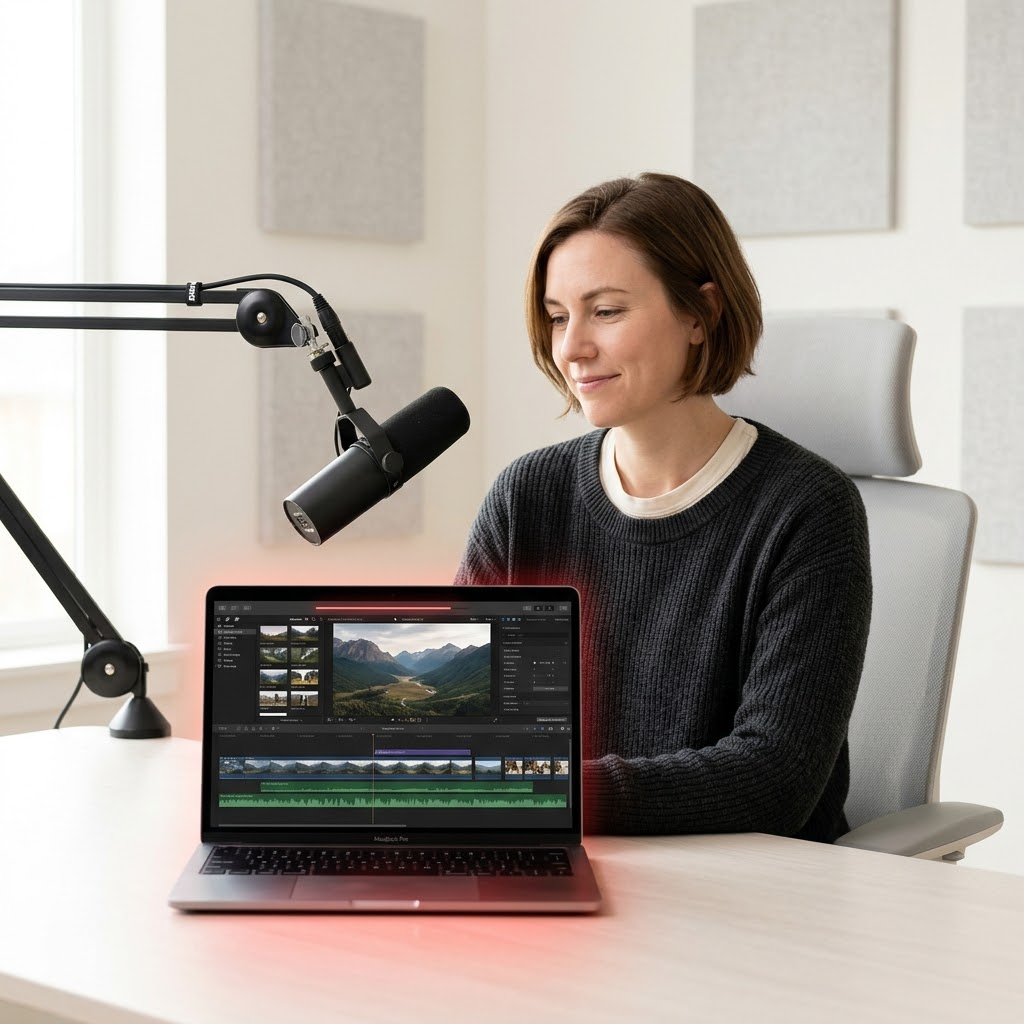
Content Creators & Podcasters
You need a visual layer for your audio content on YouTube or social platforms. A music visualizer or photo video gives your track a shareable format that holds viewer attention and fits platform requirements.

Music Producers & Beat Makers
You're promoting a beat or instrumental and need something visual fast. Generate a clean music visualizer or photo video in minutes — a practical way to present your work online without slowing down your workflow.
Frequently Asked Questions
Can I use the videos I create here for commercial purposes?
Videos made using AI-generated content from OpenMusic AI — such as story music videos or singing videos — can be used for commercial projects. If you upload your own audio or images, you are responsible for ensuring you hold the necessary rights to those assets.
Who owns the copyright to the videos I generate?
You retain ownership of the videos you create on OpenMusic AI. For content generated entirely by our AI — including visuals and virtual artist performances — OpenMusic AI grants you usage rights under our standard license terms.
What music visualizer styles are available to choose from?
OpenMusic AI offers multiple waveform animation styles and effect presets for the music visualizer. You can also upload a custom background image to match your branding or release aesthetic.
Do I need to download any software to create a singing video online?
No download is required. All four video formats — including the singing video and photo video — run entirely in your browser, so you can start creating right away on any device.
How does the story music video feature generate scenes from my lyrics?
The AI analyzes your uploaded track's lyrics to identify narrative themes and emotional shifts, then builds a matching sequence of visual scenes. The output is a royalty-free story music video tied directly to your song's content.

Make Your AI Music Video Right Now
Pick a format — music visualizer, photo video, singing video, or story music video — and go from track to shareable video in minutes.
Music Visualizer • Singing Video