Awaiting your prompt
What is AI Lyrics Studio?
A Smarter Way to Write Song Lyrics with AI
AI Lyrics Studio is an open-ended lyric writing workspace inside OpenMusic AI. Unlike fixed-form generators, it lets you describe your creative needs in natural language, run them through top AI models, compare outputs side by side, and refine until the lyrics feel right. Once you confirm a version, one click sends it straight into music generation. It solves the biggest pain point in AI song writing: getting stuck in rigid templates that kill creative flow.
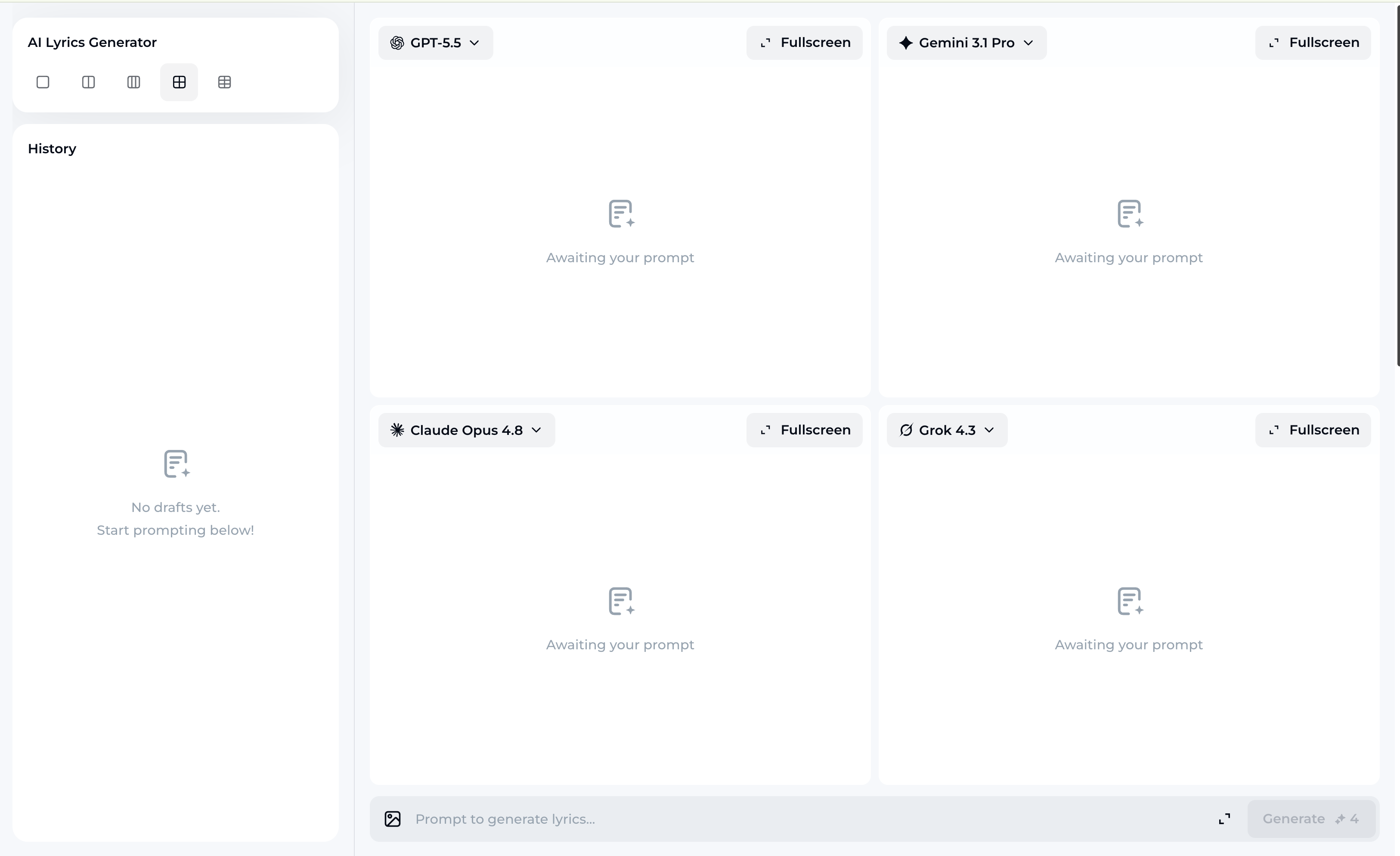
How AI Lyrics Studio Works
From a Blank Page to a Full Song in Three Steps
AI Lyrics Studio gives you a flexible, model-powered writing flow. Describe your idea, generate lyrics across multiple AI models, compare and refine, then push confirmed lyrics directly into music creation.
1
Describe Your Idea in Natural Language
Type what you want in plain English — mood, theme, story, structure, or even a rough line you already have. No dropdowns, no forced categories. The AI Lyrics Studio reads your intent and gets to work.
2
Generate and Compare Across Multiple AI Models
Run your prompt through GPT-5.5, Claude Opus 4.8, Gemini 3.1 Pro, Grok 4.3, Deepseek v4 Pro, Kimi 2.6, or Qwen 3.7 — all inside one workspace. See how each model interprets your idea and pick the version that fits best.
3
Refine, Confirm, and Create Music
Keep adjusting with follow-up prompts until the lyrics land exactly where you want them. Confirm the final version and hit Create Music — your completed lyrics carry over into the music generation flow automatically.
AI Lyrics Studio Features
Everything You Need to Write and Build Songs in One Place
AI Lyrics Studio combines multi-model AI song writing, free-form prompting, version comparison, and direct music creation into a single connected workflow — no copy-pasting, no switching tabs.
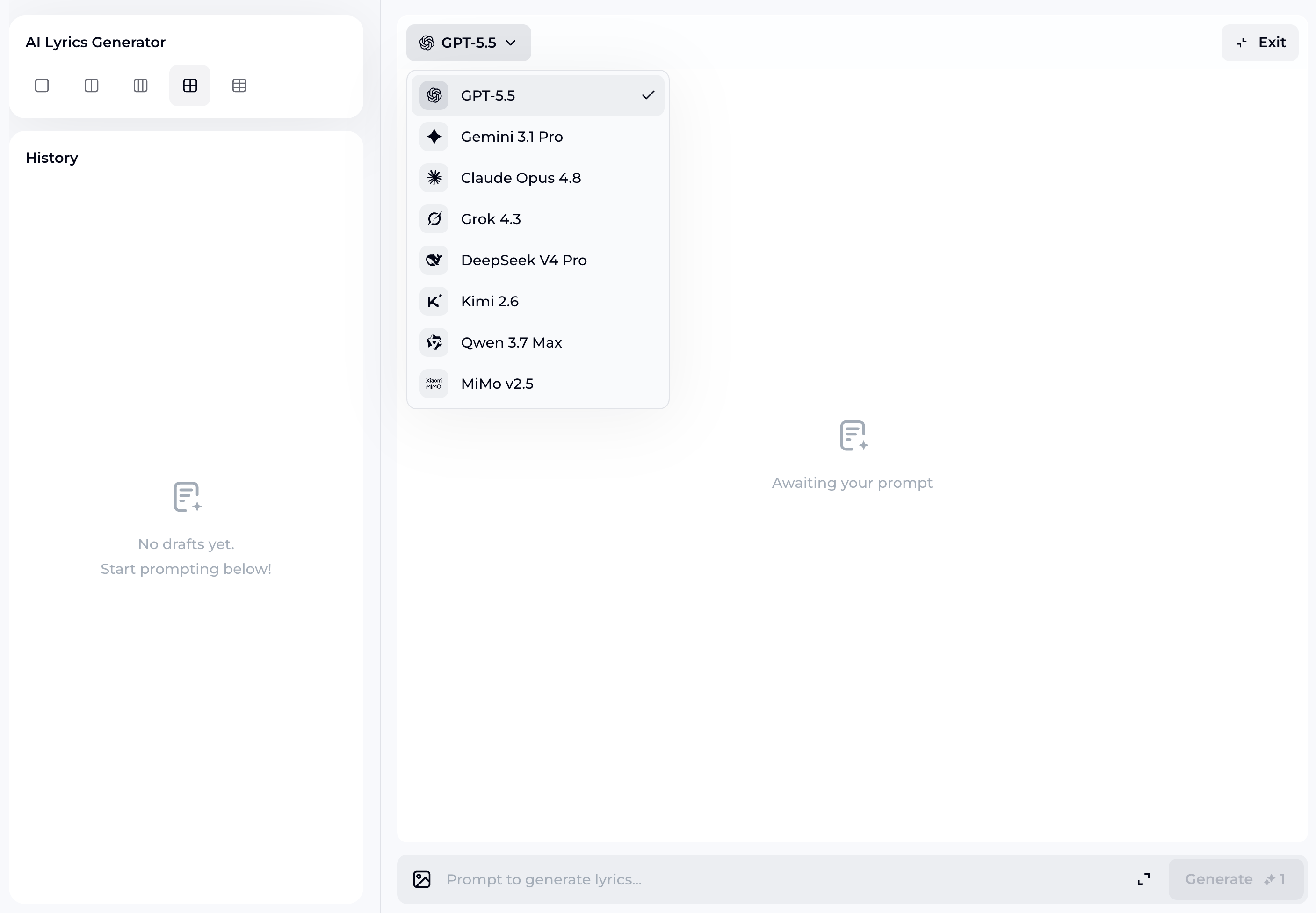
Multi-Model Lyric Generation
Access seven leading AI models — GPT-5.5, Gemini 3.1 Pro, Claude Opus 4.8, Grok 4.3, Deepseek v4 Pro, Kimi 2.6, and Qwen 3.7 — from one screen. Each model brings a different voice and style, so you can find the lyric direction that actually matches your vision instead of settling for the first output.
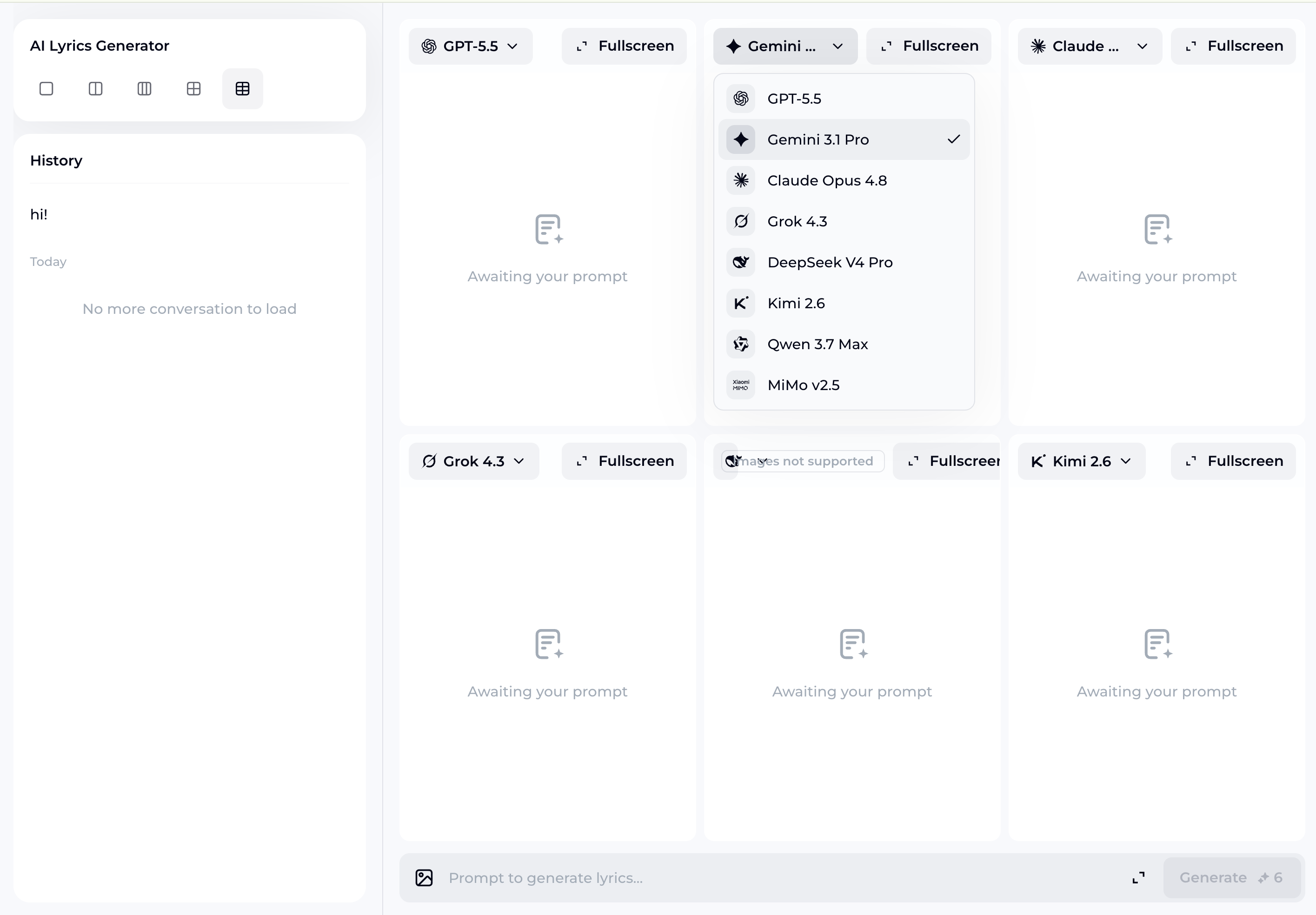
Free-Form Prompting, No Templates Required
Write song lyrics the way you actually think. Describe a heartbreak, a late-night drive, a character's inner conflict — the AI Lyrics Studio processes open-ended input without forcing you into preset fields. Your creative direction stays yours throughout the entire session.
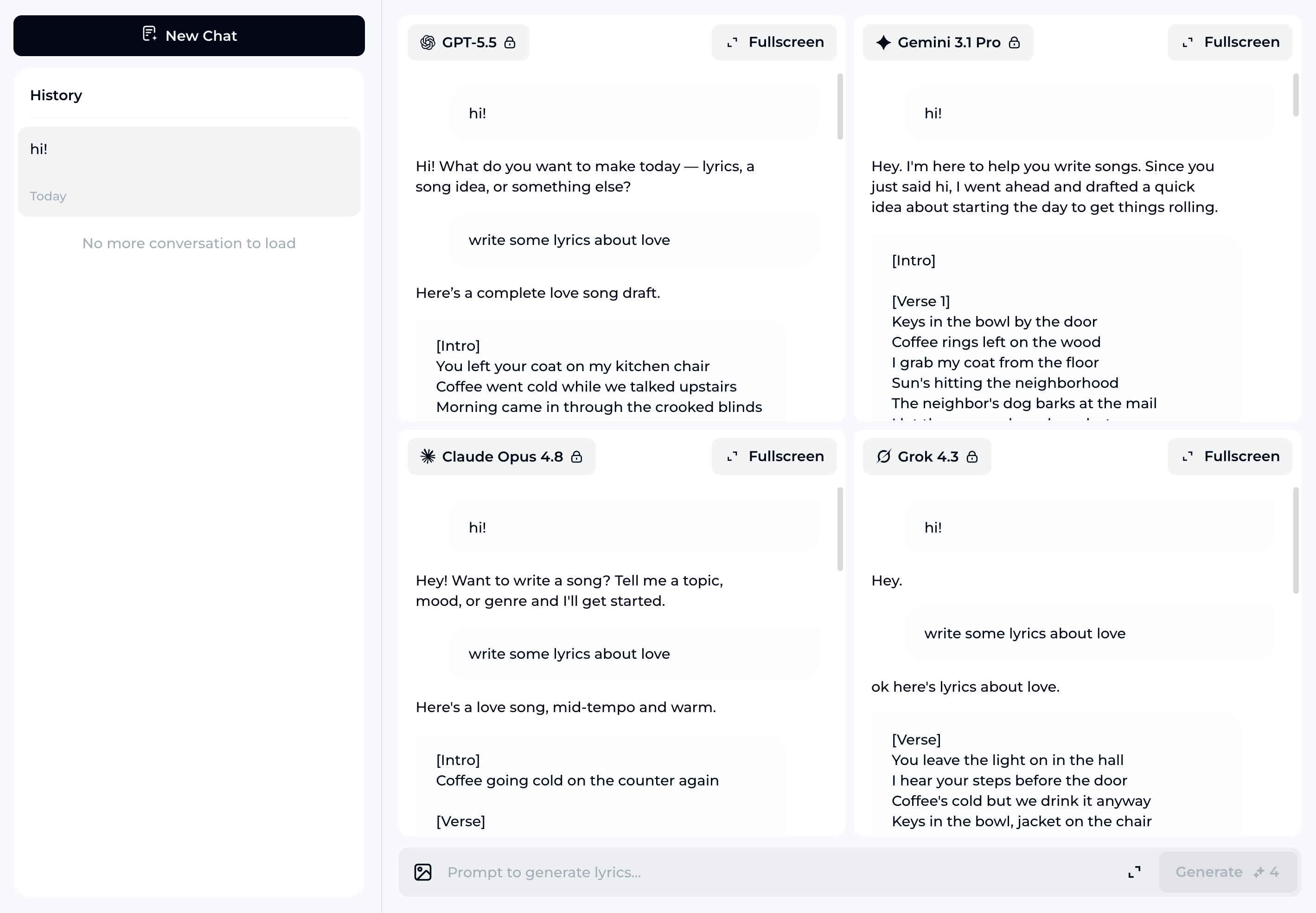
Side-by-Side Version Comparison
Generate multiple lyric versions and review them together before committing. Spot differences in tone, structure, and word choice at a glance. This makes it easy to mix the best lines from different outputs or identify which version is closest to what you had in mind.
Frequently Asked Questions
Which AI models are available for writing song lyrics in the Studio?
The Studio currently supports GPT-5.5, Gemini 3.1 Pro, Claude Opus 4.8, Grok 4.3, Deepseek v4 Pro, Kimi 2.6, and Qwen 3.7. You can run the same prompt through multiple models and compare results before deciding which version to use.
Can I use the generated lyrics to create a full song online?
Yes. After you confirm your lyrics inside the Studio, clicking Create Music sends them directly into OpenMusic AI's music generation pipeline. The transition is automatic — no copy-pasting or reformatting required.
Are the songs generated through this tool royalty-free?
Music generated entirely by OpenMusic AI from your confirmed lyrics is royalty-free. This applies to content created through the AI generation pipeline. If you incorporate externally sourced audio or third-party material, royalty terms depend on the rights attached to that content.
How is this different from a standard AI lyrics generator form?
Standard generators lock you into fixed fields — genre, mood, keyword slots. This workspace accepts natural language input, supports continuous follow-up prompts, and lets you compare outputs across multiple models in one session. The result is a more iterative, less constrained writing experience.
What kind of support is available if I run into issues with my account or plan?
OpenMusic AI offers support through the in-app help center and email. Plan details, usage limits, and billing questions are all handled through your account dashboard. Response times vary by plan tier.

Start Your Next Song in the AI Lyrics Studio
Pick a model, describe your idea, and write song lyrics that go straight into music — no templates, no limits.
AI Song Writing • Royalty-Free Music