Demucs Alternative: Split Song Stems in Your Browser
Demucs is one of the best-known open-source tools for separating a song into vocals, drums, bass and other parts. It is powerful, but it usually means installing software and running it on your own machine.
If you want the same kind of result without a local setup, the AI stem splitter on OpenMusic runs in the browser. Upload a track, pick a separation mode, and let it split the song for you.
What Demucs Is and Why People Use It
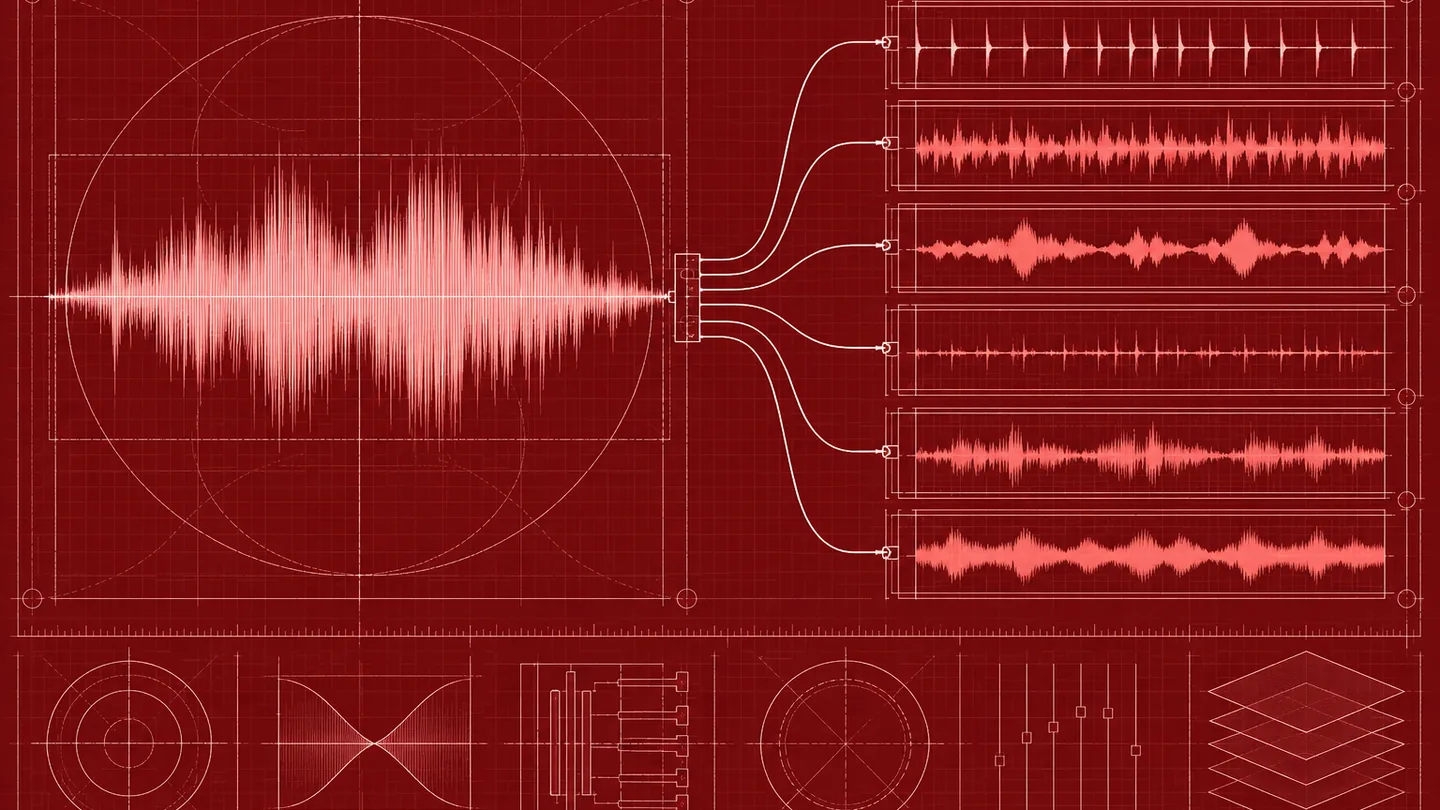
Demucs is an open-source music source separation model. You give it a mixed song and it estimates the separate parts, typically vocals, drums, bass and everything else, with some models adding more instruments. Producers use it to make instrumentals and acapellas, DJs use it for edits, and musicians use it to practise along with a track.
Because it is a research project shared as code, the usual route is to install it with Python and run it from the command line, or through a community demucs GUI that wraps it. That gives you full control, but it also means managing installs, models and your computer's processing power.
To be clear: Demucs is a third-party open-source project, and OpenMusic is not affiliated with it or endorsed by it. We mention it by name only because many people search for it when they want stems.
Everything below about OpenMusic describes our own browser tool, and nothing here describes how Demucs is developed, maintained or licensed. If you decide to use Demucs, follow the instructions and license that come with the project itself, and only separate audio you have the right to work with.
What Users Say About Running Stem Separation Themselves
On r/audioengineering, people who use Demucs and similar tools describe the same trade-offs:
The takeaway is not that one tool always wins. Separation quality depends on the song, the mix and the model, so the practical choice is often about convenience: whether you want to manage software yourself or simply upload a file and listen.
How the OpenMusic Stem Splitter Works
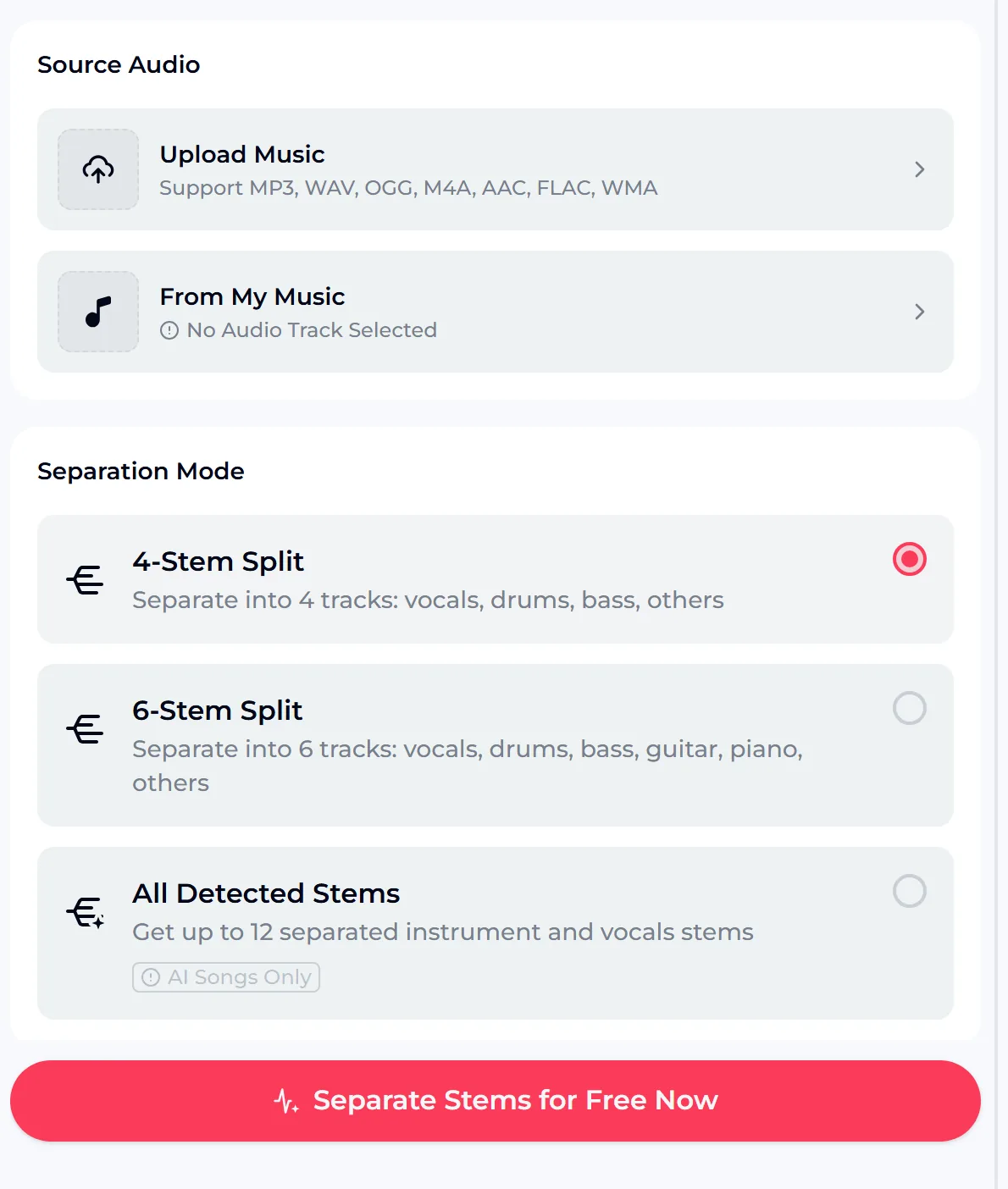
Start by uploading a song in MP3, WAV, OGG, M4A, AAC, FLAC or WMA, or choose a track you already have under From My Music. Then pick how far to split it.
- 4-stem split: vocals, drums, bass and others
- 6-stem split: vocals, drums, bass, guitar, piano and others
- All detected stems: up to 12 instrument and vocal stems, for songs made with AI on OpenMusic
Use songs you made or have the rights to work with. If you only need a vocal or an instrumental, the simpler tools below are quicker.
Demucs Next to a Browser Stem Splitter
| Question | Demucs on your computer | OpenMusic in the browser |
|---|---|---|
| Setup | Install Python and the model, or a community GUI | Open the page and upload a file |
| Processing | Runs on your own hardware | Runs online |
| Stem options | Depends on the model you choose | 4 stems, 6 stems, or all detected stems for AI songs |
| Control | Full: models, settings, scripts | Simple: pick a mode and go |
| Best for | Developers and batch work | Quick separation without installs |
This is not a quality ranking. We have not benchmarked the two against each other, and results vary by song. If you like tinkering and want to process large batches offline, Demucs is a strong choice. If you want a demucs alternative that skips the setup, the browser route is the shorter path.
When You Only Need Vocals or an Instrumental
Many people reach for Demucs just to pull out a vocal or make a karaoke version. For those jobs, a full stem split is more than you need.
Acapella
The AI vocal remover separates the vocal from the backing track.
Instrumental
The song to instrumental converter is built for backing tracks.
Both accept an uploaded song or one from your library. Pick the tool for the result you want, and keep the full stem splitter for remixes, practice tracks and any project where you need each instrument on its own.

Demucs FAQ
What is Demucs?
Demucs is an open-source machine learning model for music source separation. It takes a mixed song and estimates separate parts such as vocals, drums and bass. It is usually installed and run on your own computer, either from the command line or through a community app that wraps it.
Is there an online alternative to Demucs?
Yes. The AI stem splitter on OpenMusic works in the browser: upload a song or choose one from your library, pick a 4-stem or 6-stem split, and start. For songs made with AI on OpenMusic, there is also a mode that finds up to 12 stems.
Do I need to install anything?
Not for OpenMusic. It runs in a web browser, so there is no Python, model download or GUI to set up. Demucs itself does need a local install unless you use someone else's hosted version.
Is it free?
You can start on the free plan, which includes 30 credits a year, and each tool shows its credit cost on its button before you run it. If a run fails, the credits are normally refunded automatically. Downloads and licensing follow the Credits & Commercial License rules.
What stems can I get?
The 4-stem split gives vocals, drums, bass and others. The 6-stem split adds guitar and piano. All detected stems can find up to 12 instrument and vocal stems, but only for songs made with AI on OpenMusic.
What should I do with the separated parts?
Listen to each part on its own first, then use them in your own editor for practice, remix ideas or study, as long as you have the right to work with the song.
Split Your Next Song Without Installing Anything
Skip the setup and try a split in the browser. Upload a song you have the rights to use, choose 4 or 6 stems, and listen to each part on its own. If you only need the vocal or the backing track, use the vocal remover or the instrumental converter instead.
Compare the results with the tools you already know, and keep whichever route fits the way you like to work. Separating a few songs first is the fastest way to learn which mode suits your mixes, and you can always come back for a 6-stem split when a project needs guitar or piano on their own.