
The Ultimate AI Vocal Remover
Unlock the Power of AI Vocal Remover
Discover how any track can be split into vocals or instrumental with our AI Vocal Separator. Clean separation in seconds, perfect for karaoke, remixes, and music projects.

Vocal Remover Tools
Extract Backing Tracks From Any Audio
Our Song To Instrumental Converter separates vocals from music precisely. This online tool helps users convert song to instrumental files for various creative projects.
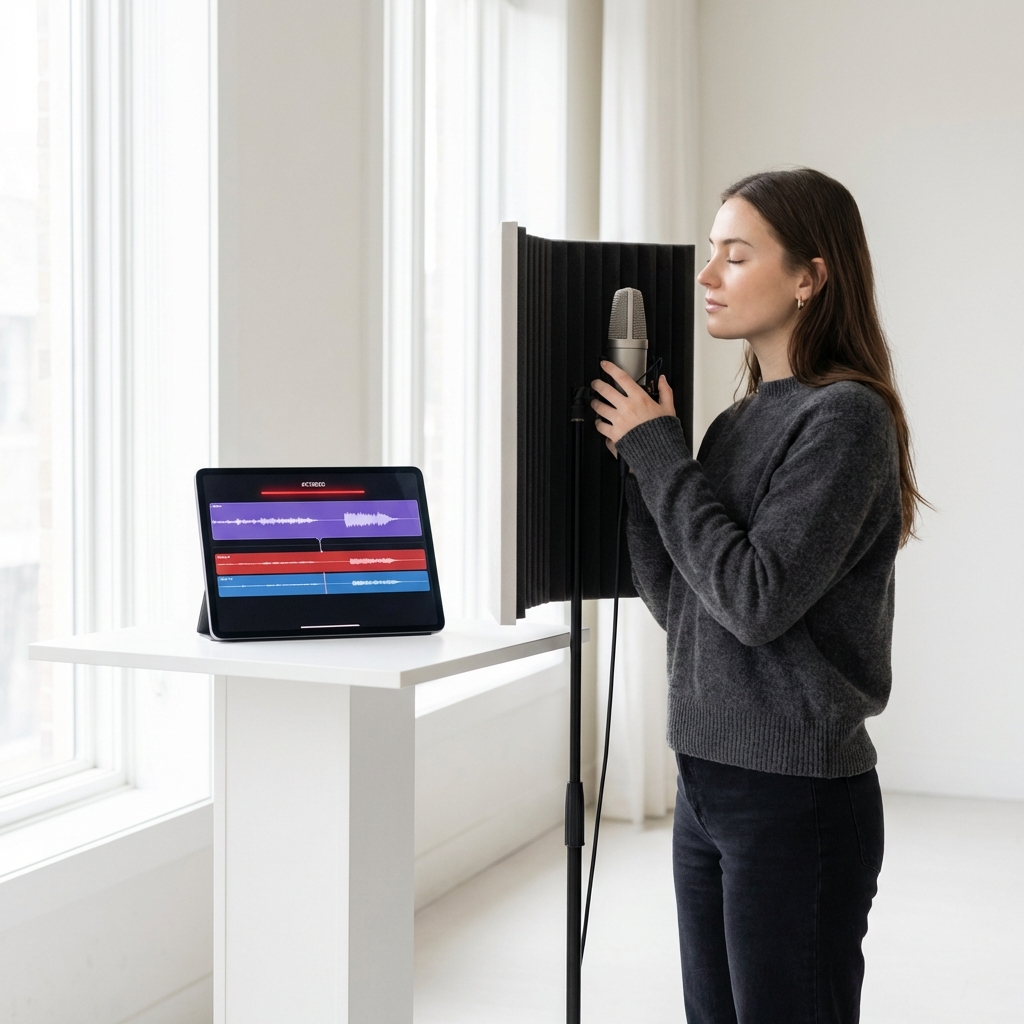
Karaoke Enthusiasts
Practice your singing by removing original vocals from your favorite tracks. You get clean backing music perfect for home parties or rehearsal sessions.
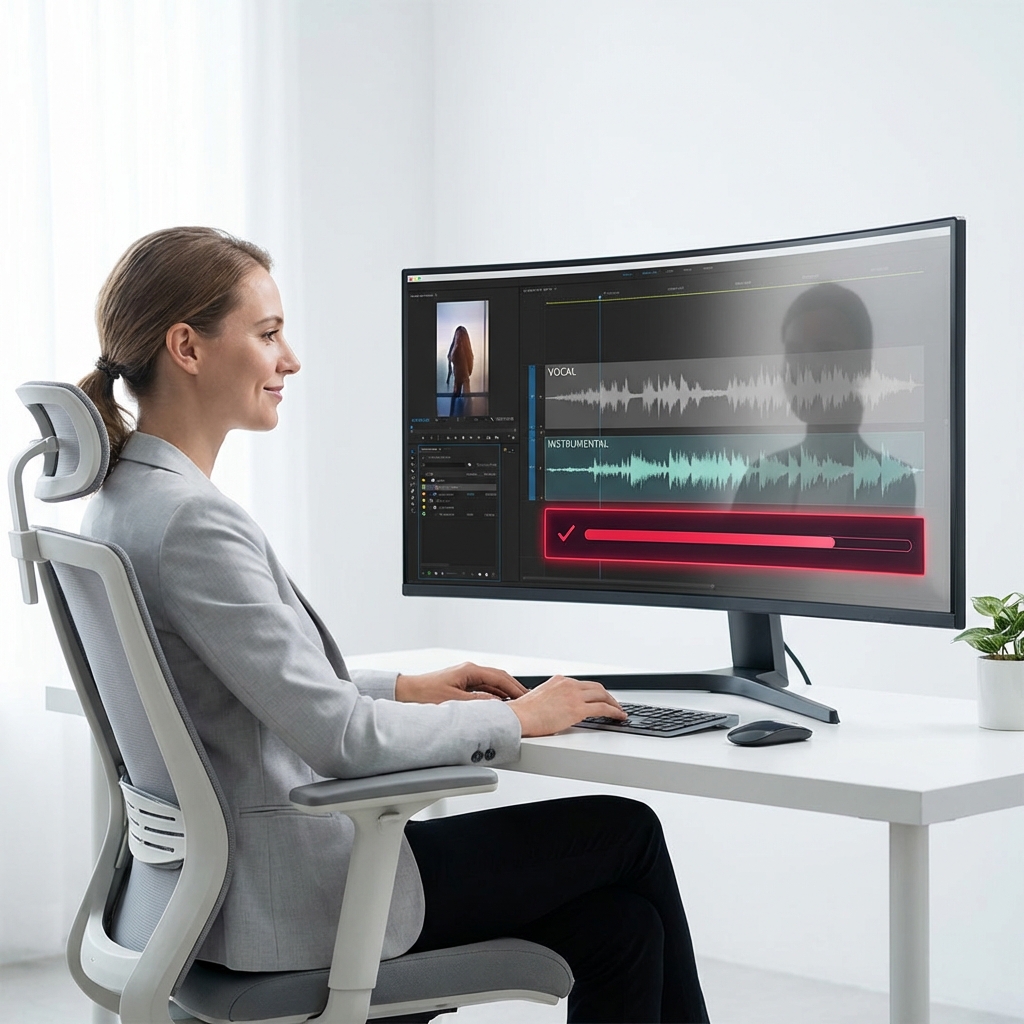
Video Content Creators
Avoid copyright strikes by removing lyrics from popular songs. Use the background music to enhance your YouTube videos or social media reels safely.
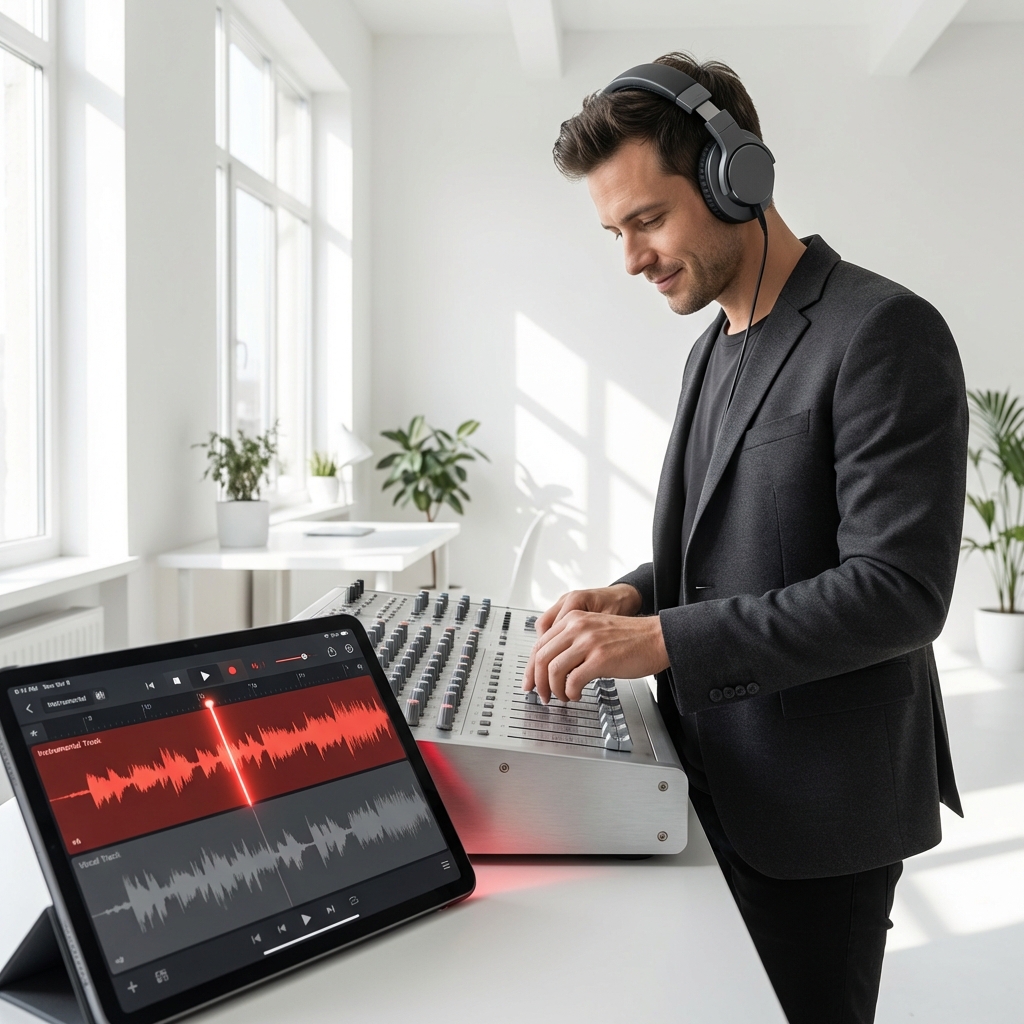
DJs and Remixers
Isolate the beat and melody to create unique mashups. This tool gives you high-quality stems to mix into your live sets seamlessly.
Simple Conversion Guide
Create Backing Tracks In Seconds
Follow this guide to convert song to instrumental formats effortlessly. Our instrumental maker handles the technical separation while you focus on your creativity.
Upload Your Audio File
Select an audio file from your device or drag and drop it here. We support common formats like MP3 and WAV for easy processing.
Wait For AI Processing
Our Song To Instrumental Converter analyzes the track immediately. The AI identifies and separates the vocal frequencies from the instrumental accompaniment automatically.
Download The Instrumental
Preview the result to ensure the vocals are gone. Save the clean backing track directly to your device and start using it instantly.
Powerful Audio Features
Why Use Our Song To Instrumental Converter
We offer the best instrumental maker technology for clean results. You can convert song to instrumental tracks quickly while maintaining original audio fidelity.
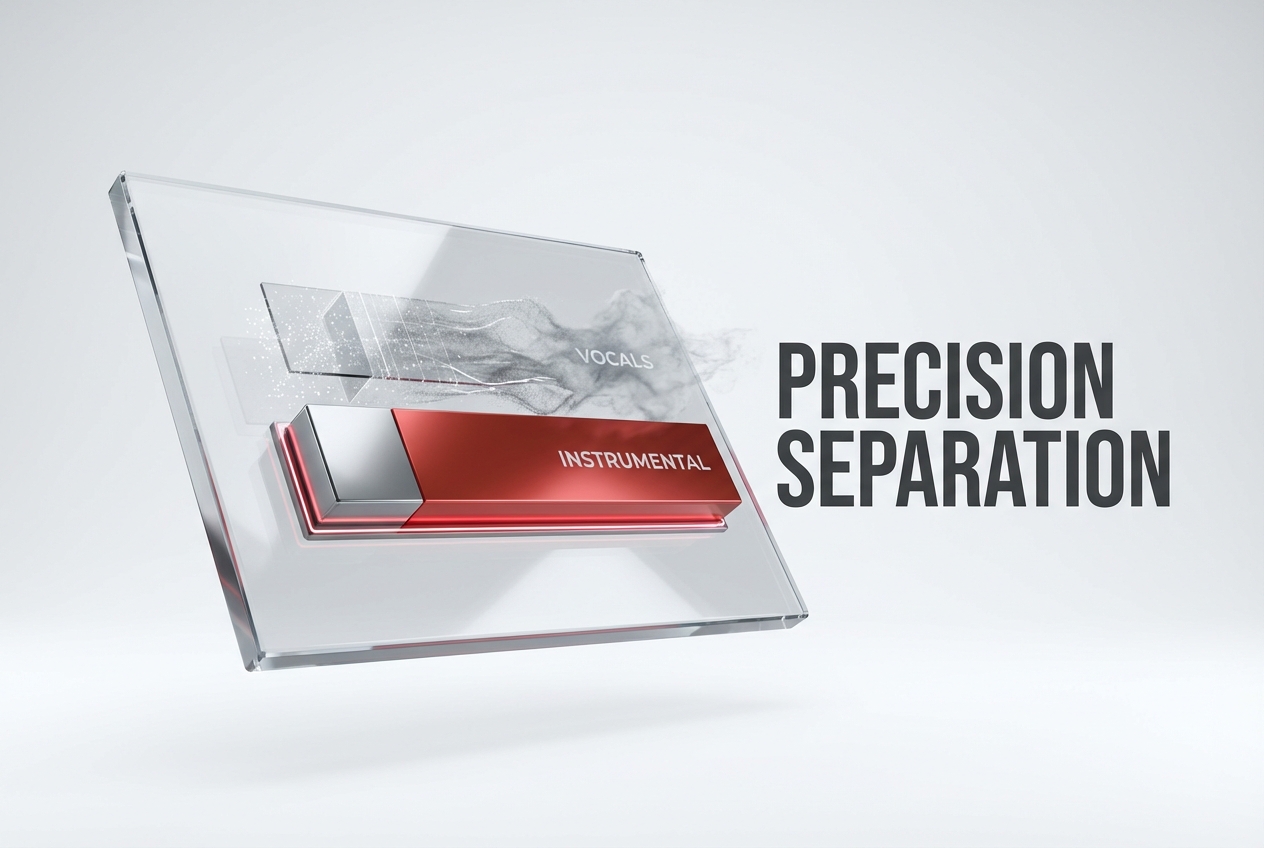
High Precision AI Separation
Get clear audio without robotic artifacts or frequency loss. Our algorithm distinguishes between human voices and instruments to ensure the backing track sounds professional.
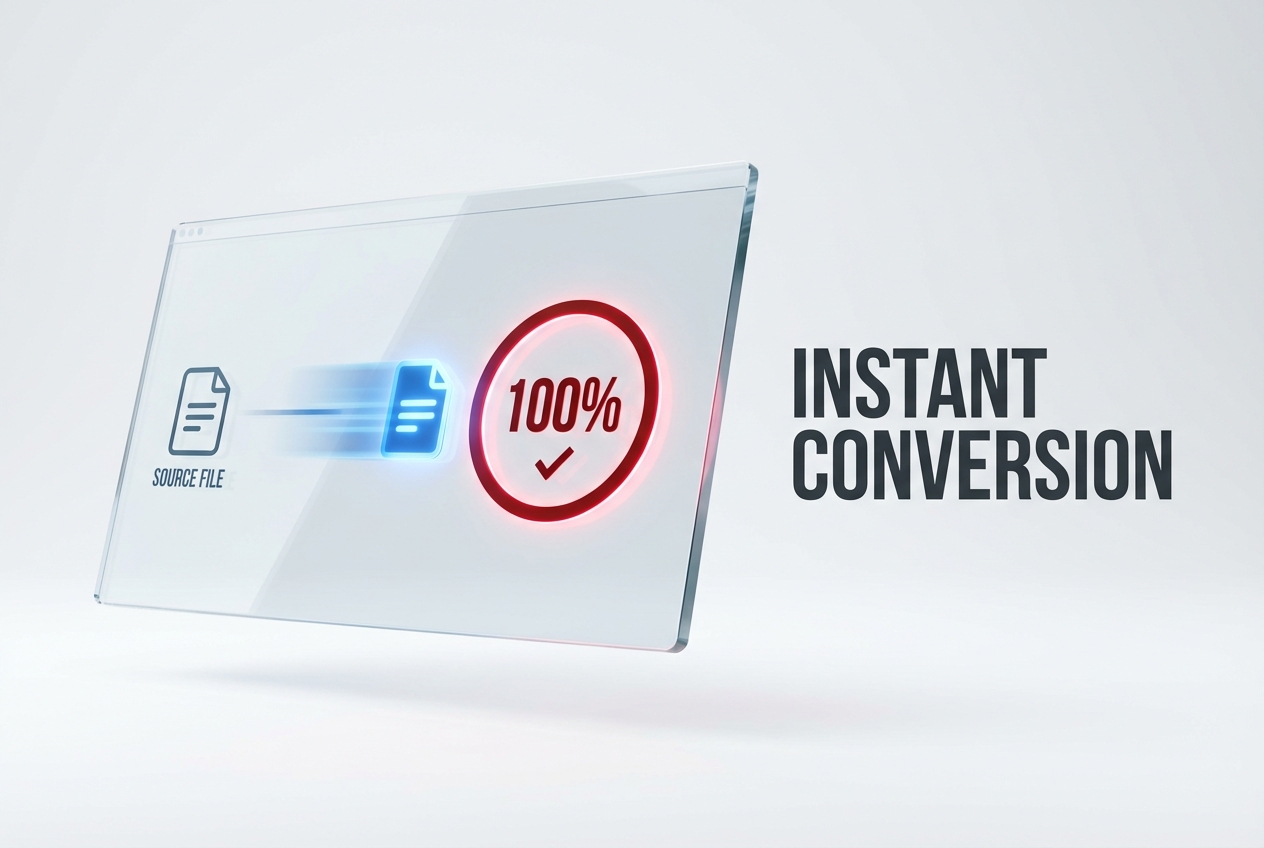
Fast Processing Speed
Don't waste time waiting for complex rendering processes. This tool is designed to convert song to instrumental files in just a few seconds.
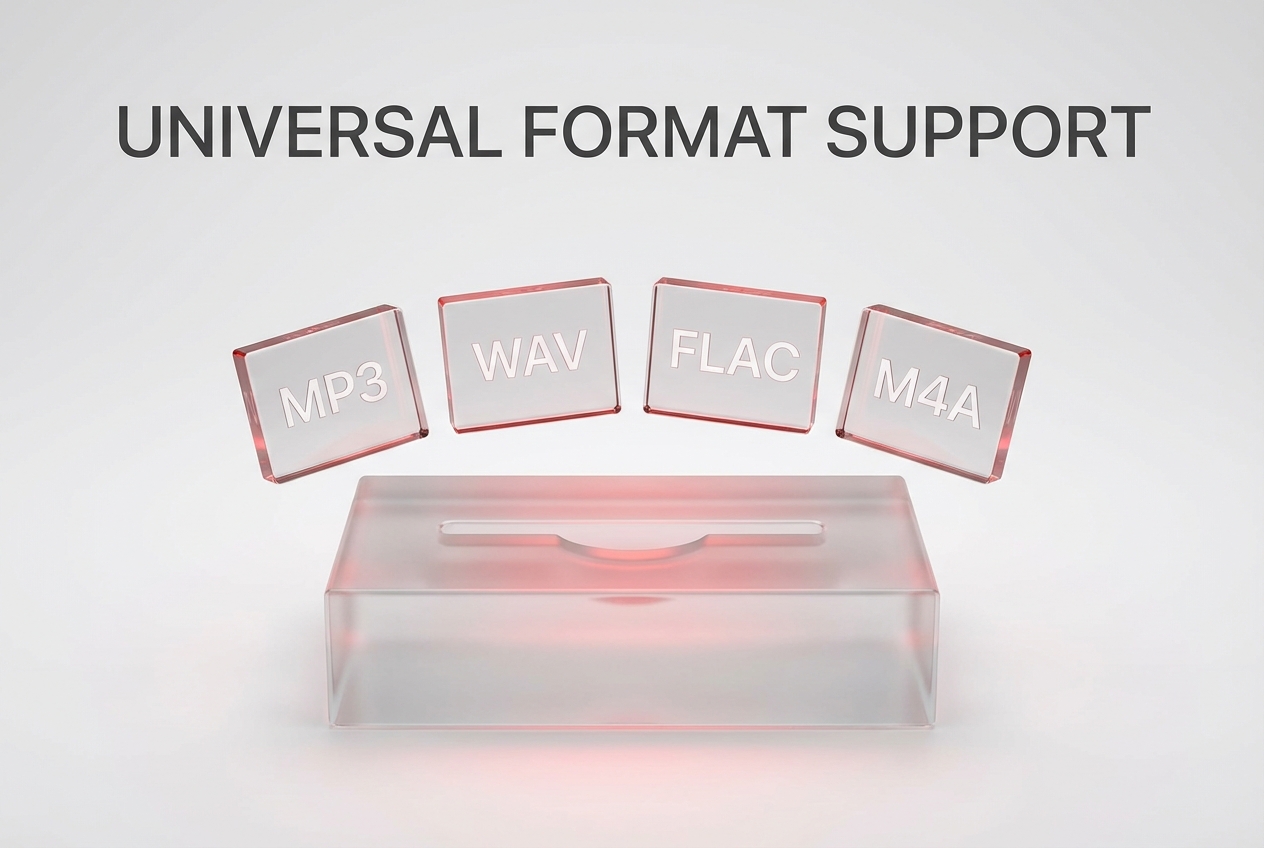
Multiple Format Support
Upload MP3, WAV, FLAC, or M4A files without compatibility issues. We ensure you can use your existing music library regardless of the file type.
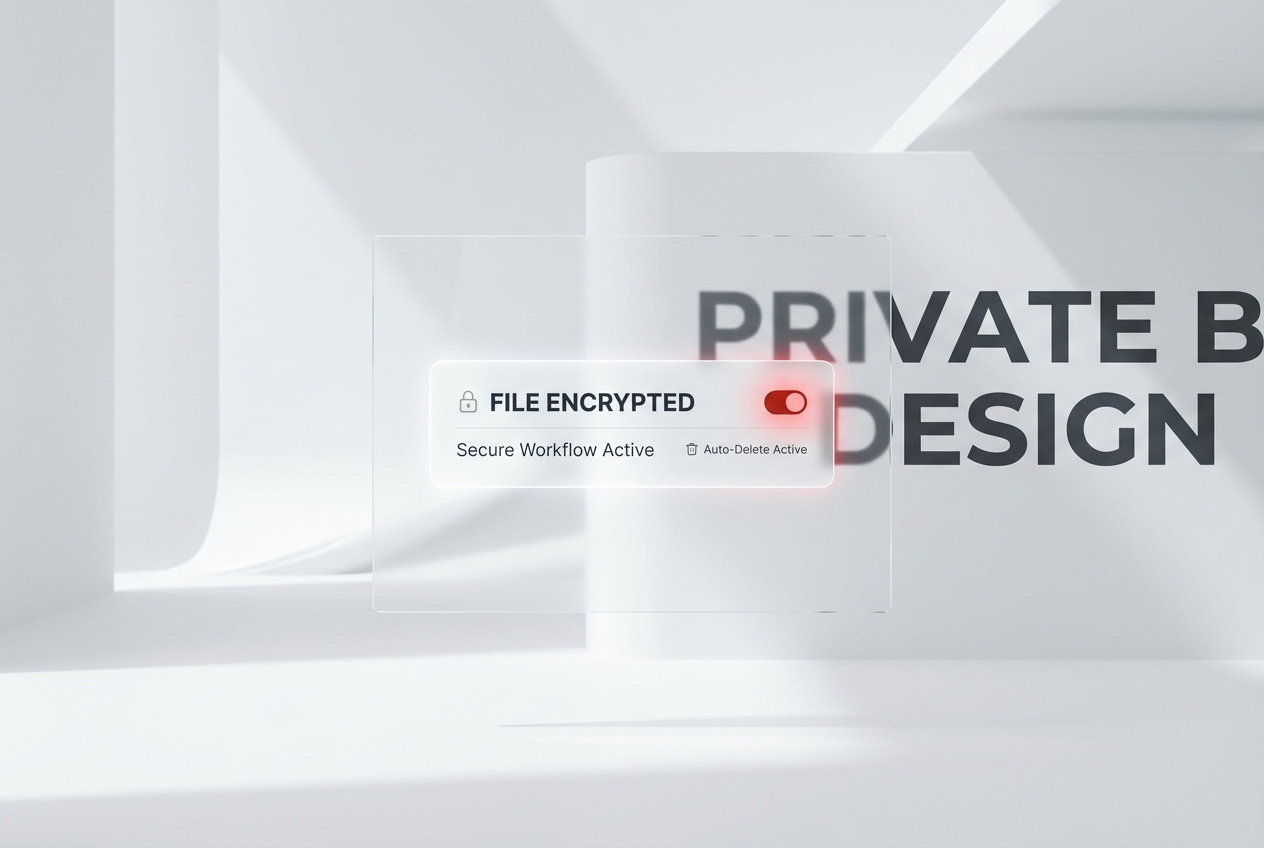
Secure Data Privacy
Your uploaded files are processed securely and deleted automatically. We protect your privacy and ensure no one else accesses your personal audio content.
Frequently Asked Questions
What formats does the instrumental maker support?
Our platform accepts most standard audio files including MP3, WAV, FLAC, and OGG. You can upload these formats directly from your computer or mobile device for immediate processing.
Does the quality drop after conversion?
We strive to maintain the highest possible bitrate during the separation process. While removing frequencies affects the file, our advanced AI minimizes quality loss for clear results.
How do I convert song to instrumental on mobile?
You can access our website directly through your mobile browser like Chrome or Safari. The interface is optimized for phones, allowing you to upload and download easily.
Can I use the instrumentals commercially?
The copyright of the instrumental track usually belongs to the original artist. If you upload copyrighted music, you generally cannot use the output for commercial profit without permission.
Is there a file size limit for uploads?
Yes, to ensure fast processing speeds for all users, we limit individual file uploads to 50MB. This is sufficient for almost any standard high-quality song file.

Try The Song To Instrumental Converter Now
Upload your file to convert song to instrumental tracks immediately. Get clean audio results for your karaoke or production needs without waiting.