Draft
Use it as a demo
Generate a version with prompt-to-music, then rebuild or re-record the parts you like. Keep the take that already fits, or rebuild only the part you want to change.
Explained, then made
AI generated music is a full track written by software from a description, your lyrics, or a reference clip. You name the mood and instruments; the model returns melody, arrangement, and optional vocals you can keep, trim, or rebuild. Below you will see what counts, how rights work on OpenMusic, and how to spend free credits without guessing.
Make a track in the OpenMusic generator from one clear sentence.
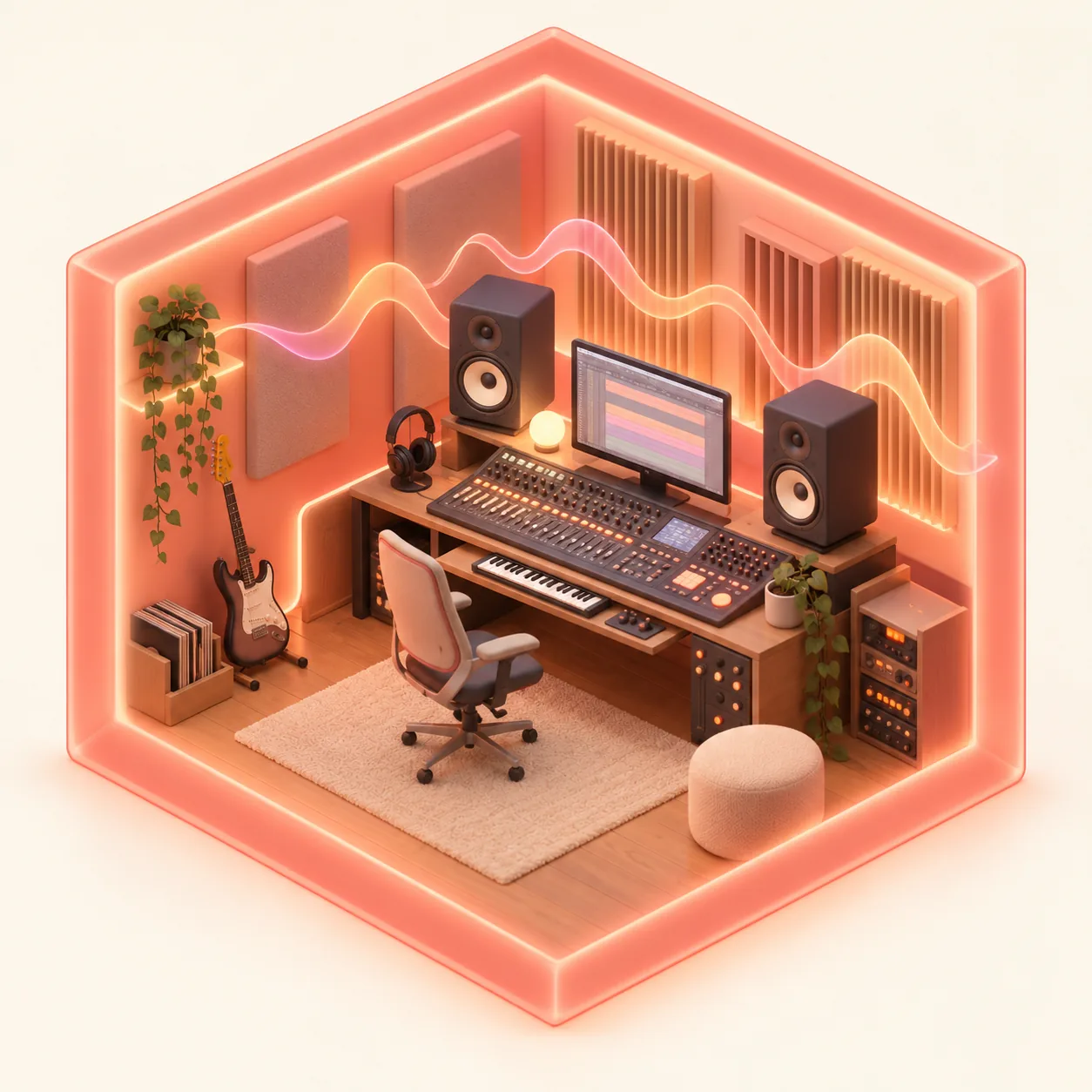
Most questions about ai-generated music are practical: can it draft a demo, keep your words, and stay within platform rules. These three uses show how musicians fit it into a demo-to-release workflow.
Generate a version with prompt-to-music, then rebuild or re-record the parts you like. Keep the take that already fits, or rebuild only the part you want to change.
With Own Lyrics, ai generated music and lyrics you wrote meet in one take, so the writing stays yours while the model handles melody and arrangement.
Streaming platforms set their own disclosure policies, so read the rules for ai generated music on Spotify and ai generated music on YouTube before you release a track.
Prompt-to-music starts simple. You do not need music theory to make the result, but knowing four outcomes keeps each credit useful. Describe, choose a vocal path, watch the credit cost, then change one detail and listen again.
Genre, mood, lead instruments, pace, and vocal tone in one specific sentence beat a pile of vague adjectives.
Let the generator write words, paste your own lyrics, or switch on Instrumental Only for a bed with no vocal.
The cost appears on the generate button before you press it. Failed generations normally return credits automatically.
Swap tempo feel or the lead instrument, then compare takes so you learn which words actually steer the arrangement.
The term covers whole songs, instrumentals, and tools that reshape audio you already have. On OpenMusic, generated music can start from a prompt, your lyrics, a reference clip, or an instrumental-only request, with tags for genre, mood, and voice to steer without a long essay.
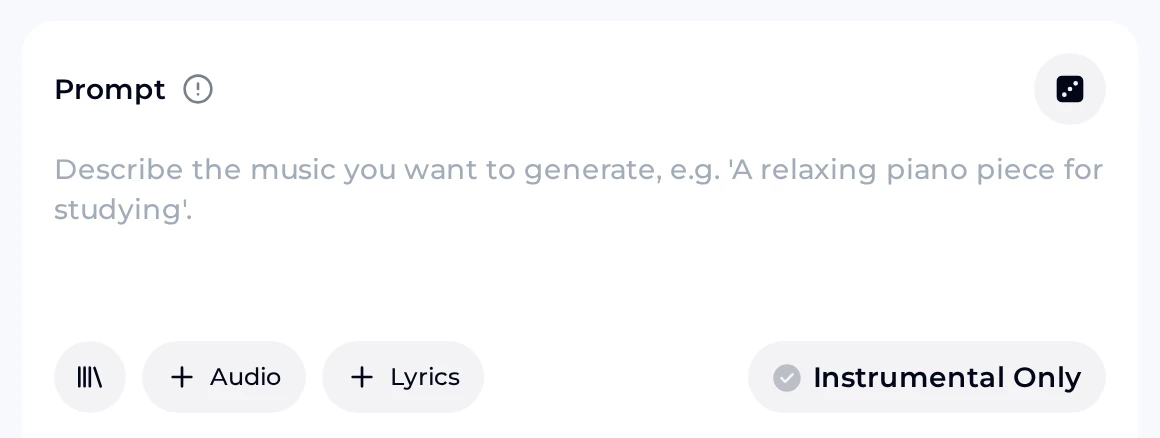
Write a short, job-first description of the track you want to hear—genre, mood, tempo feel, and where it will play. Keep it rejectable in one listen so the next credit goes to a clearer brief, not a longer adjective stack.
Paste Own Lyrics when the take must sing your lines as written. Melody and arrangement still fill in around those words, so keep verses tight enough to judge against the brief after the first pair.
Steer with a permitted reference clip when you need a closer color match, or flip Instrumental Only for beds with no vocal. Preview fully before another spend so each retry answers one listening question.
Neither workflow replaces the other. Many artists use prompt-to-music to sketch mood and structure, then move into a studio to finish detail. Here is how that first draft compares before you commit session time.
| Step | AI generator | Traditional session |
|---|---|---|
| Starting point | A sentence or your lyrics | An instrument and an idea |
| Skills needed | Describing what you want | Playing, recording, mixing |
| Vocals | Generated, with a chosen gender | Your voice or a singer |
| How you steer | Words, tags, and your own lyrics | Hands on instruments |
Try AI generated music in the OpenMusic generator: write one clear Prompt, compare the takes it returns, and keep the stronger take before you adjust anything else.
Start specific with prompt-to-music. Each seed names a genre, a mood, the lead instruments, and the vocal path—the details that shape the track most. Copy one into the generator for ai generated music beats or a full vocal song, listen to every take, then change a single detail and compare so you learn which words actually move the result.
bright synth pop, punchy drums, catchy chorus, confident female vocal
calm lo-fi beat, mellow keys, vinyl crackle, study mood, instrumental
heartfelt country ballad, steel guitar, storytelling male vocal
slow piano and strings, building to a hopeful finale, instrumental
Here are two prepared Generated instrumental examples before you write a prompt. Both are reference clips for sound quality and arrangement, not results from your own input.
When you make a track of your own, Number of Songs to Generate defaults to 2, so one description gives you a few takes. Comparing them teaches which words change the music, so keep the closer take and reuse those instrument words next time.
Example track 1
Generated instrumental, about three minutes—listen for arrangement density and ending.
Example track 2
A second generated instrumental in a different style for side-by-side feel.
You can start free: a full song from the model on OpenMusic after a quick sign-up. These figures come from the tool and pricing pages, so you know how many drafts you have before you upgrade.
Each song made on a monthly or annual plan carries commercial rights, used within the scope of the Commercial License that comes with it. Only the credit cost of the license certificate differs, and either plan lets you publish within the scope of the Commercial License.
License download costs 5 credits per song, for use within the scope of the Commercial License.
License download costs no extra credits; an annual plan is not required to publish within the scope of the Commercial License.
Spend 5 credits on a song to get its certificate, then release it within the scope of the Commercial License.
Some call it AI-made music; with a license you can release and monetize songs on platforms such as Spotify, Apple Music, and YouTube within the scope of the Commercial License. Licenses you already hold stay valid after you cancel; download song and license files while membership is active.
Short answers on meaning, free credits, publishing, and failed runs for anyone ready to make a track in the browser.
Generated music is music created by a model from an instruction rather than played and recorded by hand. On OpenMusic you can start from a text prompt, your own lyrics, a reference audio clip, or ask for an instrumental with no vocal. The model composes the melody and arrangement and, unless you turn vocals off, sings the lead. You decide what to keep, change, or rebuild after you hear every take from one brief.
If you are wondering how to make free ai generated music, open the OpenMusic generator and describe the music in one specific sentence, choose vocals, your own lyrics, or no vocal at all, and generate. The credit cost is shown on the button. Listen, then change one detail and generate again to compare. Tags for genre, mood, and instruments help when you are not sure what to type next on the panel.
You can make free generated music after a quick sign-up. The OpenMusic free plan includes 30 credits a year, which is 15 generations at 2 credits each. Anything you made on the free plan becomes downloadable after you move to any paid plan. Unused credits do not roll over at the renewal date, so spend them on clear briefs instead of vague one-word vibes that waste retries.
On OpenMusic, yes, within the scope of the Commercial License. Monthly members download a song's license for 5 credits, annual members get it at no extra credit cost, and Pay Once holders spend 5 credits per song on a certificate, so an annual plan is not required. Platforms may also ask you to label AI content, so check those rules before you release or monetize a track within the scope of the Commercial License.
Play the whole take once and note which part misses, whether that is the groove, the lead sound or the singer, before you touch the description again. If a result plays but is not what you wanted, adjust the description: name the genre more precisely, change the lead instrument, or describe the vocal tone. Small, specific changes usually get the next take closer faster than rewriting the whole prompt from scratch in one jump.
The generator runs in the browser on phones and desktops, so you open it straight from your mobile browser. Sign in, open the OpenMusic generator, and run the same panel you would use on a laptop. A stable connection matters more than a native shell, because the heavy work still happens in the generator itself while you wait for every take to finish rendering.
Describe a song in one specific sentence, choose vocals, your own lyrics, or an instrumental, and listen. The free plan includes 30 credits a year.
Start Generating