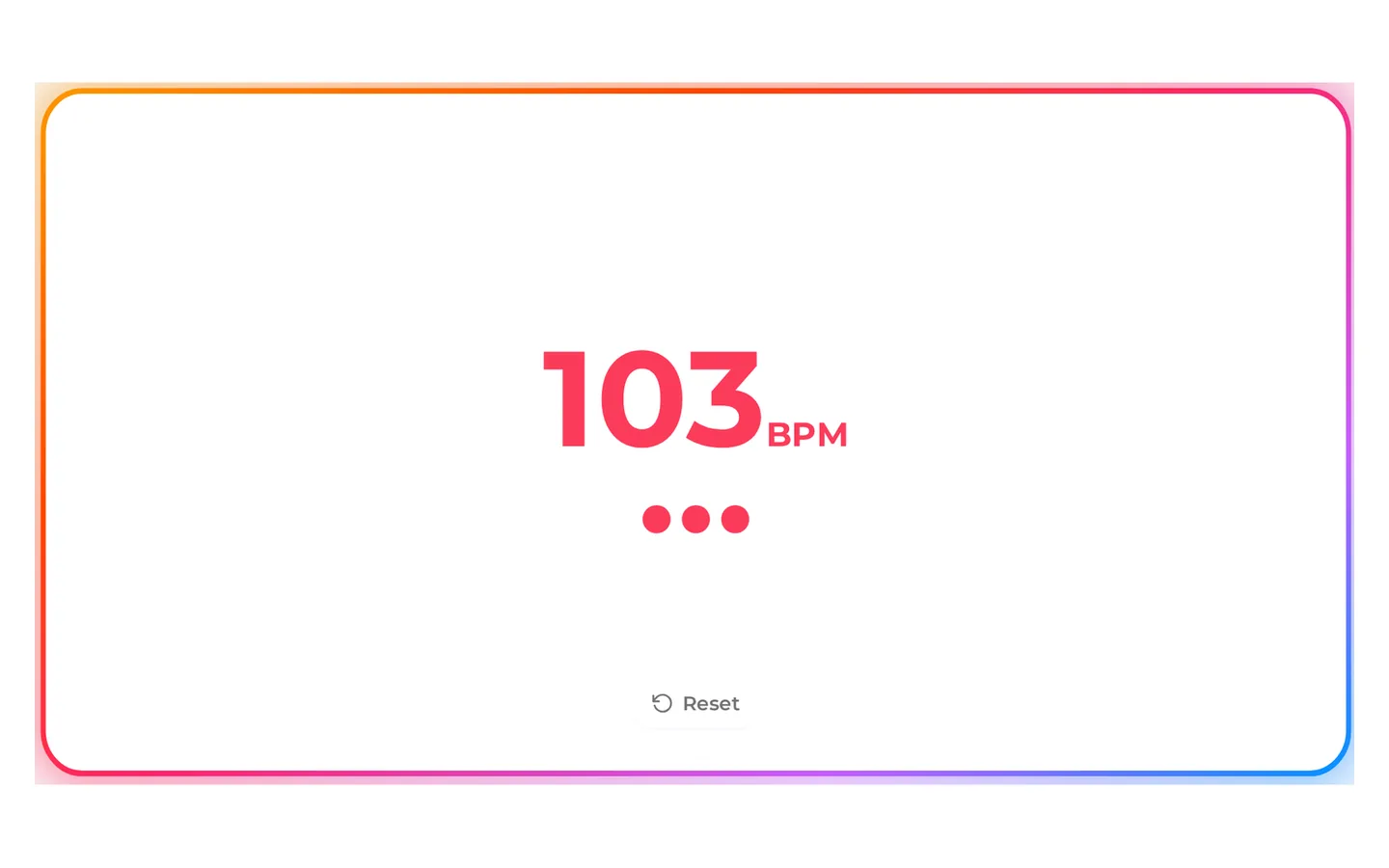
1. Measure your skip rate
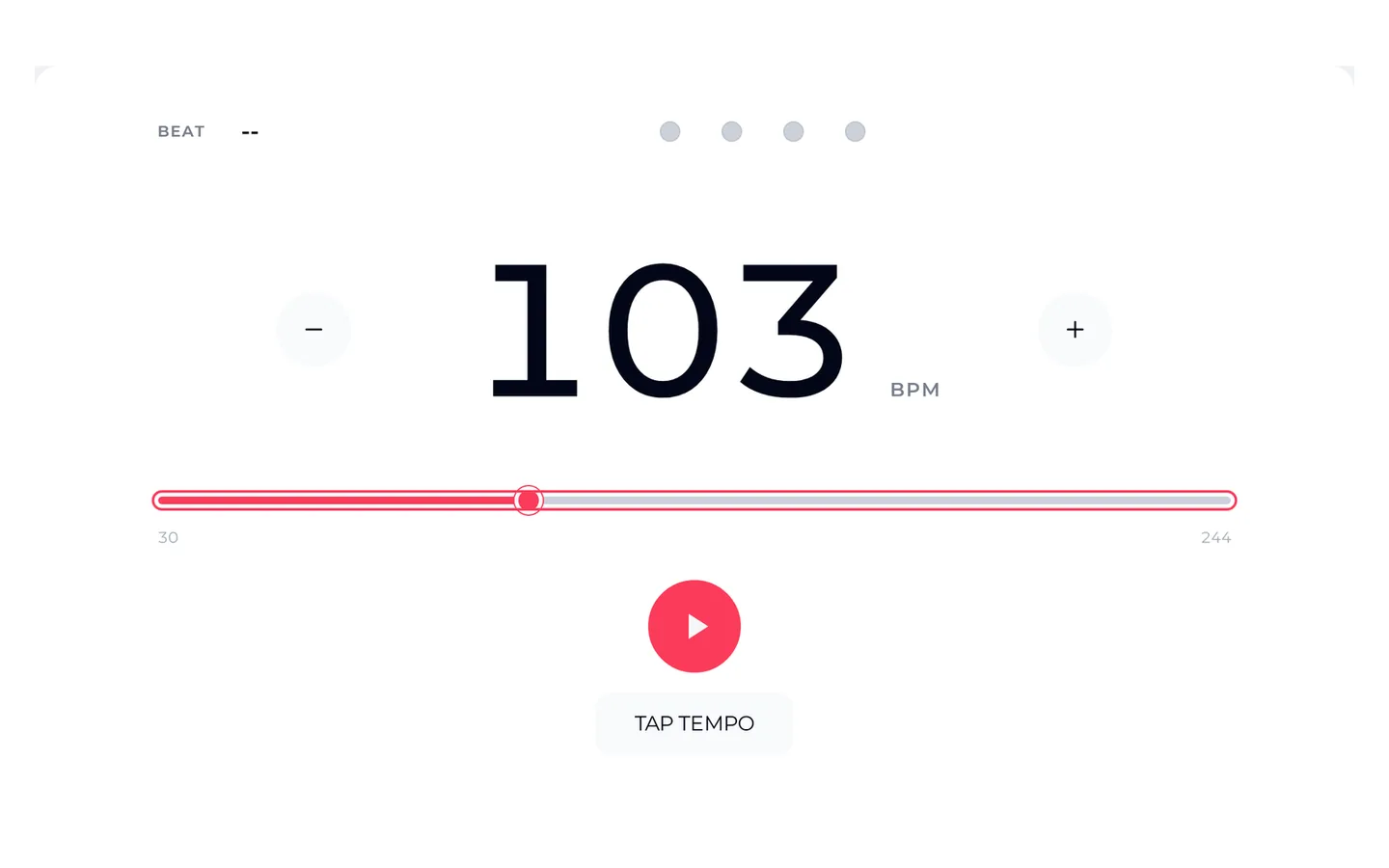
Skip for 30 seconds while a friend taps each right-foot landing on the BPM Tapper. Or count the landings yourself and double the number.
Jump rope coaches pick music by tempo, because one skip per beat keeps your feet honest. When you create beats at your own skip rate, the music stops fighting you. Measure how fast you skip, set that tempo in the AI Hip Hop Generator, and get original instrumentals for warm-ups, freestyle combos and double-time drills.
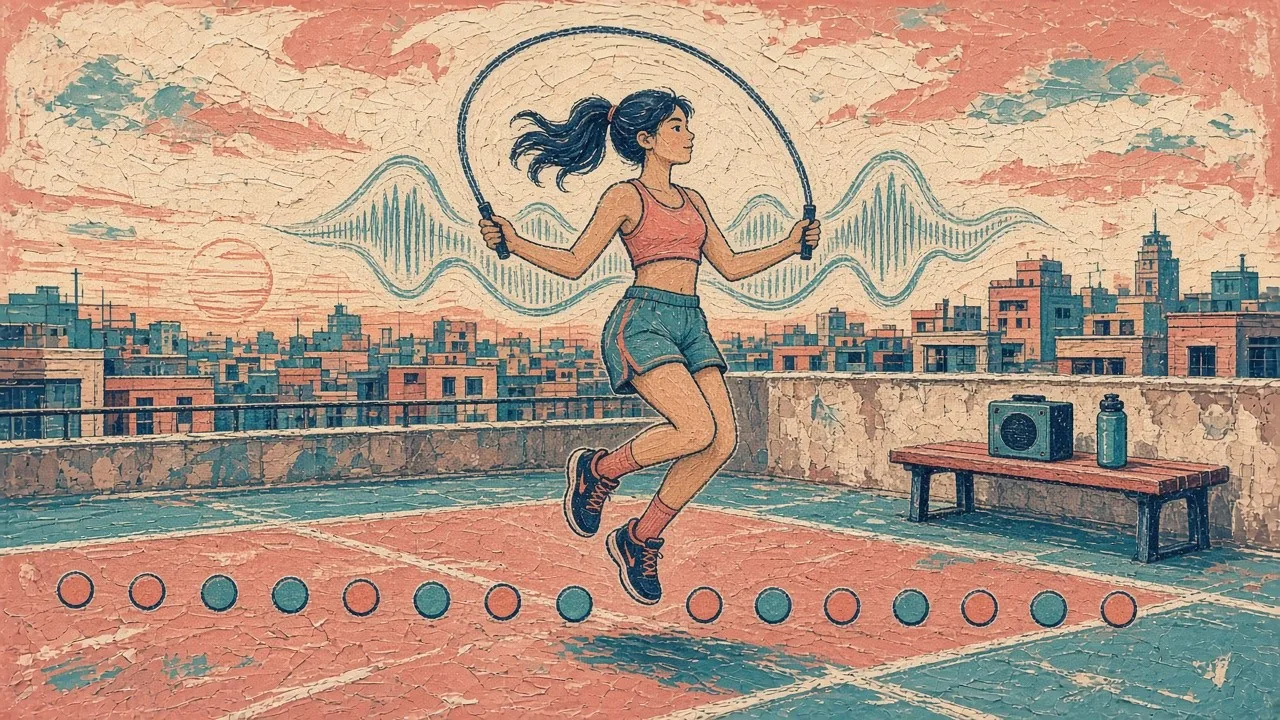
In a basic bounce, your feet land once for every turn of the rope. Count each time your right foot touches the floor, and that number per minute is your skip rate. A song at 90 BPM asks for 90 landings a minute. Pick music that is faster than your rate and you rush; pick slower and you stall between beats.
Playlists of commercial songs rarely sit at the exact tempo you need, and the tempo often drifts through a track. When you create beats for skipping, you choose the tempo first and keep it steady from the first bar to the last.
The simplest rule for basic bounce, side swings and steady cardio.
The BPM slider in the AI Hip Hop Generator covers warm-ups to fast footwork.
Each time you create beats, the generation gives two versions at the same settings to choose from.
You can measure before you create beats: the BPM Tapper and metronome work without an account.
Freestyle jumpers use the same idea in a different way: tricks such as crosses and wraps feel cleaner when each one lands on a beat, so when you create beats for freestyle, a steady instrumental becomes a timing coach rather than background noise.
Coaches commonly build speed playlists that climb from around 70 BPM to about 135 BPM, with freestyle sessions near the top of that range. Use these as starting points when you create beats, then adjust to your own measured rate.
| Session | Skipping style | Beat tempo | Words to add to the prompt |
|---|---|---|---|
| Warm-up | Easy basic bounce | 80–90 BPM | laid-back, clear kick on every beat |
| Steady cardio | Bounce, alternate foot step | 100–115 BPM | steady, no breakdowns, even hi-hats |
| Freestyle | Crosses, side swings, wraps | 120–135 BPM | accent every eight beats, catchy hook |
| Power | Double unders | 125–150 BPM | driving, hard kick, energetic |
| Fast footwork | Two jumps per beat | 100–118 BPM | bouncy, crisp snare on 2 and 4 |
The last row is the double-time trick: at 110 BPM, two jumps per beat gives 220 jumps a minute. It is also how you go past the 170 BPM top of the slider, because a beat at 85 BPM counted twice gives the same 170 jumps a minute and is easier to follow.
The whole routine to create beats for a session takes a few minutes. Measure first, generate second, and check the result before you build a session around it.
Skip for 30 seconds while a friend taps each right-foot landing on the BPM Tapper. Or count the landings yourself and double the number.
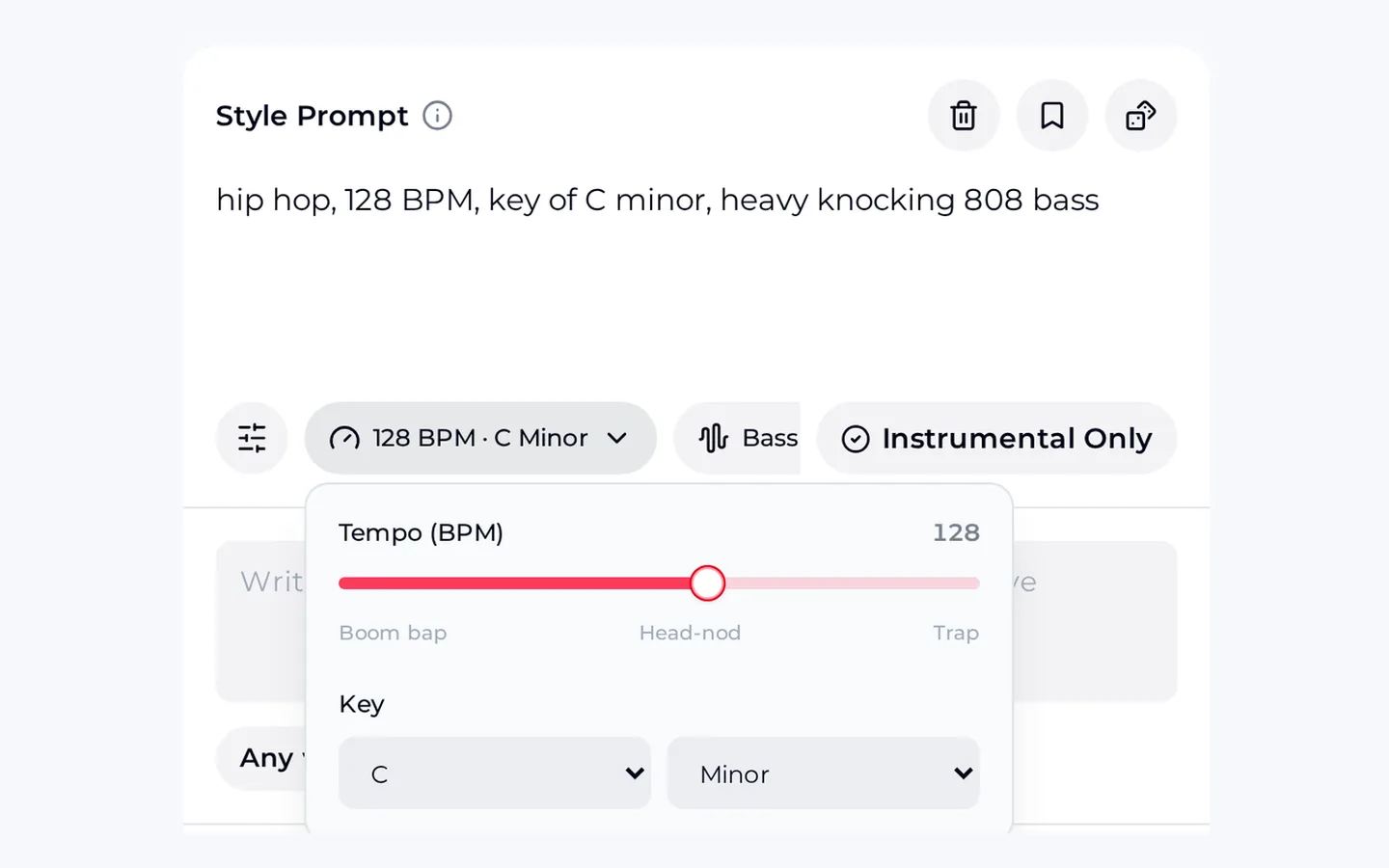
In the AI Hip Hop Generator, drag the tempo slider to your rate; the BPM in the style prompt updates with it. Switch on Instrumental Only and add words from the ladder to create beats online in the browser.
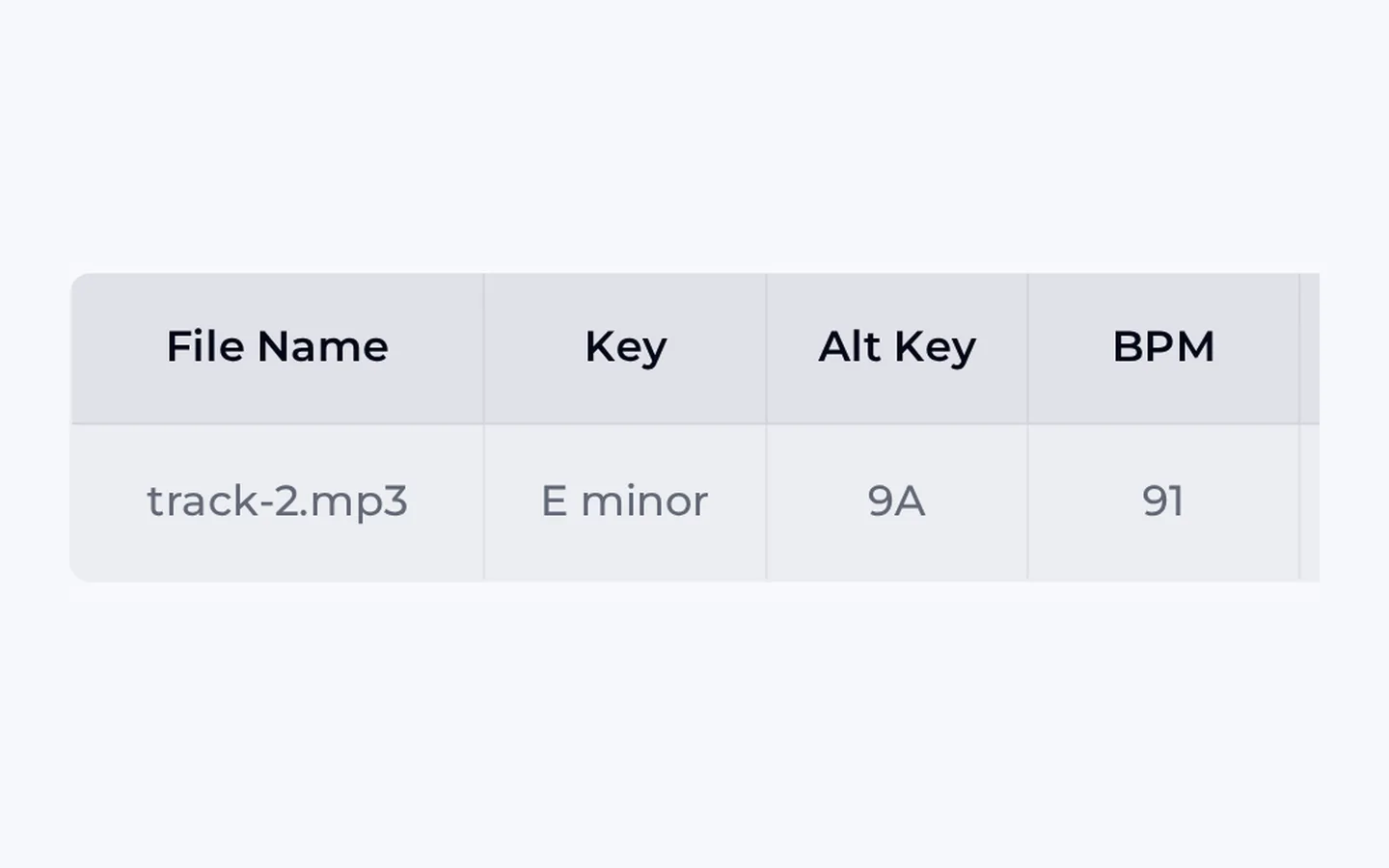
Upload the take to the Key and BPM Finder. If one take reads closer to your rate than the other, use that one.
Set the metronome to the same tempo and turn on Practice Mode, which alternates bars of sound with silent bars, to test whether you hold the pace alone.
Skip for thirty seconds while a friend taps each landing on the BPM Tapper, then use that number to create beats at your tempo.
Tap Your Skip RateTo create beats for both samples, we used the prompts below as instrumentals, then measured on the Key and BPM Finder. Each run gave two takes, and the takes landed one to three BPM away from the requested tempo, so we kept the closer take each time.
Bouncy hip hop instrumental at 90 BPM for jump rope practice, punchy kick on every beat with a crisp snare on 2 and 4, steady eighth-note hi-hats, simple bass line, bright synth stabs, very clear and even pulse, no tempo changes, no breakdowns
Energetic hip hop pop instrumental at 128 BPM for jump rope freestyle, hard kick on every beat, sharp clap on 2 and 4, driving sixteenth-note hi-hats, rolling bass, catchy synth hook, accents every eight beats for landing tricks, steady tempo throughout
A difference of one beat per minute is hard to feel in a two-minute set. Three beats per minute can be noticeable in a long steady-cardio block, which is why, when you create beats for long sessions, checking the take matters more than for short freestyle rounds.
Our four takes measured between one and three BPM above the requested tempo. Check each take before relying on it.
For speed skipping above 170 jumps a minute, count two jumps per beat on a slower beat instead.
The tools create beats and measure music. Use a stopwatch or a coach for speed counts and timed rounds.
To create beats in pop or electronic flavours, write them into the prompt, or use the general music generator, which has no tempo slider.
You create beats online in a phone or computer browser, so you need a connection to generate and to play the tools.
None of these limits stop you from using OpenMusic to create beats for practice; they just decide which checks you add. The tempo check takes a minute and saves a whole session of skipping slightly out of time.
A good beat only helps if you use it well. These habits help whenever you create beats for skipping, and they come from the way skipping tempo works: one landing per beat, steady pulse, and gradual steps up the ladder.
Start each session five to ten BPM below your measured rate and climb.
Create beats one per rung of your ladder and name files by tempo, such as bounce-90.
Listen to eight beats before your first jump so the pulse is in your body.
Play the beat through a speaker, not earbuds, if you are skipping with a group.
Re-measure your skip rate every few weeks; it rises as you improve.
If you create beats with accents every eight beats, plan a freestyle trick on each one.
Measuring is free: the BPM Tapper, metronome and Key and BPM Finder all worked without an account. To create beats free with credits, you need a sign-up. You get 30 free credits a year after a quick sign-up, and each generation costs 2 credits, so that covers 15 generations. If a generation fails, the credits are usually returned automatically. Free users can download only a limited number of songs, so keep the takes you will use most.
If you create beats for videos, monthly and annual plans include commercial rights, within the scope of the Commercial License. Monthly plans unlock the licence certificate for 5 credits per song, and annual plans include it at no extra charge. Pay Once credits can also unlock the licence at 5 credits per song. Beats made on the free plan do not need to be remade; you can license them later with credits. Keep the certificate with the video project.
Paid plans can download MP3, WAV and FLAC, including songs made on the free plan. Free users can download only a limited number. For skipping practice, MP3 is plenty: it is small, plays on any phone or speaker, and loads quickly into a playlist. Keep WAV if you plan to edit the beat into a routine video, where re-encoding an MP3 several times can soften the sound.
First re-measure your skip rate when you are warm, because a cold measurement often reads slow. If the beat still feels rushed, create beats again five BPM lower rather than forcing it. For fast footwork, try the double-time approach: choose a beat at half your jump rate and land twice per beat. Many skippers find a slower, clearer pulse easier to follow than a very fast one with busy hi-hats.
Yes. Measure a comfortable rate for the group rather than the fastest jumper, then create beats a few BPM apart so the class can move up the ladder together. Play them through one speaker so everyone hears the same pulse. For double dutch, turners and jumpers can both follow the kick, which helps keep the ropes even. Check your event rules before using any music in a competition.
No. To create your own beat, you only need two numbers, your skip rate and the session you are planning, plus a few plain words for the mood, such as bouncy or driving. The slider writes the tempo into the prompt for you, so you can create beats while the generator handles drums, bass and melody. The one habit worth keeping is checking the take on the Key and BPM Finder before you build a session around it.
To create beats for your next session, set the tempo slider to your skip rate, switch on Instrumental Only, and keep the take that measures closest to your number.
Make a Beat Now