Best Beat Maker Test: Five Measurable Checks
Best beat maker lists rarely agree, because they never measure anything. Run a test instead: ask for a tempo and key, measure what comes back, listen for room for your vocal, compare takes and read the license. We ran it on three OpenMusic Rap Beat Maker vibes, measured six beats, and kept the numbers below.
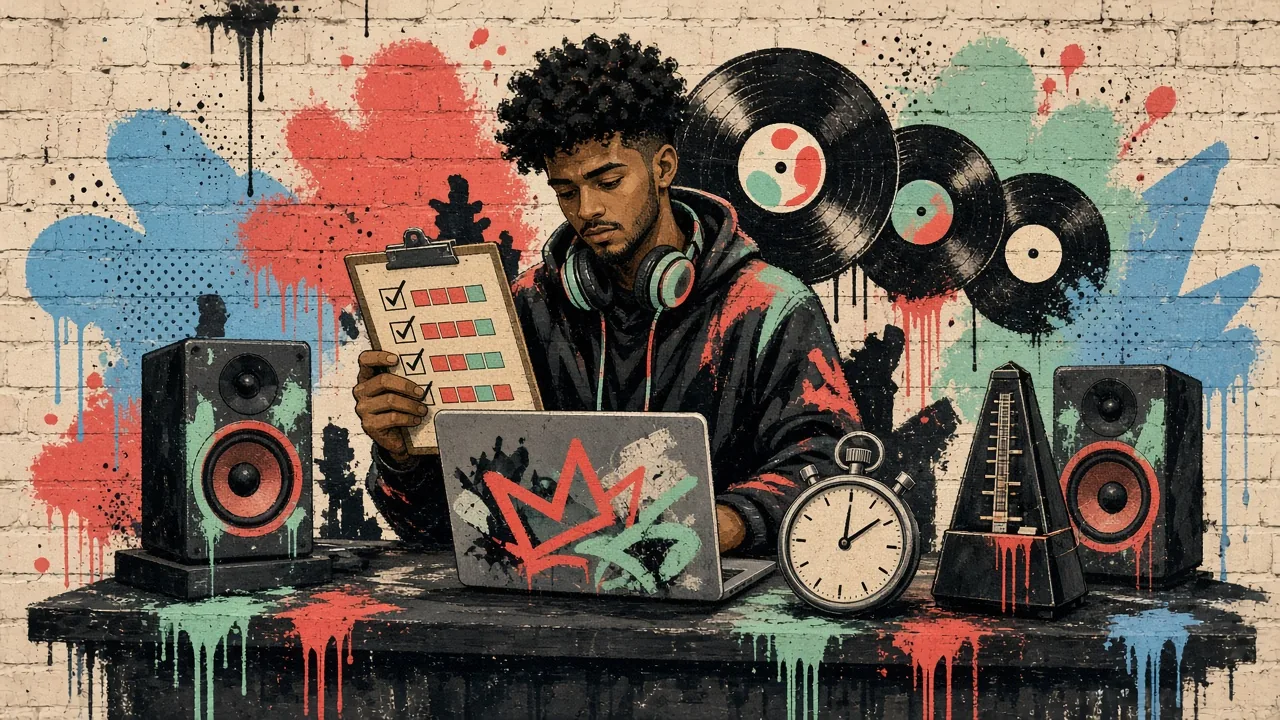
Five Checks That Decide the Best Beat Maker
A beat maker earns its place by doing what you asked, leaving space for you and letting you use the result. Score each of these out of one, and your top pick for your music is simply the one with the highest total on your own beats.
- Tempo
Ask for an exact BPM, then measure it. A beat that drifts a few BPM from your verse tempo forces you to rewrite or stretch it.
- Key
Ask for a key and check it. The right key lets a singer or a melodic rapper sit on the beat without straining.
- Space
Listen with your vocal on top. A busy melody in the middle of the mix fights the voice, however good it sounds alone.
- Takes
Count how many versions you get per run. More takes from the same request make a fair choice easier.
- Rights
Read what you may do with the beat before you record on it, especially if you plan to release or sell the song.
Our Results: Six Beats on the Key and BPM Finder
For our best beat maker test, we chose three vibes on the OpenMusic Rap Beat Maker, made two takes from the exact Style Prompt each vibe writes, with Instrumental Only on, and uploaded all six to the OpenMusic Key and BPM Finder. The asked-for numbers come from the tempo and key button each vibe sets.
| Vibe | Asked for | Take 1 measured | Take 2 measured |
|---|---|---|---|
| Dark trap diss | 140 BPM, C minor | 140 BPM, C minor (5A) | 140 BPM, C minor (5A) |
| 90s boom bap | 90 BPM, A minor | 91 BPM, A minor (8A) | 90 BPM, A minor (8A) |
| West Coast G-funk | 95 BPM, G minor | 93 BPM, G minor (6A) | 93 BPM, G minor (6A) |
The key matched on all six beats. Tempo was exact on both trap takes, within one BPM on boom bap, and two BPM slow on both G-funk takes. For a verse written at 95, that is worth knowing before you record, which is exactly why a best beat maker test measures instead of trusting the label.
How to Run the Test on the Rap Beat Maker
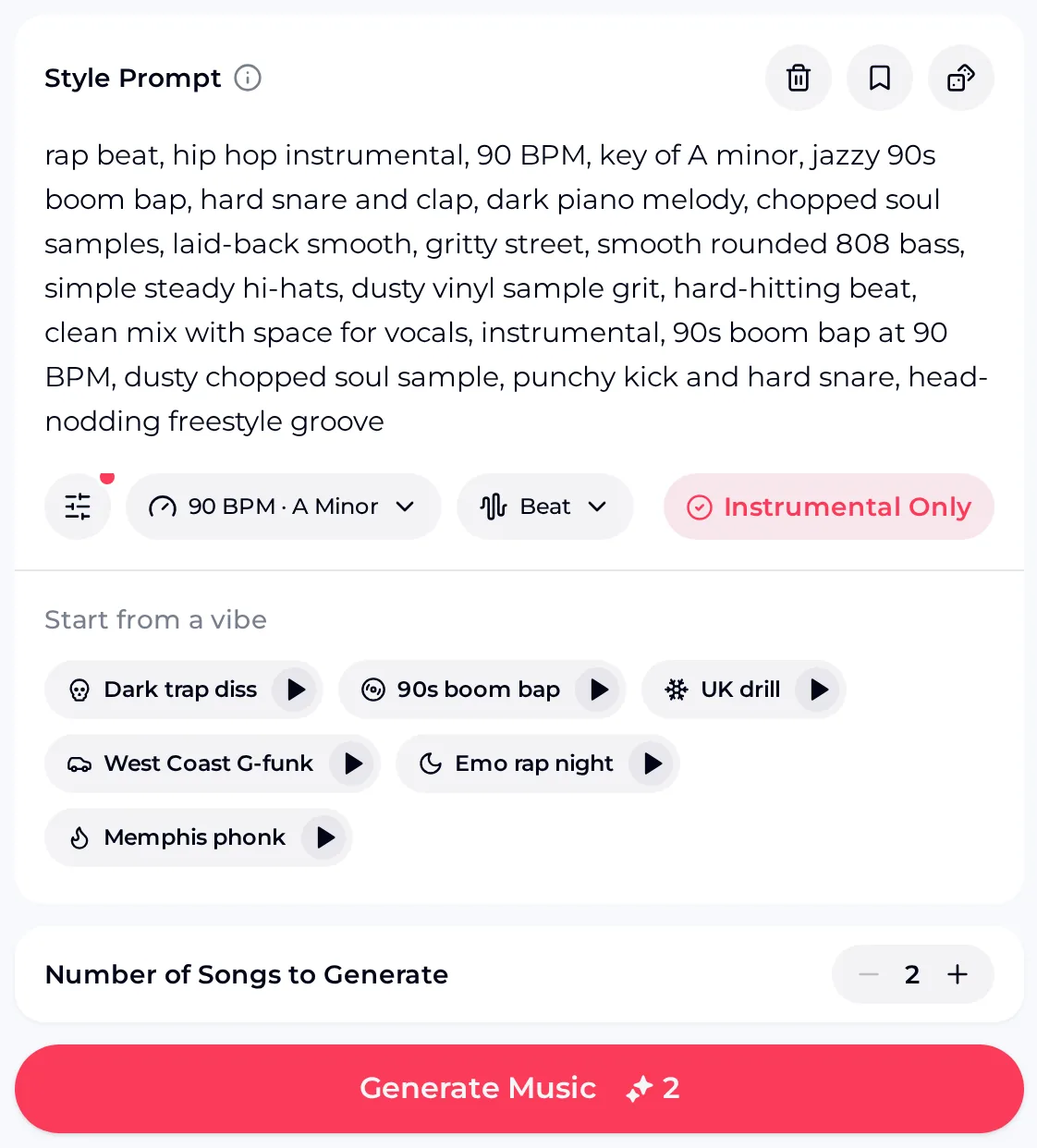
You can repeat our test with your own tempo and key. Follow these steps to run your own best beat maker test.
 12345
12345- Read the Style Prompt. A vibe writes the prompt for you; check that the BPM and key inside it are the ones you want.
- Set tempo and key. The tempo and key button opens a slider from 70 to 170 BPM, a key and a minor mode, and rewrites the prompt to match.
- Keep Instrumental Only on. You are testing a beat, so leave vocals out.
- Pick a vibe to compare. Six vibes, from Dark trap diss to Memphis phonk, each come with their own tempo and key.
- Generate two songs. Then upload both to the Key and BPM Finder and write the numbers down.
Hear the Three Test Beats
These are the first take from each vibe in the table. Play them over your own verse to score the third check, space for the vocal, which no finder can measure for you.
Distorted sliding 808s, eerie bells and double-time hi-hat rolls. Measured 140 BPM.
Hard snare, dark piano and dusty chopped soul texture. Measured 91 BPM.

Whiny synth lead over a laid-back groove. Measured 93 BPM.
Score your own beat
Pick a vibe, set the tempo and key of your verse, and generate two takes to measure against the five best beat maker checks.
Open the Rap Beat MakerTips for a Fair Beat Maker Comparison
A best beat maker comparison is only as good as its rules. These keep the test fair whether you are scoring OpenMusic, another beat maker or a beat you bought.
- ■ Must
Use the same tempo, key and description for every beat maker you compare, so the only thing that changes is the tool.
- ■ Must
Measure tempo and key with a finder or a tapper rather than by ear, and measure every take, not only your favourite.
- ▲ Should
Read the whole prompt before generating. The extra description a vibe adds can mention its own tempo; one of our boom bap prompts said 90 BPM at the start and 88 BPM at the end.
- ▲ Should
Judge space with your real vocal or a rough recording, at the volume you would mix it.
- ● Nice
Ask a friend to play the beats in random order so you score them without knowing which tool made each one.
What the OpenMusic Beat Tools Cover
Part of finding your best beat maker is knowing what a tool will not do. Here is how the OpenMusic tools used in our test scored on the things producers usually ask about.
● yes · ◐ partly · ○ no
- ●Tempo from 70 to 170 BPM, a key and four minor modes
- ●Six rap vibes, each with its own tempo and key
- ●Two takes per run by default
- ●Key, Camelot key and BPM from an uploaded file
- ◐Tempo accuracy: exact to two BPM off in our six beats
- ◐Energy, danceability and happiness scores were locked when signed out
- ○No pads in the Rap Beat Maker; for a clickable drum grid, use the AI MIDI Editor's Rhythm Track
- ○No major keys among the Rap Beat Maker modes
Best Beat Maker Questions
- Before
Is there one best beat maker for everyone?
No. A trap producer who records at 140 BPM, a boom bap rapper at 90 and a singer who needs a major key will score the same tools differently. That is why the five checks matter more than any ranking. Run the same request through each beat maker you are considering, measure tempo and key, listen with your vocal, and the best beat maker for you is the one that scores highest on your music.
- Before
Can I run a best beat maker test for free?
To find the best beat maker for your style without paying, use the free plan: it gives 30 credits a year after a quick sign-up. Each generation costs 2 credits and returns two beats, so you can run 15 generations, or 30 beats, which covers a full test of several vibes with room to spare. Failed generations are usually credited back automatically. Plan your tempos and keys before you start so every run counts toward the comparison.
- During
Why is my beat a little off the tempo I asked for?
A generated beat follows your prompt closely but not always exactly, as our G-funk takes showed by reading 93 BPM against a request for 95. Check the whole Style Prompt for a second tempo first, since a vibe's description can mention one. If the result is still off, generate again, or set the request one or two BPM higher and measure the new takes before recording.
- During
Can I check tempo without uploading a file?
Yes. The OpenMusic BPM Tapper lets you tap along to a beat and shows the tempo from your taps, with a reset to start over. Tapping is useful for a quick check while you listen, but it depends on your timing, so use the Key and BPM Finder for the numbers you write in your comparison. The finder also gives the key and its Camelot code, which tapping cannot.
- After
Can I release a song on a beat from a best beat maker test?
Songs you create on OpenMusic can come with commercial rights within the scope of the Commercial License. On monthly plans and with Pay Once credits the license costs 5 credits per song, while annual plans include it, and a license stays valid after you cancel. Paid plans download MP3, WAV or FLAC, including songs made on the free plan, and free users can download a limited number.
Find Your Best Beat Maker
Set your verse tempo and key, generate two takes, measure them and score the five checks before you choose where your next beats come from.