Scoring an edit
Name the scene, the pace of the cut and the feeling you want, for example a hopeful travel montage with light percussion. Switch on Instrumental Only when a voiceover will sit on top of the track.
Songs composed from a written brief
The AI Composer on OpenMusic writes complete songs from the words you type. Describe the purpose, mood and instruments, paste your own lyrics or switch on Instrumental Only, then keep the take that fits your scene.
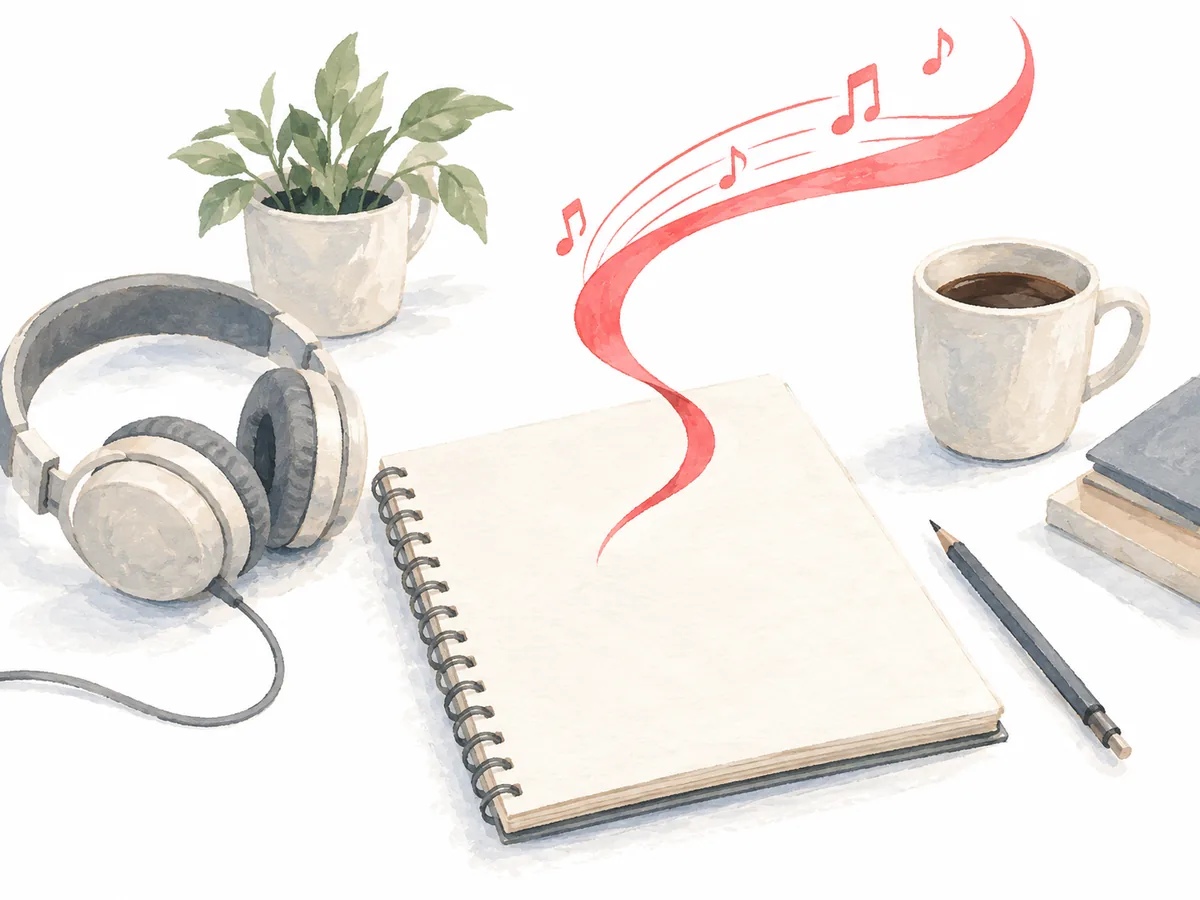
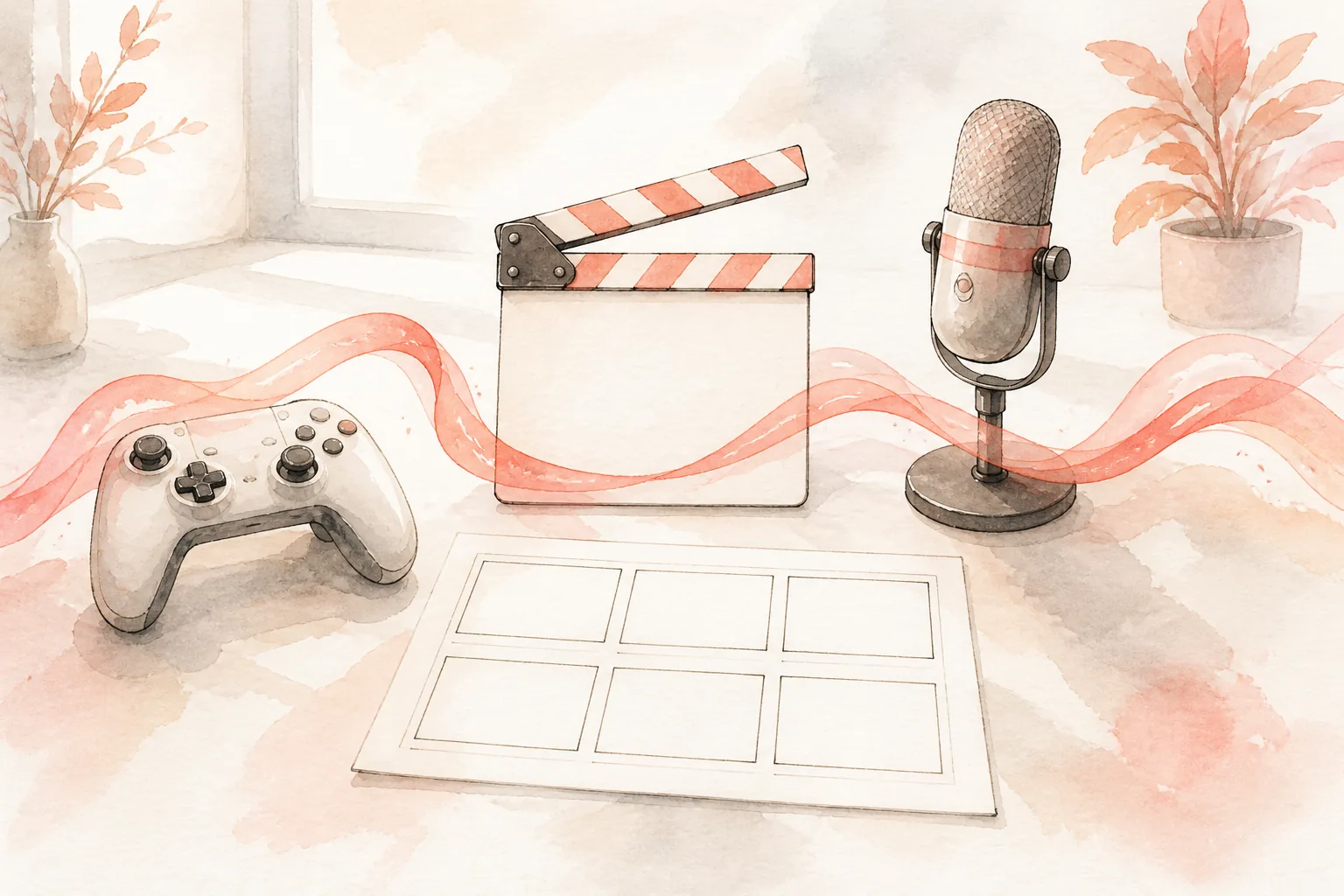
An online AI composer suits anyone who needs finished music for a project and can describe that music in words. Video editors, game makers, podcast hosts and lyric writers each bring a different job to the same Prompt box.
Name the scene, the pace of the cut and the feeling you want, for example a hopeful travel montage with light percussion. Switch on Instrumental Only when a voiceover will sit on top of the track.
Describe the setting and the energy of the level, such as a calm forest map or a tense boss room, and list instruments that suit that world. Play each take over a gameplay capture to judge the mood.
Ask for a bright opener, or a soft bed for the talk segments underneath. Mention the tone of the show, from relaxed interview to fast news recap, so the music matches the host.
Open the Own Lyrics tab, paste your lines, describe the style in the Styles box and pick Random, Male or Female under Vocal Gender.
The screenshot shows the Prompt tab of the OpenMusic generator before anything is typed. Every control a first brief needs sits on this one screen, and the Own Lyrics tab beside it holds the fields for sung songs.
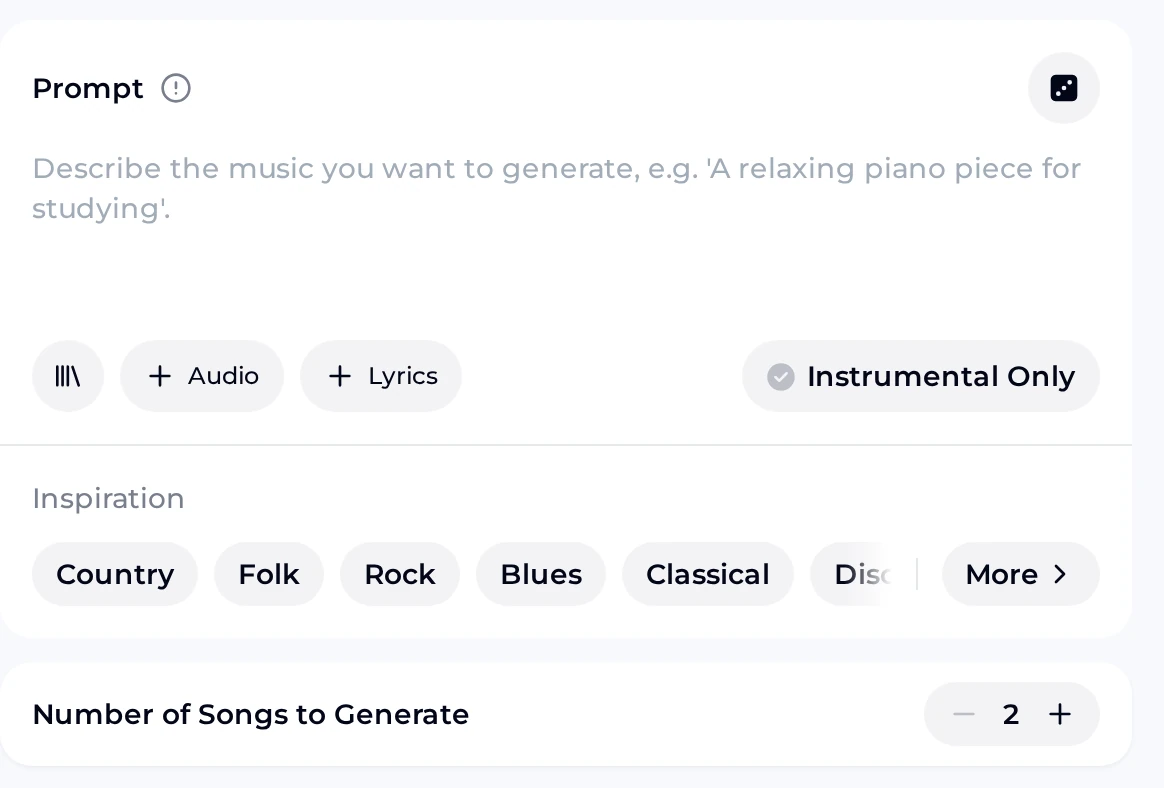
Below the panel sits the Generate Music for Free Now button that starts the run.
Each session follows the same loop of brief, settings, generate and listen. The steps match the controls in the screenshot above, so you can follow along with the panel open in another tab.
Describe the purpose first, then the sound: genre, mood, instruments, tempo feel and where the music will be heard. Tap an Inspiration chip to add a genre word without typing it.
Switch on Instrumental Only for music that sits under speech or picture. For a sung track, open Own Lyrics, paste your lines and pick a Vocal Gender.
Number of Songs to Generate defaults to 2, and the minus and plus buttons change it. Each song uses 2 credits. Press Generate Music for Free Now to start.
Play every take against your scene, level or lyrics. Keep the take that fits, or change one phrase in the brief and compose again so you can hear what that single change did.
The Prompt box takes a plain-English brief. Open each topic for the kind of detail worth writing down before you press generate.
Start with one genre and one mood, such as gentle folk or tense cinematic. Tapping an Inspiration chip such as Folk, Blues or Classical drops that genre word straight into your brief.
Name the instruments you want to hear, for example soft piano and strings, or light drums, bass and warm pads. Ambience is one of the tag categories, so words such as spacious or intimate fit here too.
Say where the song will play, such as under a product demo or behind a level select screen, and give a tempo feel like slow, mid-tempo or driving.
Leave Instrumental Only off and add lyrics when you want singing. In the Own Lyrics tab, Vocal Gender offers Random, Male and Female.
The + Audio button uploads a clip as a reference for the sound you have in mind. Use audio you own or have permission to use.

Run through these checks before each AI Composer session. A brief that passes them gives every take a clear target, and the listening step turns into a simple question: does this song fit the job? Tick the boxes as you go, and rewrite the line that fails before you spend credits on another run.
These sample songs show how the wording of a brief shapes the result. The first brief asked for a quiet instrumental bed, while the second asked for an indie song with vocals.
Listen with each brief in mind and note which words you would keep for your own AI composer music, such as the instrument list, the mood word or the request for vocals.
An AI audio composer like the one on OpenMusic turns a written brief into finished songs you can play in the browser. You describe genre, mood, instruments and purpose in the Prompt box, or paste lines into the Own Lyrics tab for a sung track. Number of Songs to Generate defaults to 2, and the minus and plus buttons change that count before you press generate. Every take is a full song, so you judge the arrangement and the mood together.
Yes. A free account includes 30 credits a year, which is 15 generations at 2 credits per song. Unused credits reset on your renewal date. When you need more, you can buy Pay Once credits or move to a paid plan. Paid plans download finished songs as MP3, WAV or FLAC, including songs you made earlier on the free plan, while free accounts get a limited number of downloads. Writing a clear brief before each run makes that yearly allowance go further.
Monthly and annual plans include commercial rights within the scope of the Commercial License, which covers publishing songs on platforms such as Spotify, Apple Music and YouTube. A Commercial License certificate costs 5 credits per song on monthly plans and with Pay Once credits, and 0 credits on annual plans. Licences you already hold stay valid if you cancel later. Download your songs and certificates while your plan is active, since downloads may be limited after a subscription ends.
Yes. To turn a poem or a lyric into an AI composer song, open the Own Lyrics tab and paste your words into the Lyrics box. Use the Styles box for the sound you want, add an optional title and choose Random, Male or Female under Vocal Gender. The Advanced section adds Weirdness and Style Influence settings plus an Exclude styles field. Pasting short, finished lines keeps each run focused on one draft.
Yes. The OpenMusic site opens in an ordinary mobile browser, and writing a brief, generating and listening all happen on the phone itself. Open the page in your phone's browser, type the brief, and play the takes through the phone speaker or headphones. A larger screen is handier when you edit long lyrics or compare several takes, so you can draft the brief on a phone and finish the listening at a desk.
The AI Composer returns finished audio songs. When a project calls for a MIDI file, the AI MIDI Generator creates one that you can fine-tune in its built-in MIDI editor and then download. When you want words before music, the AI Lyrics Generator drafts lyric lines when you give it a title and a short prompt; its More Settings menu adds Mood, Structure, Style and Language choices. Paste those lyrics into Own Lyrics afterwards to hear them sung.
Write a brief, choose vocals or Instrumental Only, and listen to every take in your browser.