Why Choose Our Photo Video Maker
Create Professional Videos From Photos in Minutes
OpenMusic AI's photo video maker transforms static images into dynamic videos with AI-powered effects, music integration, and royalty-free soundtracks included.
AI-Powered Image to Video Conversion
Our photo video maker uses advanced AI to automatically animate your photos with smooth transitions and motion effects. No manual editing skills required. Simply upload your images and let the technology handle the rest. Your video maker creates professional-quality results instantly.
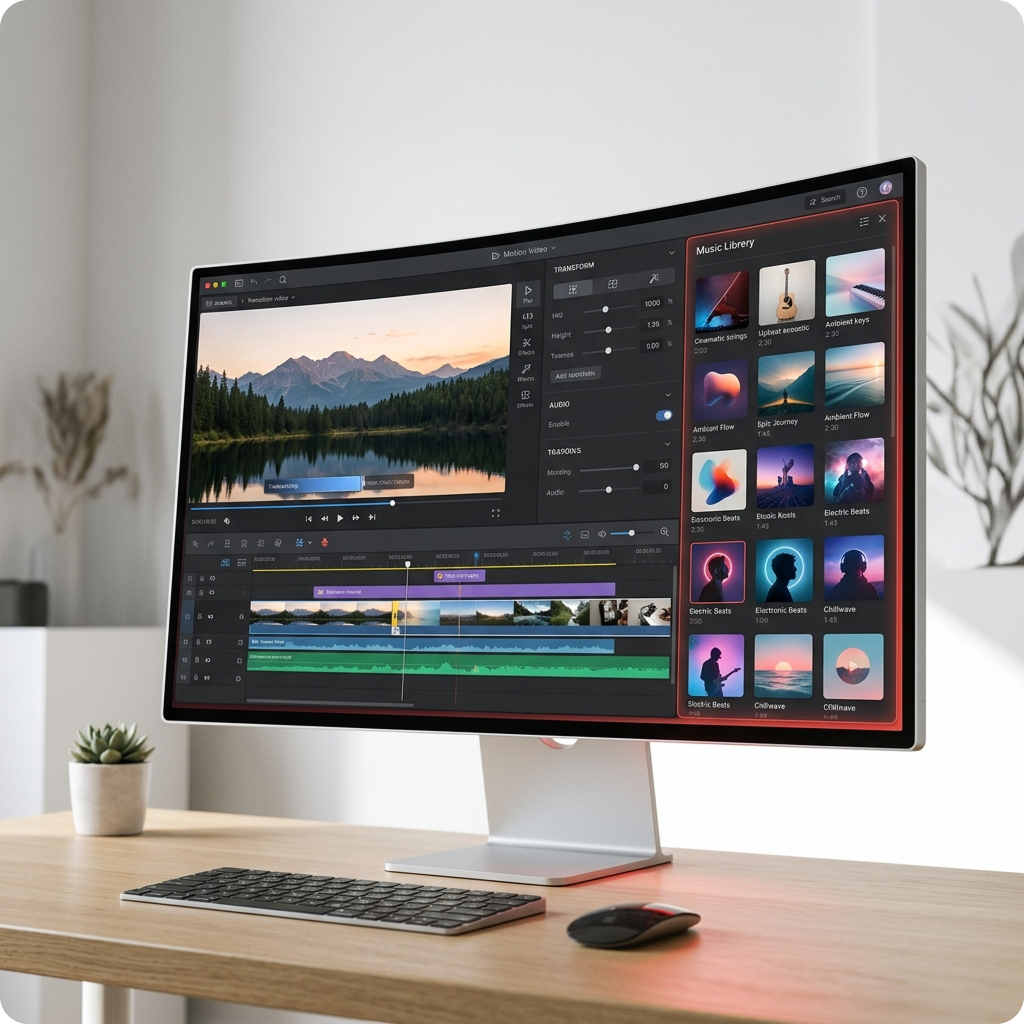
Built-In Royalty-Free Music Library
Access thousands of royalty-free tracks perfectly matched to your video mood. Our video maker includes curated music collections for every style. Add background music to your photo to video creation without copyright concerns. Every soundtrack is licensed and ready to use.
One-Click Video Export and Sharing
Generate your final video in seconds and download in multiple formats. Our image video maker supports HD, 4K, and social media dimensions. Share directly to Instagram, TikTok, YouTube, and more. No watermarks on your exported content.
How Photo Video Maker Works
Transform Your Photos Into Engaging Videos Effortlessly
OpenMusic AI's photo video maker simplifies the entire process from image upload to final export. Create stunning photo to video content in three straightforward steps.
Upload Your Photos
Select multiple images from your device or cloud storage. Our free photo video maker accepts JPG, PNG, and other common formats. Arrange your photos in the desired sequence. The image video maker automatically detects and optimizes each photo for smooth video transitions.
Add Music and Effects
Choose from our royalty-free music library or upload your own audio. Apply AI-generated transitions, animations, and effects to enhance your photo to video creation. Adjust timing, speed, and visual effects to match your music perfectly. Our photo video maker with music feature syncs everything automatically.
Download and Share
Export your completed video in your preferred resolution and format. The image to video maker generates files optimized for any platform. Download instantly or share directly to social media. Your free video maker produces broadcast-quality results ready for immediate use.
POWERFUL PHOTO VIDEO MAKER FEATURES
Everything You Need in a Photo Video Maker
OpenMusic AI delivers comprehensive tools for creating professional photo to video content. Our free photo video maker includes advanced features typically found in expensive software.
Smart Photo Animation Engine
Our photo video maker uses AI to intelligently animate static images with natural motion and depth effects. Each image to video conversion includes automatic scene detection and motion mapping. Your photo to video creation gains professional cinematic quality without manual keyframing. Perfect for creating engaging social media content.
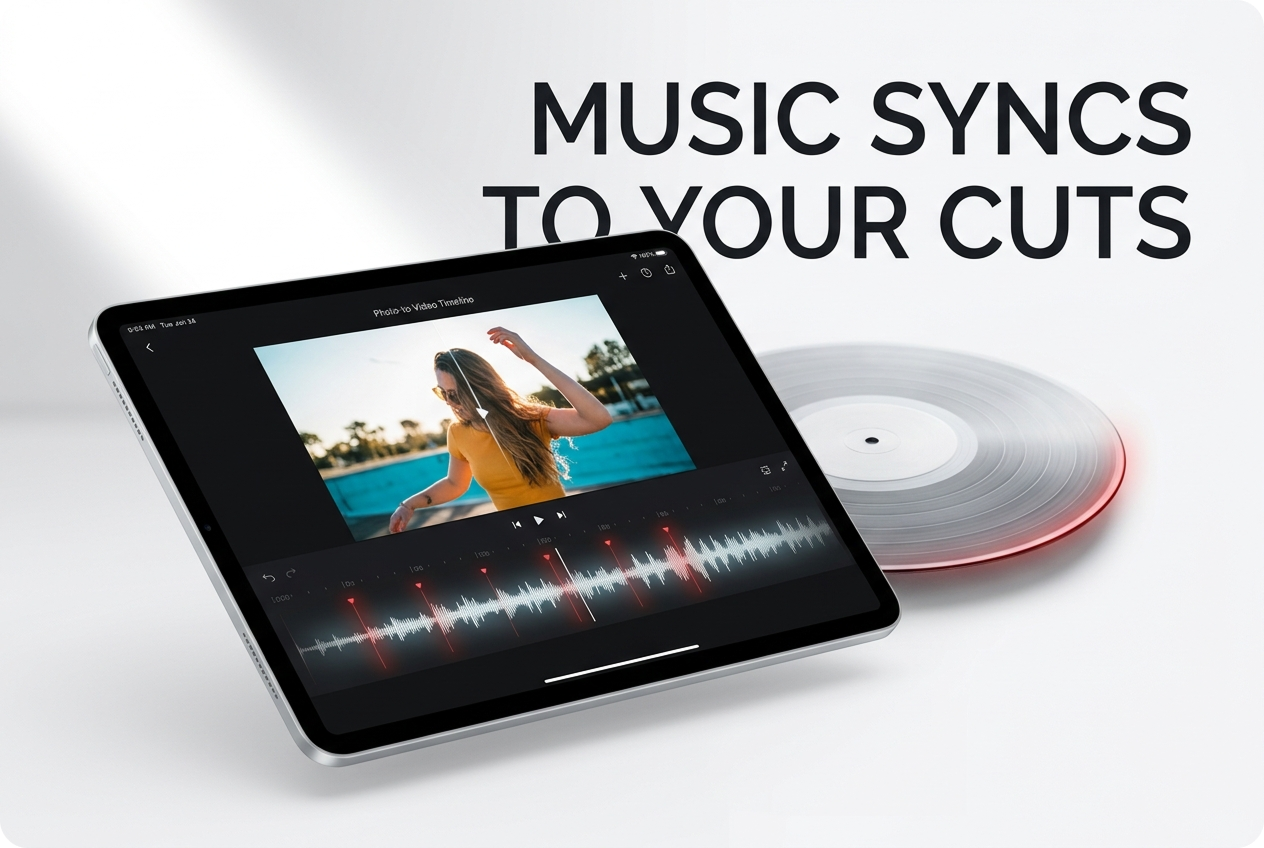
Royalty-Free Music Integration
Access unlimited royalty-free tracks within your photo video maker. Our video maker includes music from multiple genres and moods. It automatically syncs music beats with your photo transitions. Create photo to video content with professional soundtracks included at no extra cost.
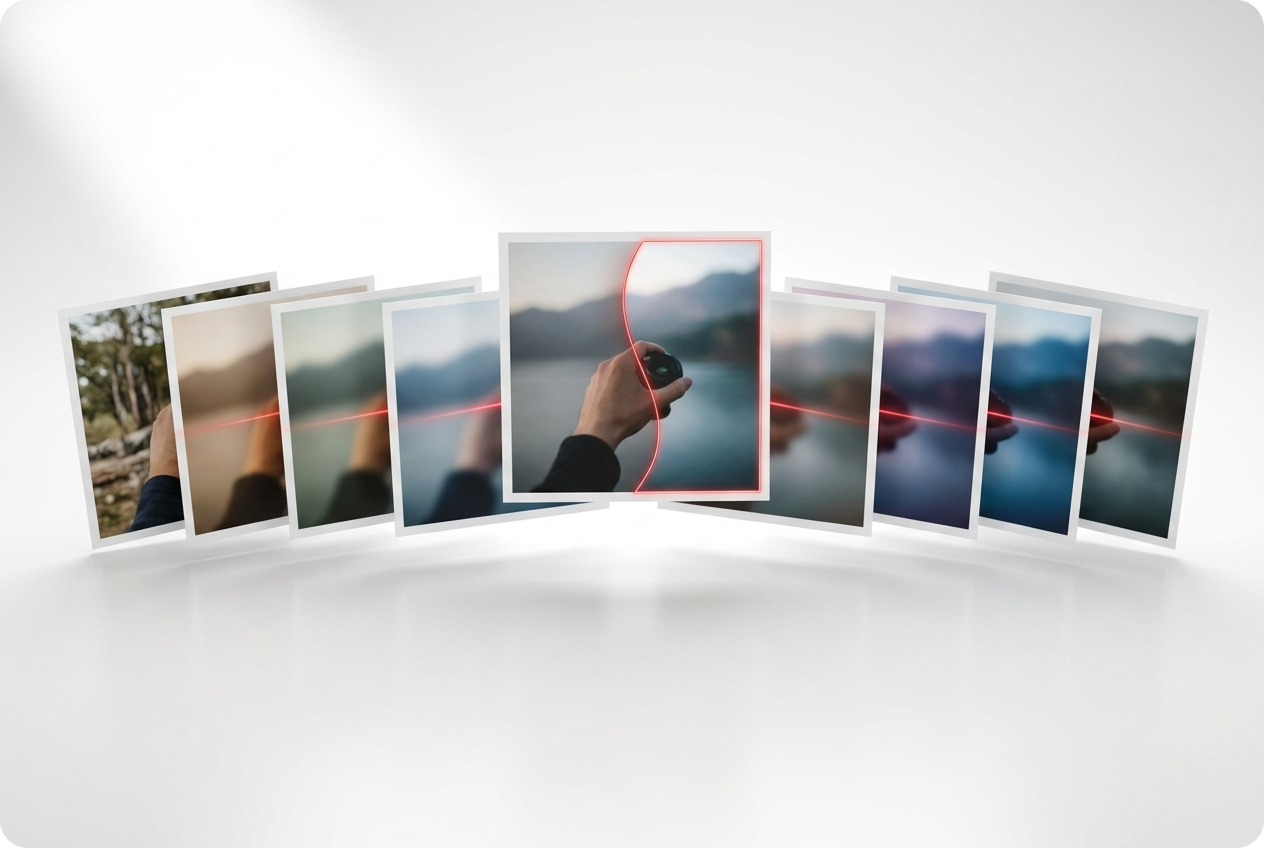
Customizable Transitions and Effects
Our photo video maker offers dozens of transition styles to connect your images seamlessly. Apply filters, color grading, and visual effects to each photo in your video. Our video maker lets you adjust speed, duration, and effect intensity. Create unique photo to video stories with complete creative control.
Multi-Format Export Options
Export from your photo video maker in HD, 4K, or social media formats. The free photo video maker supports MP4, WebM, and other popular video codecs. Your video maker generates optimized files for YouTube, Instagram, TikTok, and more. Download instantly without watermarks or quality compression.
Frequently Asked Questions
Can I use my own music in the image video maker?
Yes, the video maker accepts custom audio uploads. You can add your own music, voiceovers, or sound effects to your image to video creation. Simply upload your audio file and sync it with your photo transitions using our timeline editor.
What file formats does the free video maker support?
Our video maker accepts JPG, PNG, GIF, and WebP image formats. The image video maker exports to MP4, WebM, and MOV. Your photo to video creation can be downloaded in multiple resolutions including HD and 4K quality.
How long can my photo to video creation be?
Our video maker supports videos up to 30 minutes in length. Your image video maker can handle unlimited photos per project. Create extended photo to video slideshows or short social media clips with the same professional quality.
Is the music truly royalty-free in this photo video maker?
All music in our video maker library is fully licensed and royalty-free. You can use tracks in your image to video creation for commercial or personal projects without additional fees. The free video maker includes proper licensing for all included music.
Can I edit my photo video after creation?
Yes, the video maker allows unlimited revisions. Return to your project anytime to adjust transitions, music, effects, or photos. Your image video maker saves all changes automatically. Create multiple versions of your photo to video content without starting over.

Start Creating Your Photo Video Maker Content Today
Transform your photos into professional videos with OpenMusic AI. Create stunning image to video content with music and effects instantly.