Create Music Visualizer
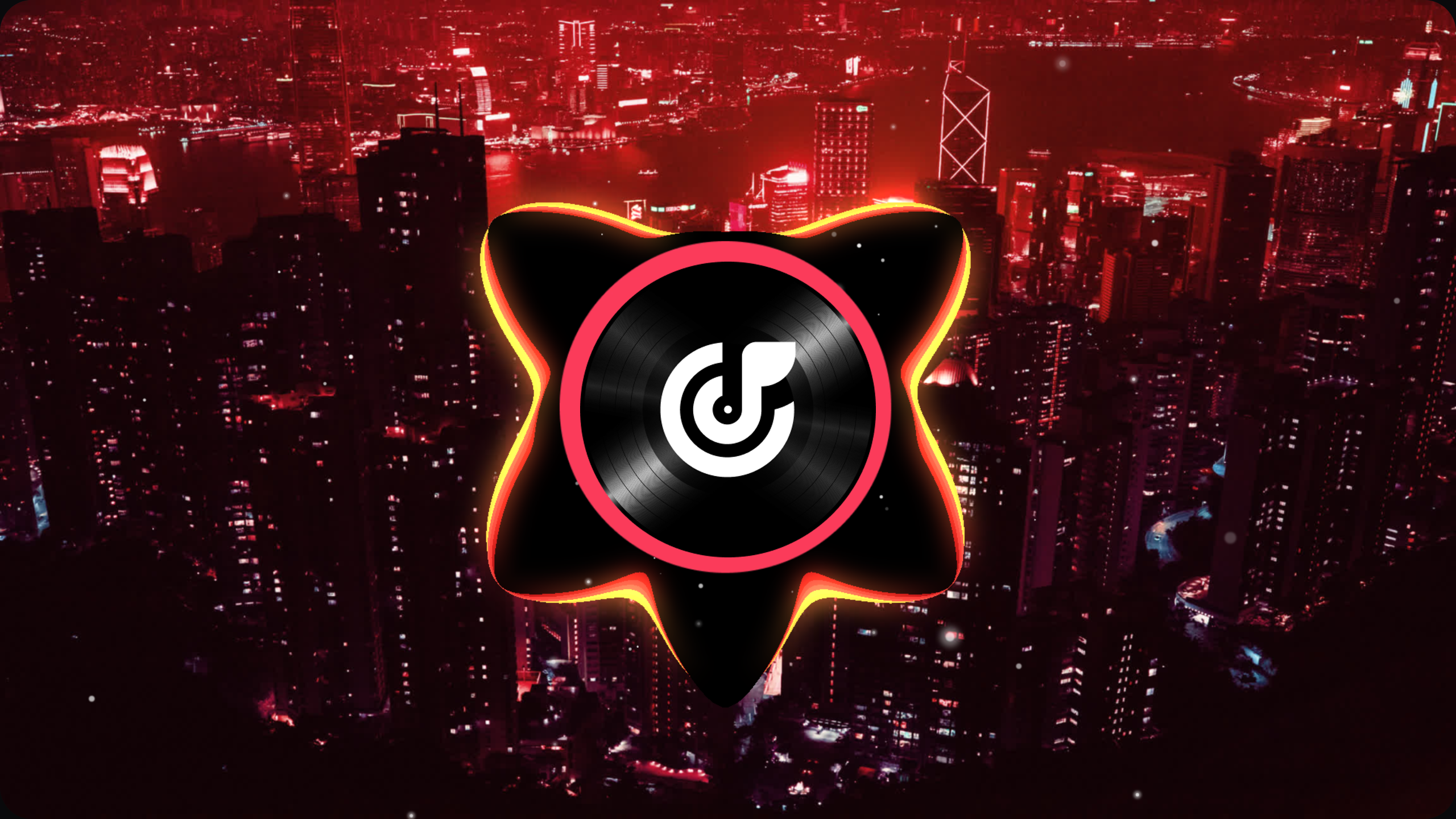
Magma
circle solid visualizer
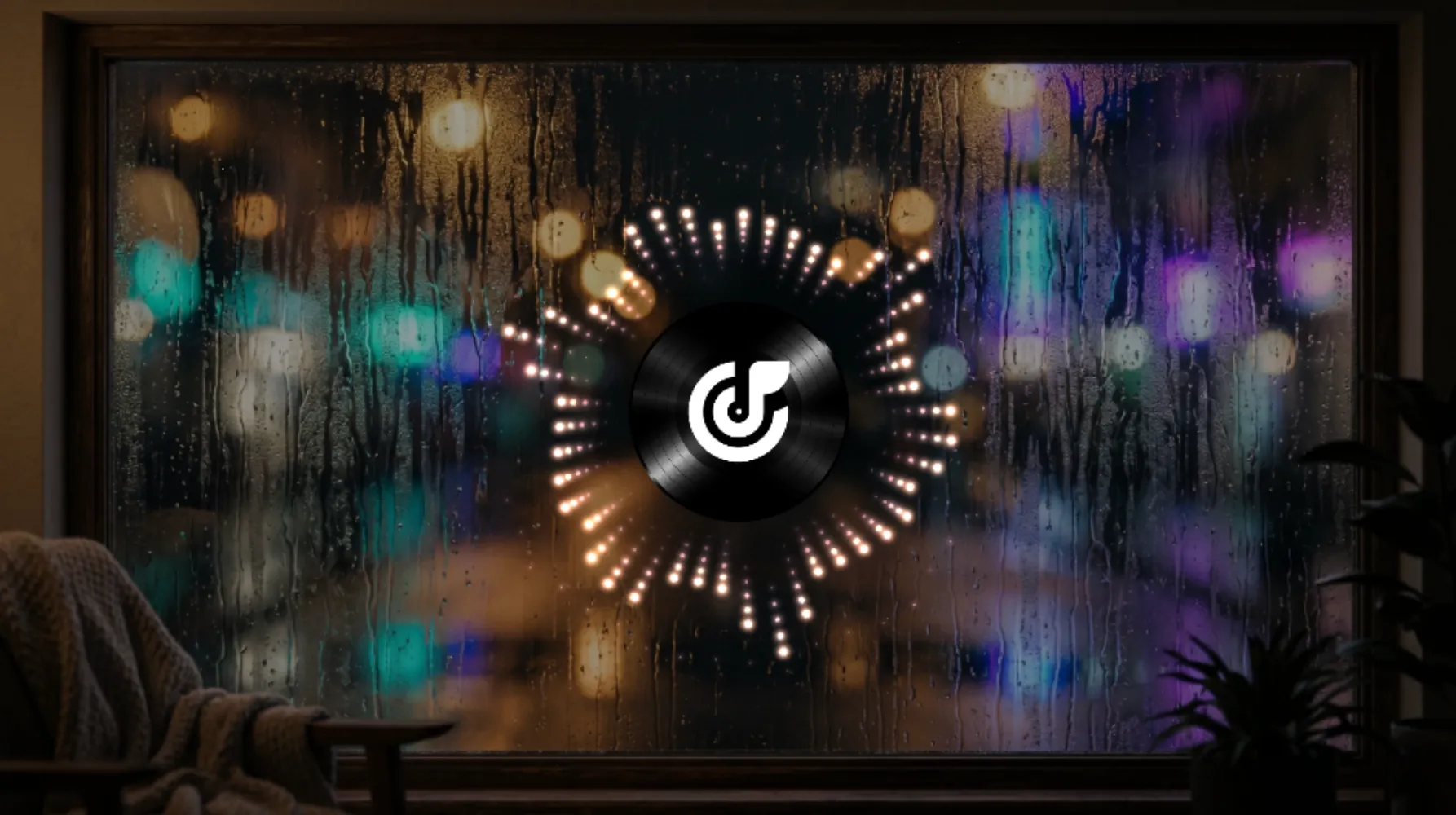
Counting Stars
circle point visualizer

Datascape
flat solid visualizer
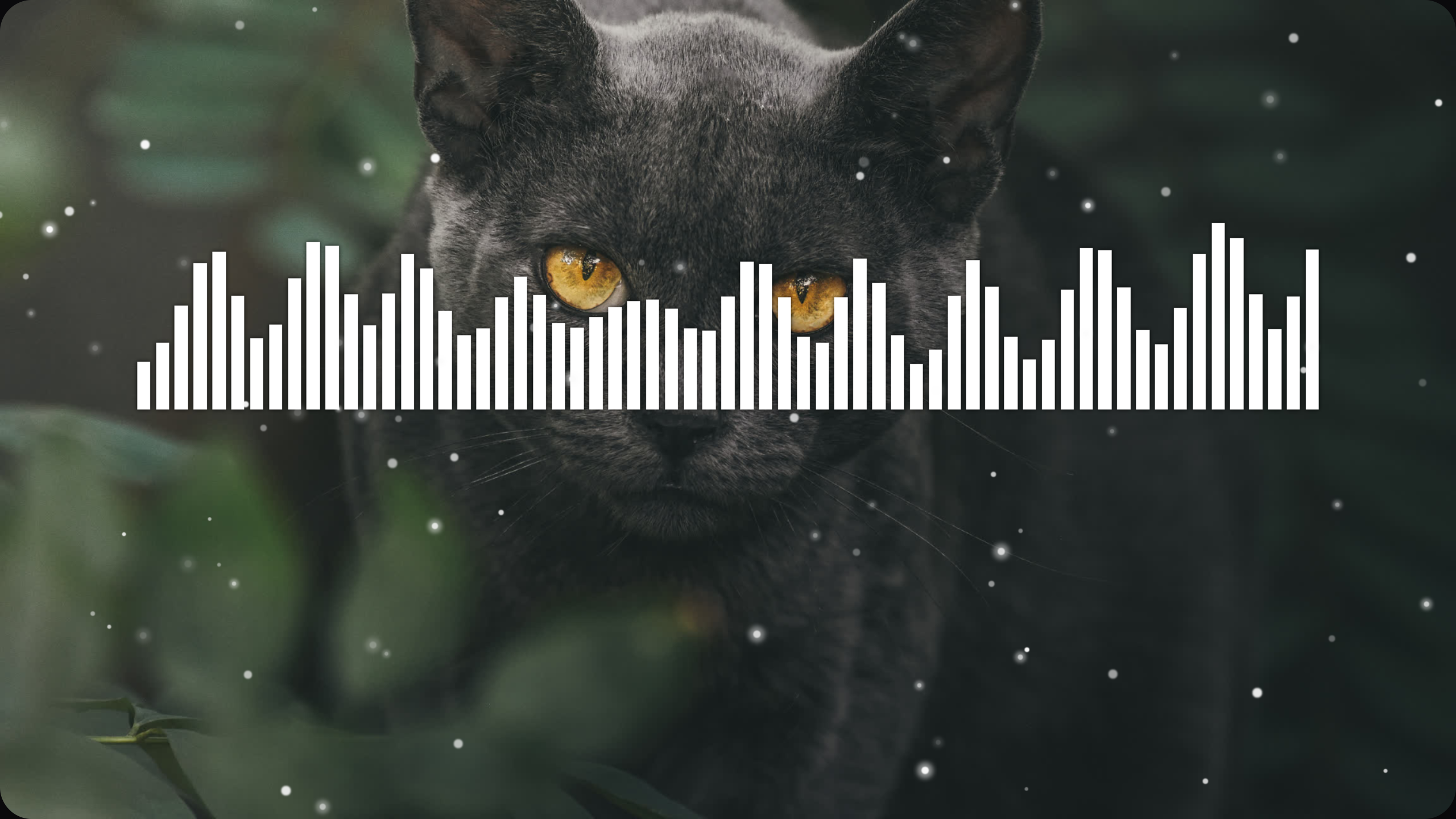
Jungle Cat
flat bar visualizer
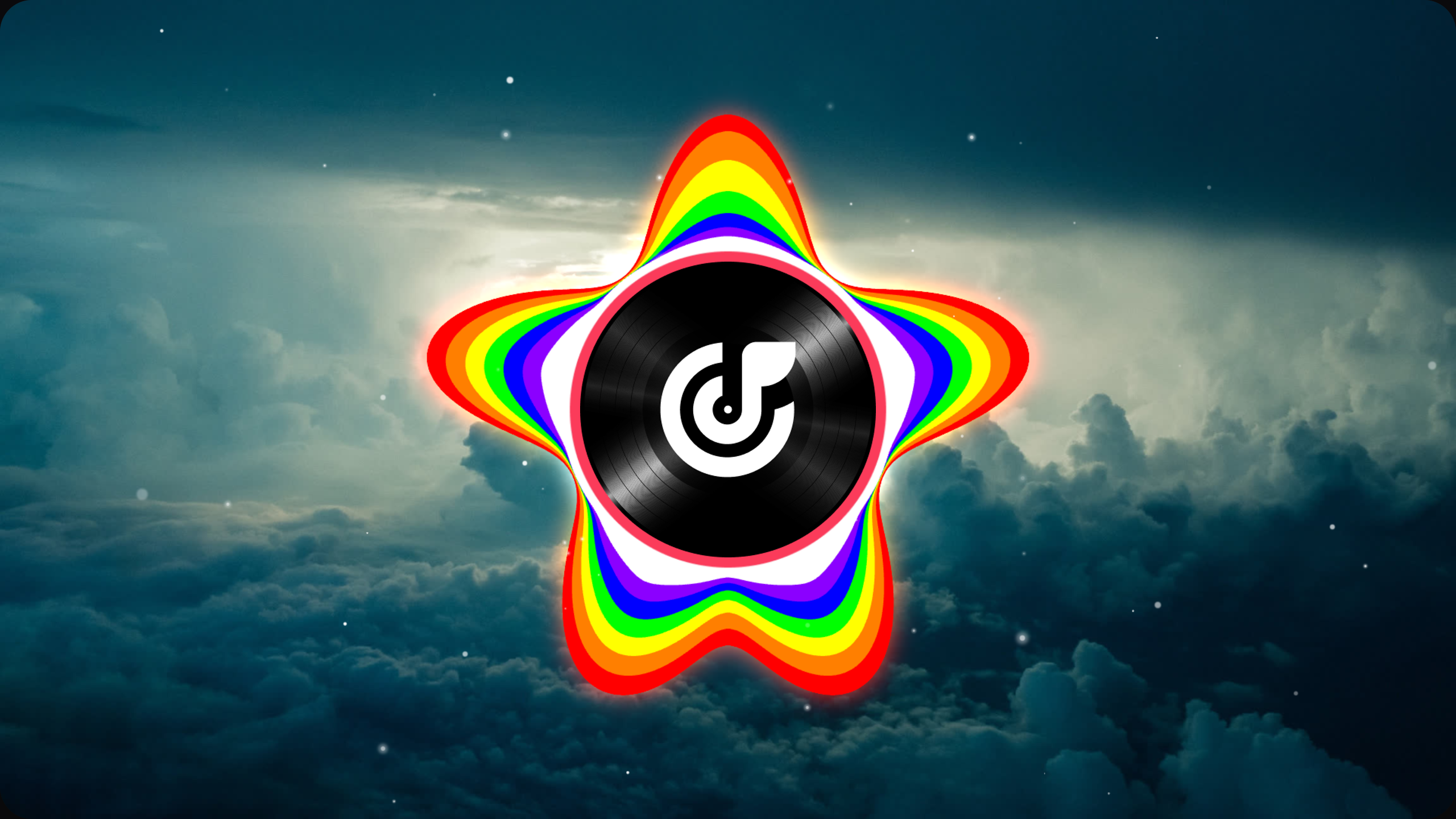
Chromatic
circle solid visualizer

Snowflake
circle solid visualizer
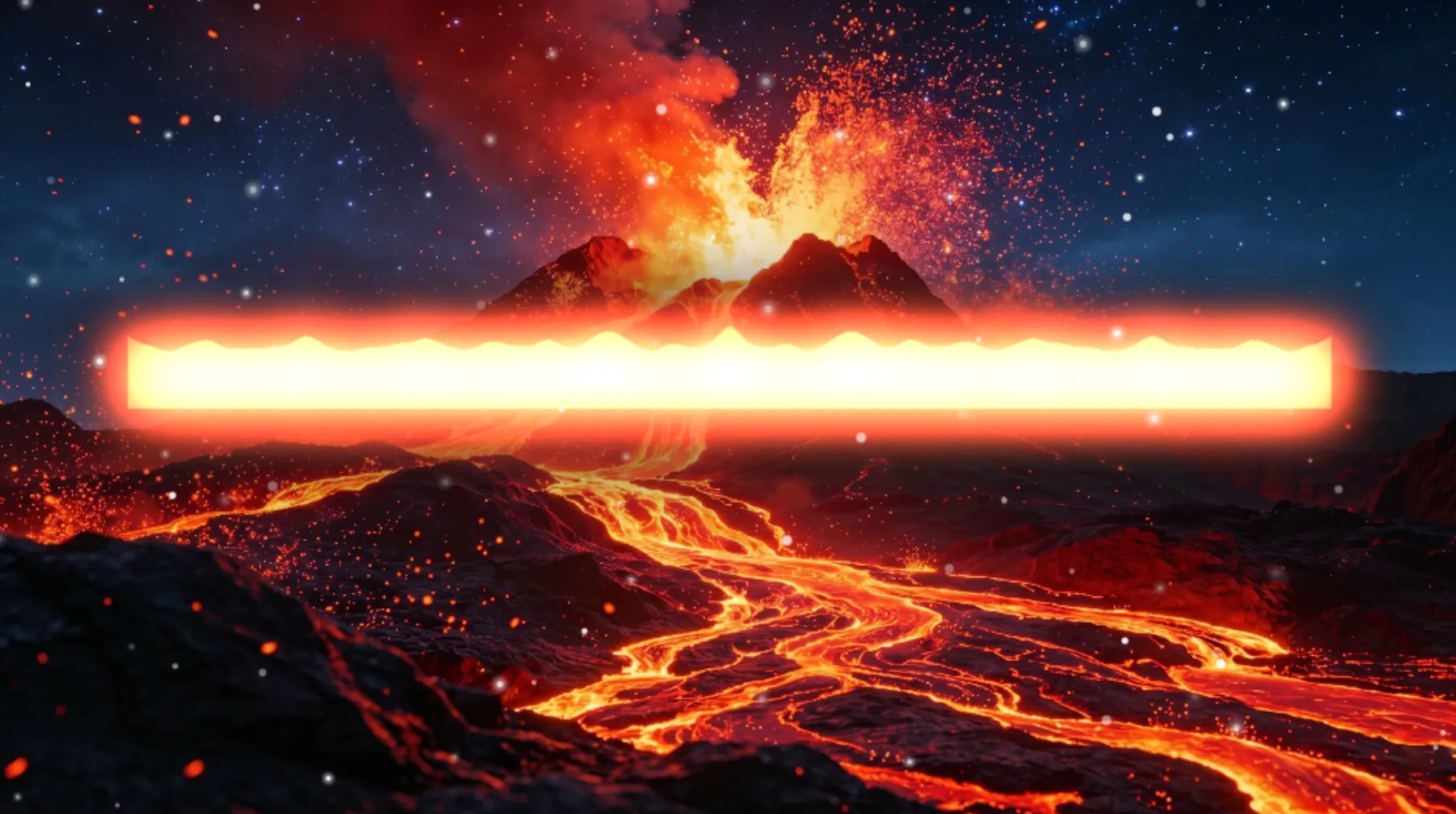
Range of Fire
flat solid visualizer
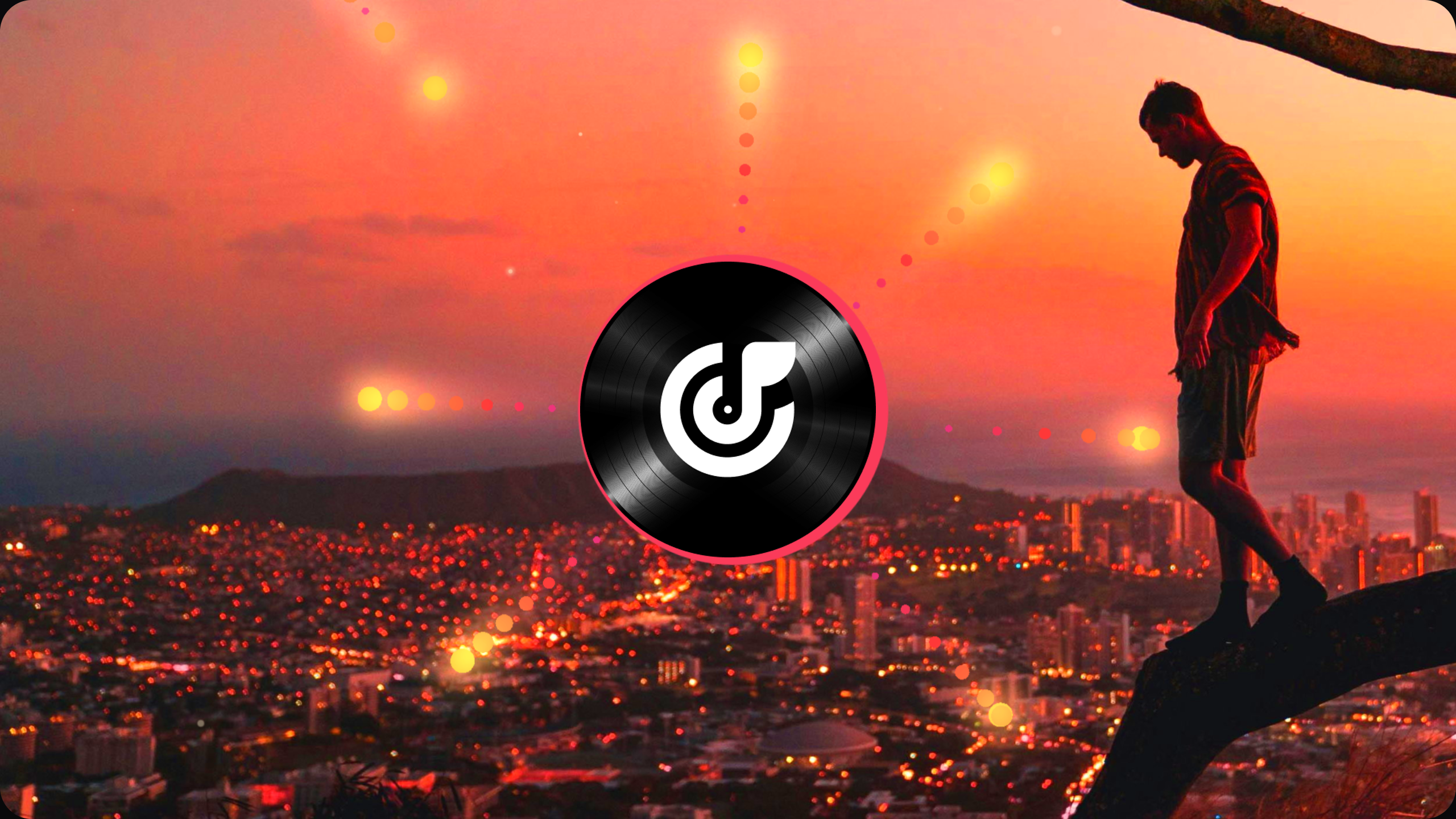
Seven Suns
circle point visualizer
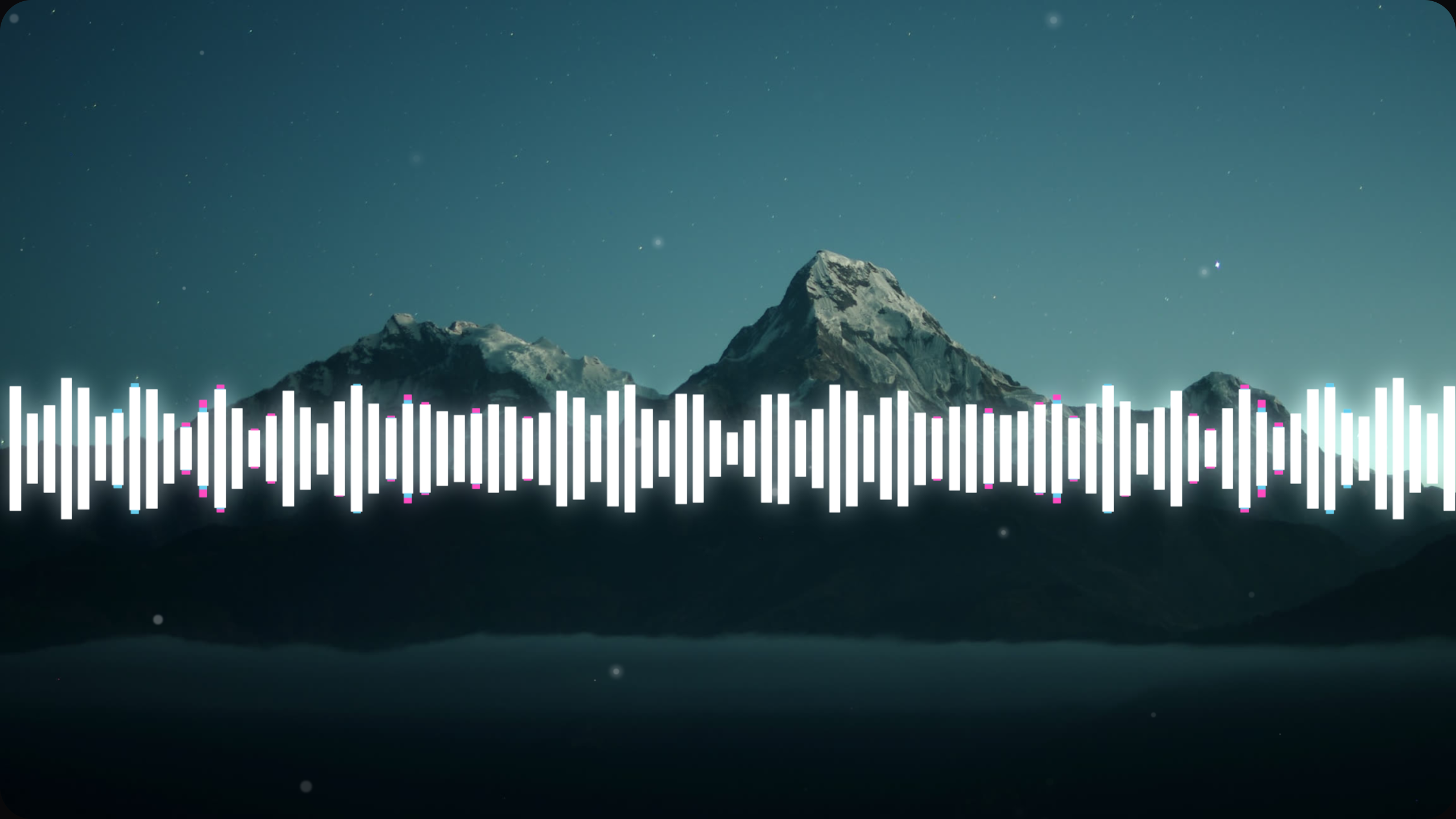
Prismatic Shard
flat bar visualizer
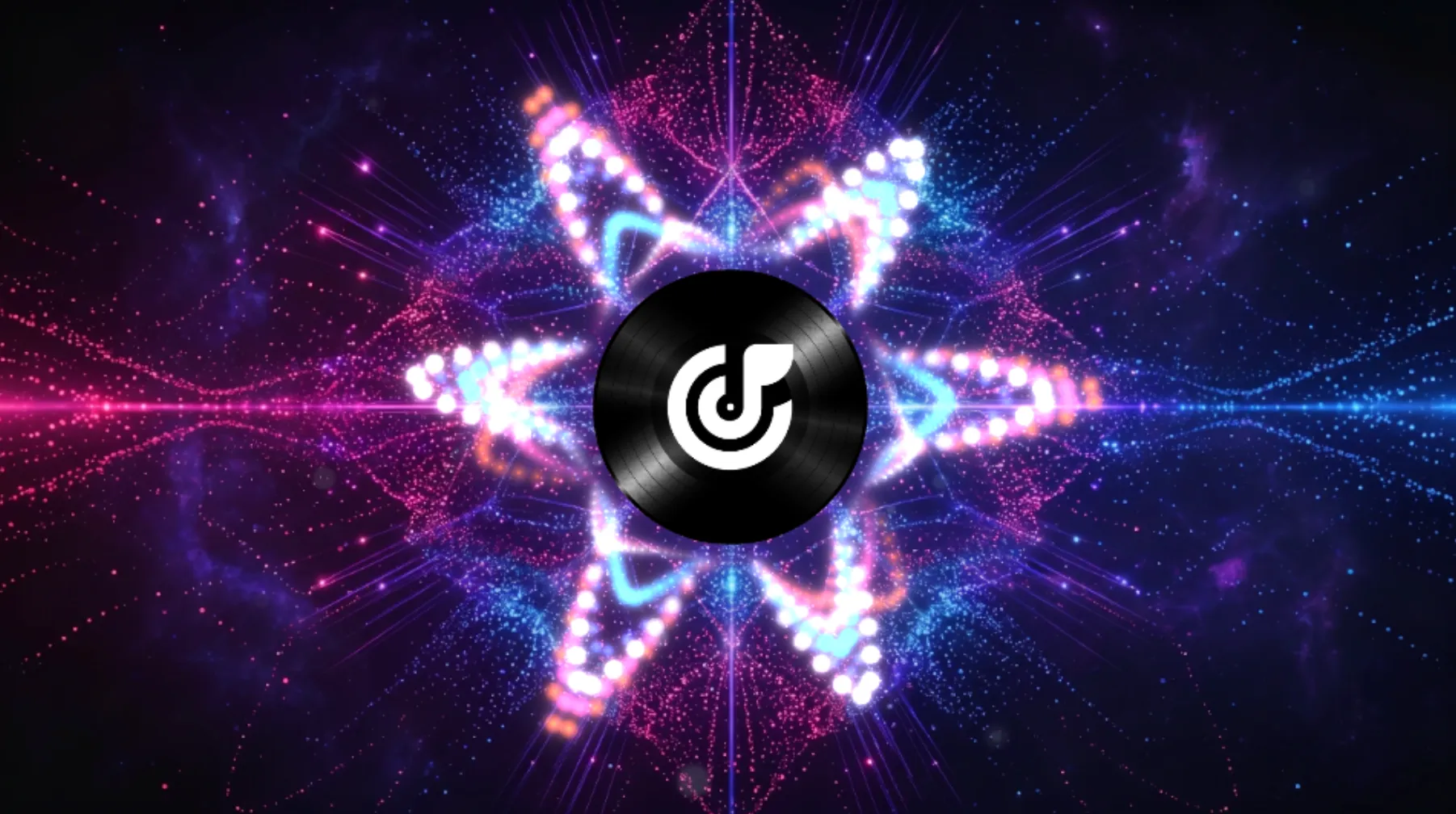
Pinky Pop
circle point visualizer
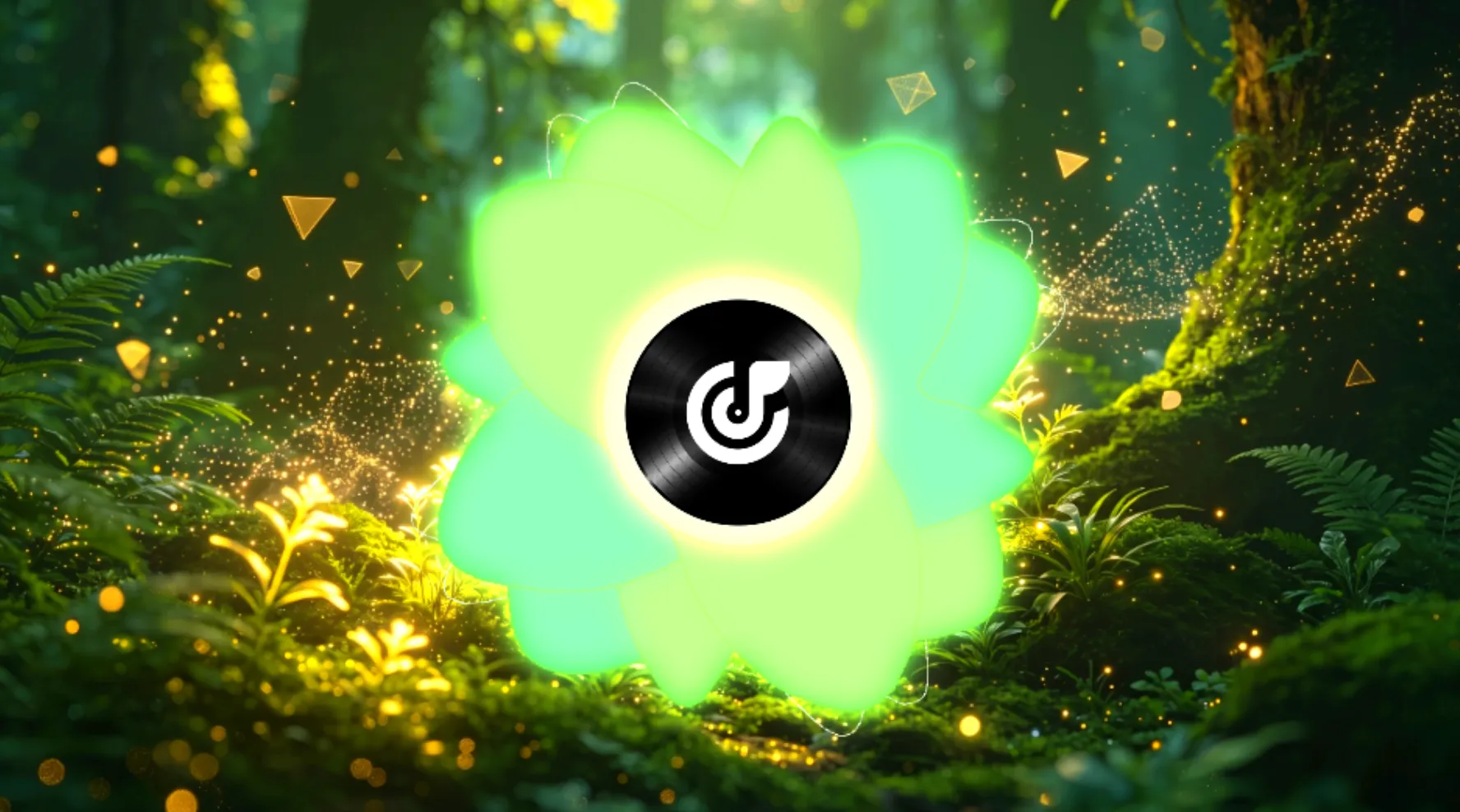
Lucky Clover
circle solid visualizer
Audio to Video in Minutes
Create Videos with AI Music Visualizer
Upload a track, customize the visual style, and export a finished video for DJ sets, social content, or any audio project.
Upload Your Track
Choose an audio file from your device or library to start your project. The system reads your track first so the visuals can follow the beat and timing more closely.
Customize the Visuals
Pick wave styles, colors, and lyric text to shape the look of your video. Preview changes as you work so you can adjust the style before export.
Export and Share
Download the finished video when your design is ready. Use it for YouTube, DJ sets, social posts, or other publishing needs.
Built For Faster Output
Why Creators Use This AI Music Visualizer
OpenMusic helps creators make music videos faster with audio analysis, flexible visual controls, and ready-to-export video output.

Smart Audio Analysis
The system reads tempo, beat changes, and track energy before building the visual flow. This helps your video react to the music with less manual editing.

Flexible Customization
Adjust wave shapes, text styles, and colors to match your brand, track mood, or video format. You can make changes quickly without rebuilding the whole project.

Multi Scene Adaptation
Create videos for music releases, DJ sets, social clips, and live visuals from one workflow. This makes it easier to reuse the same track across different formats.
Visual Tools That Matter
Use More Tools In AI Music Visualizer
Build music videos with tools for audio waves, lyric subtitles, color themes, and high-resolution export.
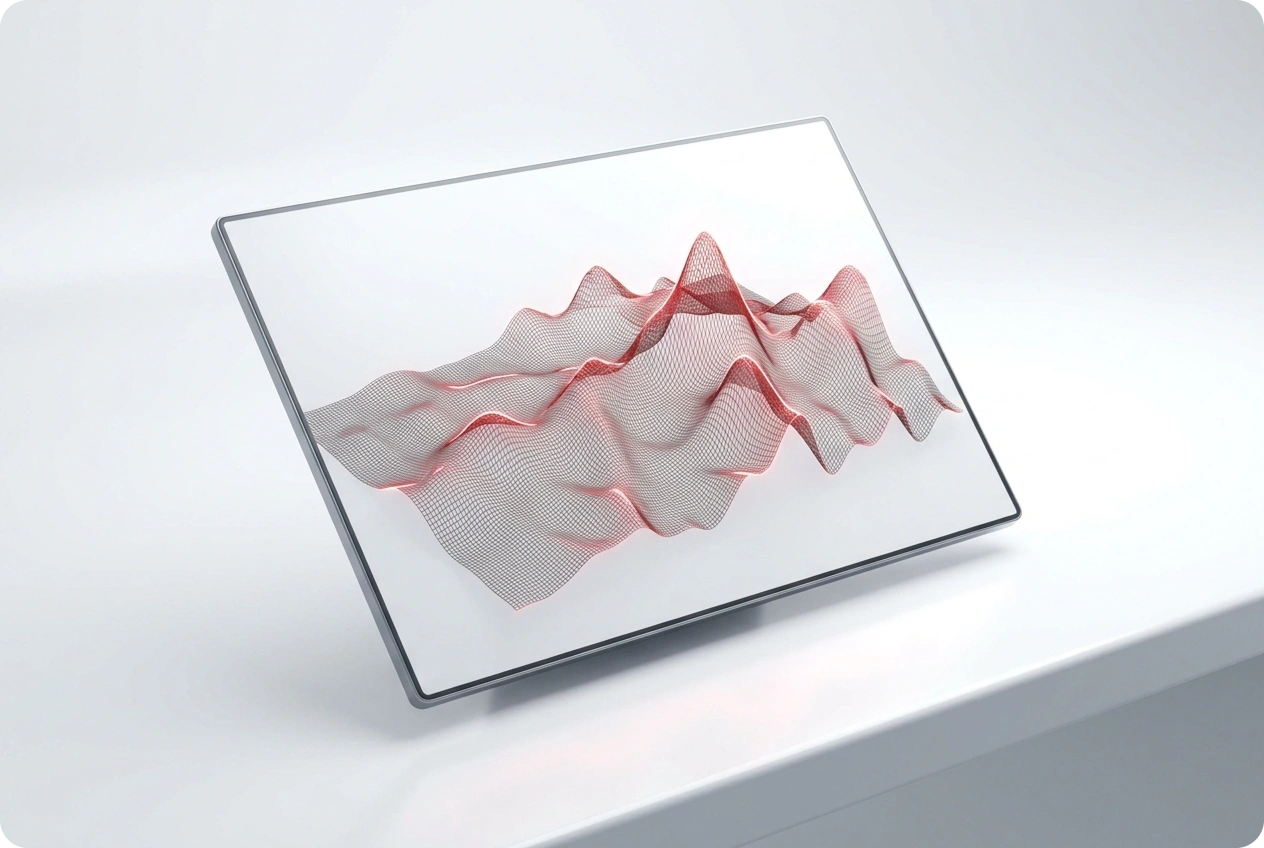
Dynamic Audio Waves
Create wave visuals that react to every beat and bass drop. Your video stays synced with the music, keeping viewers engaged without manual editing.

Auto Lyric Subtitles
Add karaoke-style lyrics in seconds. The AI transcribes your track and times the text to the music — no manual typing or syncing required.
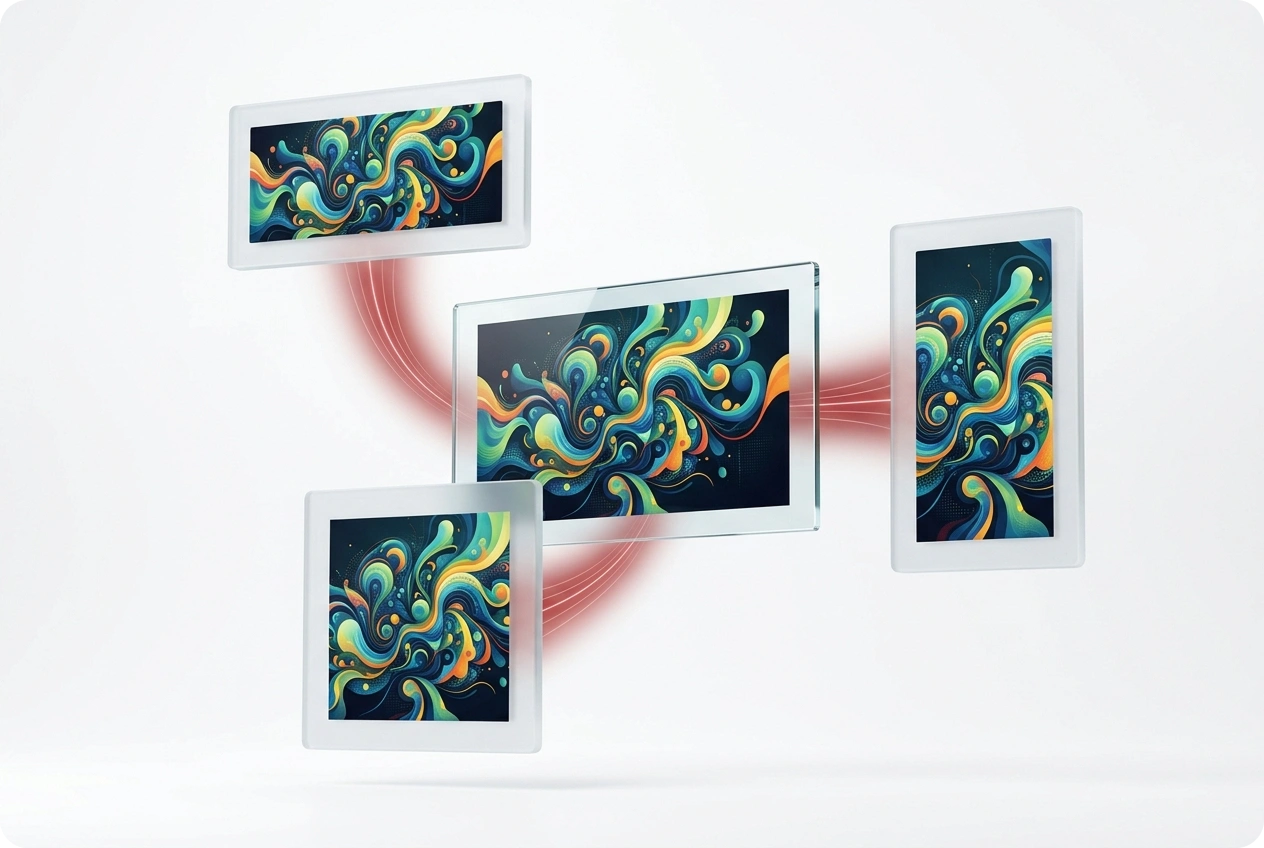
Custom Color Palettes
Pick colors that match your track’s mood or your brand identity. Cohesive visuals make your videos more recognizable across platforms.
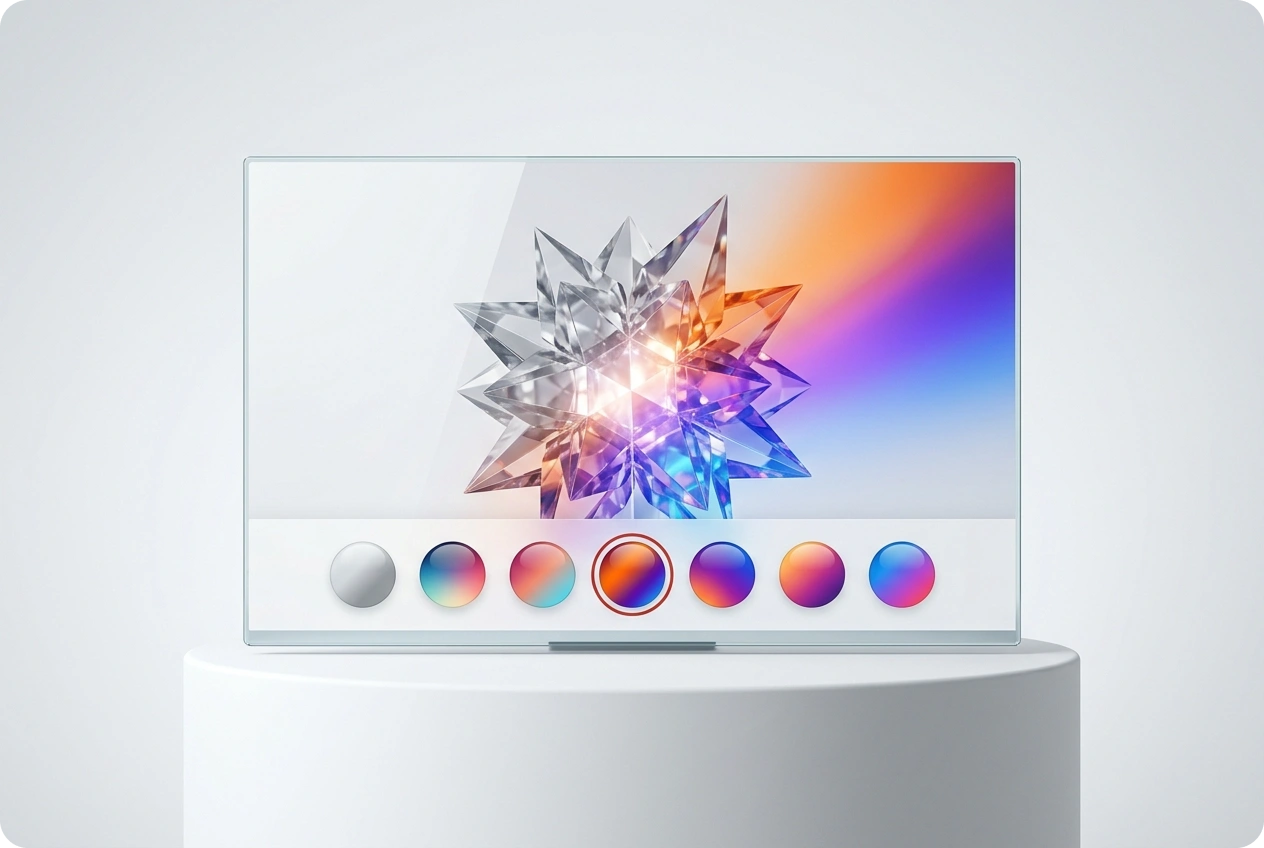
High Resolution Export
Download videos ready for YouTube, Instagram, DJ sets, or big screens. No quality loss, no re-rendering.
Frequently Asked Questions
What makes this one of the best music visualizers for creators?
AI Music Visualizer helps creators turn audio into video with beat-based motion, lyric tools, visual controls, and flexible export options.
What is a music visualizer and how does it help creators?
A music visualizer turns audio into animated graphics, helping creators make videos for songs, podcasts, DJ mixes, and other audio content.
Do I need to install any music visualization software on my computer?
No. The platform runs in your browser, so you can create videos without a heavy local install.
Can I use this music visualizer for live DJ performances?
Yes. You can create background visuals for DJ sets, stage screens, and other live performance formats.
How long does it take to create a visualizer video?
Processing time depends on track length and effect settings, but many standard projects finish within a few minutes.

Launch Your AI Music Visualizer Today
Transform your tracks into stunning videos. Engage your audience with professional video visuals right now.