
The Ultimate AI Vocal Remover
Unlock the Power of AI Vocal Remover
Discover how any track can be split into vocals or instrumental with our AI Vocal Separator. Clean separation in seconds, perfect for karaoke, remixes, and music projects.

Vocal Isolation Tools
Professional Beat Remover For Clear Vocals
Musicians and creators use this Beat Remover to extract clear vocals from any song for remixes, ensuring high-quality audio separation without complex engineering tools.
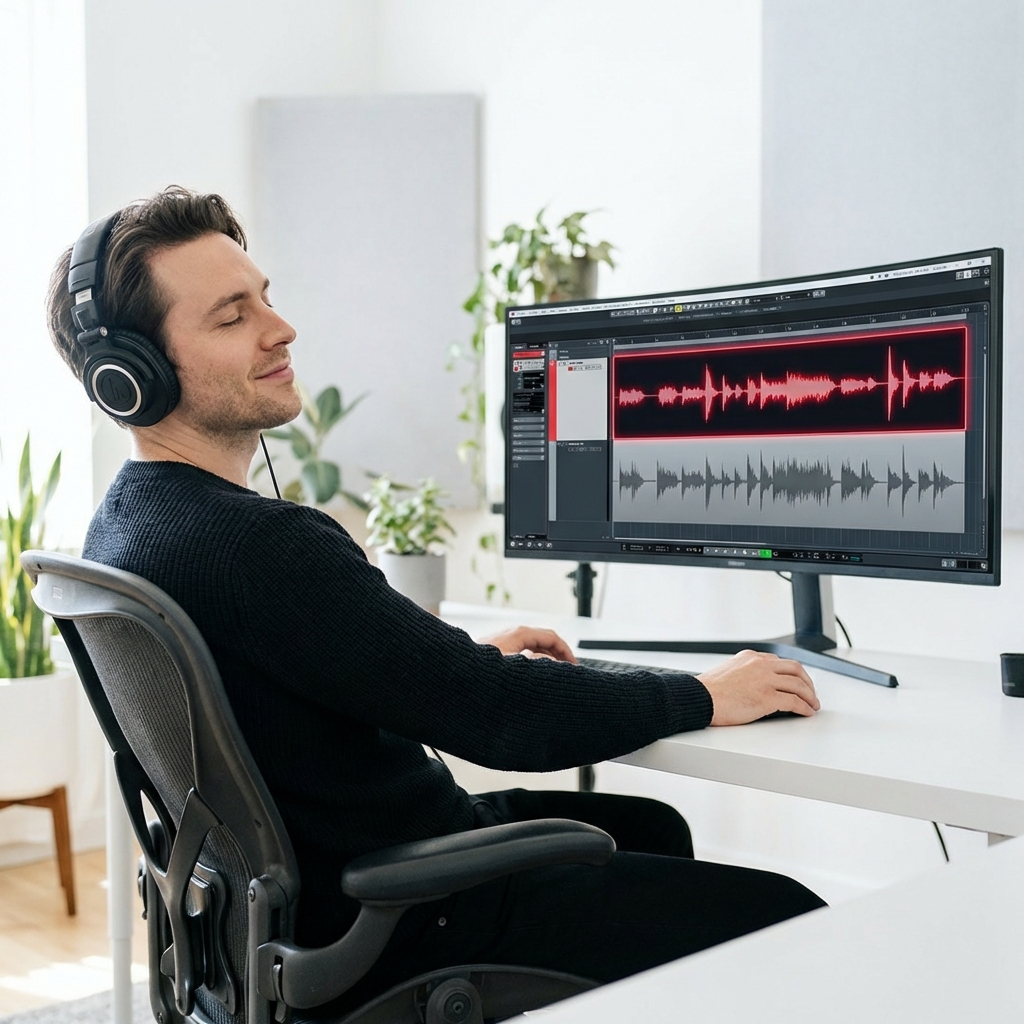
Music Producers
Isolate clean acapellas from existing tracks to create bootlegs, remixes, or samples without background drums clashing with your new production.
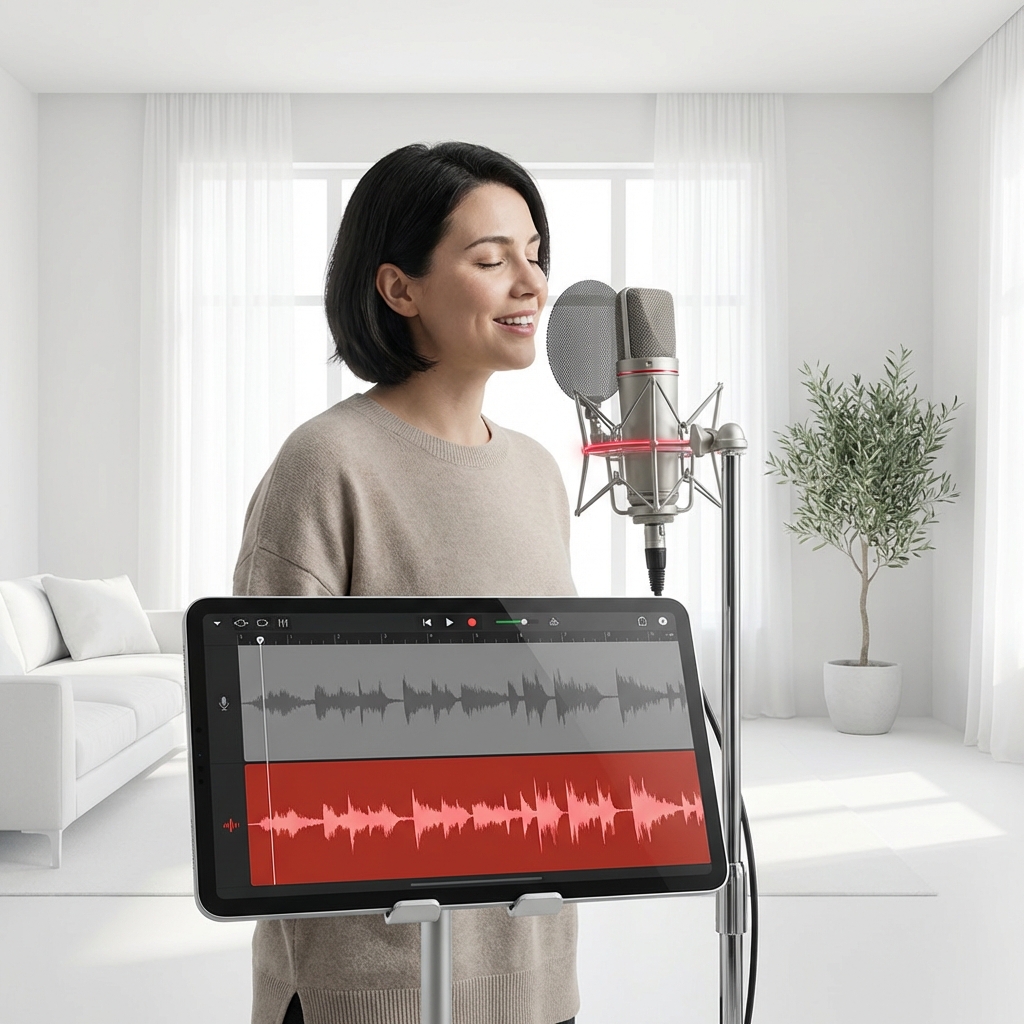
Karaoke Enthusiasts
Separate the instrumental backing from the vocals to study the singer's technique or practice your own performance over the original melody.

Video Editors
Extract dialogue or specific vocal lines from background music to make audio clearer for documentaries, social media clips, and video essays.
Easy Extraction Process
Extract Vocals From Songs In Seconds
Our AI Beat Remover simplifies audio engineering into three steps so you can remove beat tracks fast and download isolated vocals for your projects.
Upload Your Audio File
Drag and drop your MP3 or WAV file directly into the browser to start the separation process immediately.
Let AI Separate Tracks
The system automatically analyzes the frequency spectrum and splits the voice from the drums and instruments.
Download Stems Separately
Preview the results and save the isolated vocal track or the instrumental beat to your device instantly.
Advanced Audio Tech
Powerful Beat Remover And Audio Tools
Experience professional audio separation with our online Beat Remover designed to remove beat layers cleanly while preserving the original quality of your vocal tracks.
Precision Vocal Isolation
Our algorithm targets vocal frequencies specifically to ensure the extracted voice remains crisp and free from robotic artifacts or muddy residue.
Fast Processing Speed
Stop waiting for long rendering times as our cloud-based engine processes your uploads and separates stems in just a few moments.
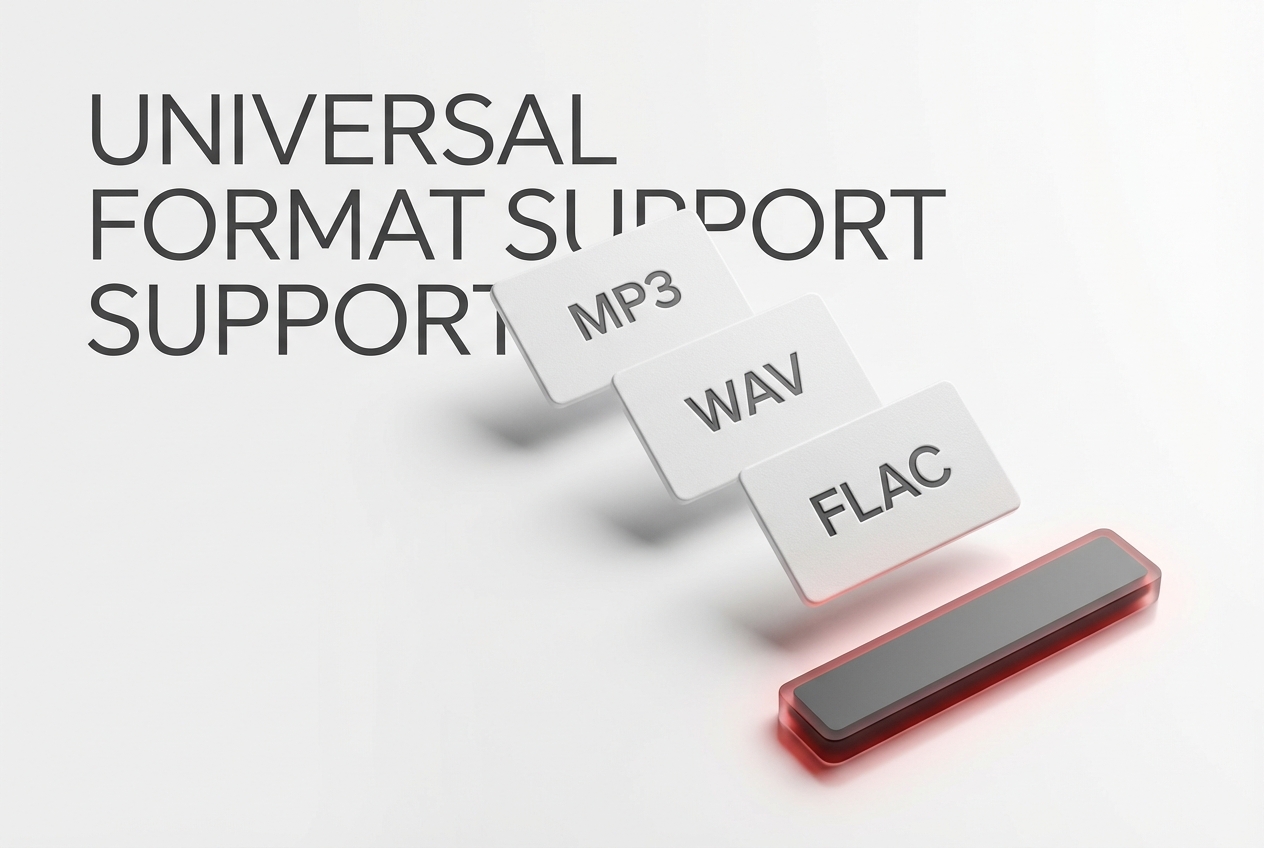
Multiple Format Support
Upload various file types including MP3, WAV, and FLAC to remove beat elements without worrying about file conversion or compatibility issues.
Secure Data Handling
Your uploaded files are processed automatically and deleted from our servers after download to ensure your creative projects remain private.
Frequently Asked Questions
How does the AI Beat Remover separate audio?
The tool uses deep learning models trained on thousands of songs to recognize and distinguish between vocal frequencies and instrumental percussion. It then digitally filters these layers to provide two distinct audio files.
What is the best AI Beat Remover for high quality?
For the best results, choose a tool that supports lossless file formats like WAV and uses updated neural networks. Our platform prioritizes audio fidelity to ensure the output remains studio-quality.
Can I remove beat from older recordings?
Yes, the technology works on vintage tracks, though the separation quality depends on the original mix density. It is highly effective at isolating vocals even from mono recordings.
Do I need to install software to remove beat layers?
No installation is required as this is a fully web-based solution. You can access the tool from any browser on your desktop or mobile device to process audio.
What happens to my files after I use the Beat Remover?
We prioritize user privacy and ensure that all uploaded audio and generated stems are permanently deleted from our servers shortly after you complete your download.

Start Your Vocal Isolation Journey Today
Upload your audio now and let the Beat Remover split your tracks into stems immediately.