
The Ultimate AI Vocal Remover
Unlock the Power of AI Vocal Remover
Discover how any track can be split into vocals or instrumental with our AI Vocal Separator. Clean separation in seconds, perfect for karaoke, remixes, and music projects.

Clear Audio Solutions
Extract Clean Vocals for Your Projects
Content creators and producers need clean audio tracks. You can remove background music from audio files quickly to get studio-quality voice recordings.
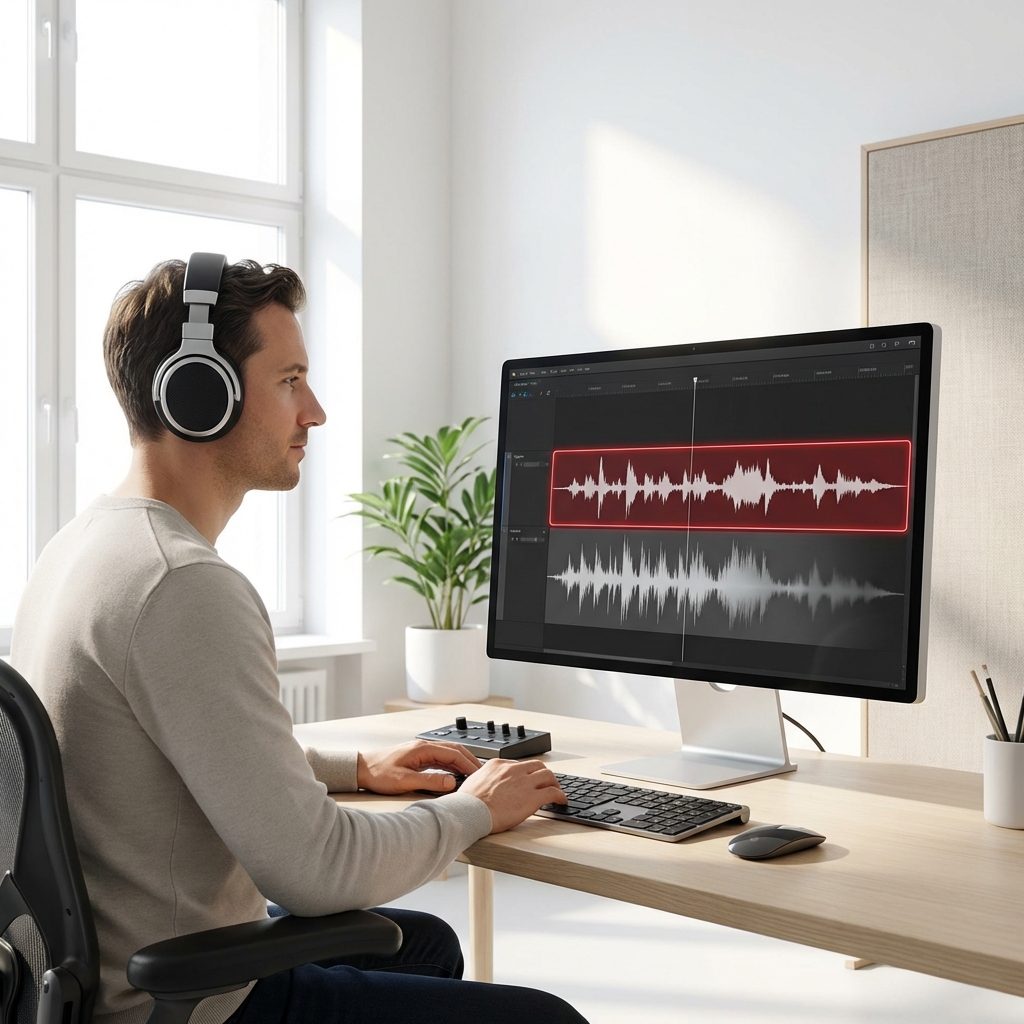
Video Editors
Stop struggling with noisy dialogue tracks. Isolate speech from mixed audio files to make your video narration crisp and professional.
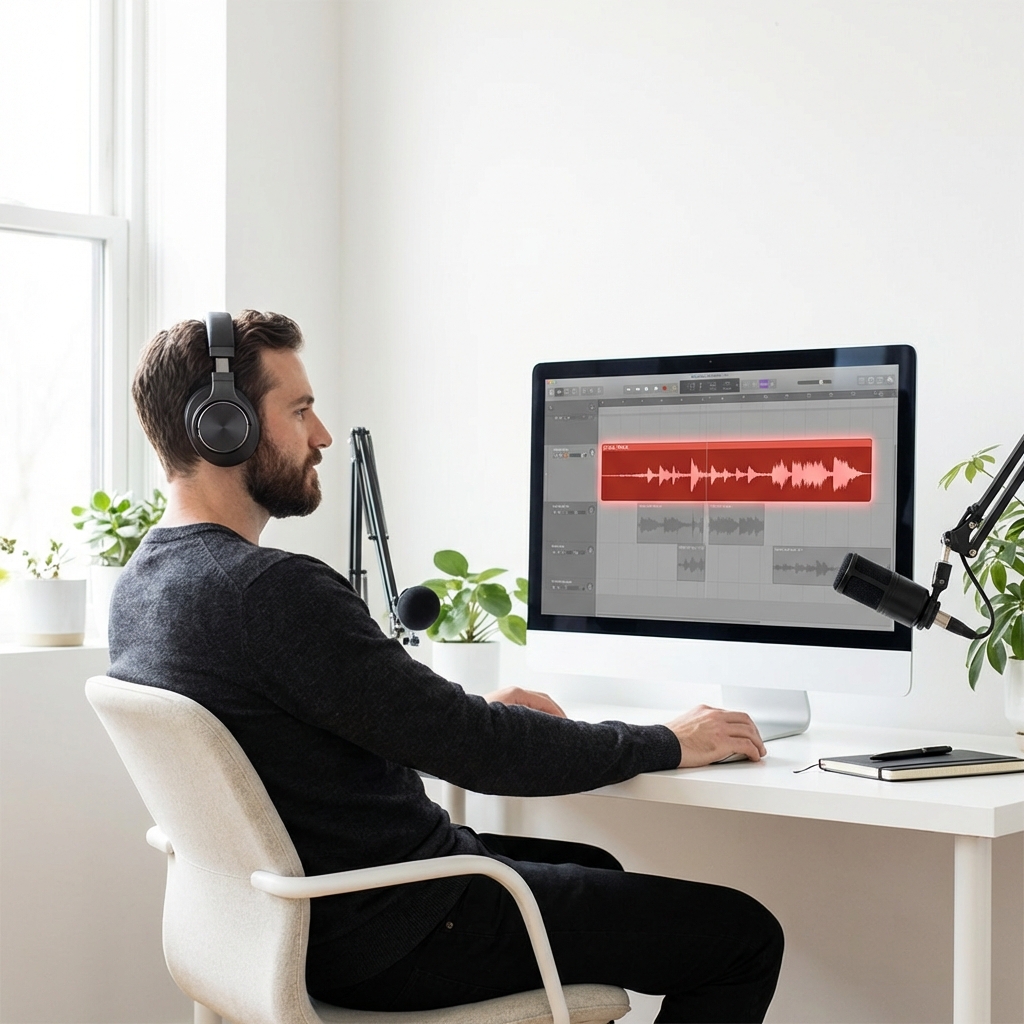
Podcasters
Clean up interview recordings captured in noisy environments. Extract the voice track to ensure your listeners hear every word clearly.
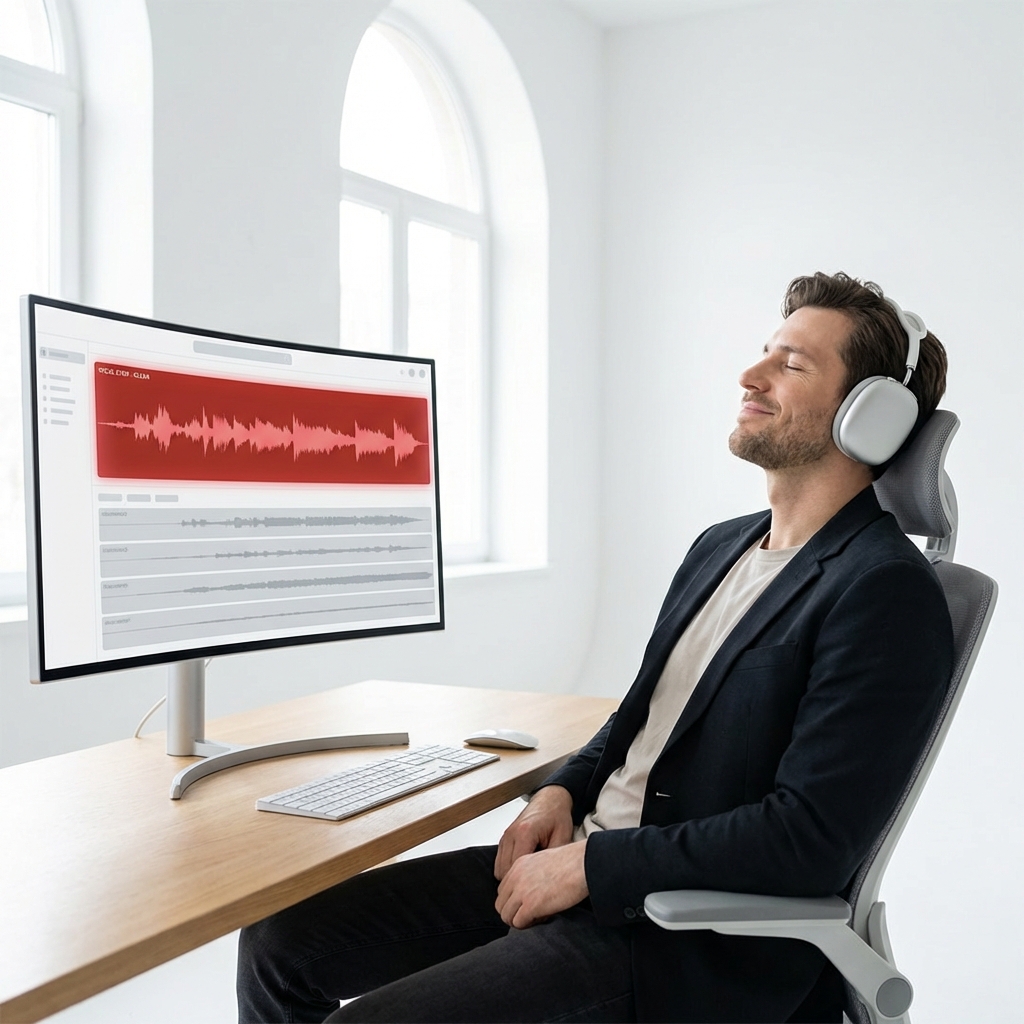
Music Producers
Get clean acapellas for your remixes. Separate vocals from mixed tracks instantly without needing complex studio software.
Core Capabilities
Remove Background Music With Precision
Get professional results without the steep learning curve. Our tool helps you remove background music from audio while preserving the original voice quality.
Instant Vocal Isolation
Get clean voice tracks in seconds. The system analyzes your file and separates the vocal layer from the instrumental parts automatically.

High-Fidelity Output
Keep the natural tone of the voice. The extraction process maintains audio clarity so your final track sounds like a studio recording.
Batch Processing
Save time on large projects. Upload multiple files at once and let the system process them simultaneously for faster workflow.
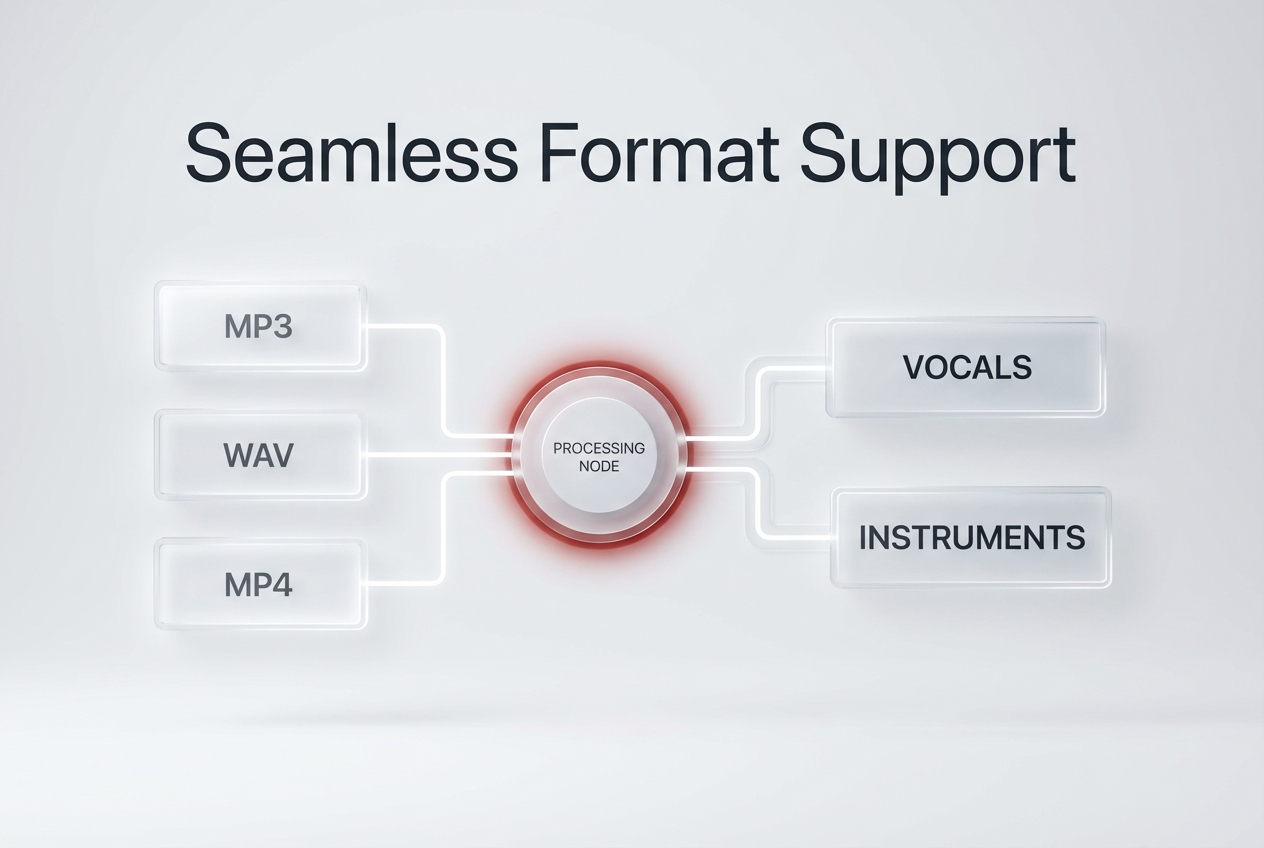
Format Compatibility
Work with your existing files easily. Upload MP3, WAV, or MP4 formats and download the separated tracks in your preferred format.
Simple Process
Extract Vocals In Three Steps
You do not need technical skills to get clean audio. Follow this simple process to remove background music from audio files in minutes.
Upload Your File
Drag and drop your mixed audio or video file into the upload area. The system accepts files up to 100MB.
Process the Audio
Click the extraction button. The AI analyzes the frequencies and separates the voice from the instrumental tracks automatically.
Download Results
Preview the isolated vocal track. Once satisfied, download the clean audio file directly to your device.
Frequently Asked Questions
What audio formats are supported for extraction?
You can upload standard formats like MP3, WAV, FLAC, and MP4. The system processes these files and provides high-quality WAV or MP3 downloads.
How long does it take to process a standard song?
Most standard 3-minute tracks process in under 30 seconds. Larger files or batch uploads may take slightly longer depending on your connection.
Is my uploaded audio kept private and secure?
Yes, all uploaded files are encrypted during transfer. We automatically delete your files from our servers after processing is complete.
Can I use this as an AI background music generator?
This specific tool focuses on extraction. If you need original tracks, you should check out our dedicated AI background music generator feature.
Does the extraction affect the voice quality?
The algorithm is trained to preserve vocal frequencies. While results depend on the original mix, it typically maintains excellent speech clarity.

Ready To Remove Background Music Fast
Get clean vocal tracks for your next project today. Remove background music from audio instantly.