
Food truck owner
Need a recognisable arrival tag when you park at a new corner each week.
Your truck is parked, and the line is forming. An AI jingle maker gives you a short arrival hook people hear from the street and a soft instrumental bed for the queue—without hiring a studio before the lunch rush starts. Keep the sung tag to two lines so outdoor speakers stay clear when traffic rolls past.
Open Jingle MakerIf your kitchen moves with the day, you need music that travels with the van. These roles match how an AI jingle maker fits a street service, not a radio spot or a school PA.
Pick the line that sounds like your shift, then keep the sung tag under two lines so outdoor speakers stay clear when traffic rolls past the lot.
Need a recognisable arrival tag when you park at a new corner each week.

Need a friendly bell-and-hook sound that carries across a park without shouting.

Need a short open-for-business chip for farmers-market mornings and festival rows.

Need a soft queue bed between orders so talk stays easy while trays go out.
Street service rewards short, honest audio you can trim yourself. Compare three ways operators usually try to sound open before they find a browser tool that matches the shift.
Plan the edit on your phone after download: arrival under twenty seconds, queue bed looped under the talk, because the AI jingle maker leaves final length to you.
Random tracks, unclear rights, volume fights the generator and the street noise.
Great once, slow when the menu or corner changes next weekend.
Prompt or Own Lyrics, scenario chips, Instrumental Only for beds, download when your plan allows.

Arrival is the horn people hear from the sidewalk. Queue music is the soft bed under chatter so the speaker is not silent between tickets.
Keep both clips on the same phone playlist named for today’s corner, and test once at idle volume before the first order lands.
OpenMusic’s AI jingle maker offers Prompt mode for instrumental beds and idea lines, Own Lyrics for a two-line sung tag with your truck name, plus Usage Scenario chips you can tap into the box.
In the AI jingle maker, Instrumental Only turns the take into a bed. Title stays optional. Generate, listen on headphones, then trim the take yourself for the street speaker.
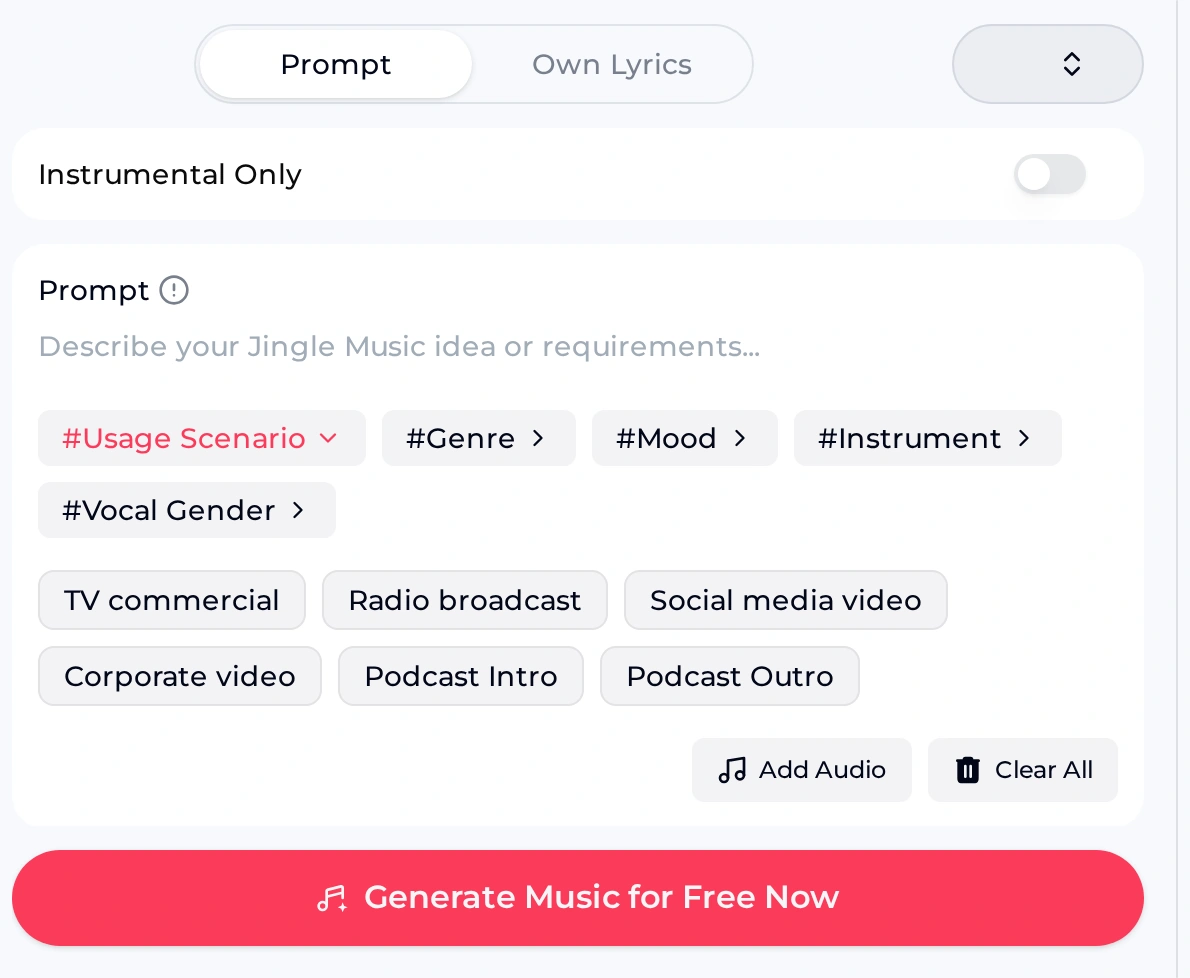
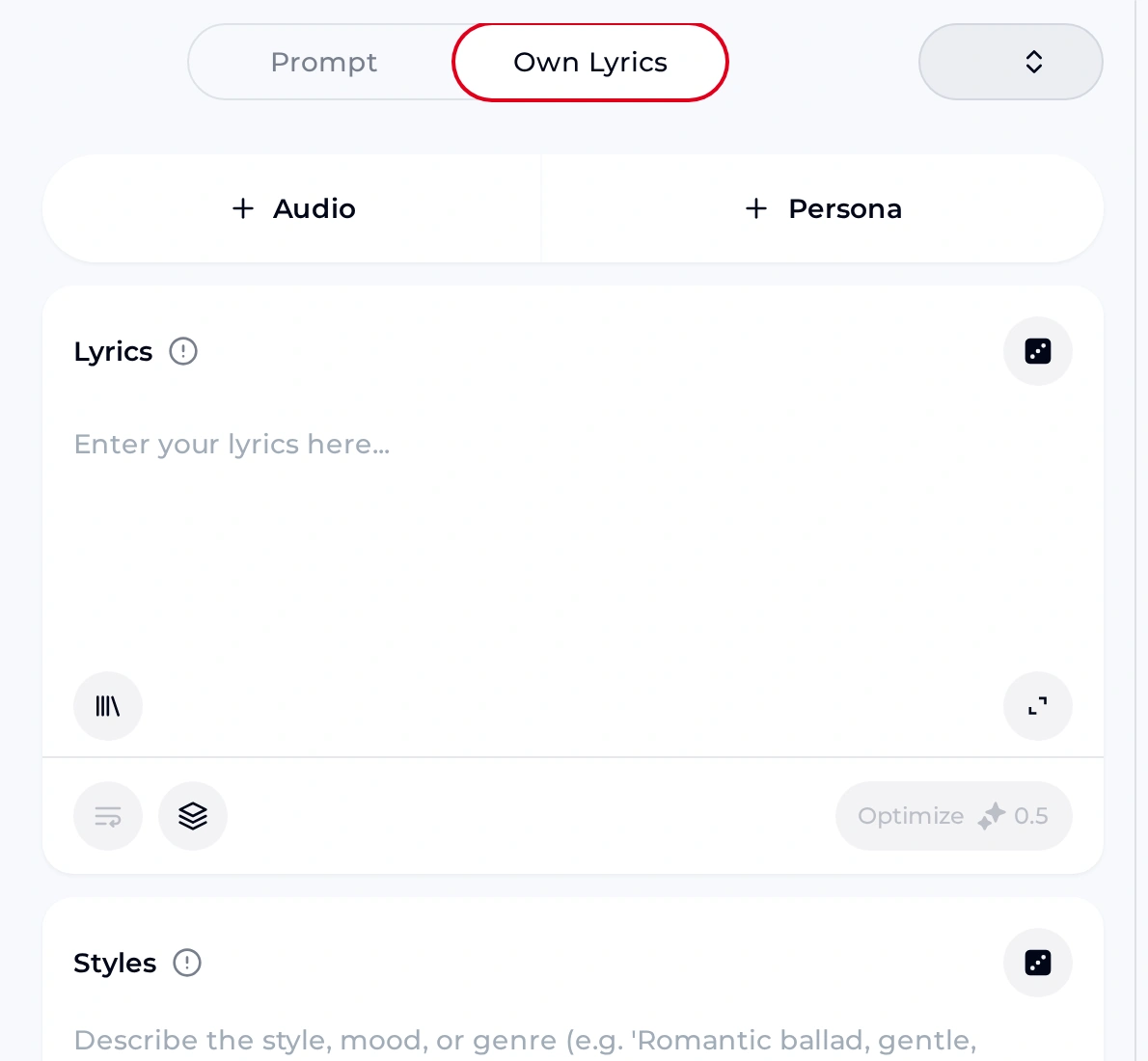
Open the AI jingle maker, write a two-line tag, generate once, download, and trim before the first ticket prints.
Hover or focus a chip to see a full prompt you can paste. Use Social media video or Radio broadcast chips when you want a brighter outdoor feel, then keep Own Lyrics to two short lines.
Every AI jingle maker generation uses credits, so agree the truck name spelling on paper first and avoid ten experiments while customers are already in line.
Sung arrival hook example—trim for the curb speaker.
Instrumental Only style bed for between tickets.
Shared lots and festival rules punish surprises. Tick the priorities while the AI jingle maker tab is still open, and leave time to hear the take on the same speaker you will use outside.
If the Downloads folder gets wiped when you leave staff Wi-Fi, email the file to yourself before you pack the awning.
Truck or cart name spelling is final in Own Lyrics, and you signed in so credits are visible before you generate.
You will trim after download yourself, then test once at idle outdoor volume before the first ticket.
Styles stay one short phrase; Number of Songs stays at the default unless you truly need a second contrasting take.
Queue beds use Instrumental Only so talk stays clear; arrival tags stay under two sung lines.
Save a second copy to cloud storage the market Wi-Fi allows, named with today’s corner.
Ask the lot host if music rules exist before you raise the speaker for the first time.
Credits, downloads and honesty rules when you use an AI jingle maker for arrival hooks and queue beds on a food truck or cart shift.
You get free credits after a quick sign-up: the free plan includes 30 credits a year, and every generation uses credits. Sign in to the AI jingle maker on your phone or laptop, paste a two-line Own Lyrics tag with the truck name, generate one take, and download what your plan allows before the lunch line builds at the window. A generation that fails normally gets its credits back.
No. The AI jingle maker runs in the browser tab without an installer of any kind. That is why it fits shared festival tablets and loaner Chromebooks where you should not leave installers behind. Bring headphones for the first listen, then play the trimmed file on the outdoor speaker at idle volume before service starts. Your takes stay in your OpenMusic account, so the next shift can open them on any device.
Monthly and yearly plans both let you use your songs commercially within the scope of the Commercial License. Monthly plans pay 5 credits per song for the licence certificate; yearly plans pay nothing extra. You can buy Pay Once one-time credits, which do not include the licence automatically, though you can spend 5 credits per song to get it—follow market and city rules before blasting speakers.
Paid plans can download MP3, WAV and FLAC, including songs made on the free plan; free users can download only a limited number of files. Test playback once in the tab, then save a second copy to email or cloud storage, named with today’s corner so you can find it when the next market opens this weekend. Play the AI jingle maker file once on the truck speaker before service.
Expect a full take from the AI jingle maker and trim it yourself on your phone after download for the curb. Keep Own Lyrics to two short lines for arrival tags, and use Instrumental Only for queue beds you will loop under talk without a sung chorus fighting the orders at the window. If the take still runs long, generate a second version with a shorter Styles line and compare the two.
Monthly and yearly plans add credits every month, and unused credits reset on your renewal date without carry-over. If a generation fails, the credits usually come back automatically without a ticket. Keep the agreed truck-name lyric in your notes app so the next shift starts from finished words, not from a blank tab in the lot. More credits come from upgrading to a paid plan or buying Pay Once credits.
When the first ticket prints, a trimmed file on the speaker beats a perfect mix you never exported. Draft the two-line tag, generate once, download, trim, then open the window. Email a second copy to yourself before you pack the awning, so the next market morning starts from a finished horn rather than a blank tab in the lot.
Open the AI jingle maker, make today’s arrival tag and a soft queue bed, then download while you still have quiet before the rush.