Dental and therapy desks
Write a soft piano and guitar Prompt, keep Instrumental Only on, and A/B two takes of phone hold music that stays under reception speech.
Wordless beds for phone hold
AI Instrumental on OpenMusic turns a short shop or clinic brief into two wordless takes you can A/B for on-hold music. Keep Instrumental Only on, remember that each run uses credits, and keep the calmer export after one full listen under waiting speech.
Start in the OpenMusic generator with Instrumental Only switched on.
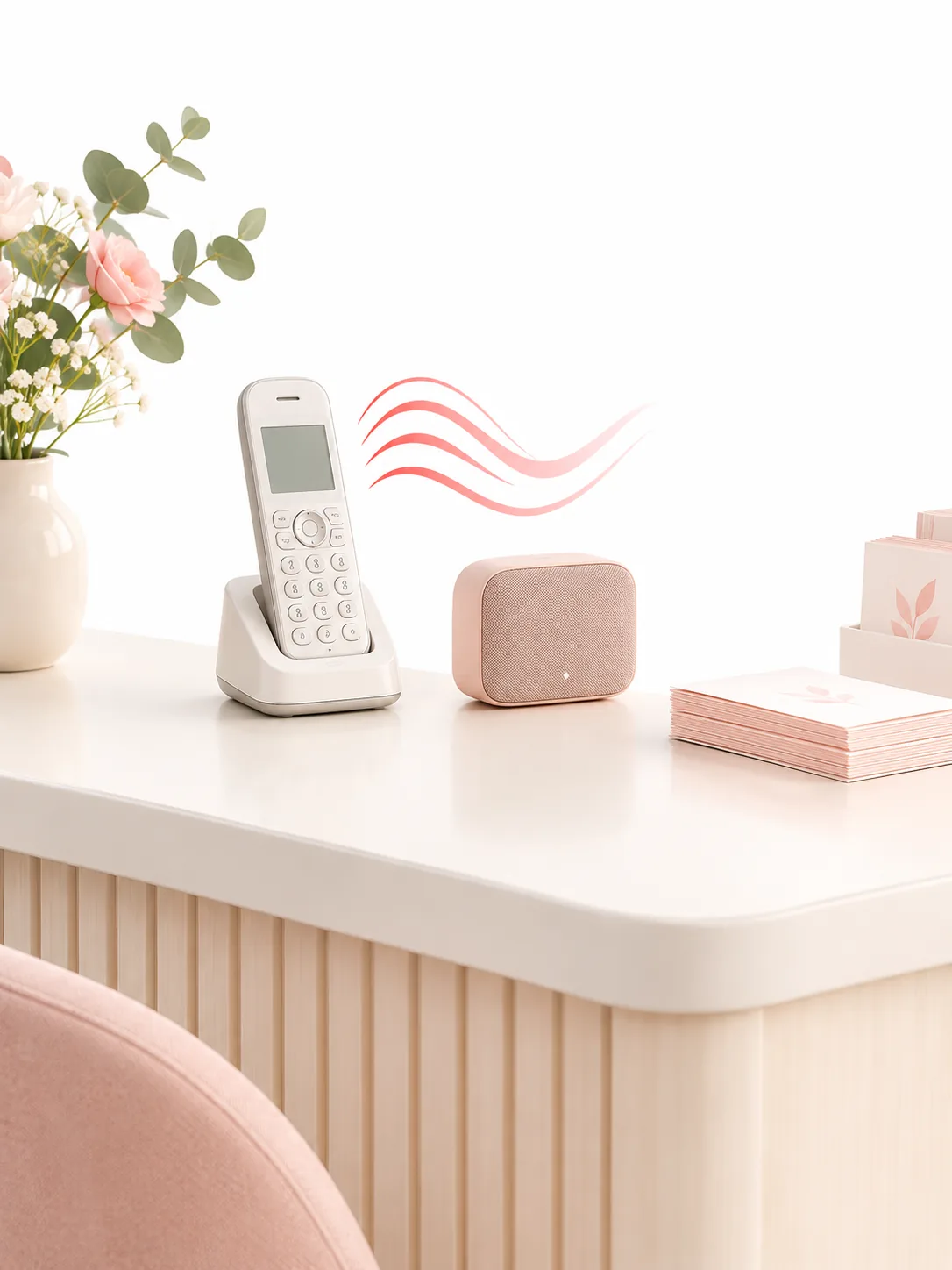
Small clinics, salons, and repair shops often inherit a thin carrier loop as their on hold music: it repeats forever, clips under speech, or sounds too loud for a quiet waiting room. A random file from a folder can also bring a sung hook that confuses callers who only need a calm bed.
AI Instrumental drafts an original wordless bed from a Prompt you can reject after one listen. Describe mood and two instruments, keep Instrumental Only on, leave songs at two, and keep the calmer take before you upload it to the phone system.
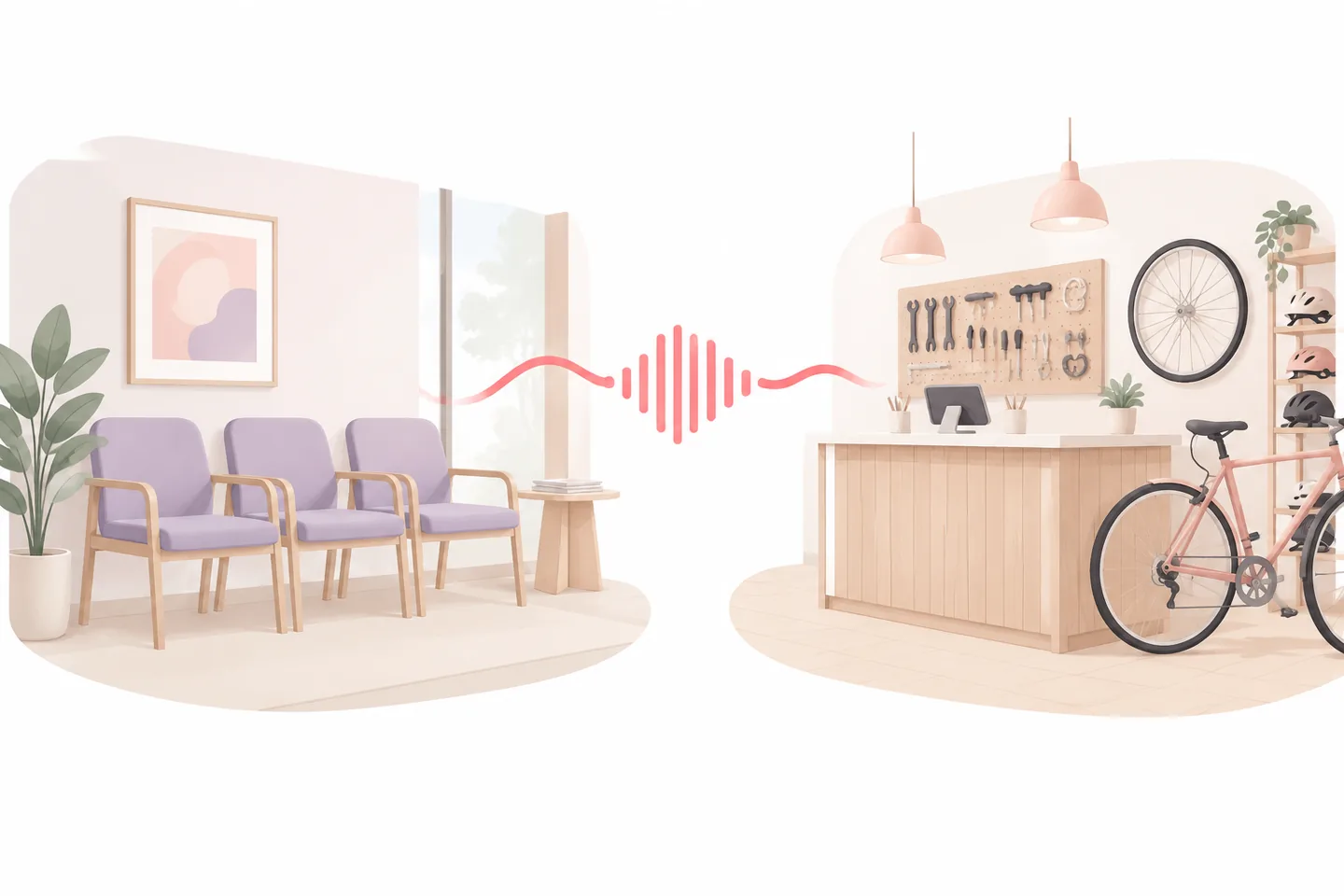
Write a soft piano and guitar Prompt, keep Instrumental Only on, and A/B two takes of phone hold music that stays under reception speech.
Name a brighter acoustic bed with light percussion, generate two takes, and keep the clearer ending before you load the phone system.
Ask for strummed guitar warmth with Instrumental Only on, compare the pair once at matched volume, and export the calm instrumental that suits the counter.
Treat hold music as a tight loop: brief, two takes, one listen under speech, keep or change one detail. Each run uses credits, yet you should still expect to throw away the opening pair without a second thought.
Use Prompt mode for a desk brief; skip Own Lyrics unless you need a short spoken tag.
Name mood, two instruments, and that the bed must stay under waiting speech in short clauses.
Keep sung lines off for phone hold so callers never hear an unexpected hook.
Every AI Instrumental spend should include an A/B pair you can judge at matched volume.
Label the export with shop name and date, then upload and set loop in your phone system.
If both miss, edit one Prompt clause instead of stacking vague adjectives that blur the miss.
OpenMusic drafts the AI Instrumental bed; your PBX or carrier portal plays the music on hold and keeps the loop settings and volume check. Keep the first pair disposable so credits teach the brief instead of punishing a lucky miss.
If you only need the backing of a song you already own, vocal separation fits better than this Prompt path. AI Instrumental is for new wordless beds mapped to a desk you can reject in one sitting.
The panel that matters is Prompt, Instrumental Only, Inspiration chips, and Number of Songs in one frame. Each run uses credits, so decide whether another hold brief is worth another spend.
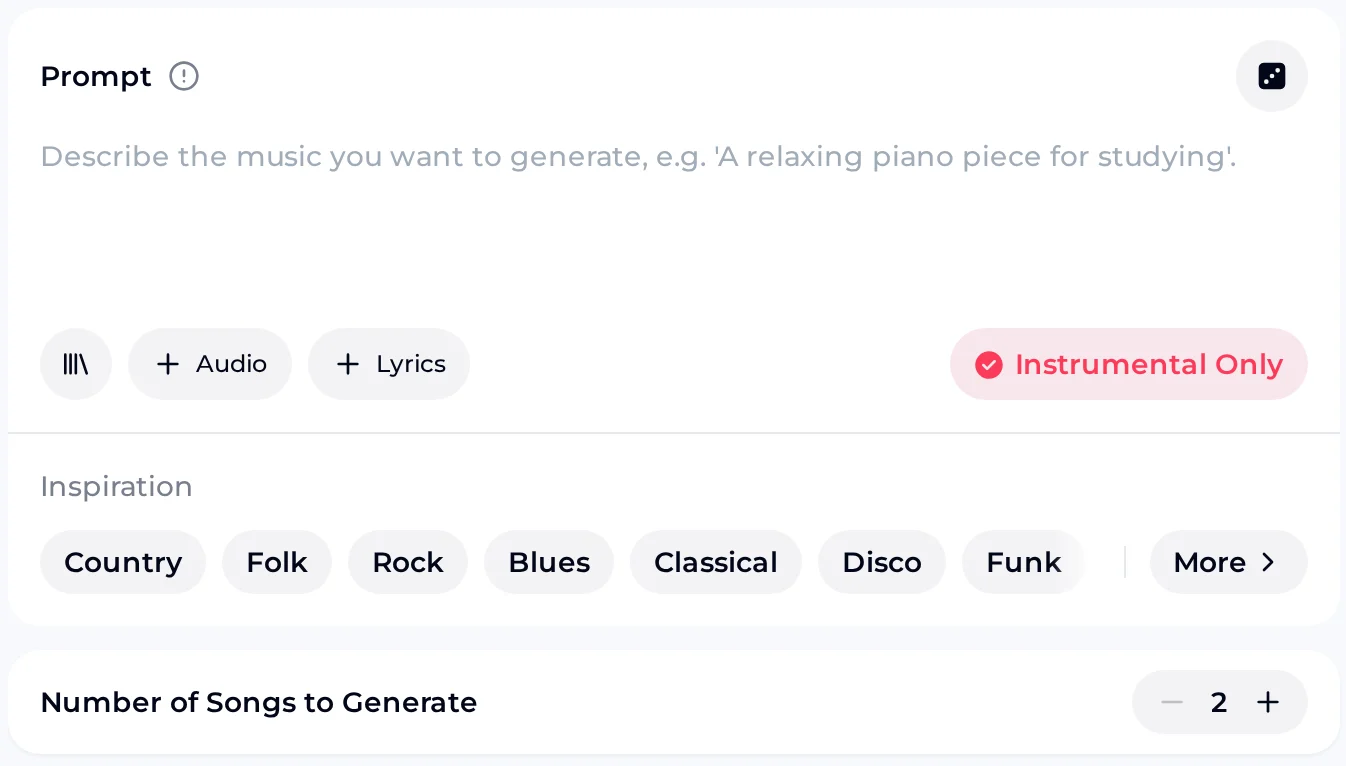
Describe the desk in plain clauses, keep Instrumental Only on for wordless hold, and leave songs at two so the AI Instrumental A/B stays honest before you upload.
Add Inspiration chips only after the core sentence is rejectable in one listen. Every run uses credits, so keep the calmer export with a dated label instead of regenerating it.
Keep the job narrow: original wordless beds you can accept or reject in one sitting. AI Instrumental is for listen-ready hold music mapped to a desk; slogans and brand tags fit Jingle Maker, and loop and upload settings live in your PBX.
Number of Songs defaults to two so every AI Instrumental run includes an A/B pair you can judge at matched volume before another credit.
Keep sung lines off when callers only need a calm bed under speech. Own Lyrics stays available for a short tag, but most hold jobs stay wordless.
One clear sentence for mood and two instruments beats a page of adjectives that blur what failed on the last AI Instrumental pair.
Export the closer take, then set loop and level in your phone system. The generator drafts the audio, and your PBX handles loop, level and playback.
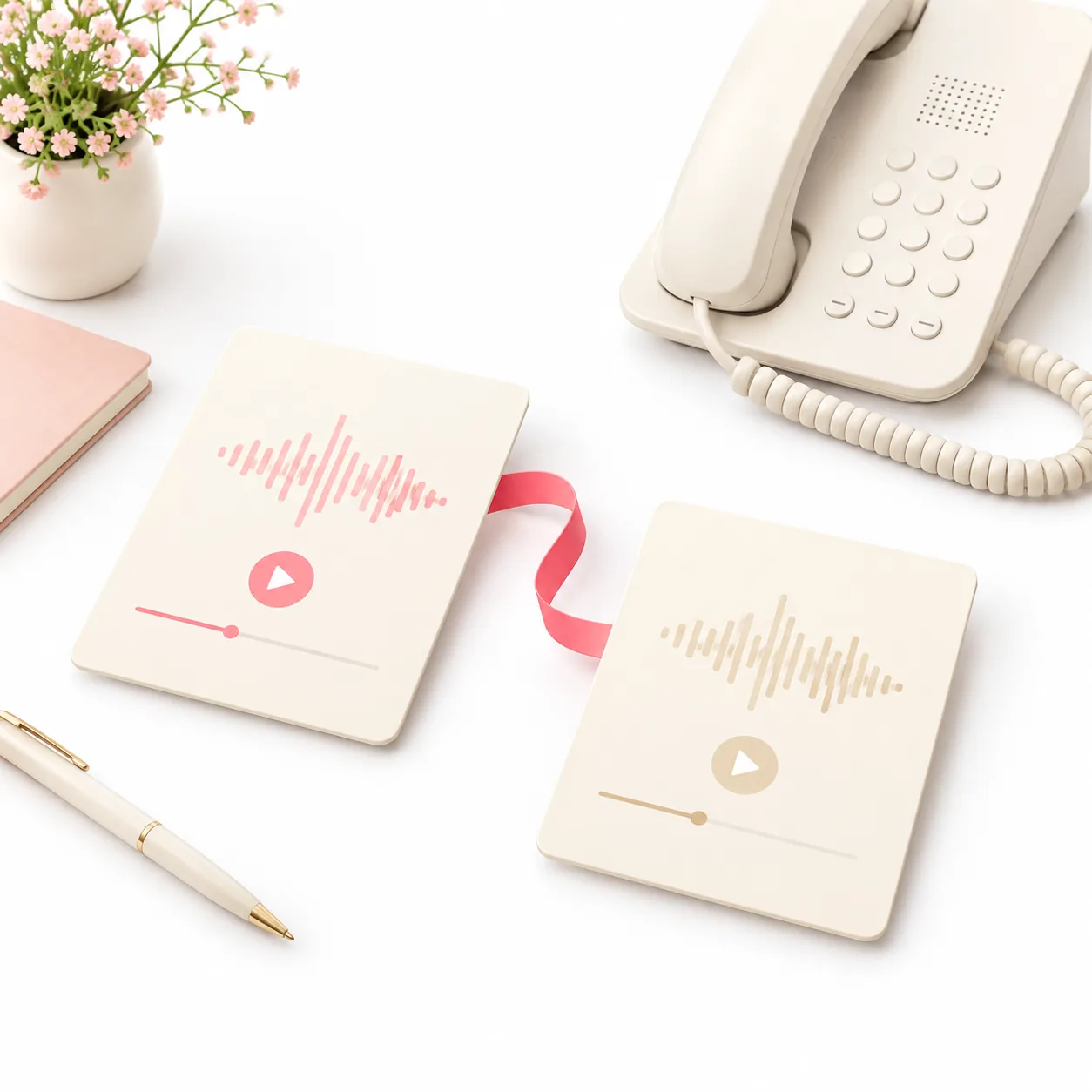
Compare the AI Instrumental pair once. Label the calmer export and move on—stacking vague retries burns credits without teaching the brief you needed for the desk.
Ready for custom hold music? Write one clear desk Prompt in the OpenMusic generator, keep Instrumental Only on, and generate two soft beds you can judge under speech today.
These wordless examples were drafted for clinic and shop hold. Listen for even level, soft attack, and an ending you could loop or fade under waiting speech without a sung lead getting in the way.
Use them as ear references before you write your own AI Instrumental Prompt—not as templates you must copy. Keep the calmer export after one A/B listen, then set loop and level in your phone system yourself.
Example beds made on OpenMusic with Prompt and Instrumental Only. Compare groove and ending, then write your own AI Instrumental Prompt for the desk you actually run.
A quick route view: match each desk job to the OpenMusic tool built for it, from an original wordless bed to a short brand tag, and finish the upload in your phone system.
Front-desk habits that burn credits, paired with the swaps that fix them when you map a phone line into a rejectable hold brief you can judge by ear.
Keep Instrumental Only on for hold music so a sung hook never surprises callers who only need a calm bed under speech.
Leave songs at two and compare both takes once at matched volume before you spend again on the same desk brief.
Name mood and two instruments in the Prompt first; add Inspiration chips only after the core sentence is rejectable in one listen.
Label the calmer export with shop name and date so you do not lose which take belonged to which line after upload.
Test the loop beside muted reception speech for ten seconds before you commit the file to the live phone system.
Keep a second, brighter bed on file for holiday hours without rewriting the whole brief from scratch.
Honest alternatives so credits go to the tool that matches the job—new hold bed, stem split, or short brand tag—instead of forcing one panel to do everything.
Straight answers on Prompt, Instrumental Only, credits, and where this AI Instrumental path stops for small-business hold music.
AI Instrumental drafts original wordless audio from a short Prompt so clinics and shops can A/B on-hold beds before any phone upload. Each run leaves Number of Songs at two, which means you hear a compare pair instead of a single lucky take. Instrumental Only keeps the bed wordless under waiting speech, and because each run uses credits you can decide whether the next desk brief is worth another spend. The path stops at a listen-ready cue—you still set loop and level in your phone system.
This brief opens the OpenMusic generator on the live site. Prompt mode covers instrumental hold beds with Inspiration chips you add only after the core sentence is clear. Own Lyrics stays available when a short spoken tag is required, but most hold jobs stay on Instrumental Only. Number of Songs defaults to two so every spend includes an A/B pair. Each generation uses credits, so keep the calmer take with a dated label after one matched-volume listen.
Yes. Turn on Instrumental Only when callers should never hear a sung hook on hold. Leave songs at two so you still get a compare pair even when vocals stay off. Write mood and two instruments in short Prompt clauses you can reject after one listen, then add Inspiration chips only if the core sentence already names the desk job. If both takes miss, change one detail and spend again instead of stacking vague adjectives that blur what failed.
The free plan gives you 30 credits a year, enough for 15 generations at 2 credits each, so every run counts. Every spend should start from a desk brief you can reject after one careful A/B listen at matched volume. Across the year, keep changing a single Prompt clause per run rather than repeating vague retries on the same hold line.
Phone setup happens in your own system. Export the closer AI Instrumental take, upload it in your PBX or carrier portal, and confirm loop and level there. OpenMusic drafts the bed from your Prompt, and with a license you can use the track within the scope of the Commercial License. Map clinic, salon, and shop desks as separate briefs so each export matches a line you can judge, then finish the upload outside the generator.
They are different tools. AI Instrumental drafts new audio from a Prompt for listen-ready hold beds. Vocal separation and stem tools split parts from a song you already own or licensed. Use this path when the desk needs an original wordless bed you can accept or reject in one sitting. If you only need to strip a sung lead from a track you already have, use vocal separation instead.
Write one clear desk Prompt, keep Instrumental Only on for wordless hold, draft two AI Instrumental takes, and keep the calmer export after a full listen.