
Why Choose Our Instrumental Maker
Get Studio-Quality Track Separation That Actually Works
Our instrumental isolator delivers clean, usable tracks in seconds with zero technical skills required
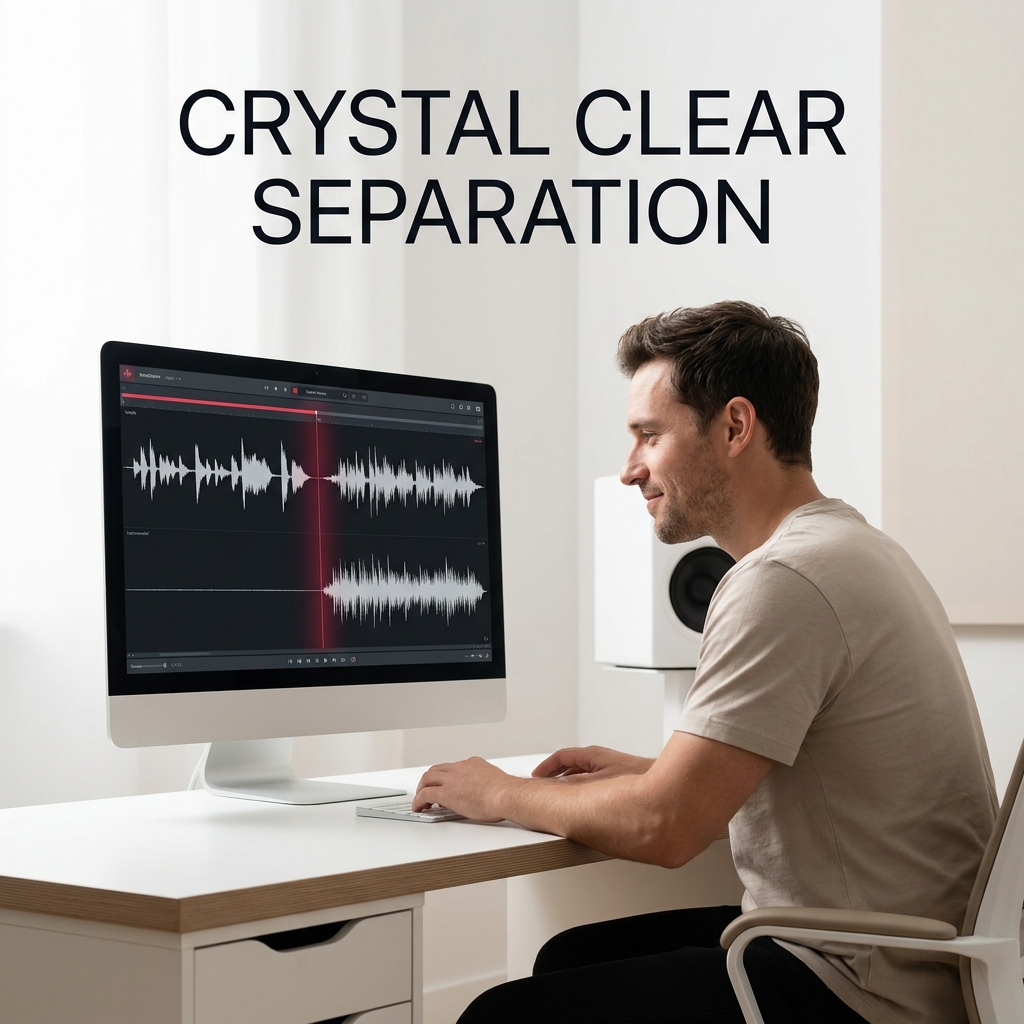
Crystal Clear Separation Every Time
Our AI instrumental maker isolates vocals and beats with precision that rivals professional studios. Each track comes out clean and ready to use, whether you're creating remixes, recording covers, or building new arrangements.
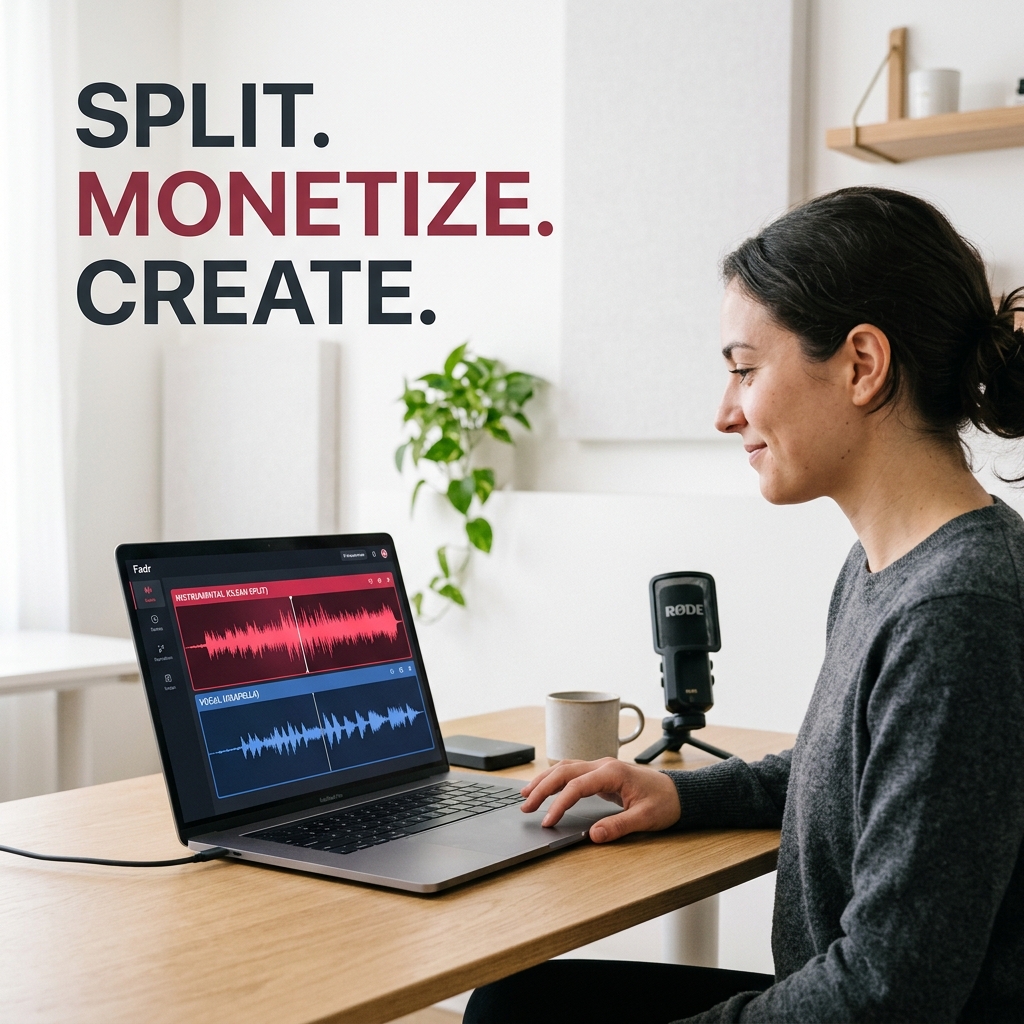
Download and Use Royalty-Free
Split your own songs and use the separated tracks commercially without restrictions. Perfect for content creators, musicians, and producers who need instant access to instrumental versions for YouTube, streaming, or remix projects.
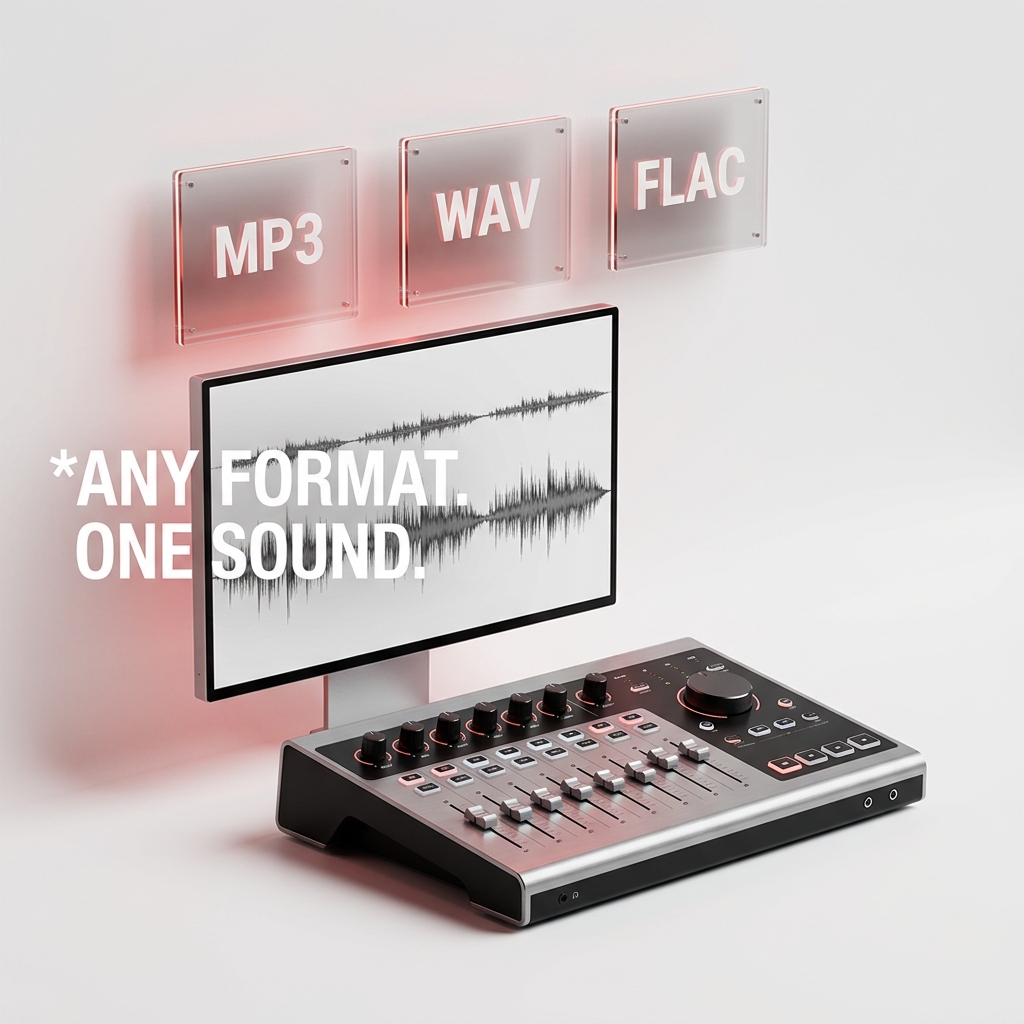
Works with Any Song Format
Whether it's MP3, WAV, or other formats, our instrumental isolator handles them all. Upload pop, hip-hop, rock, or any genre—the AI adapts to different music styles automatically.
Get Started with Instrumental Maker
Three Steps to Separate Vocals from Your Favorite Tracks
Our instrumental maker simplifies audio splitting into one straightforward process. Upload, process, and download clean instrumental and vocal tracks instantly.
Upload Your Song
Select any audio file from your device. Our instrumental detector accepts most formats and handles songs of any length. No account setup needed to start—just drag and drop your track.
AI Processes the Split
Our advanced AI instrumental isolator analyzes the song and separates vocals from instrumental elements automatically. The process takes seconds to minutes depending on track length, with real-time progress updates.
Download Both Tracks
Get two separate, high-quality audio files—one pure vocal track and one clean instrumental. Download immediately and use them for remixes, covers, karaoke, or any creative project you have in mind.
POWERFUL FEATURES FOR CREATORS
Everything You Need in an Instrumental Maker
Our instrumental isolator combines advanced AI with intuitive controls. Get professional-grade track separation, mixing tools, and instant downloads all in one platform.
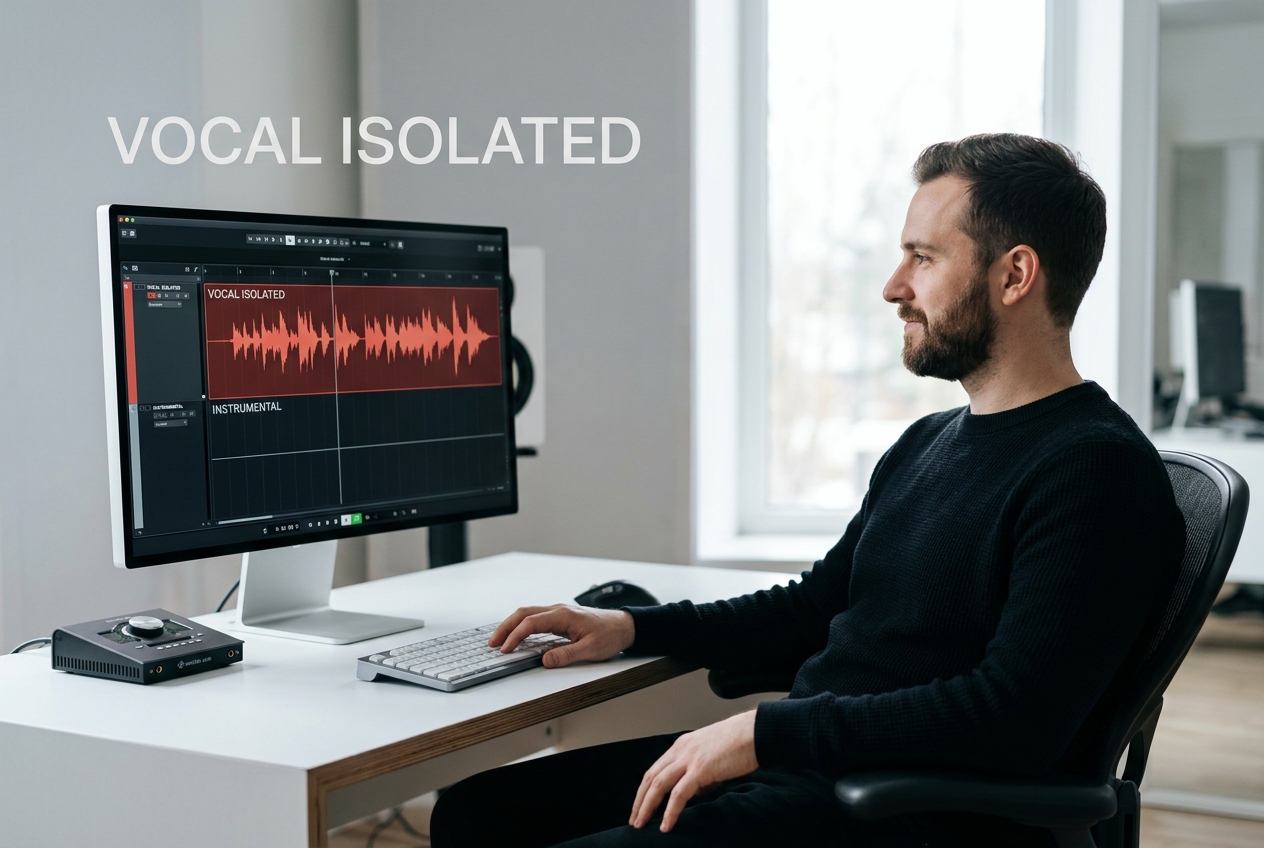
Precision Vocal Isolation
Our instrumental maker uses deep learning to identify and separate vocals from background music with studio precision. Each vocal track comes out clean and isolated, perfect for remixes, covers, or acapella projects.
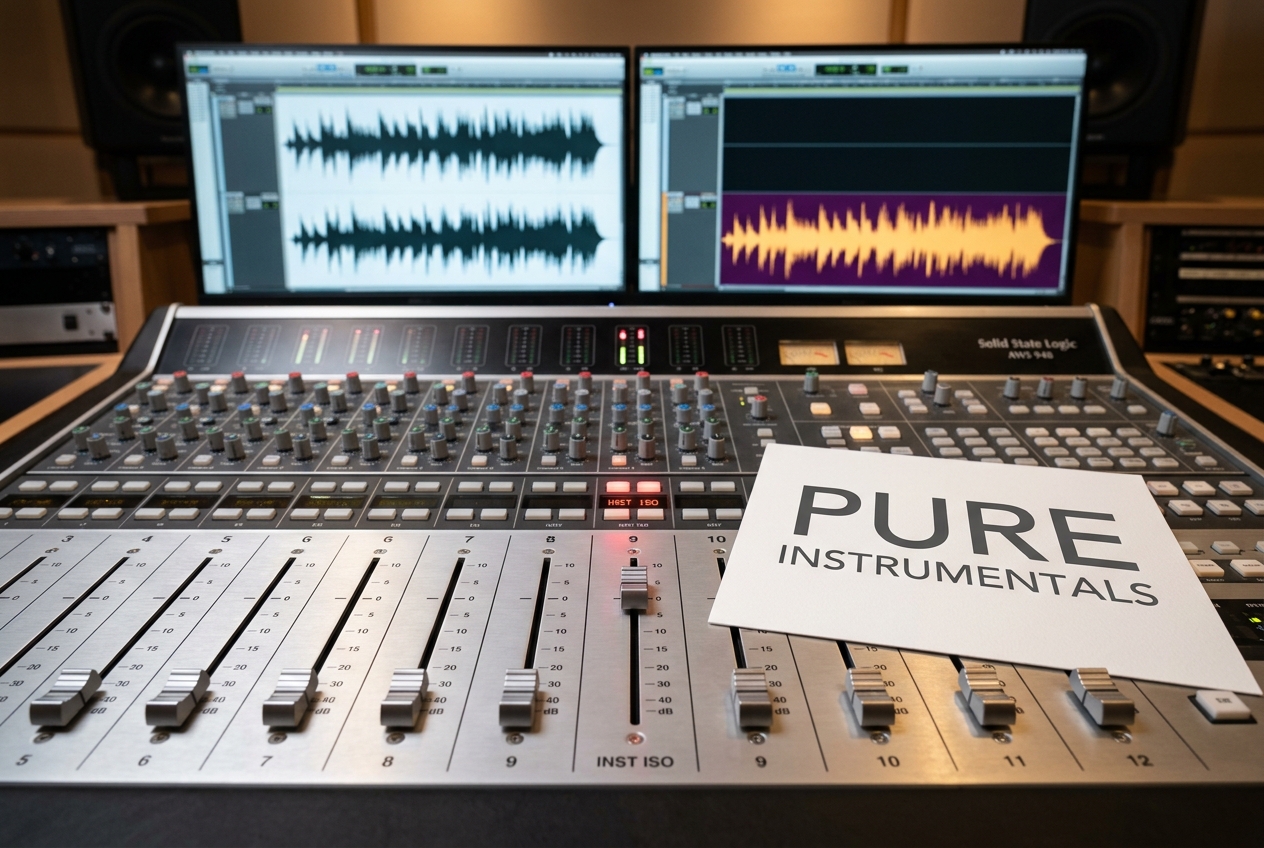
High-Quality Instrumental Tracks
Get pristine instrumental versions without vocal artifacts or background noise. Our AI instrumental detector preserves the original beat, drums, and instrumentation while removing all vocal elements cleanly.
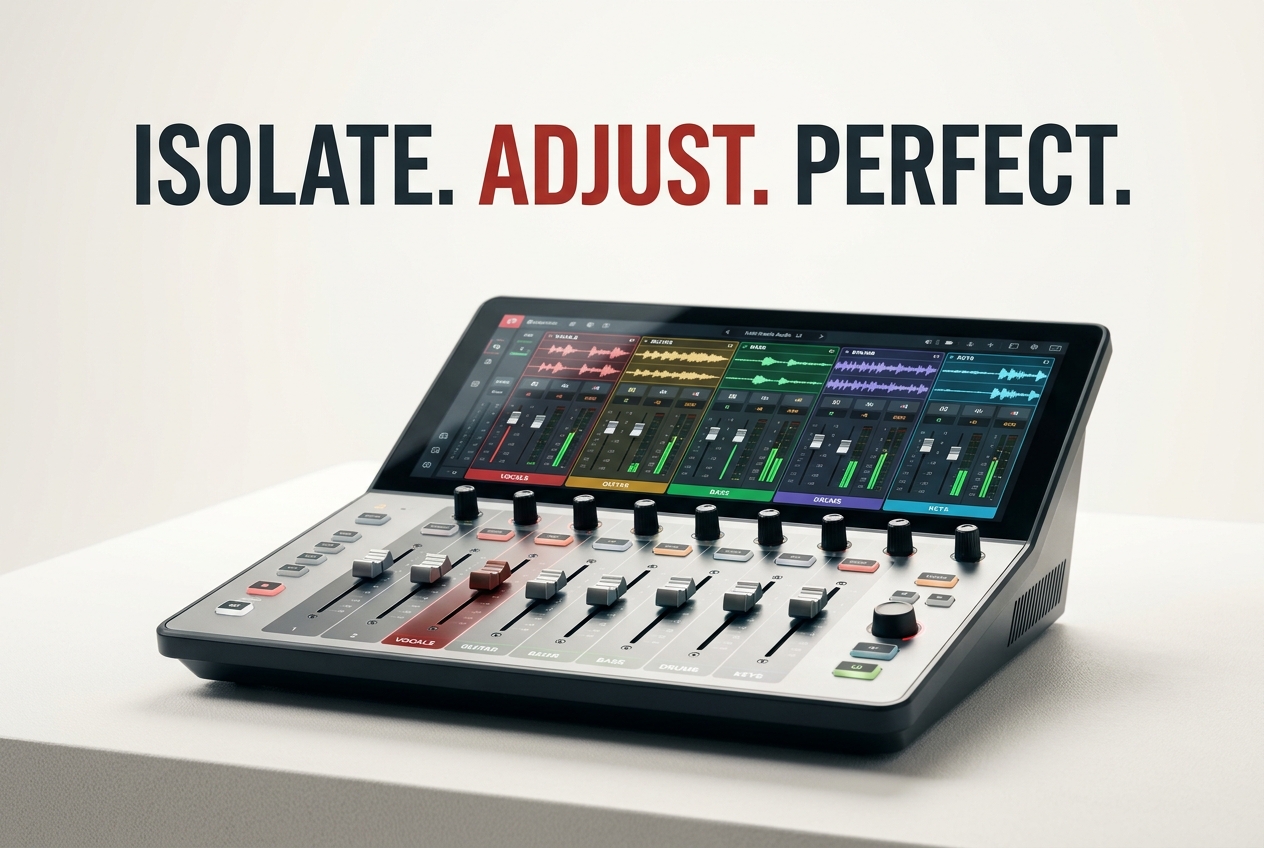
Mix and Adjust Your Tracks
Fine-tune the separation quality and adjust vocal or instrumental volume levels directly in our editor. Our instrumental isolator lets you customize the split to match your exact creative needs.
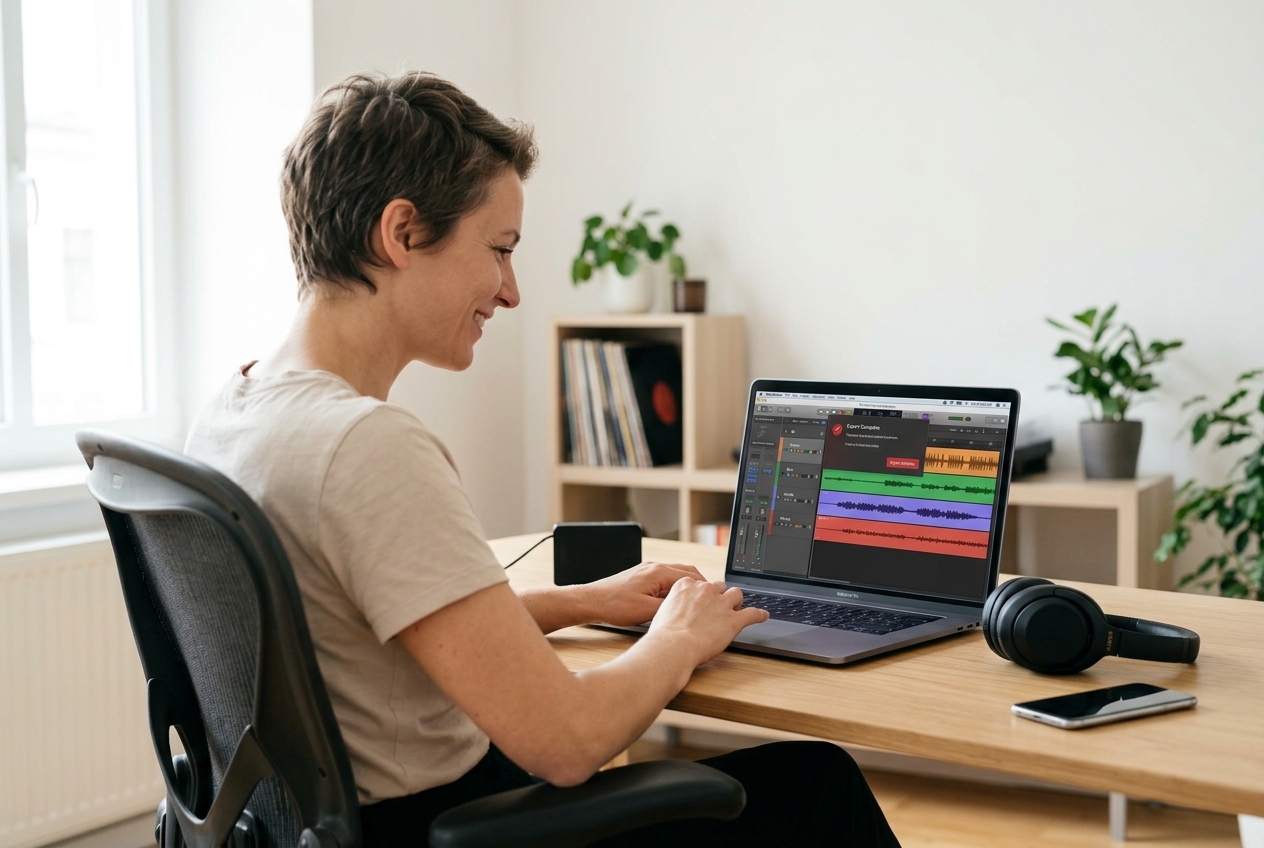
Instant Download and Share
Export your separated tracks in seconds and use them immediately. Whether for YouTube covers, TikTok remixes, or professional projects, your instrumental maker output is ready to go without waiting.
Frequently Asked Questions
How accurate is the vocal and instrumental separation?
Our AI instrumental isolator achieves studio-quality separation for most songs. Accuracy depends on audio quality and production style, but users consistently report clean, usable tracks suitable for remixes, covers, and professional projects.
What audio formats does the instrumental detector support?
Our instrumental maker accepts MP3, WAV, FLAC, OGG, and most common audio formats. Simply upload your file and the AI handles the processing regardless of format or bitrate.
Can I use the separated tracks commercially?
Yes. When you upload your own songs, the separated vocal and instrumental tracks are yours to use commercially without restrictions. Perfect for content creation, streaming, and professional projects.
How long does the separation process take?
Processing time depends on track length. Most songs complete within seconds to a few minutes. You'll see real-time progress updates, and download links appear immediately when processing finishes.
Can I adjust the separation quality after processing?
Yes. Our instrumental isolator includes editing tools to fine-tune vocal and instrumental levels, adjust separation intensity, and customize the output to match your creative vision before downloading.

Start Using Instrumental Maker Today
Split any song into clean vocal and instrumental tracks instantly. No experience needed, results in seconds.