AI Music Gen

Every room deserves its own sound, and the last ten minutes deserve a pulse. Use AI music gen to score your escape room: a calm briefing track, an instrumental bed for each themed room and a tension cue for the final countdown, all described in plain words.

AI music gen creates tracks from a written description. Pick the take that fits and play it from your own system.

  1. List the phasesBriefing, each room, the final ten minutes
  2. Describe each soundTheme, tempo, key, mood, Instrumental Only
  3. Pick and test takesTwo per run, judged inside the room
Who it's for

Built for the People Who Run the Rooms

Stock playlists rarely match a theme exactly, and the same three tracks start to wear on staff by the fifth booking of the day. AI music gen lets the person who designed the puzzles also design the sound, one room at a time.

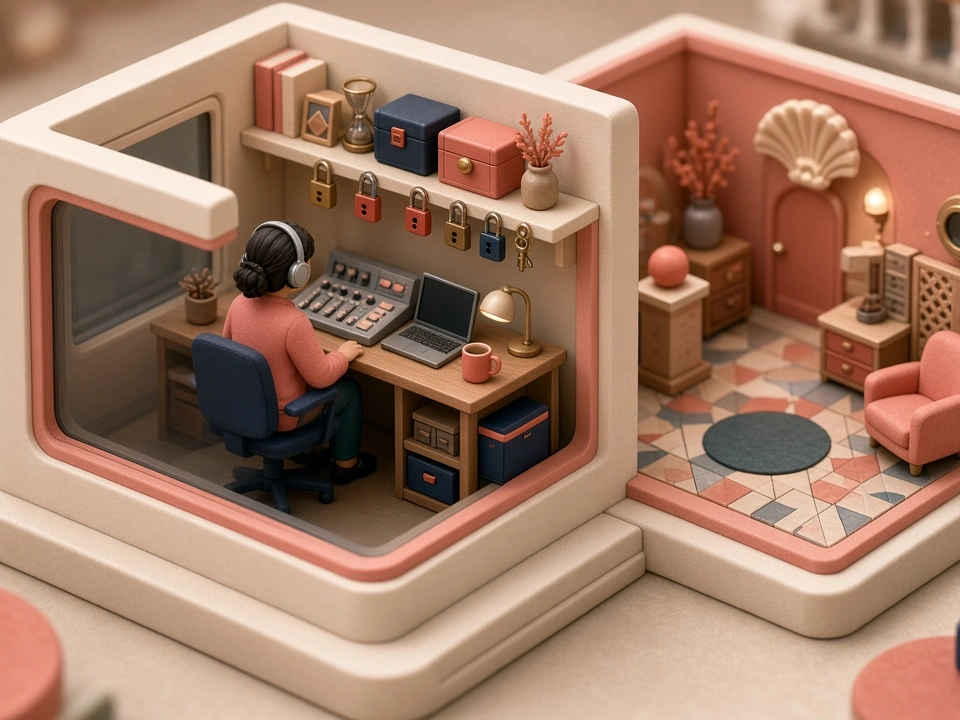
Miniature diorama of an escape room game master with headphones at a control desk beside a themed room

The owner who is also the game master

You built the props, wrote the clues and run the hints from the booth. Now you want music that matches the theme, changes when players move rooms and pushes the pace near the end, without hiring a composer for every new game.

Write what each room should feel like in AI music gen, generate two takes and keep the one that suits the walls you painted.

Also for: haunted attraction builders, pop-up immersive game makers, murder-mystery party hosts and school escape-room clubs.
Room by room

Three Rooms, Three Prompts

Each theme needs its own instrument palette and pace. These three common themes show how a room turns into an AI music gen prompt you can paste straight into the generator.

The abandoned lab

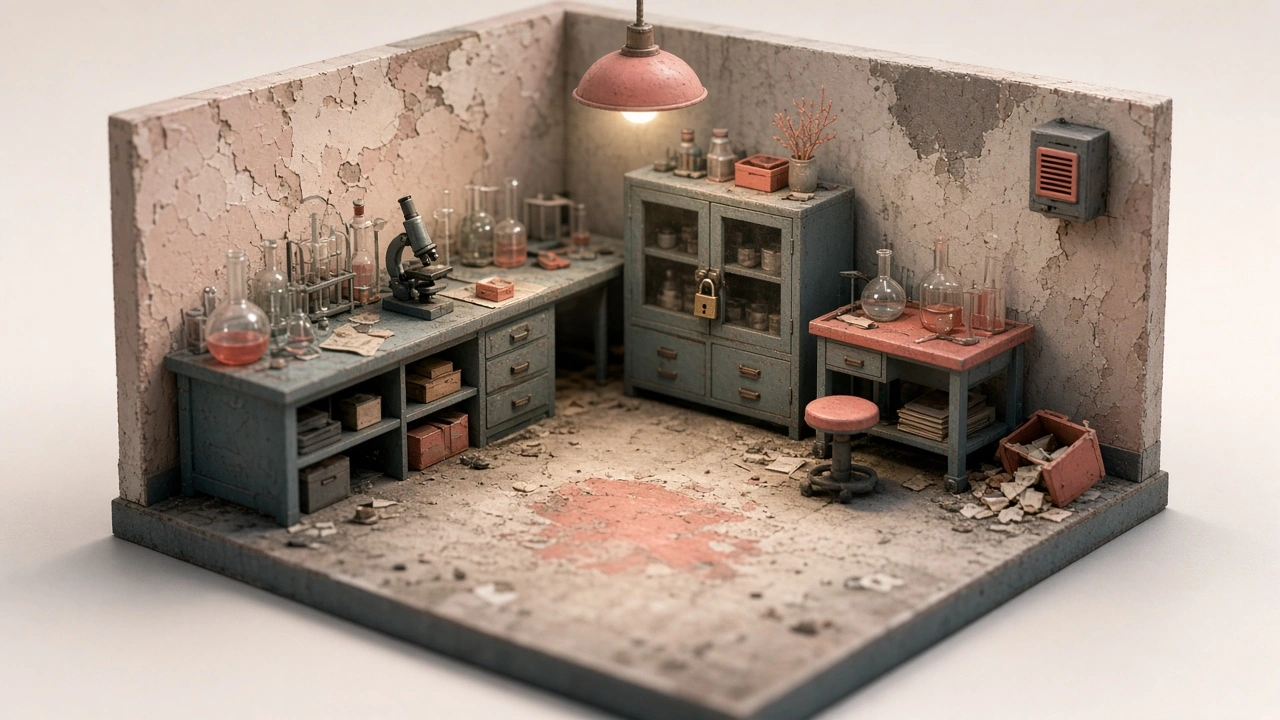
Miniature diorama of an abandoned laboratory escape room with flasks, a locked cabinet and a wall speaker

Mystery more than fear. Ask for "dark ambient, 60 BPM, D minor, low drones, distant metallic creaks, faint ticking, mysterious but not scary, instrumental". Slow and sparse, so players can still talk through the clues without raising their voices.

The pirate ship hold

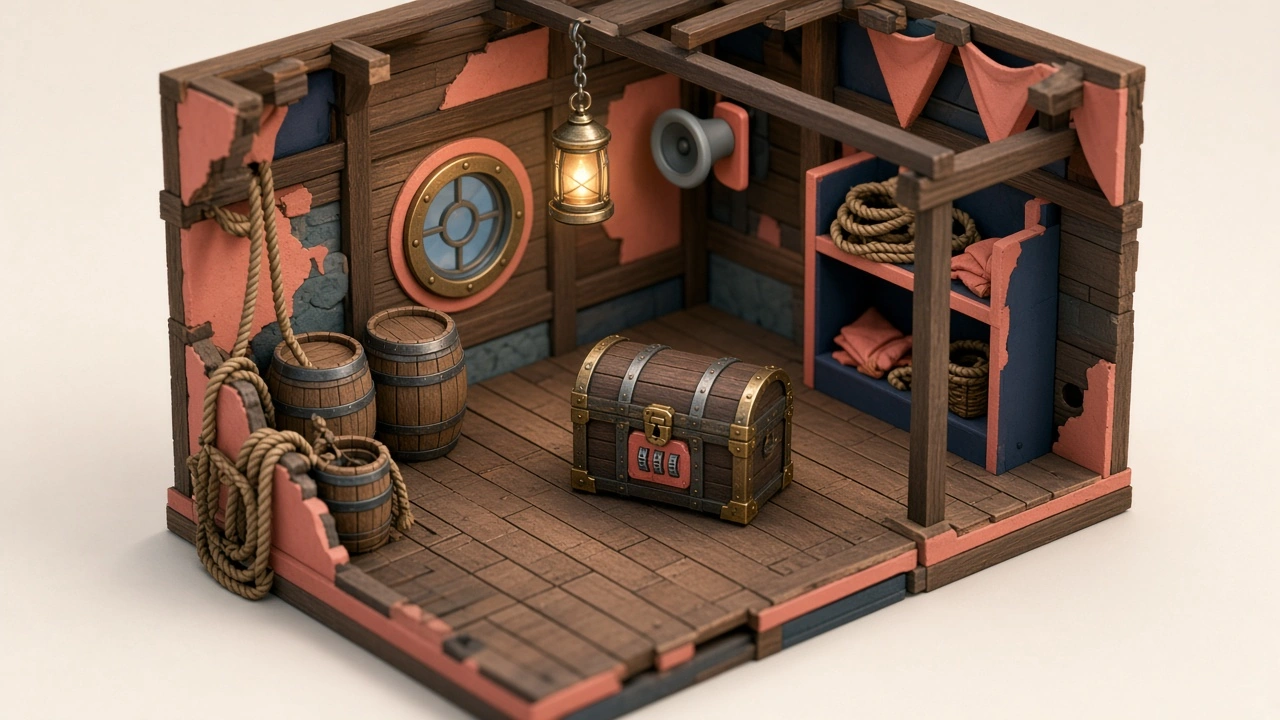
Miniature diorama of a pirate ship hold escape room with barrels, a locked treasure chest and a lantern

Adventure with a rolling sway. Try "sea shanty instrumental, 96 BPM, accordion and fiddle, creaking wood, low drum, playful but determined". A steady groove keeps a group moving without rushing them through the first puzzles.

The bank vault heist

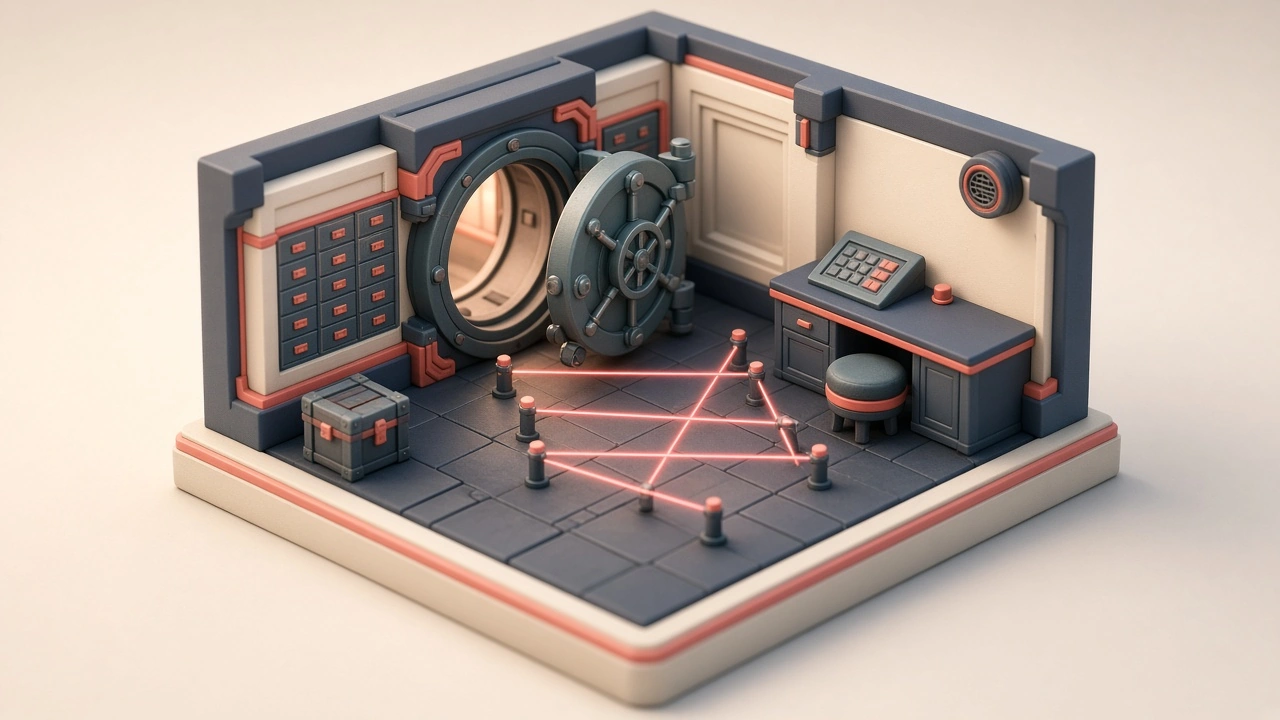
Miniature diorama of a bank vault escape room with an open vault door, deposit boxes and coral laser beams

Cool and precise. Describe "spy heist groove, 110 BPM, muted guitar, upright bass, brushed drums, light vibraphone, sly and confident, instrumental". It suits rooms with keypads, lasers and a lot of searching.

The method

Four Steps to a Room Soundtrack

Plan on paper first, then open AI music gen. Testing in the room itself is the step most owners skip, and it matters most.

  1. 1

    Map the phases. Briefing, each room, the last ten minutes, then the debrief.

  2. 2

    Write one prompt per phase. Theme, instruments, tempo and mood, with Instrumental Only on.

  3. 3

    Generate and shortlist. Each AI music gen run gives two takes by default for 2 credits.

  4. 4

    Test it live. Play the take during a staff run and check you can still hear each other.

The real panels

Two Panels, Two Jobs

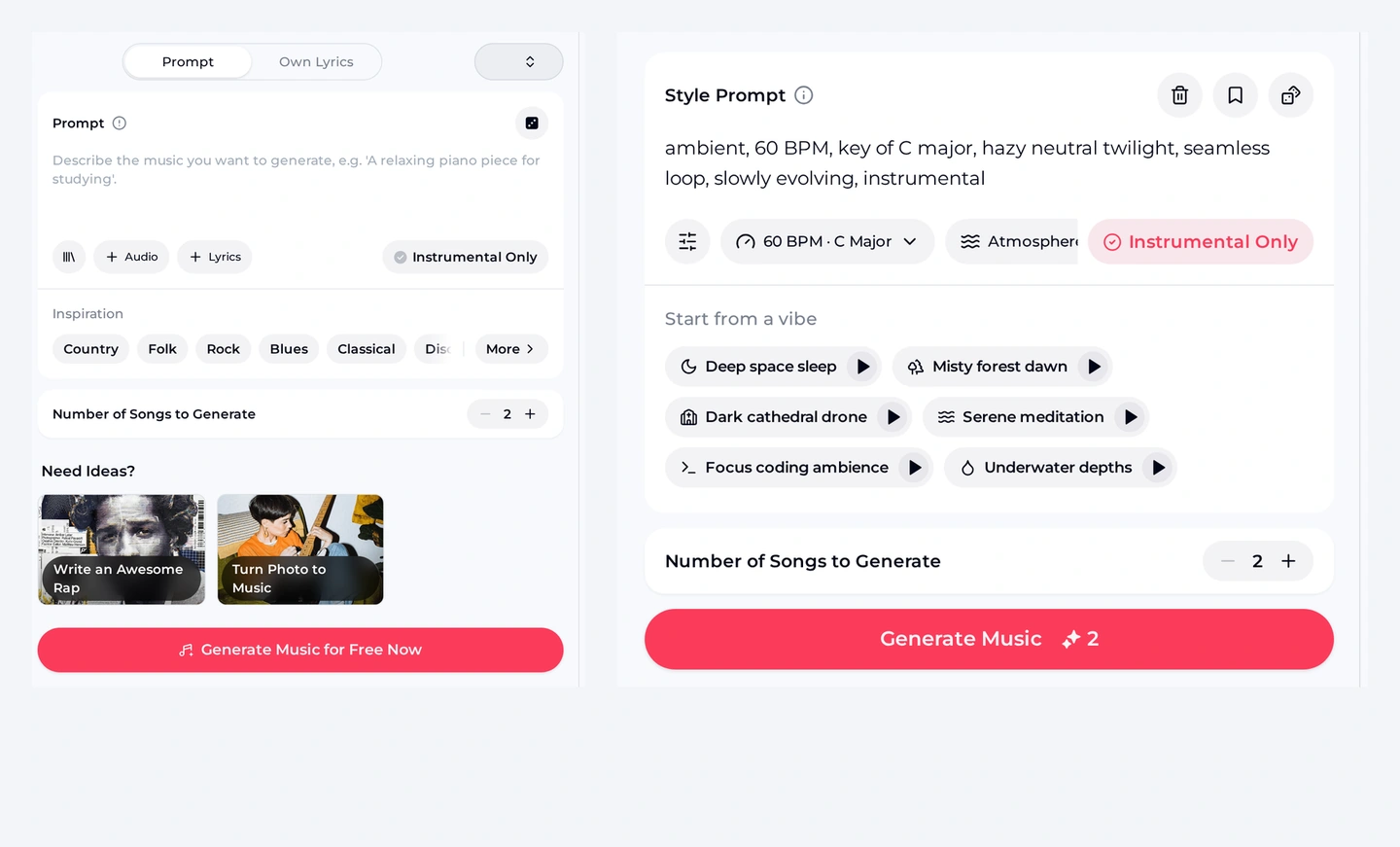
AI music gen on OpenMusic uses two panels. The AI Music Generator handles any theme from a free-text prompt; the Ambient Music Generator adds a tempo and key dropdown and an Atmosphere control, which suits slow room beds. Use the first for themed grooves and the second for drones and textures.

OpenMusic AI Music Generator Prompt panel next to the Ambient Music Generator panel, the two AI music gen tools, with BPM, key and Atmosphere controls

Controls that matter for rooms

  • Prompt and Instrumental Only: describe the room and keep vocals out.
  • Number of Songs to Generate: set to 2 by default.
  • 60 BPM · C Major and Atmosphere: on the ambient page, with six Start from a vibe presets such as Dark cathedral drone and Underwater depths.
Plan the playlist

A Room Playlist You Can Copy

Write the whole game down as one table before you spend any AI music gen credits. A sixty-minute room usually needs four or five tracks, and the tempo should climb as the clock runs down.

A sample AI music gen playlist: phases, tempos and prompts for one game.
PhaseToolTempoPrompt idea
Lobby and briefingAI Music Generator80 BPMWarm, curious underscore, soft piano and pads, inviting
Room 1 bedAmbient Music Generator60 BPMLow drones, distant creaks, faint ticking, mysterious
Room 2 bedAI Music Generator96 BPMTheme groove with the room's instruments, steady
Final ten minutesAI Music Generator120 BPMPulsing synth bass, ticking percussion, rising strings, urgent
DebriefAI Music Generator90 BPMBright, relieved, light drums and guitar, celebratory
Listen

Hear a Room Bed and a Countdown Cue

Two AI music gen examples made from the prompts shown, both instrumental. The first is a slow room bed; the second is the kind of cue that tells players the clock is now against them.

Abandoned lab room bed
dark ambient, 60 BPM, key of D minor, eerie abandoned laboratory, low drones, distant metallic creaks, faint ticking, slowly evolving, mysterious but not scary, instrumental
AI-generated music example, about 2 minutes.
Final ten minutes
tense cinematic underscore, 120 BPM, key of E minor, pulsing synth bass, ticking clock percussion, rising strings, urgent countdown feeling, builds steadily, instrumental
AI-generated music example, about 2 minutes.

Both examples are about two minutes long. For a longer room, plan several takes in a playlist rather than expecting one track to cover the whole game.

Your Room, Your Sound

Describe your first room in one line, switch on Instrumental Only and hear two takes you could play at the next booking.

Generate a Room Bed
Myths

Four Myths About Music in Escape Rooms

Owners who add AI music gen tracks for the first time often fall into the same traps. Here is what actually works once players are in the room and the clock is running.

Louder music means more tension.
Players need to talk. Keep the bed quiet and let a faster tempo create the pressure, not the volume.
One long track can cover the whole game.
A change of track is a signal. Switching to the countdown cue tells the group, without words, that time is short.
Horror rooms need screams and voices.
Vocals compete with your hint system. Keep Instrumental Only on and save sound effects for your own triggers.
Any track you like is fine to play.
Only play music you have the rights to. For songs made here, monthly and yearly plans let you use your songs commercially within the scope of the Commercial License.
Limits

What You Need, and What This Won't Do

AI music gen makes the tracks; your venue still runs the show. It does not trigger music from puzzle sensors, does not mix sound effects into a cue and does not promise a seamless loop, even when a default prompt mentions one.

Have ready

  • A list of phases with a target mood for each
  • A speaker in every room and a way to switch tracks
  • A staff run to test volume against talking

Not covered here

  • Sensor or puzzle-triggered playback
  • Sound effects such as door slams or alarms
  • Exact track lengths or exported loops
  • You get free credits after a quick sign-up: the free plan includes 30 credits a year, which is 15 song generations at 2 credits each. If a generation fails, the credits are usually returned automatically.
  • Monthly and yearly plans both let you use your songs commercially within the scope of the Commercial License. Monthly plans pay 5 credits per song for the licence certificate; yearly plans pay nothing extra.
  • You can buy Pay Once one-time credits. They do not include the licence automatically, but you can spend 5 credits per song to get it.
  • Paid plans can download MP3, WAV and FLAC (including songs made on the free plan); free users can download only a limited number.
FAQ

AI Music Gen FAQ for Escape Rooms

Short answers for owners and designers planning a soundtrack with AI music gen.

Can I use these tracks commercially?

Monthly and yearly plans both let you use your songs commercially within the scope of the Commercial License. Monthly plans pay 5 credits per song for the licence certificate, yearly plans pay nothing extra, and Pay Once credits can buy it for 5 credits per song. Read the licence terms before you rely on a track for your business, and keep the licence details with the song files. Paid plans can download MP3, WAV and FLAC files, including songs made on the free plan, while free users can download only a limited number. For music you did not make on OpenMusic, check that you hold the rights first.

How many tracks does one room need?

For a sixty-minute game, plan four or five AI music gen tracks: briefing, one bed per room, the final-ten-minutes cue and a debrief track. Each run costs 2 credits and gives two takes by default, so a full room soundtrack fits comfortably in a free year of 30 credits if you write focused prompts. Keep one or two spare runs for the cue that misses the mood on the first try.

Which page should I use for slow room beds?

The Ambient Music Generator starts from a 60 BPM style prompt, with a tempo and key dropdown and an Atmosphere control. Its Start from a vibe presets include Dark cathedral drone and Underwater depths, both useful starting points for crypt or submarine themes. Write the room's theme and the tempo you want into the prompt, keep the energy low, and test the track at the volume players will hear before the first booking.

Should the music change when players switch rooms?

Usually yes. A new track tells players they have made progress, and it refreshes the mood for the next set of puzzles. Keep the tempos close for the first rooms, then jump up for the last ten minutes so the change feels like a warning. Mark each switch in your game-master notes so whoever runs the room starts the next track at the same moment every time.

Can I make a voice-over for the briefing too?

Not with AI music gen; it makes music. Record your briefing yourself, then play a calm generated underscore beneath it. Keep the music low and slow so the rules stay clear, and save energy for the moment the door closes. Read the briefing over the music once before opening day to check the balance, and record a second take if any rule gets lost under the bed.

Can I run it on a phone at the venue?

Yes. AI music gen on OpenMusic works in a mobile browser, so you can generate and listen on a phone. There is no app to install. Paid plans download MP3, WAV and FLAC files to play from your own sound system, while free users can download only a limited number. Download the tracks before opening and play them from local files, so a weak signal never interrupts the game.
Score Your Next Room

Write one line per phase, keep Instrumental Only on and use AI music gen to build a soundtrack that matches the room you designed.

Start Your Soundtrack