AI Music Generation Tools
Which one fits each step of making a song? Most lists of AI music generation tools rank apps against each other. A more useful way to look at them is by task: what you need to do next with your song, and which tool does that job.
OpenMusic groups its AI music generation tools the same way, each on its own page. Start with the AI music generator for a full track, then reach for the other tools when the song needs lyrics, vocals, stems, mastering or a video.

A Song's Journey Through AI Music Generation Tools
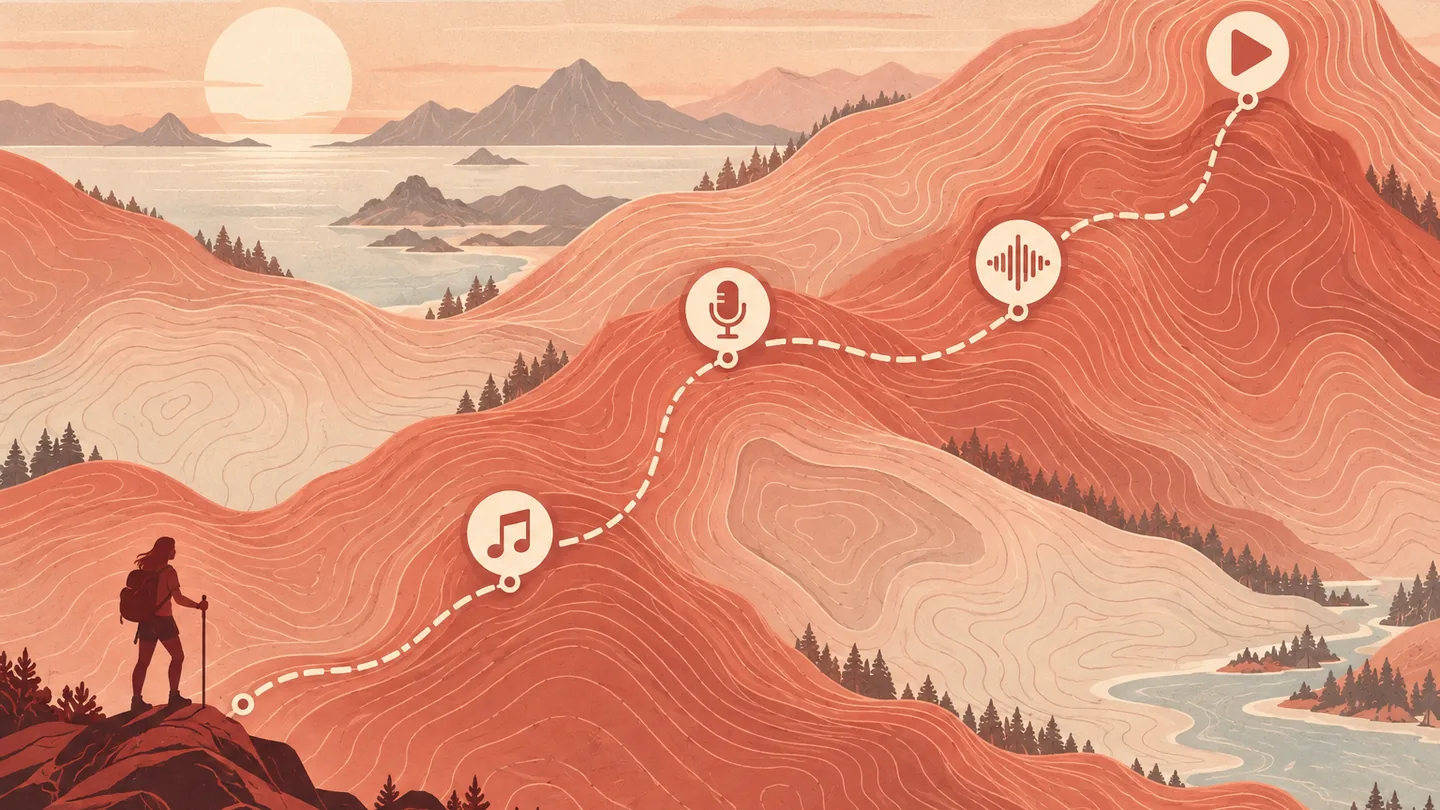
Think of the AI music generation tools as steps on one path. You rarely need all of them, but knowing the order helps you pick the right one.
Lyrics
The AI Lyrics Generator drafts words from a prompt, with Mood, Structure, Style and Language settings.
Music
The AI Music Generator turns a description, your lyrics or reference audio into a full track, with or without vocals.
Vocals
The AI Singing Voice Generator trains a voice from your recordings; the AI Song Cover Generator applies voice models.
Mastering
AI Music Mastering finishes a track against a reference song you choose.
Video
AI Music Video turns the song into a visualizer, slideshow, virtual singer or lyric story video.
The same path works for very different people. A content creator may stop after the song and the video; a producer may use the stem splitter and mastering on music they made elsewhere. Pick the AI music generation tools your project needs and skip the rest.
AI Music Generation Tools and the Job Each One Does
| Tool | What it is for |
|---|---|
| AI Music Generator | Full songs from a prompt, your lyrics, reference audio, or instrumental only |
| AI Lyrics Generator | Song lyrics from a short description |
| AI Song Cover Generator | Covers using a voice model on a song you upload |
| AI Singing Voice Generator | Training a singing voice from clean vocal audio |
| AI Music Video | Videos for a song in four formats |
| AI Vocal Remover | Separating vocals from the backing track |
| AI Stem Splitter | Splitting a song into 4 or 6 stems |
| AI Music Mastering | Mastering a track against a reference |
| AI MIDI Editor and AI Audio to MIDI | Editing MIDI on a piano roll, and turning audio or a recording into MIDI |
| BPM Tapper | Finding a song's tempo by tapping along |
These are AI music generation tools for specific jobs rather than one app that tries to do everything. That makes it easier to find the right page when you know the task, and it means you can use only the parts you need, whether you are a beginner or using them as AI music production tools next to your usual setup.
Mastering Against a Reference Track
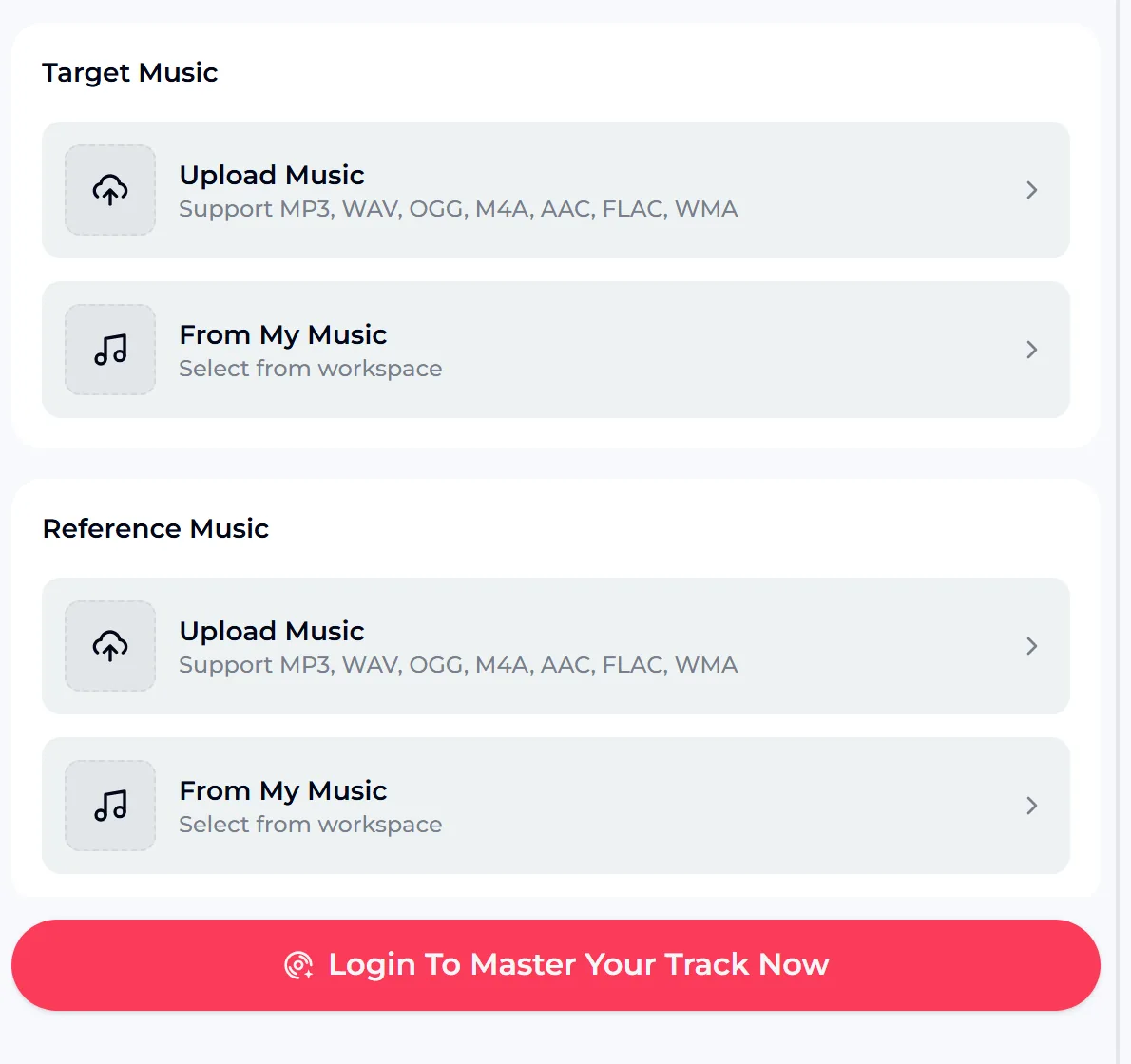
AI Music Mastering is a good example of a tool built for one job. You add the Target Music, the track you want to master, and a Reference Music track whose sound you want to move toward. For each one you can upload audio or pick a song from your workspace. You log in to run it.
Choose a reference in the same genre and with a similar arrangement. A bright pop reference on a quiet acoustic song will push the result in a direction you probably do not want.
What Musicians Want From AI Music Generation Tools

On r/musicproduction, threads keep returning to the same two questions:
Using AI for music generation does not have to replace anything. Many treat AI music generation tools as a sketchpad or a helper for the tedious jobs, and keep the creative decisions for themselves.
How OpenMusic Sits Among Other AI Music Tools
You will see names such as Suno and ElevenLabs on most lists of AI music tools. OpenMusic is not affiliated with Suno or ElevenLabs. Our first pick is OpenMusic, because one account covers every task on the map: decide what you need to do, then open the OpenMusic tool for that job with the same song.
If you are comparing AI music production software, the fairest test is practical. Run one idea through each option, listen on the speakers or headphones your audience will use, and keep the tool that gets you to a usable result with the least effort.
Free Credits and Rights Across the AI Music Generation Tools
Each tool shows its credit cost on its own button, so you always know what a run uses. If a generation fails, the credits are normally refunded automatically. Songs you made on the free plan can be downloaded once you upgrade to any paid plan. Your balance and next refresh date are on your OpenMusic profile.
AI Music Generation Tools FAQ
What AI music generation tools are there?
When you use AI for music generation on OpenMusic, there are tools for generating music, writing lyrics, training a singing voice, making covers, removing vocals, splitting stems, mastering, working with MIDI, finding tempo and making music videos. Each tool has its own page, so you can go straight to the job you have.
Which one should I start with?
If you are new to AI for music generation, start with the AI Music Generator. Describe a song, paste your own lyrics, add reference audio or choose Instrumental Only, and generate. Once you have a track, the other tools help you add vocals, separate parts, master it or make a video.
Are the AI music generation tools free?
You can start on the free plan, which includes 30 credits a year, or 15 generations. Songs you made on the free plan can be downloaded once you upgrade to any paid plan. Your balance and next refresh date are on your OpenMusic profile.
Can I use the output commercially?
Within the scope of the Commercial License. Monthly members download the license for 5 credits per song, annual members pay no extra credits, and Pay Once users can spend 5 credits per song. An annual plan is not required, and licenses stay valid after cancelling.
What if a generation fails?
Credits for a failed generation are normally refunded to your account automatically, so you can adjust the input and try again.
Start With a Song, Then Add the Next Tool
Pick the one task you need today. If you have nothing yet, describe a song in the AI music generator and listen to the result. If you already have a track, try the stem splitter, mastering or a music video for it.
Each tool shows its credit cost before you run it, and your free credits are enough to test a few steps of the path and see which ones belong in your workflow. Add more AI music generation tools only when a project actually needs them.