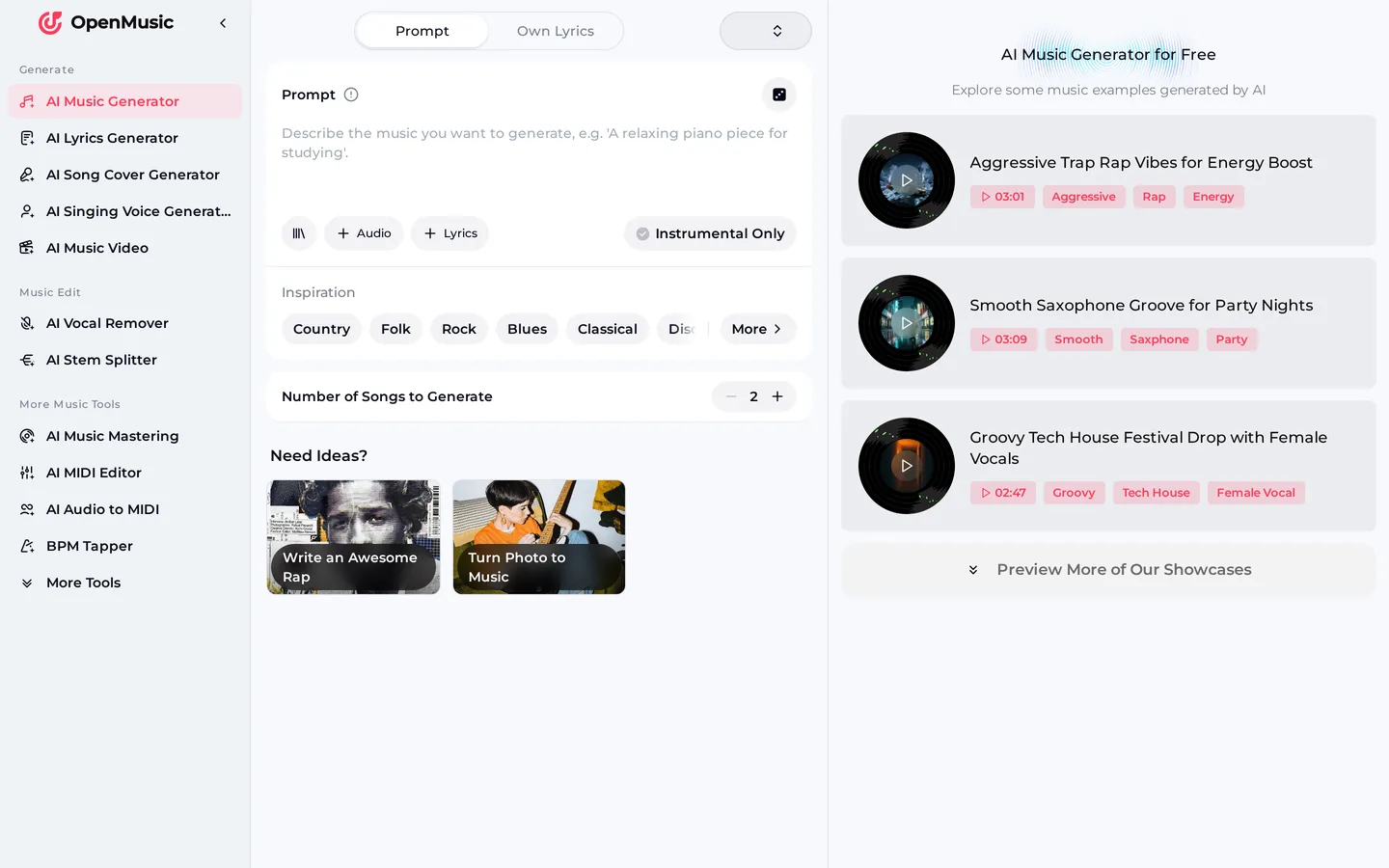
- Is there an OpenMusic app to download?
- No. OpenMusic does not have an iOS or Android app, and there are no OpenMusic links in the App Store or Google Play. The full tool runs in the browser on your phone, tablet or computer. If you see a store listing that uses the OpenMusic name, it is not an official product, so do not enter payment details there. Open the website in your browser instead and sign up there.
- Can I put OpenMusic on my home screen?
- Most phone browsers let you add any website to your home screen from the share or menu button. That creates a shortcut icon, not an installed app, so it still opens the OpenMusic website in your browser. It is a handy way to reach the generator in one tap, and it does not ask for permissions, store payments or take up space with updates.
- How do I stop paying for an AI music generator app I installed?
- Cancel the subscription in the store where you bought it. On an iPhone, open Settings, tap your name, then Subscriptions. On Android, open Google Play, tap your profile, then Payments and subscriptions. Deleting the app alone does not stop the billing. If you believe you were charged unfairly, contact the store or the app developer through the listing, and keep the receipt email the store sent you.
- What does OpenMusic cost to try?
- After a quick sign-up you get 30 free credits a year. Each generation costs 2 credits and gives you two songs, so the free plan covers 15 generations. Paid plans come as monthly or annual subscriptions on the website, and you can also buy Pay Once credits without changing plans. Failed generations are usually credited back automatically, and unused credits are cleared at renewal.
- Can I use the songs I make on my phone?
- Yes, within the scope of the Commercial License. On monthly plans and with Pay Once credits, the license certificate costs 5 credits per song; annual plans include it at no extra cost. Licenses you have already received stay valid even if you cancel later. Paid plans can download songs as MP3, WAV or FLAC, including songs you made on the free plan.
- Does it work without an internet connection?
- No. OpenMusic generates songs online, so you need a connection while you write the prompt and generate. Once you have downloaded a song on a paid plan, you can play the file offline like any other audio file. If your signal is weak on a commute, write your lyrics in a notes app first and paste them in when you are back online.