AI Music Song Generator
Say what the song is for, or paste words you already wrote. OpenMusic turns that brief into a finished song with vocals and music. Start in Prompt when you only have an idea, or in Own Lyrics when your words are ready to be sung.
- 2Number of Songs to Generate by default
- 2credits per song
- 30credits a year on the free plan
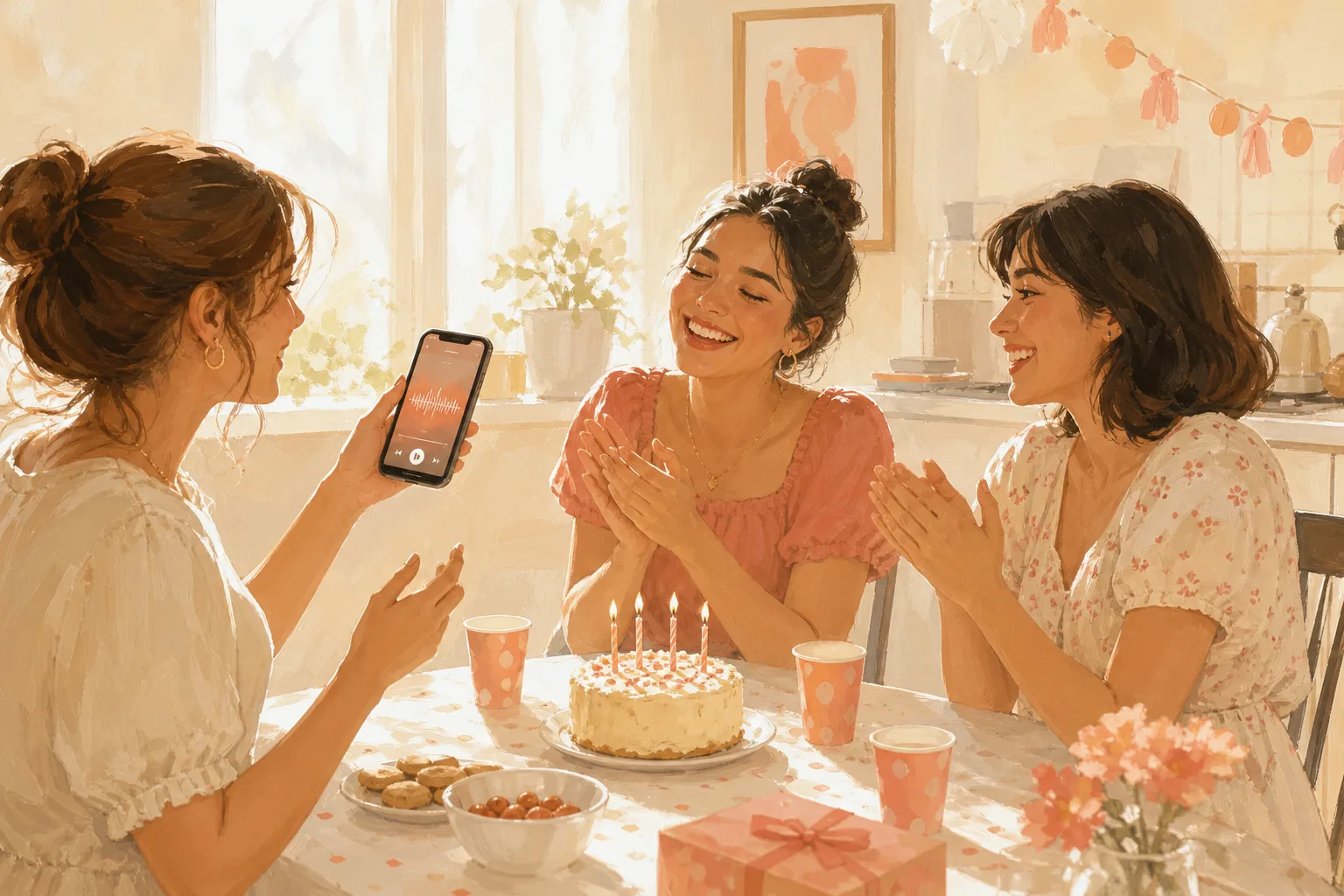
One line about the occasion is enough to start a song in Prompt.
Who it is for
Who Uses an AI Music Song Generator
This kind of tool suits anyone with a reason for a song and no band, singer or studio booked. Use the AI music song generator with vocals for a sung track, or ask for music on its own. These are the people who reach for it most.
Two ways in
Two Ways to Start in the AI Music Song Generator
On OpenMusic, this AI music song generator online runs inside the AI Music Generator page and works in a phone browser. You can begin from Prompt or from Own Lyrics; the capture shows four birthday lines typed into the Lyrics box.
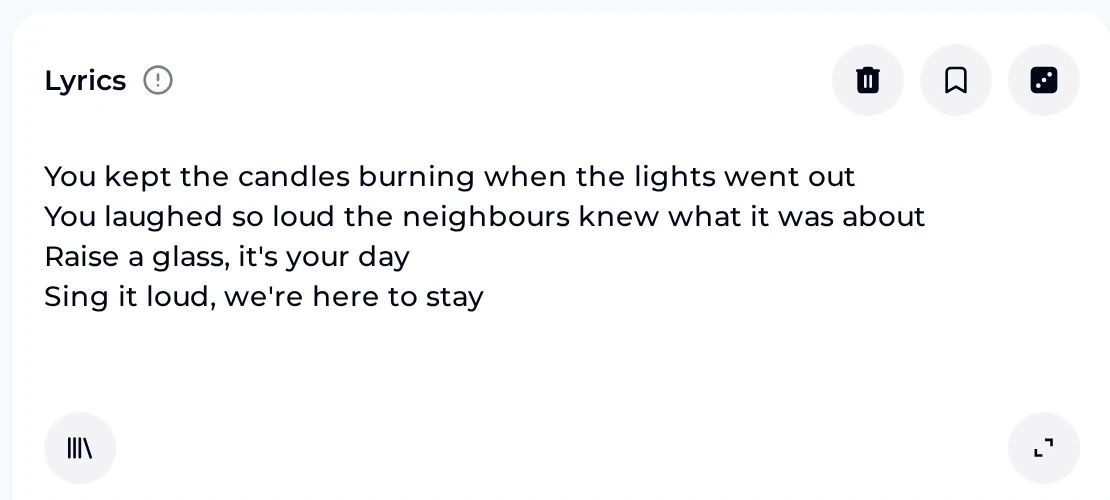

Use Prompt when you only have an idea, and Own Lyrics when the words are already written.
Steps
How to Use the AI Music Song Generator in Four Steps
Four steps take you from an idea to a song you can download. Every step happens on the AI Music Generator page, which works in a phone browser.
Pick a mode
Open the AI Music Generator and choose Prompt if you only have an idea, or Own Lyrics if you already have words.
Write the brief
In Prompt, say what the song is for, the genre, two or three instruments and the kind of voice. In Own Lyrics, type or paste the words and describe the style and voice you want.
Generate
Number of Songs to Generate defaults to 2, and each song costs 2 credits, so one brief gives you more than one result to compare.
Check and download
Play each result from start to finish and download the one you like. Free users can download a limited number of songs, and paid plans can also download songs made on the free plan.
Listen
AI Music Song Generator Examples
Two example tracks to play before you write your own brief. Use them to practise listening, then do the same with your own results.
When you compare your own results, listen to each song once from start to finish, then check that every word comes through. Keep the result you would play again, and note the brief that made it so you can reuse it next time.
If a line is hard to hear, play that part again with your own copy of the words beside you, then decide whether to keep the song or write a new brief.
Tips
Brief Tips for the AI Music Song Generator
A short, specific brief gives you a firm starting point to test and adjust. Using the AI music song generator for birthdays? Name the friend and one shared memory.
Start with the Must tips and add the others when you want more control. Write the brief the way you would describe the song to a friend: who it is for, what it should feel like and what you would like to hear in it.
- ■ Must
Name the occasion or the story. "A birthday song for a friend who loves road trips" gives the song something real to say.
- ■ Must
Describe the voice you want, such as a warm male vocal or a bright female vocal.
- ▲ Should
List two or three instruments. Handclaps and acoustic guitar say more than a long list.
- ▲ Should
Name one mood word, such as upbeat, tender or nostalgic, so the brief points one way.
- ● Nice
Keep the Prompt brief to one or two sentences, and save extra ideas for the next run.
- ● Nice
In Own Lyrics, read your lines aloud first. Lines you can say in one breath suit singing.
Plans
AI Music Song Generator Credits and Rights
Start on the free AI music song generator plan, then check what a song costs, what you can download and how you can use the songs.
- Per song
- Each song costs 2 credits.
- Free plan
- The free plan includes 30 credits a year, which is 15 generations.
- Unused credits
- Unused credits do not roll over; they reset on your renewal date.
- Free users
- Free users can download a limited number of songs.
- Paid plans
- Paid plans can download songs, including songs made on the free plan.
- Devices
- It works in a phone browser.
- Commercial rights
- Monthly and annual plans include commercial rights within the scope of the Commercial License.
- License certificate
- A certificate costs 5 credits per song on monthly plans and Pay Once, and nothing extra on annual plans, within the scope of the Commercial License.
- After cancelling
- Licenses you already obtained stay valid within the scope of the Commercial License; while your plan is active, save the songs and license files you want to keep.
Other tools
Other OpenMusic Tools Beside the AI Music Song Generator
This tool makes new songs. When your job starts from a track you already have, or you only need words, one of these OpenMusic tools is the better place to begin.
FAQ
AI Music Song Generator FAQ
Short answers to the questions people ask before their first song.
Which mode should I start with?
Start in Prompt when you only have an idea: one line about the occasion, a genre, two or three instruments and the kind of voice is enough to begin. Start in Own Lyrics when the words are already written, then type or paste them and describe the style and voice you want. After a run, play each song from start to finish before you decide which one to keep and download.
How many songs do I get per run, and what do they cost?
Number of Songs to Generate defaults to 2, and each song costs 2 credits. You can try the AI music song generator free: the free plan includes 30 credits a year, which is 15 generations at 2 credits per song. Spend credits on briefs you have thought through, and when you run a brief again, adjust a single detail each time and compare the new songs with the last ones.
Can I choose a male or female voice?
Yes, by describing it. Write the voice you want into the brief or the style line, for example warm male vocal or soft female vocal, and keep the rest of the brief the same while you test it. Then play each result and keep the one whose voice fits your song best. If none feels right, change only the voice words, leave the genre and mood as they were, and generate again.
Can I use the songs commercially?
Yes, within the scope of the Commercial License, which monthly and annual plans include. A license certificate costs 5 credits per song on monthly plans and Pay Once, and nothing extra on annual plans, within the scope of the Commercial License. You can also buy credits once with Pay Once. Licenses you already obtained stay valid within the scope of the Commercial License if you cancel your plan later, and it is worth saving the songs and license files you want to keep while the plan is active.
Can I get a song without vocals?
Yes. In Prompt, switch on Instrumental Only before you generate. An instrumental suits a speech, a slideshow or a game clip, where a sung line would compete with the person talking or the sound of the game. Number of Songs to Generate still defaults to 2, and each song costs 2 credits, the same as a sung song. Describe the mood and instruments as you would for any other brief.
Does it work on my phone?
Yes. It works in a phone browser, so you can write a brief, play each result and pick the one you like from wherever you are. Free users can download a limited number of songs, and a paid plan also lets you download songs you made while on the free plan. Each song costs 2 credits whichever device you use, and the free plan's 30 credits a year cover 15 generations.
Start the AI Music Song Generator
Write one line about the song, or paste your own words, and keep the result you like best.
- Pick a mode
- Write the brief
- Compare the results