Free Photo to Music Generator
Hear and Feel our Photo to Music AI in Action
Listen to songs generated entirely from a single image. OpenMusic analyzes the colors, mood, and content of a photo to compose a completely original piece of music. Discover the sound of a memory.
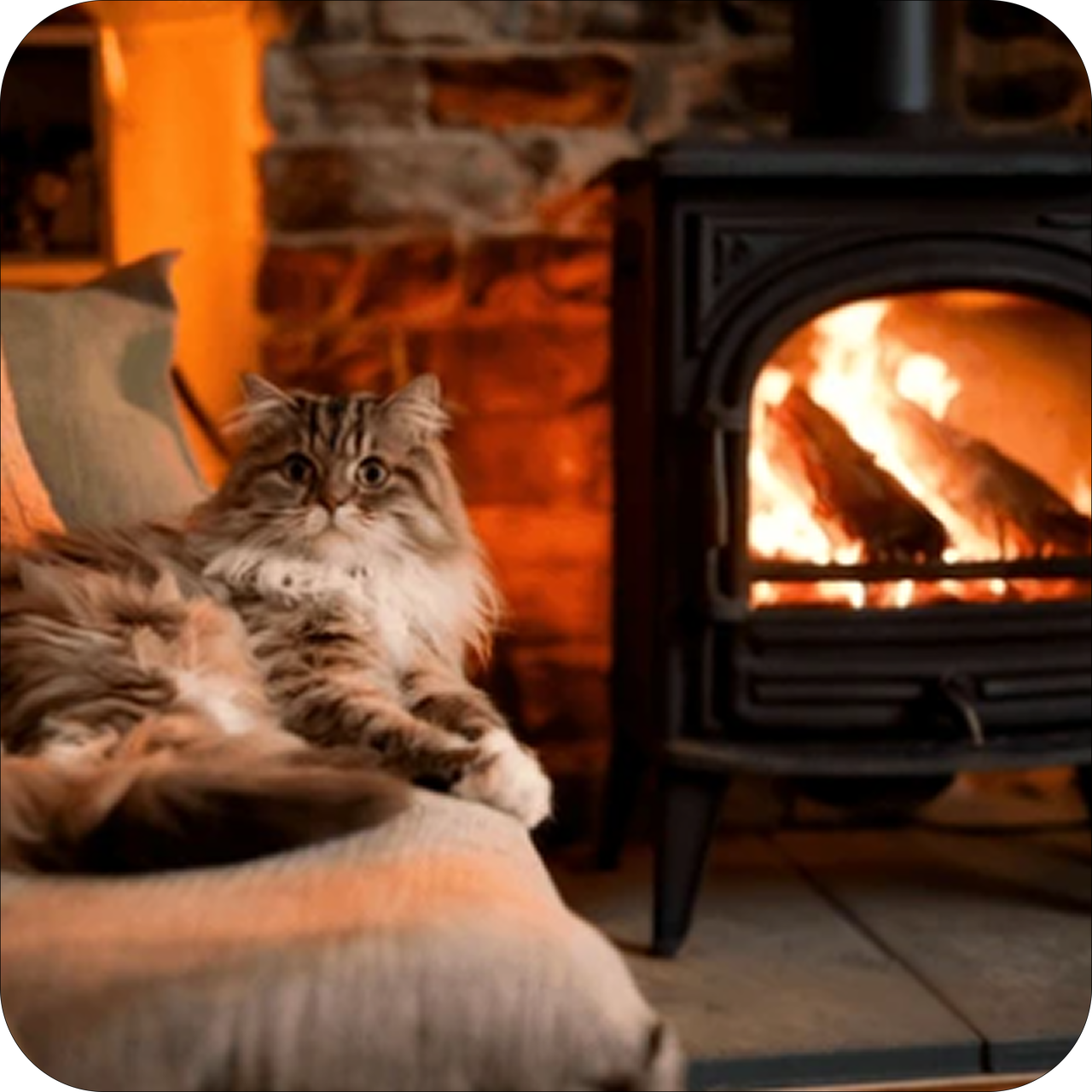
My cat is fast asleep by the fireplace. Write a cozy, sleepy music for a lazy winter afternoon.
"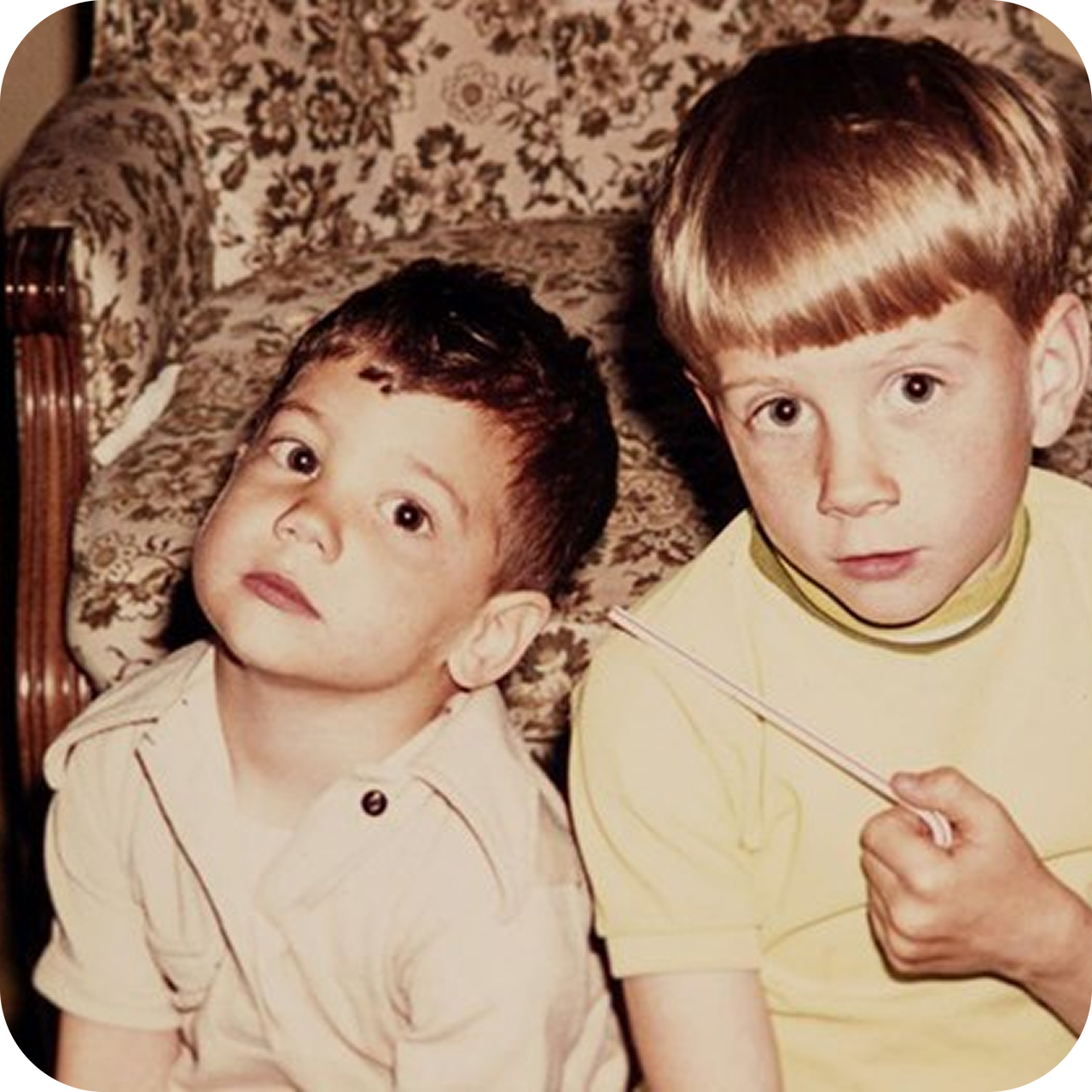
I found this old photo from the 90s. Write a nostalgic synth-pop song that sounds like a childhood memory.
"
I just won the most intense match of my life!
"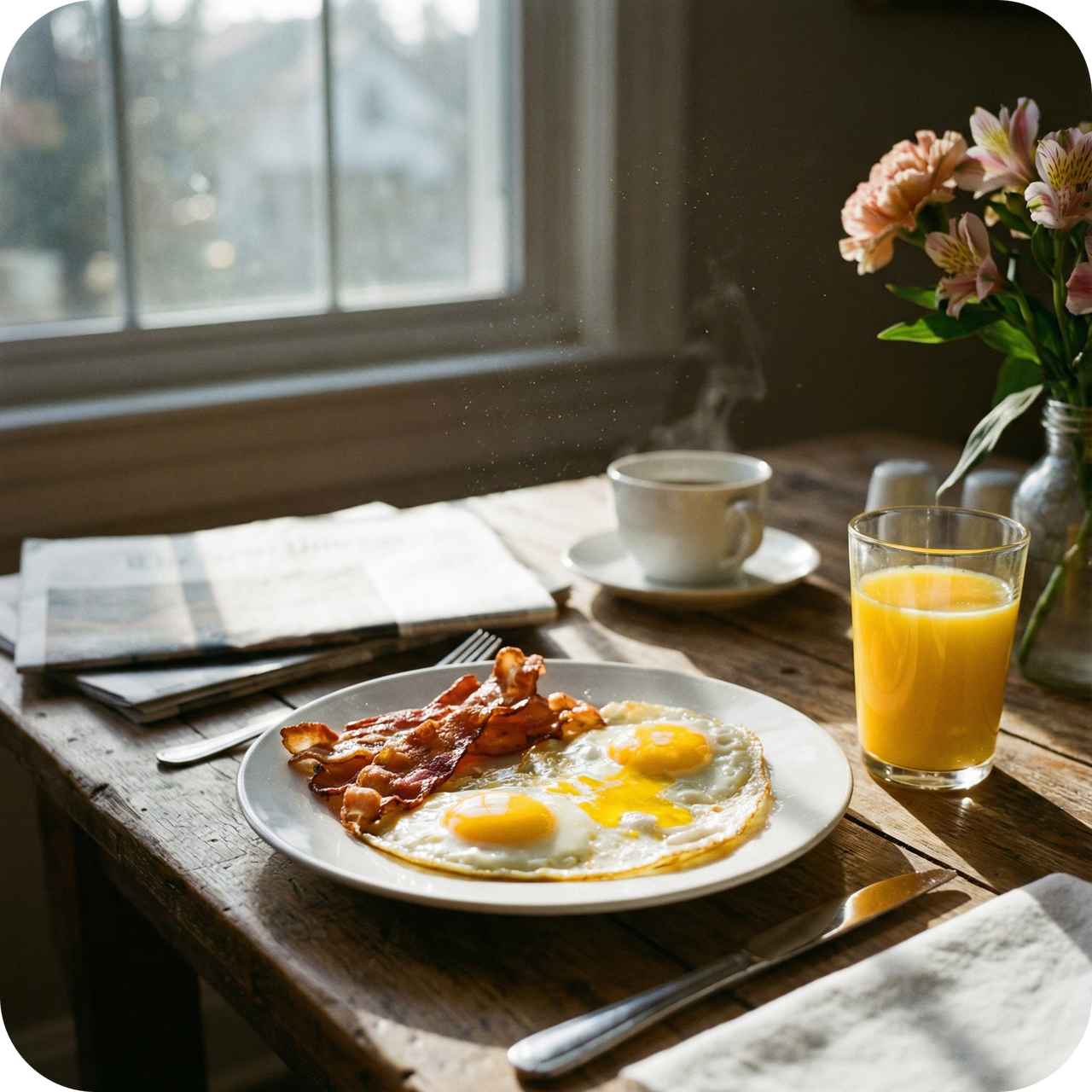
I decided to treat myself to a fancy homemade breakfast this Sunday morning.
"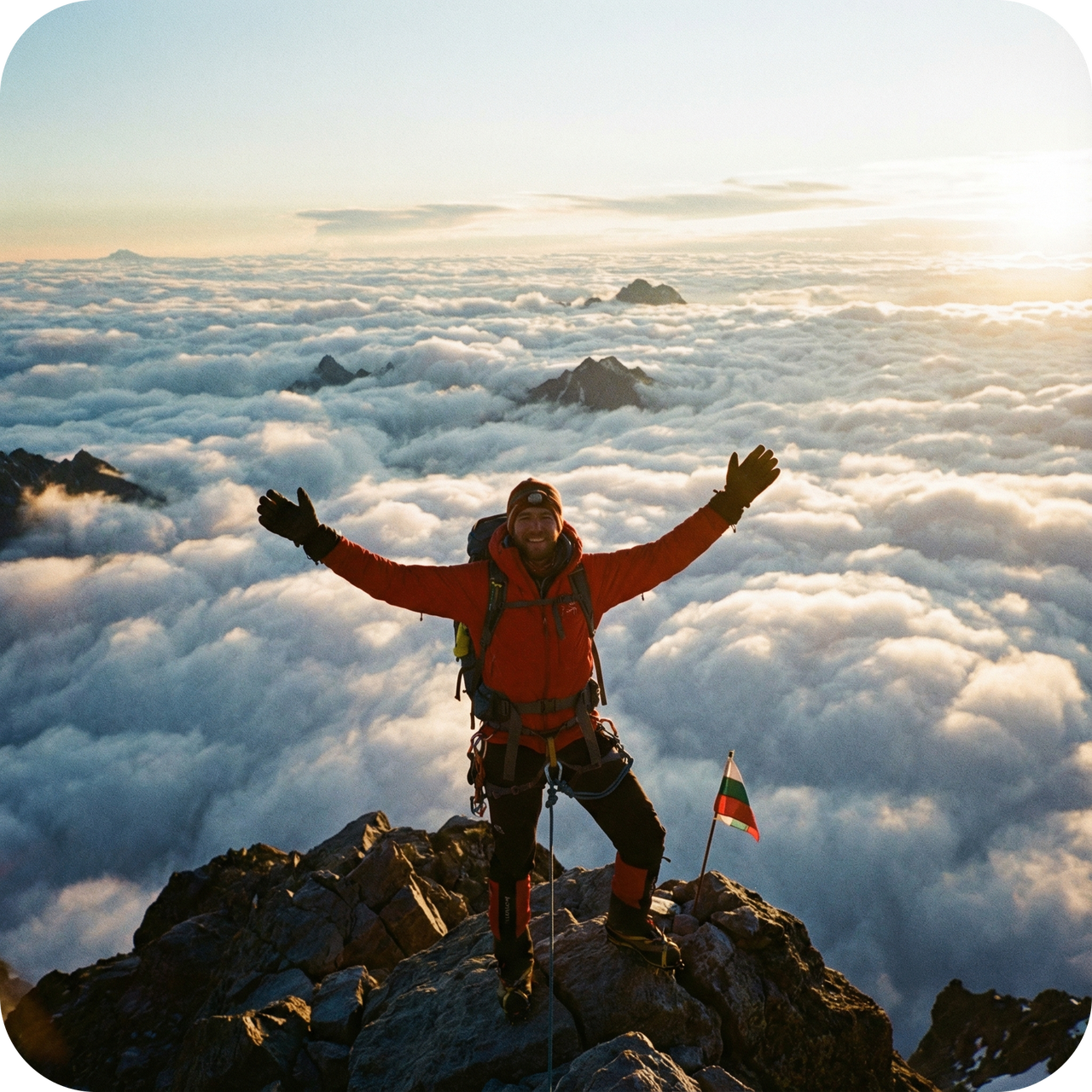
The view above the clouds is breathtaking. Write an epic orchestral song to celebrate this victory.
"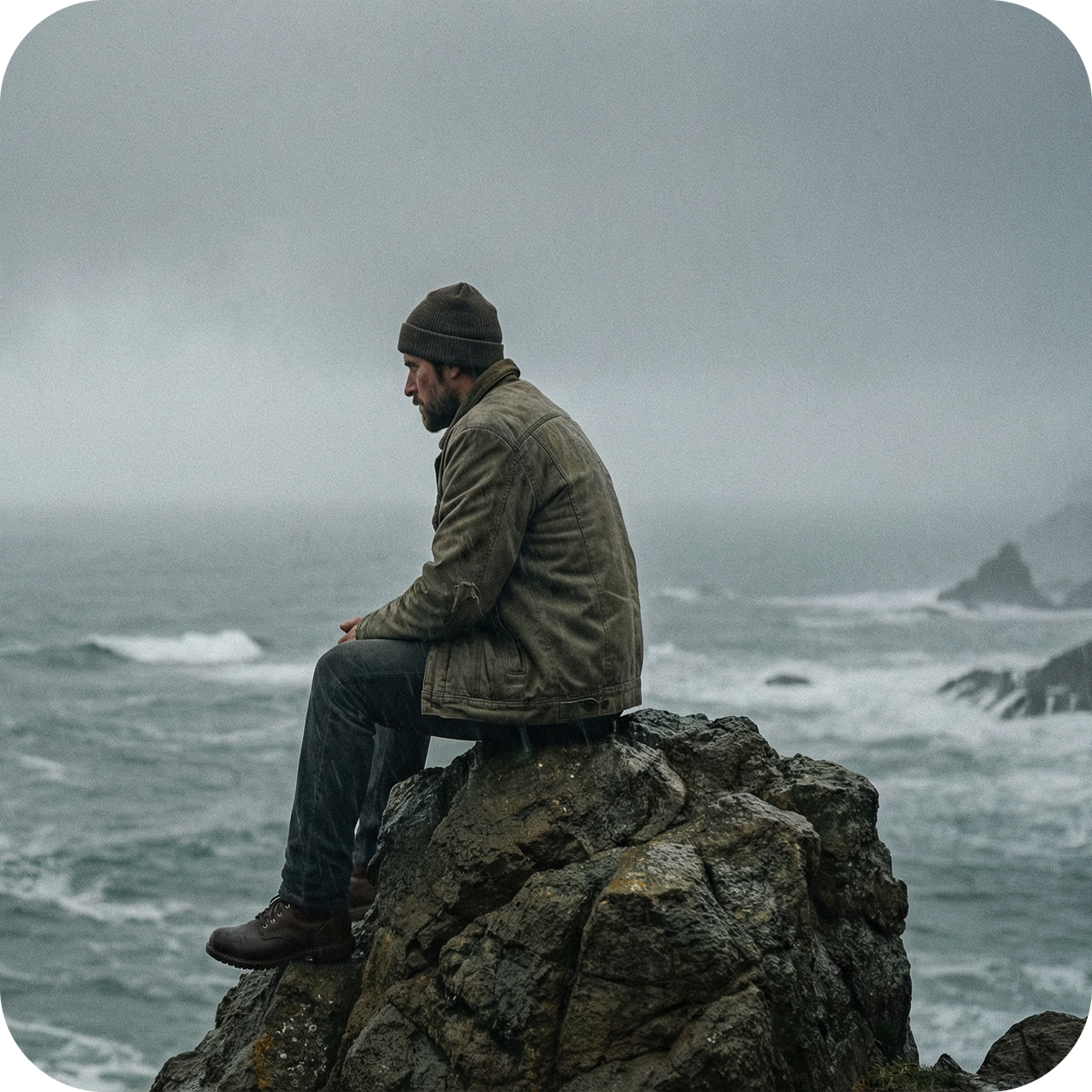
Create a sad but healing piano piece that reflects my solitude.
"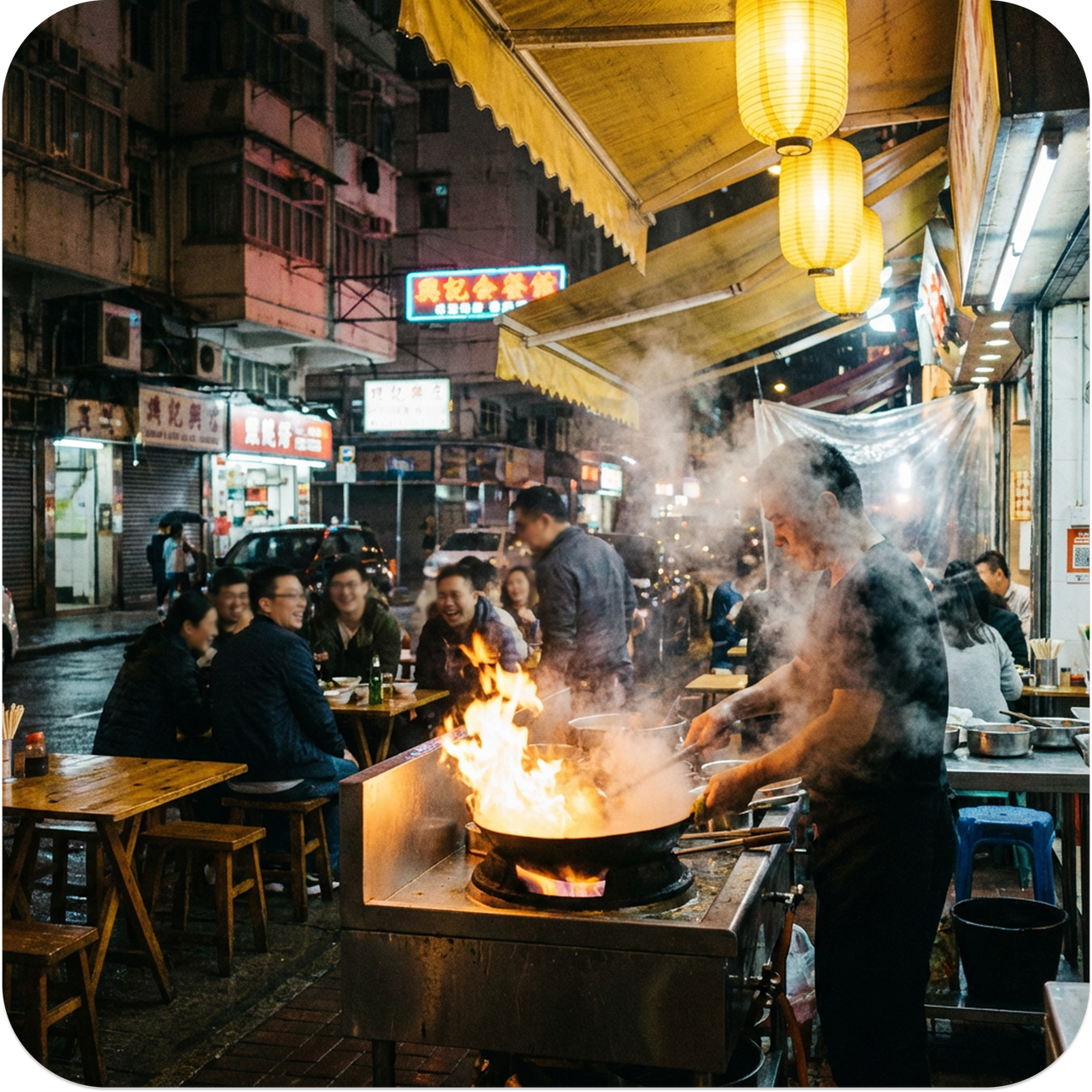
The smell of spices and the sound of the wok are intoxicating. Write a groovy, upbeat jazz-funk track that captures this lively night vibe.
"
I've never felt love like this before. Write a gentle, lullaby-style song that promises to protect her forever.
"
Best Photo to Music Converter
All-in-One Photo to Music AI: Create Soundtrack for Your Image
All the tools you need to go from a simple picture to a fully-produced song are here. Experience creative freedom like never before.
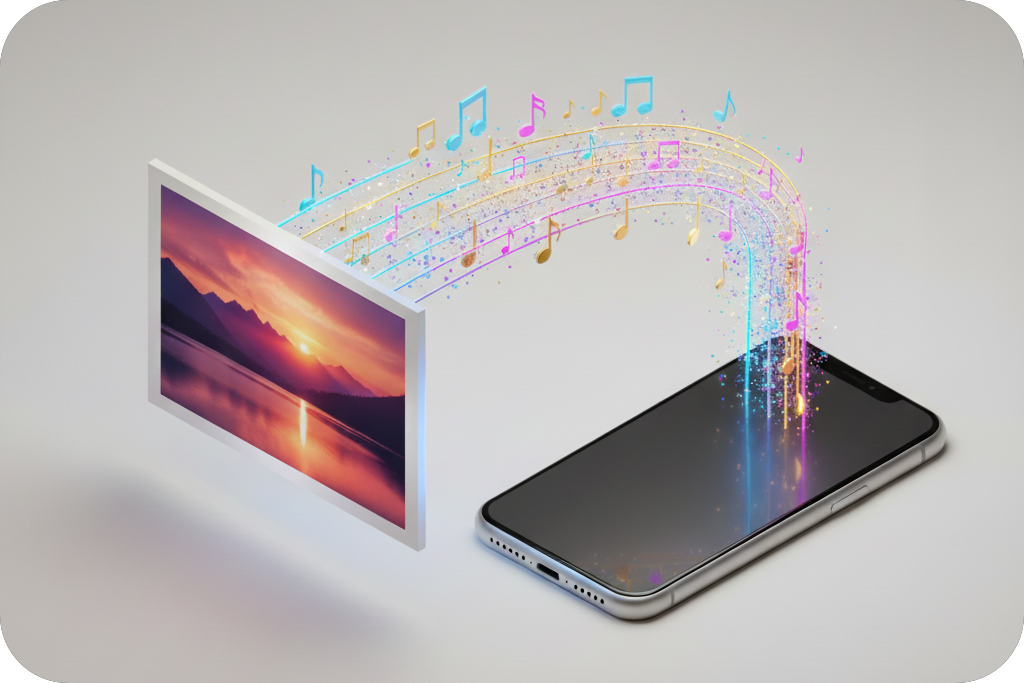
AI-Powered Lyric Generation
Our Photo to Music AI writes lyrics inspired by your image and prompts. It can structure verses, a chorus, and even a bridge, giving you a complete lyrical foundation to build upon.
Total Sonic Control
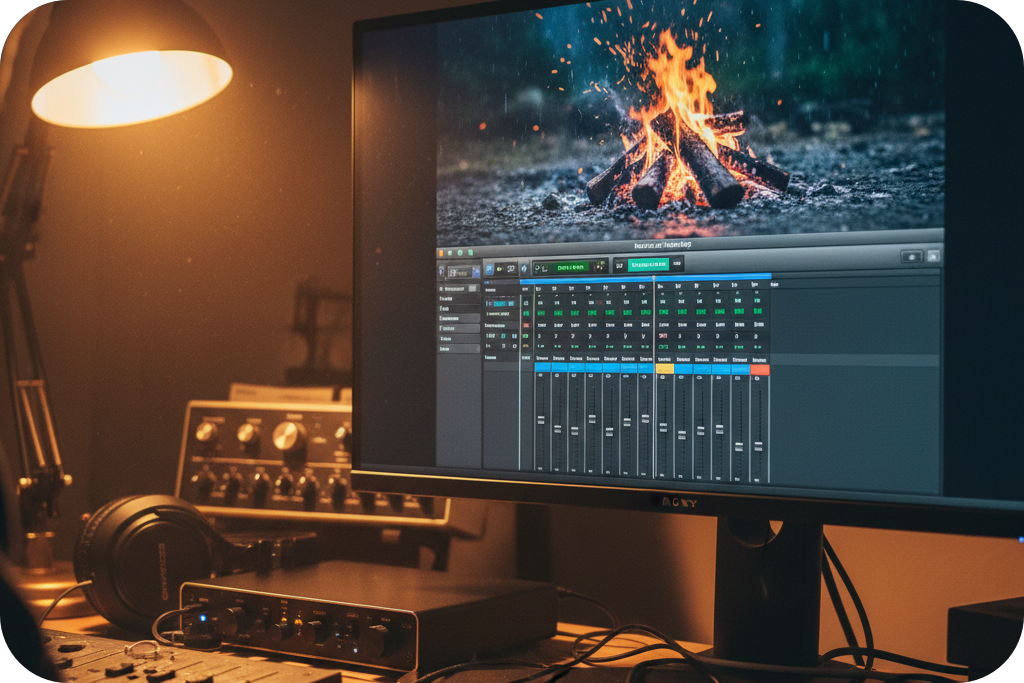
Choose from dozens of genres, moods, and instruments. Add ambient textures, like rain or a campfire. Our image-to-music generator gives you granular control to craft the perfect track.
Advanced Remixing Suite
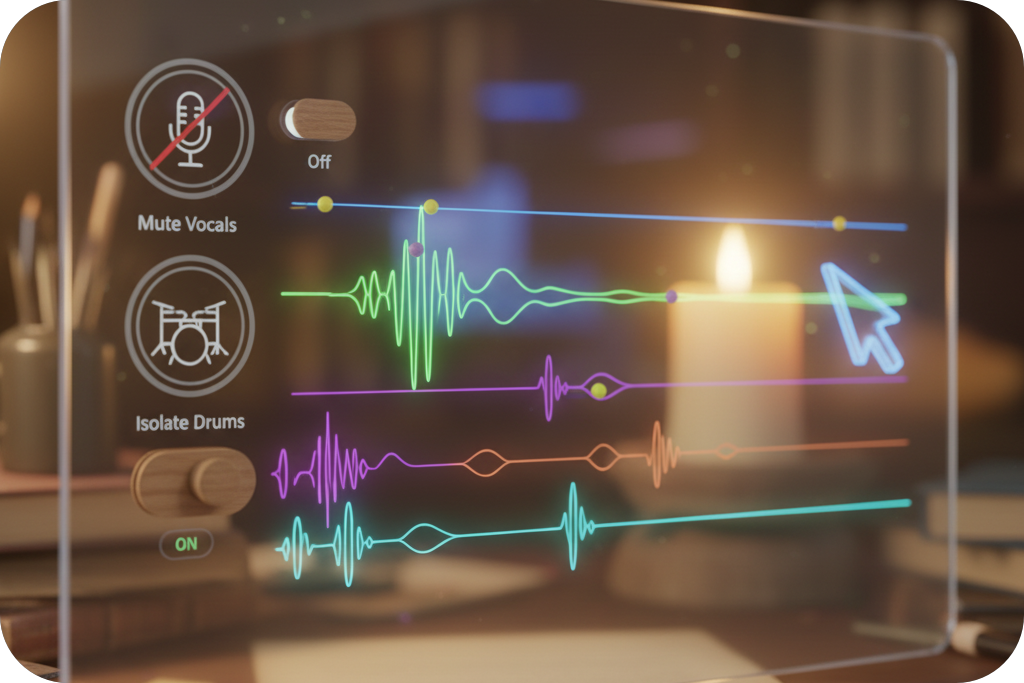
Your first draft is just the beginning. Use AI tools to create a cover, extend the track's length, or split the song into stems. Isolate or remove vocals and instruments to create the perfect mix for any project.
Royalty-Free & Commercial Ready
Every song you create is yours to use. Download high-quality audio files for personal projects or secure a commercial license for use in marketing, social media, or film. No copyright strikes, just pure creativity.
Online Photo to Music
Who is Our Photo to Music Generator For?
Whether you're making content, producing music, or just having fun, our image-to-music AI unlocks new creative possibilities.
Social Media Storytellers
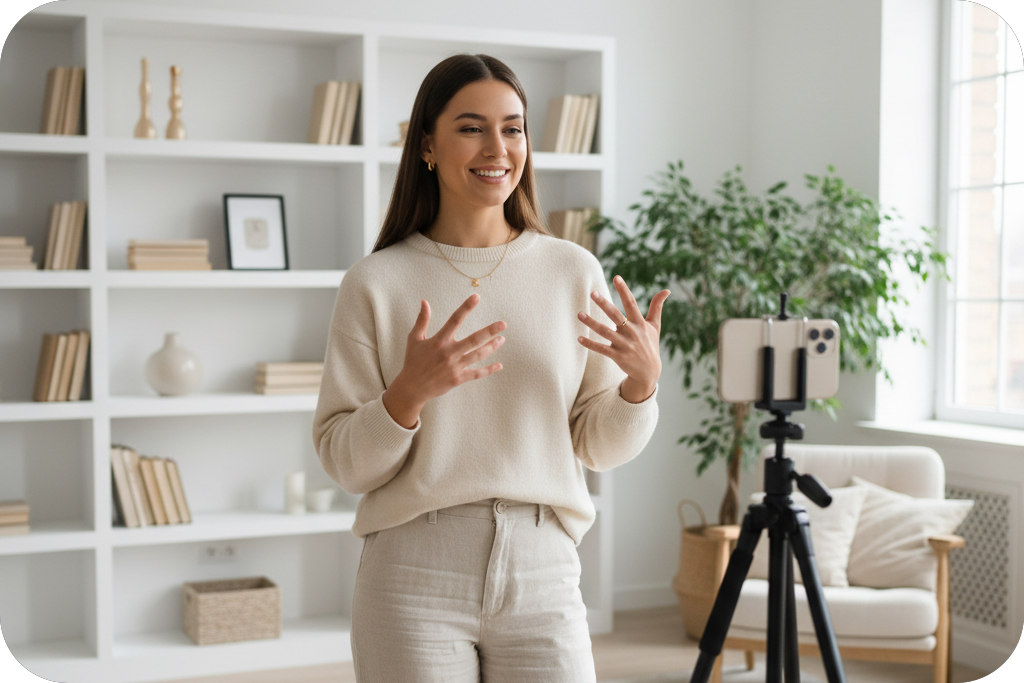
Use photo to music AI to generate unique, copyright-safe soundtracks for your videos, podcasts, and streams that grab your audience's attention and stop the scroll.
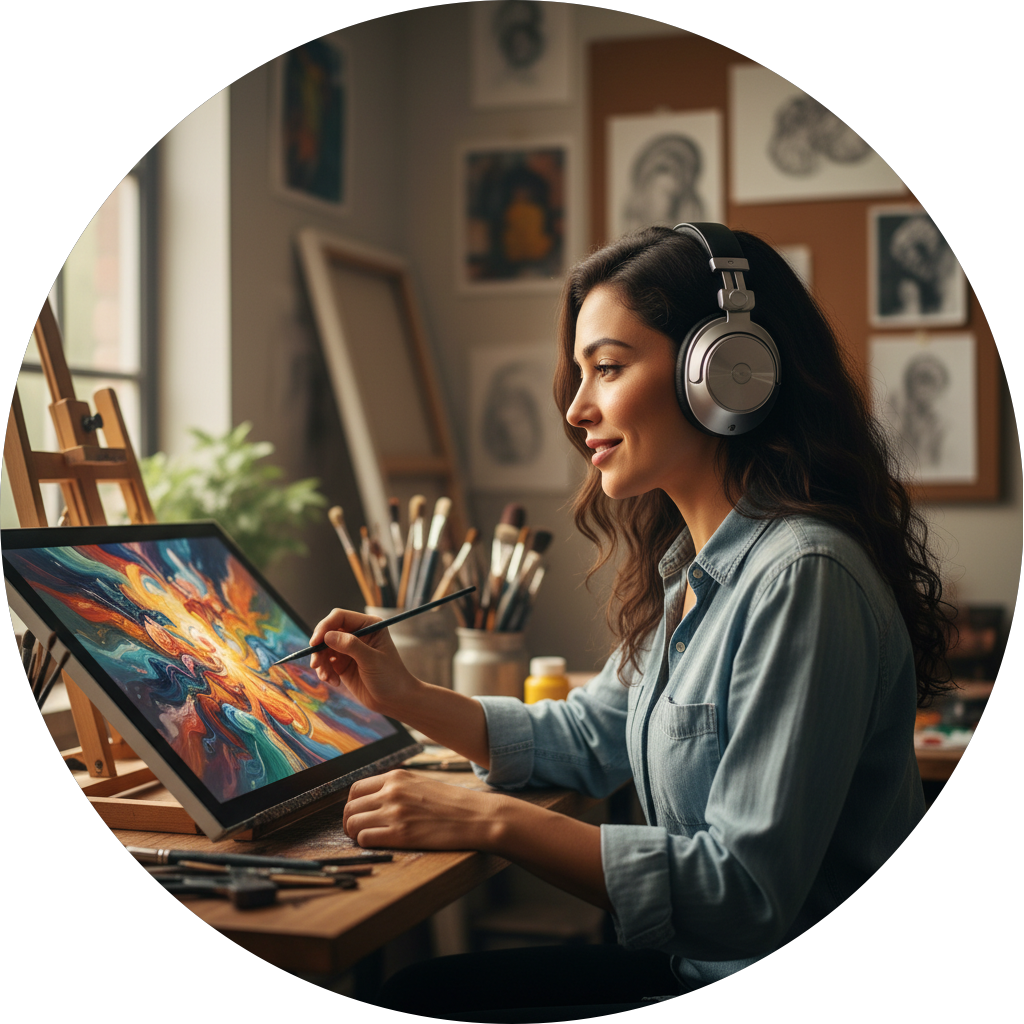
Visual Artists & Designers
Image to music converter gives your art a voice. Transform your paintings, photographs, and digital creations into sound to create immersive experiences for your audience.
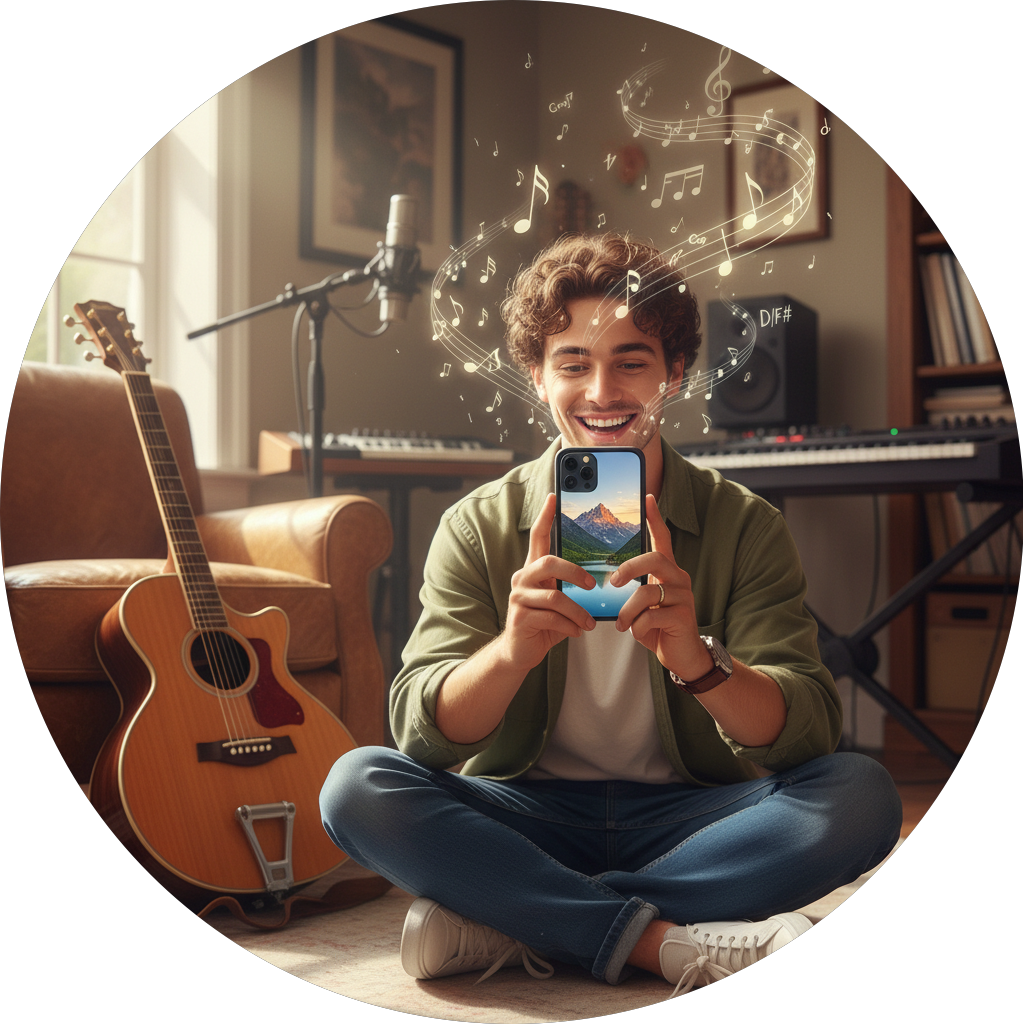
Musicians & Songwriters
Break through creative blocks by turning visual inspiration into musical ideas. Use the AI image to song generator to create unique melodies, chord progressions, and song structures.
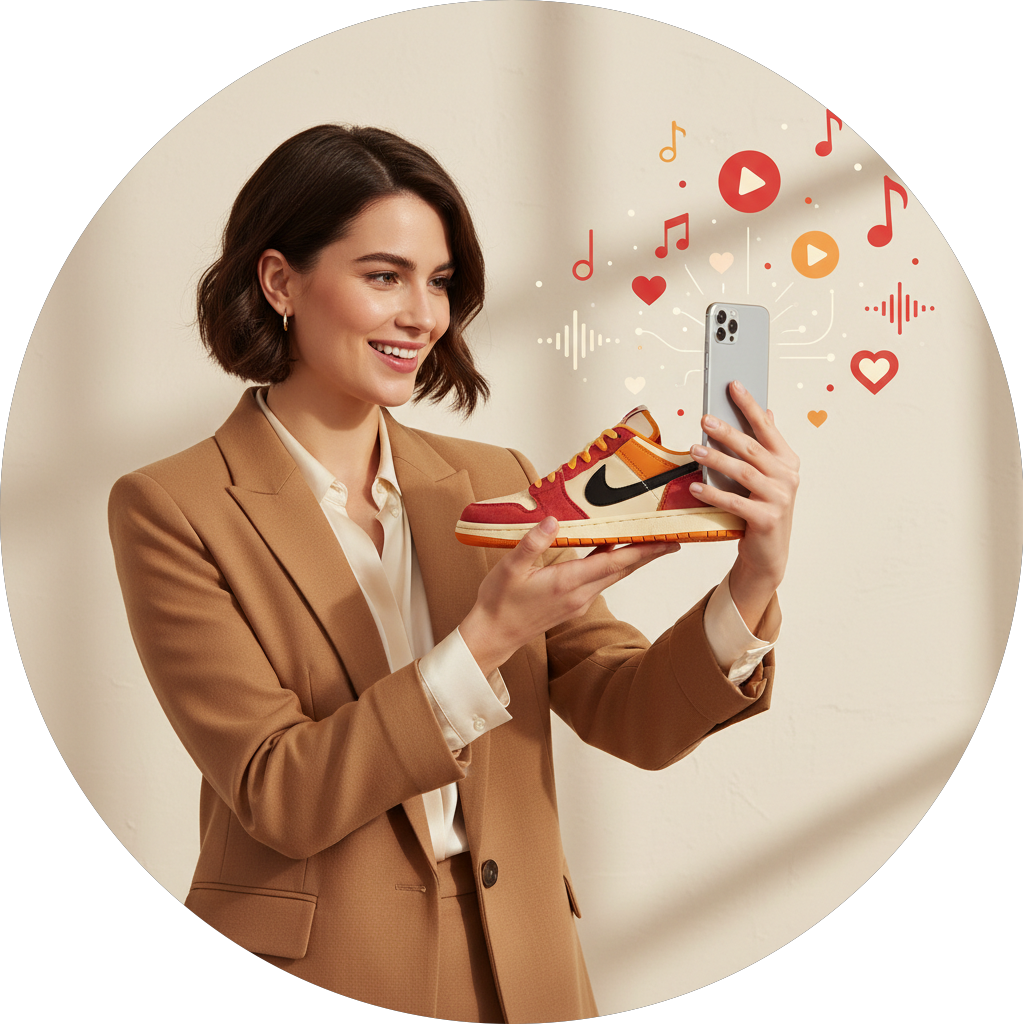
Brands & Marketers
Create memorable, on-brand music from a photo for advertisements, social campaigns, and presentations in minutes, ensuring your message resonates with your audience.
AI Photo to Music Generator
How to Convert a Photo to Music in 3 Steps?
Our Photo to Music AI makes music creation simple. Just upload a photo, customize your sound, and your original track is ready.
Upload & Describe your Image
Start with any photo from your device. Add optional text to describe the story, feeling, or style you want for your song. Choose your language and select instrumental-only or add vocals.
Customize Your AI Music
Review and edit the AI-generated lyrics. Then, use style tags to define your track. Select the genre, mood, instruments, ambience, and vocal gender to perfect your track.
Edit & Download Your Song
Use our advanced studio tools to remix, extend, or remove vocals from your track. Once you're happy with the result, you can instantly download your music or get a commercial license.
Frequently Asked Questions
1. How does the Photo to Music process work?
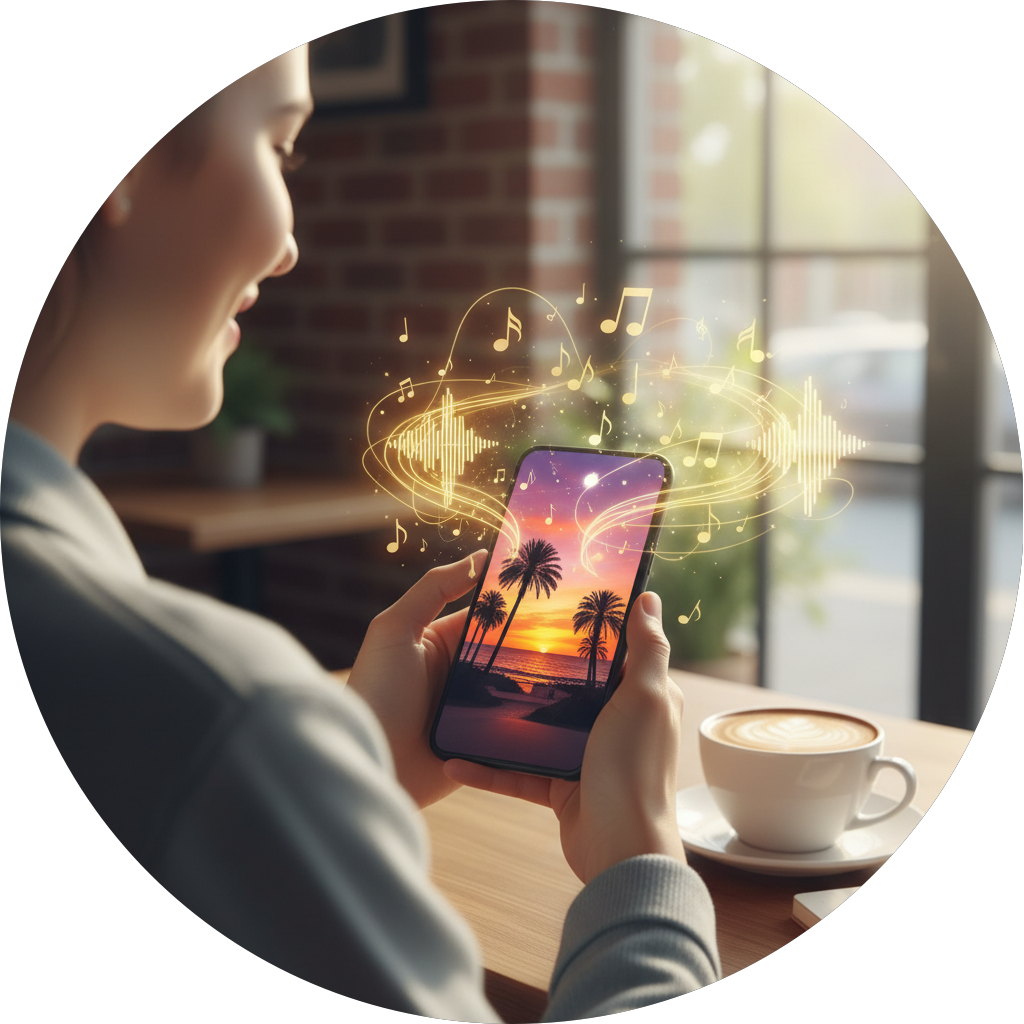
The process is simple. You upload an image, and OpenMusic analyzes its visual data like colors, objects, and composition to generate corresponding musical elements, including melody, rhythm, and harmony.
2. Is the music I generate royalty-free?
Yes, all music you create with OpenMusic can be downloaded and used in your personal projects royalty-free. We also offer an option to purchase a commercial license for business use.
3. Can I edit the song after it's generated?
Absolutely. OpenMusic provides a full suite of editing tools. You can rewrite lyrics, change instruments and moods, remix the track, extend its length, remove vocals, and even split the audio into separate stems.
4. What kind of images work best for generating music?
Any image can work! OpenMusic can generate music from portraits, landscapes, abstract art, pets, and more. For best results, use a clear image that strongly conveys a specific mood or theme.
5. How long does it take to turn a photo into music?
It takes just a few minutes. The entire process on OpenMusic, from uploading your photo to downloading the final song, is designed to be incredibly fast and efficient.
6. Do I need any musical experience to use this tool?
No experience is needed. OpenMusic is designed for everyone, from professional musicians to complete beginners. Our intuitive interface and powerful AI make music creation accessible to all.

Photo to Music—Your Camera Is Now a Musical Instrument
Stop searching for the perfect track. Create it. Turn your favorite images into original songs with lyrics, vocals, and professional-grade production in just a few clicks.