Why Choose Our AI Story Video Generator
Create Professional Story Videos Without Film Experience
OpenMusic AI's AI Story Video Generator transforms music into cinematic narratives instantly. Skip expensive production teams and get broadcast-quality story videos in minutes with intelligent beat matching and character selection.

Instant Story Creation from Any Audio
Upload your music or paste a link, and our AI Story Video Generator automatically builds complete narratives with matching visuals. No scriptwriting needed. The system analyzes your audio's mood and tempo, then generates storyboards that sync perfectly with every beat. Get professional story videos ready to share in under an hour.
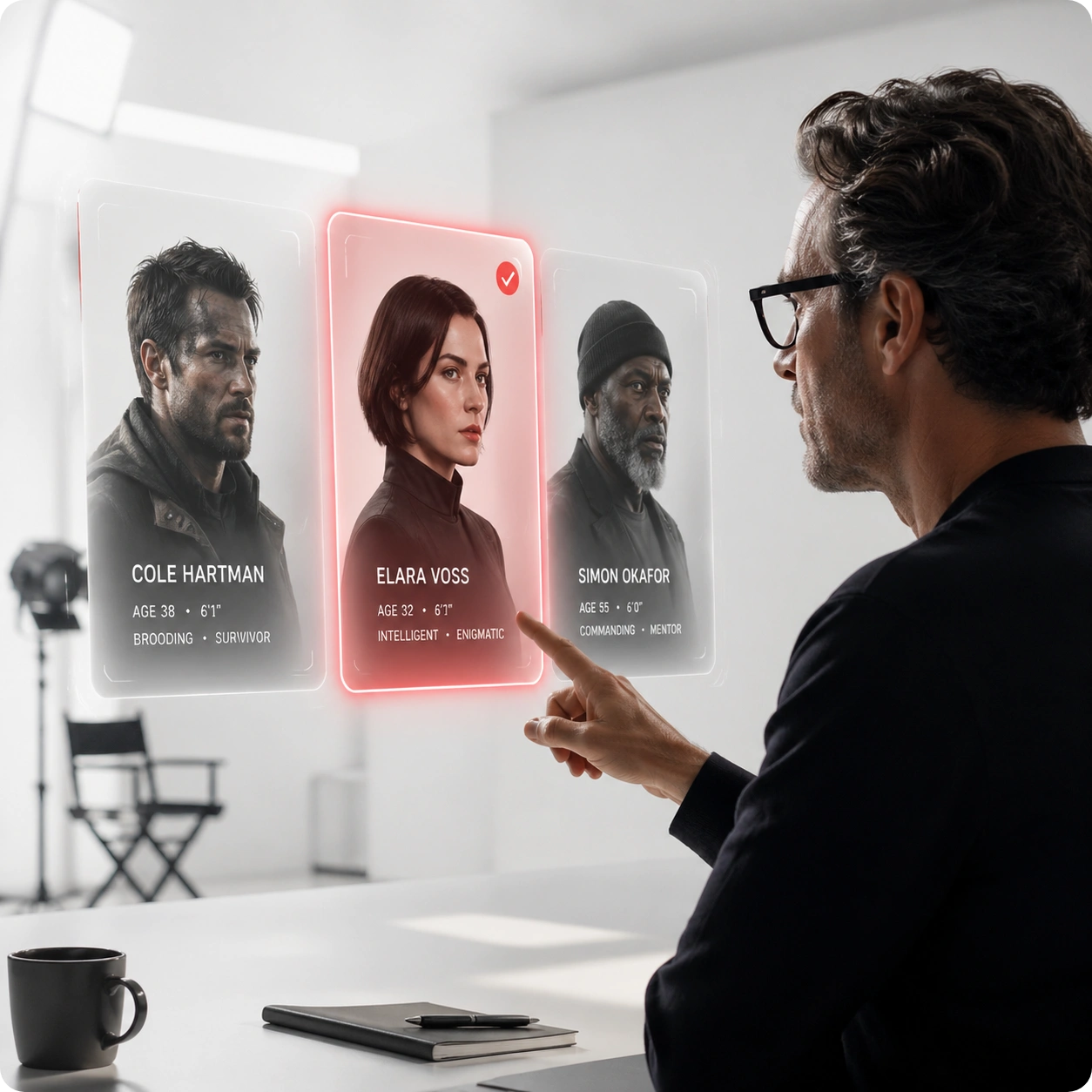
Full Creative Control Over Every Frame
Choose your actor, video style, aspect ratio, and story direction before generation starts. Preview each scene in the storyboard editor to make adjustments. Our AI Story Video Creator lets you refine shots, adjust timing, and customize dialogue until the video matches your exact vision. Real control, not just automation.
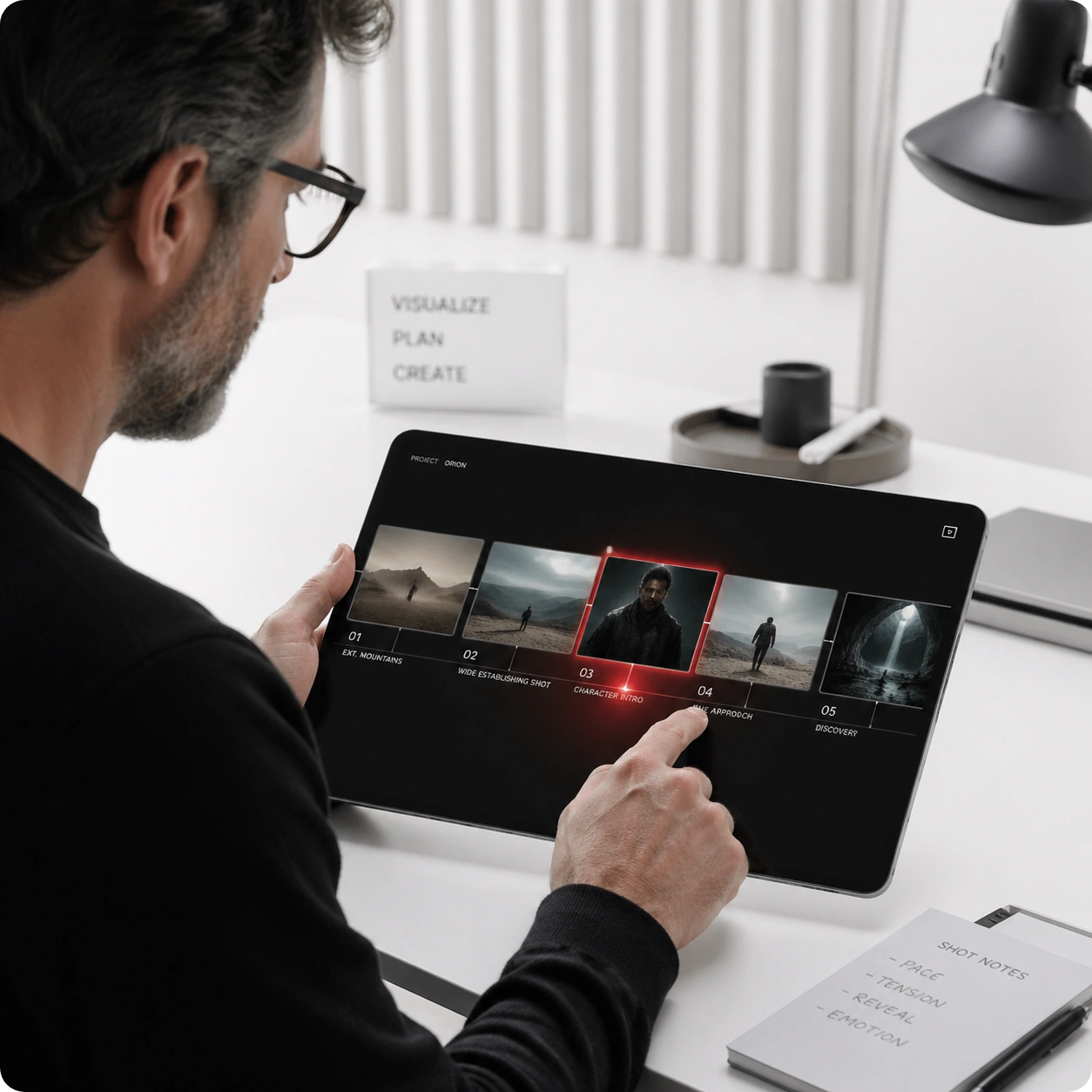
Beat-Perfect Synchronization Every Time
Your AI Story Video Generator syncs every cut, transition, and dialogue beat to your audio's rhythm. No manual timing adjustments required. The continuous shot effect creates smooth narrative flow while maintaining perfect alignment with music peaks and drops. Results look like they were edited by a professional.
How AI Story Video Generator Works
Transform Music Into Cinematic Stories in Three Steps
OpenMusic AI's AI Story Video Generator handles the entire production workflow. Upload audio, customize your vision, then watch AI generate complete narrative videos with professional editing and perfect beat synchronization.
Upload Your Audio and Set Your Vision
Start by uploading your music file or pasting a streaming link into the AI Story Video Generator. Select your preferred actor, video style, and aspect ratio. Write your story concept or let the AI generate one based on your audio's mood. This takes just 2-3 minutes to complete.
Preview and Refine Your Storyboard
The AI Story Video Maker generates a detailed scene-by-scene breakdown with visual previews. Review each shot, adjust dialogue timing, and modify story elements in the storyboard editor. Make as many changes as needed until the narrative matches your creative direction perfectly.
Generate and Download Your Complete Video
Hit generate and let the AI Story Video Creator render your full video with beat matching, subtitles, and continuous shot effects. Download in your preferred format and resolution. Most videos render within 10-15 minutes. Share immediately or make final edits in your favorite video software.
POWERFUL FEATURES FOR STORY VIDEO CREATION
Everything You Need in an AI Story Video Generator
OpenMusic AI delivers complete tools for turning music into narrative videos. From character selection to beat matching, our AI Story Video Generator handles professional production tasks automatically while keeping you in creative control.
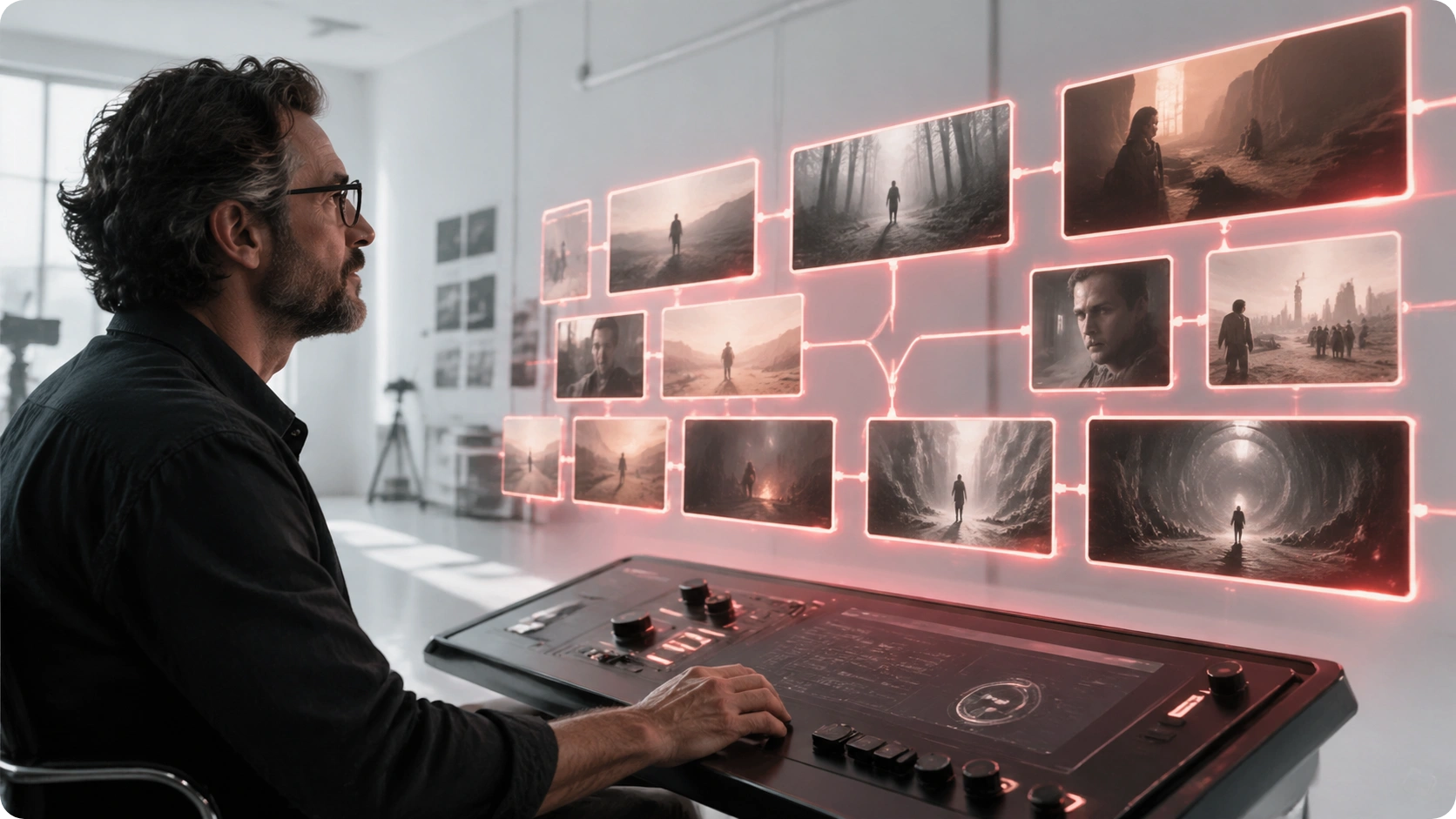
Smart Character and Style Selection
Choose from diverse actors and cinematic styles that match your story's tone. The AI Story Video Generator adapts character performances to your narrative. Whether you need dramatic, comedic, or emotional storytelling, select the perfect combination. Your chosen actor appears consistently throughout the entire video.

Intelligent Beat Matching and Sync
Your AI Story Video Maker analyzes music tempo, rhythm, and emotional peaks to sync every visual element. Cuts happen on beats, transitions align with drops, and dialogue lands on accents. No manual timing needed. The result feels like professional music video editing with perfect narrative flow.
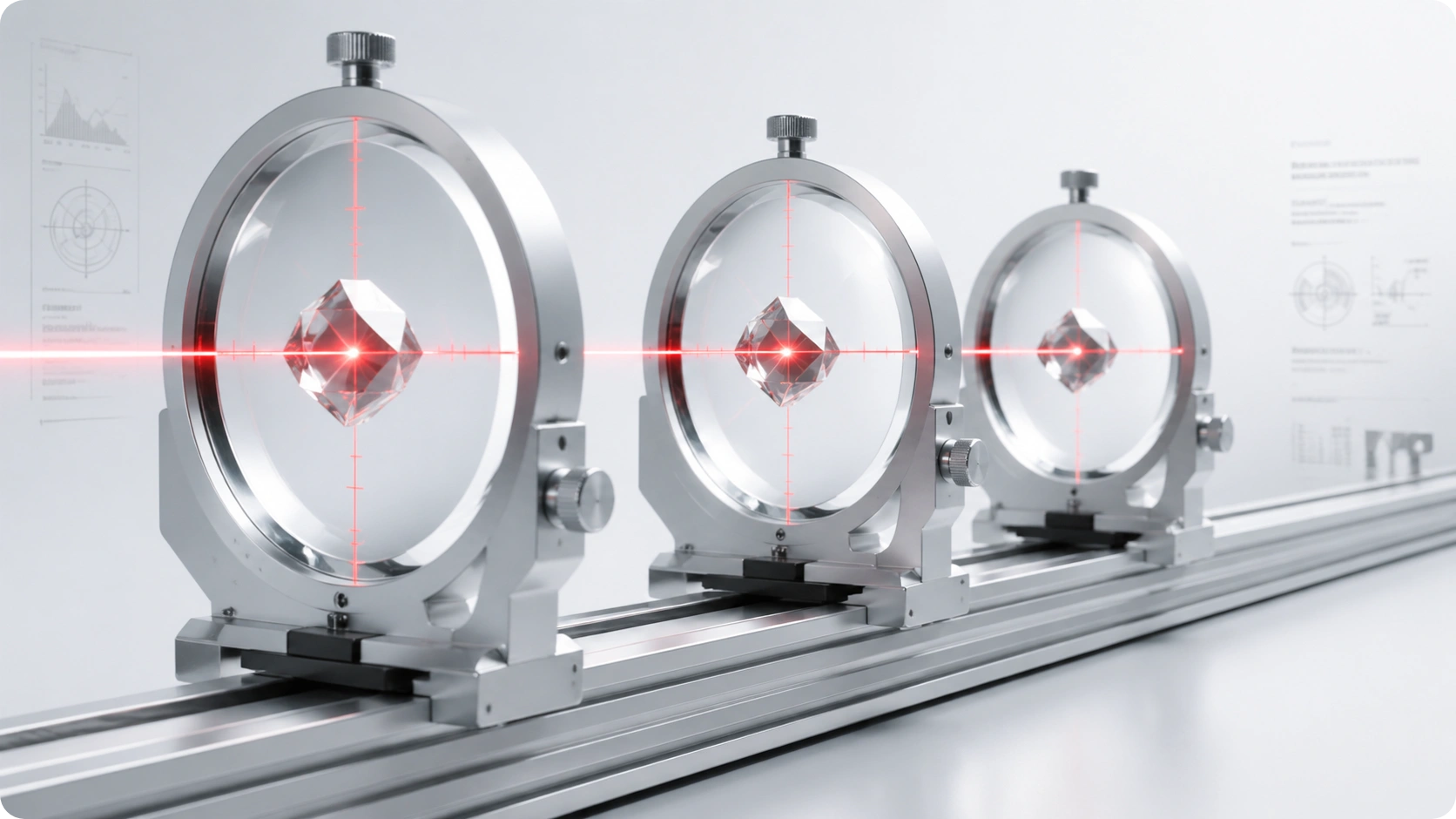
Storyboard Preview and Editing
Review your complete AI Story Video Generator output before final rendering. See every scene, adjust shot duration, modify dialogue, and refine story details. The visual storyboard shows exactly what you'll get. Make unlimited edits until your narrative is perfect, then generate the final video.
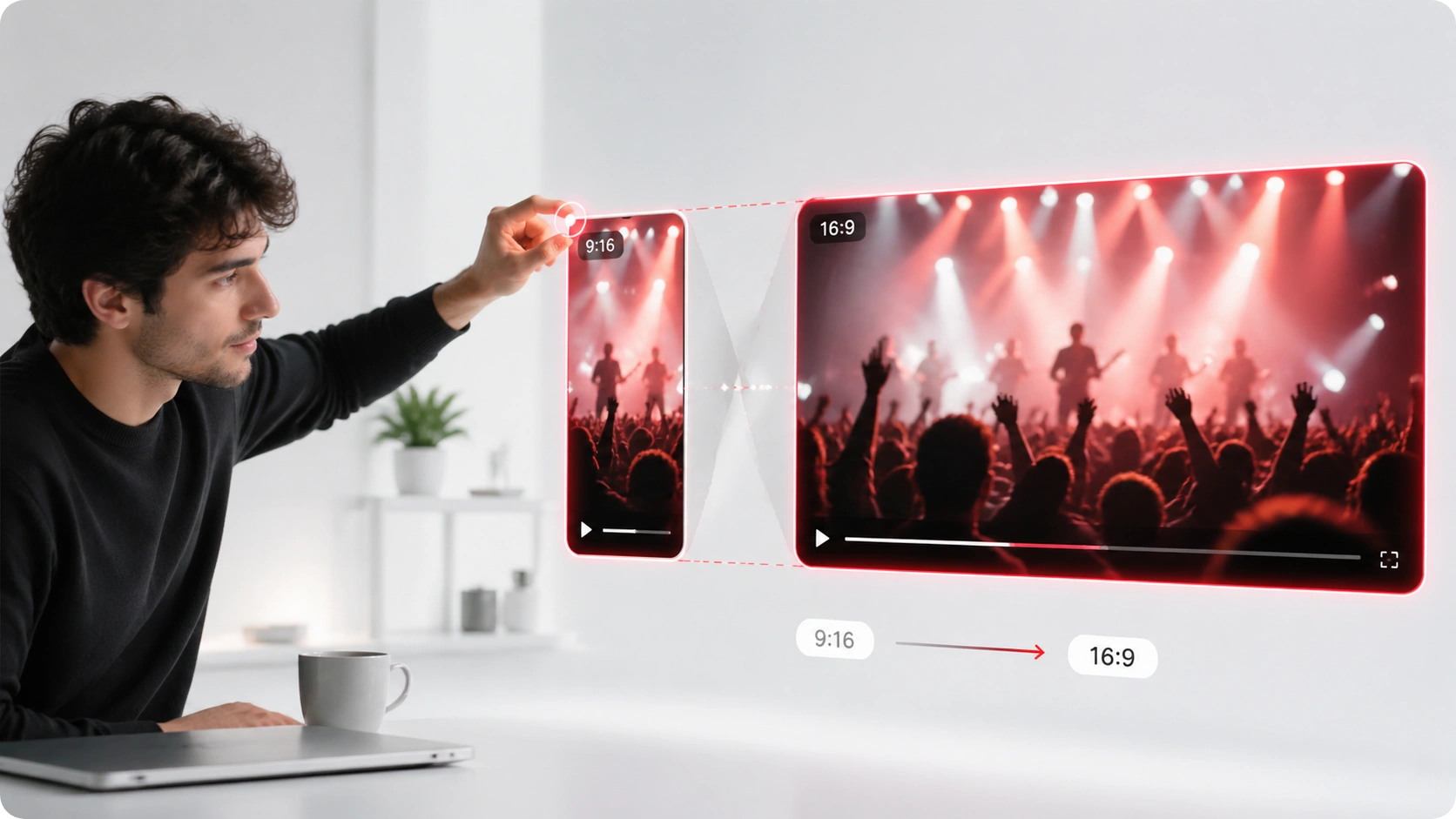
Automatic Subtitles and Continuous Shots
Your AI Story Video Generator automatically adds synchronized subtitles in multiple languages. Continuous shot effects create smooth scene transitions that maintain narrative momentum. Subtitles adjust timing based on dialogue pacing. The final video looks polished and professional without extra editing work.
Frequently Asked Questions
Can I use my own music with the AI Story Video Maker?
Yes. Upload MP3 files directly or paste links from streaming platforms. The AI Story Video Creator analyzes your audio and generates matching visuals. Supported formats include MP3, WAV, and links from major music services.
How long does it take to generate a complete narrative video?
Setup takes 2-3 minutes. Storyboard preview is instant. Full video rendering typically completes in 10-15 minutes depending on length and quality settings. You can download immediately after generation finishes.
What video formats and resolutions does the AI Story Video Generator support?
Download in MP4, WebM, or MOV formats. Choose from 720p, 1080p, or 4K resolution. Select portrait, landscape, or square aspect ratios. All formats are optimized for social media and streaming platforms.
Can I edit the generated video after downloading?
Absolutely. Your downloaded video is a standard file compatible with any video editor. Make additional cuts, add effects, adjust colors, or combine with other content. The AI Story Video Generator output serves as your professional foundation.
Does the AI Story Video Creator support multiple languages for subtitles?
Yes. Subtitles generate in 15+ languages automatically. The AI Story Video Maker syncs timing to dialogue in any language. Adjust subtitle appearance, font, and positioning before final export.

Start Creating Your First Story Video with AI Story Video Generator Today
Turn music into professional narrative videos in minutes. No experience required. OpenMusic AI handles the production.