
Why Choose Our Vocal Remover Youtube
Get Better Results Than Other Youtube Vocal Remover Tools
Our platform delivers faster processing, cleaner separation, and more control than competitors. Process multiple tracks without quality loss or hidden fees.
Crystal Clear Vocal Isolation
Our tool uses neural networks trained on millions of songs to separate vocals with minimal artifacts. You get clean, usable stems for remixing, covers, or karaoke without background noise interference.
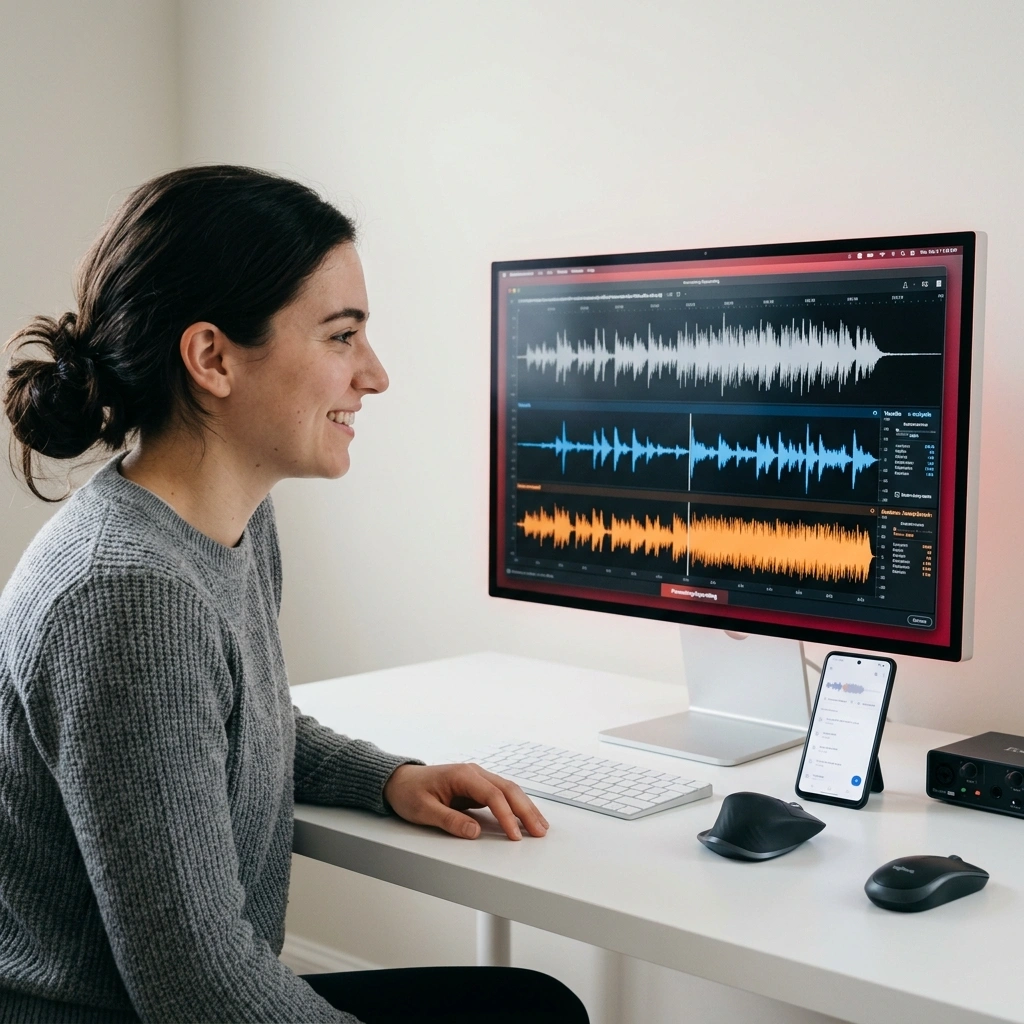
Process Vocal Remover From Youtube Instantly
Upload, process, and download in under two minutes. No waiting in queues or dealing with slow servers. Our infrastructure handles high-volume requests while maintaining consistent output quality.
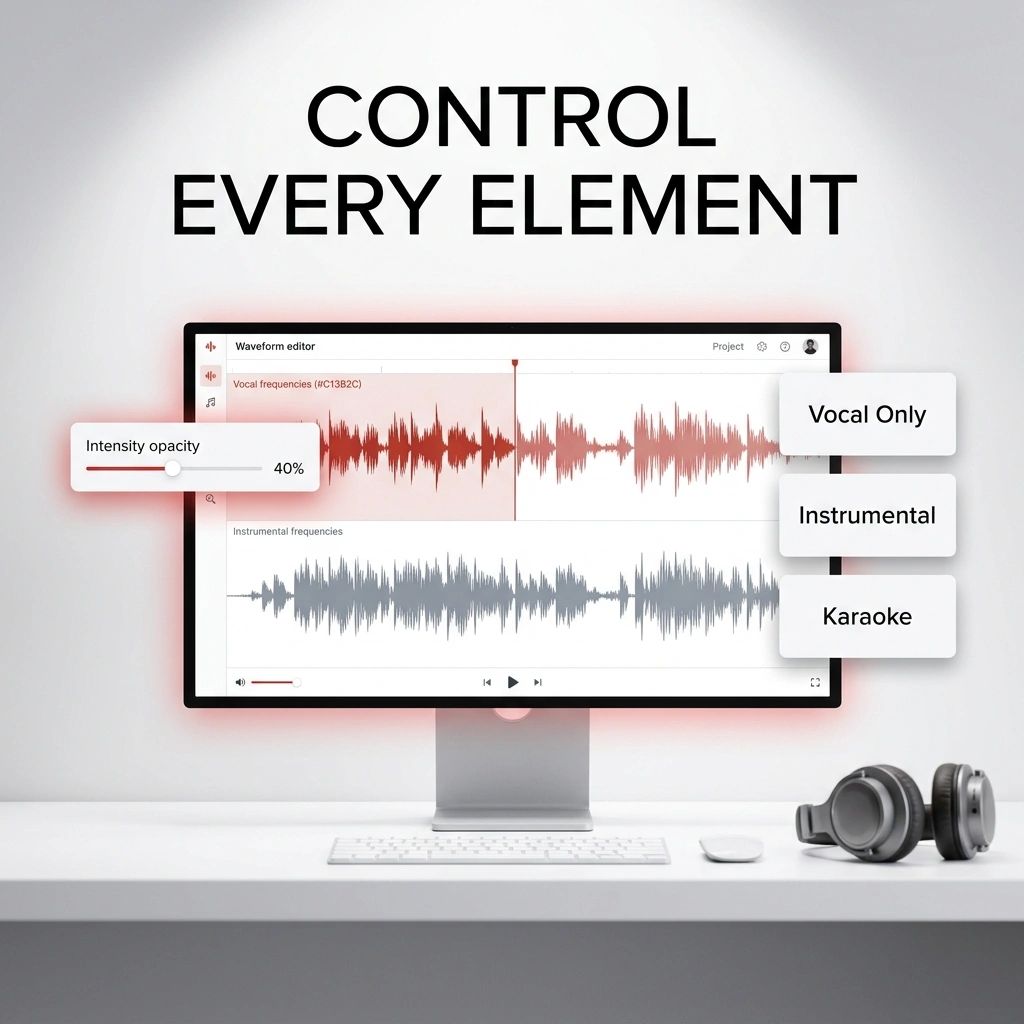
Full Control Over Your Audio
Adjust vocal intensity, instrumental balance, and output format to match your needs. Whether you need stems for mixing or a karaoke track, customize every aspect of your Youtube To Vocal Remover output.
How Youtube Vocal Remover Works
Three Simple Steps to Separate Your Youtube Audio
Upload your track, let AI handle the separation, download your stems. Our process takes minutes, not hours, with zero technical knowledge required.
Upload Your Youtube Audio
Paste your YouTube link or upload an audio file directly. The tool accepts MP3, WAV, and other common formats. The system automatically detects vocal and instrumental components in your source material.
AI Separates Vocals and Instrumentals
Advanced algorithms analyze your track in real-time. The platform isolates vocals, drums, bass, and other instruments simultaneously, creating clean, independent stems you can use immediately.
Download Your Separated Stems
Get individual vocal and instrumental tracks ready for remixing, covers, or karaoke. Your output comes in multiple formats, optimized for different use cases and production workflows.
POWERFUL FEATURES FOR VOCAL REMOVAL
Everything You Need in a Youtube Vocal Remover
Advanced AI separation, batch processing, and flexible export options. Our platform delivers professional-grade results without the professional-grade price tag.
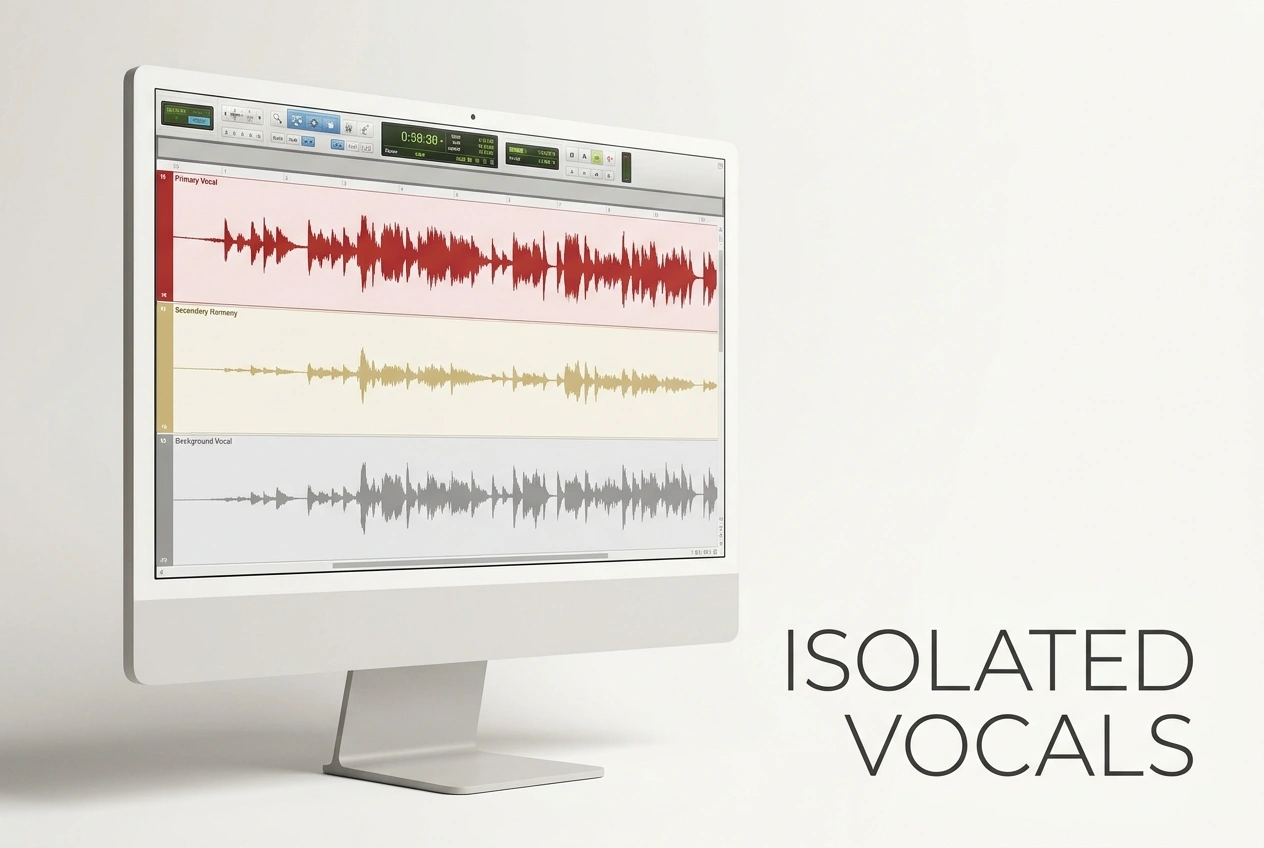
Precision Vocal Isolation
Our tool distinguishes between lead vocals, harmonies, and background elements. Get isolated vocal tracks suitable for remixing, creating covers, or building new arrangements from existing YouTube content.
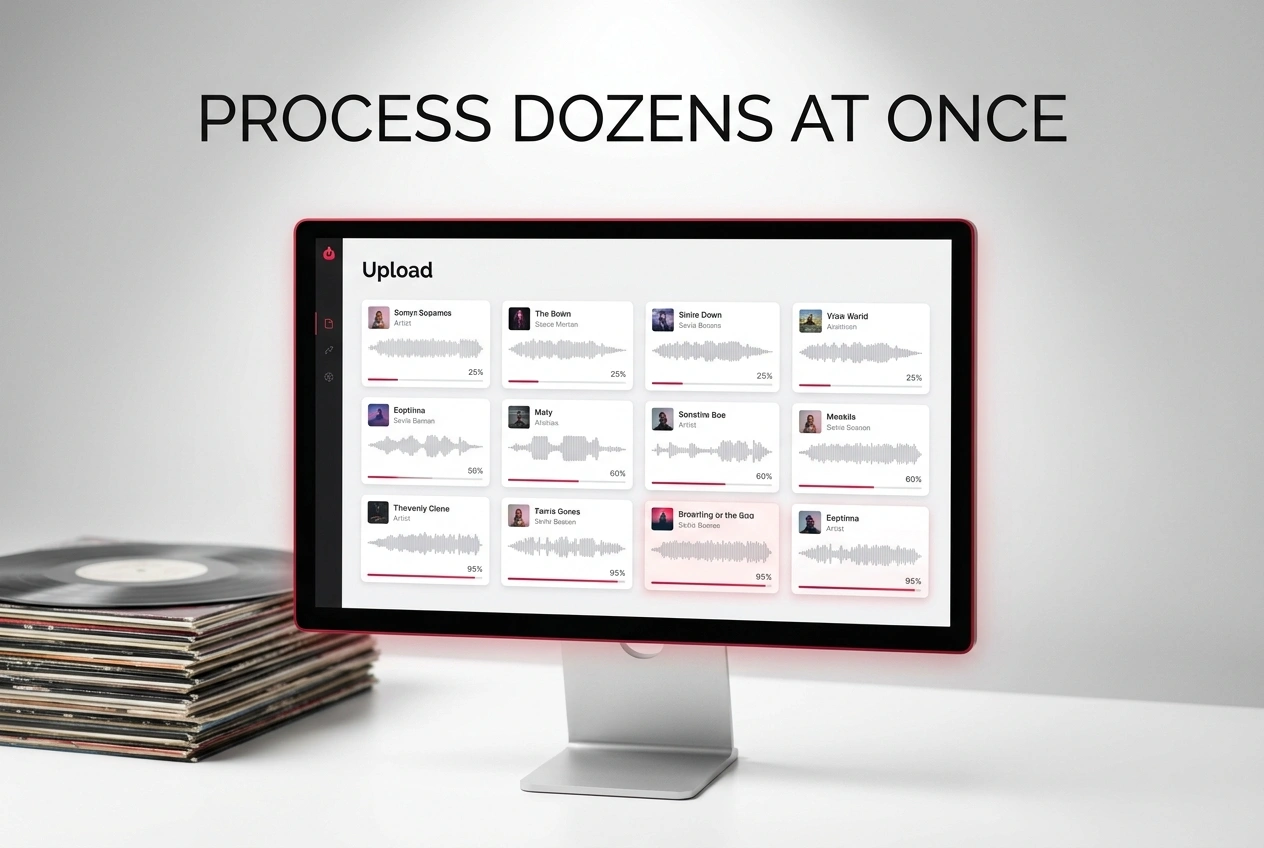
Batch Processing for Multiple Tracks
Process dozens of songs simultaneously without waiting. Upload a playlist or folder, and the system handles separation for all tracks in the background while you work on other projects.
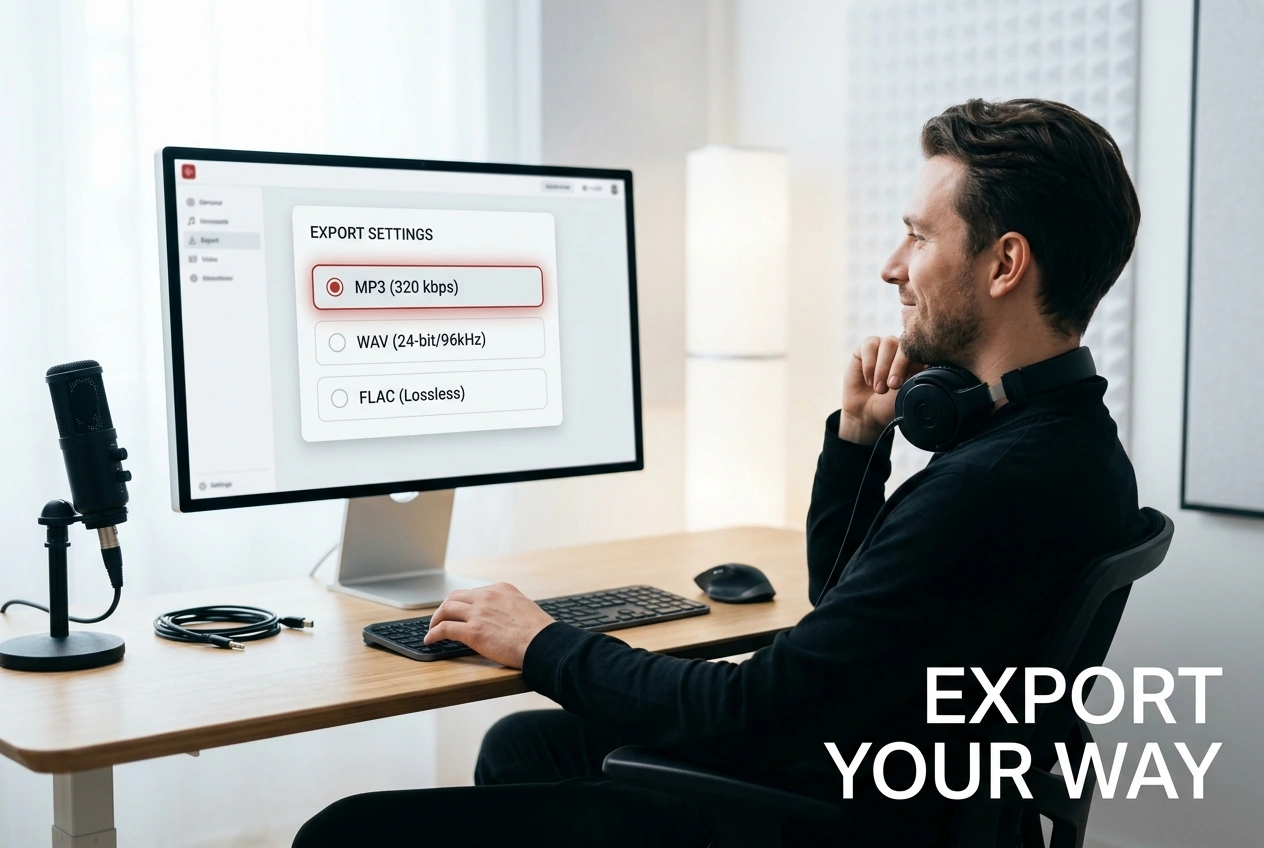
Multiple Export Formats
Download stems as MP3, WAV, or FLAC depending on your workflow. The platform supports different quality levels and bit rates, giving you flexibility for streaming, production, or archival purposes.
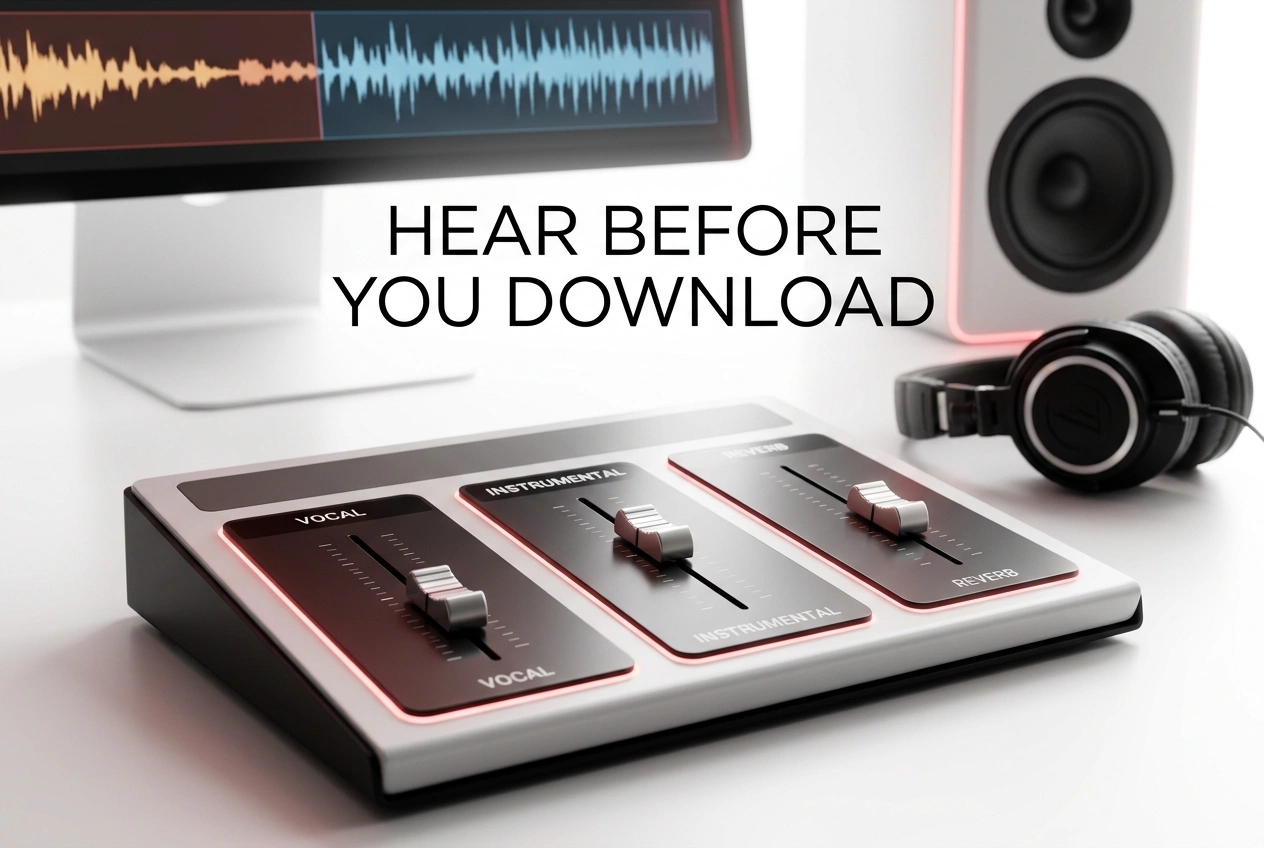
Real-Time Preview and Adjustment
Hear your separation before downloading. Adjust vocal volume, instrumental balance, and reverb settings with instant playback. The tool lets you fine-tune results until they match your exact requirements.
Frequently Asked Questions
Can I use Vocal Remover Youtube for any music genre?
Yes. Our tool works across pop, rock, hip-hop, electronic, classical, and more. Separation quality remains consistent regardless of genre, though complex arrangements with layered vocals may require slight manual adjustment.
How does Vocal Remover From Youtube handle copyrighted music?
Our separation tool processes audio locally and doesn't store your files permanently. You're responsible for ensuring you have rights to use separated stems. Always check YouTube's terms and original artist permissions before remixing or redistributing.
What audio quality can I expect from Youtube To Vocal Remover?
Output quality depends on your source file. YouTube compressed audio produces good results, while high-bitrate uploads deliver studio-quality separation. Most users report professional-grade stems suitable for production and remixing.
How long does separation take with this tool?
Most tracks process in 30 seconds to 2 minutes depending on length and server load. Batch processing may take longer but runs in the background, letting you continue working without interruption.
Can I edit stems after separation?
Absolutely. Downloaded stems are standard audio files compatible with any DAW or audio editor. Add effects, adjust timing, layer with other tracks, or remix however you need for your project.

Start Using Youtube Vocal Remover Today
Separate vocals from any YouTube track in seconds. No signup required, no credit card needed to get started with professional vocal removal.