
Simple Three Step Process
How Our Tool Isolates Your Audio
Upload, process, and download separated tracks. Our Music And Vocal Remover from music uses advanced AI to split audio in minutes without quality loss.
Upload Your Track
Select any music file from your device. The tool accepts MP3, WAV, FLAC and more formats. No file size limits or registration required to start.
AI Processes Separation
Advanced neural networks analyze your audio instantly. The system isolates vocals, drums, bass and instruments into separate clean tracks automatically.
Download Separated Tracks
Get studio-quality vocal and instrumental versions ready to use. Download each track individually or as a complete package from your music remover from vocals.
POWERFUL VOCAL REMOVAL FEATURES
What Makes Our Tool Stand Out
Professional-grade vocal remover from music with AI precision. Our platform delivers clean separation, fast processing, and multiple format support.
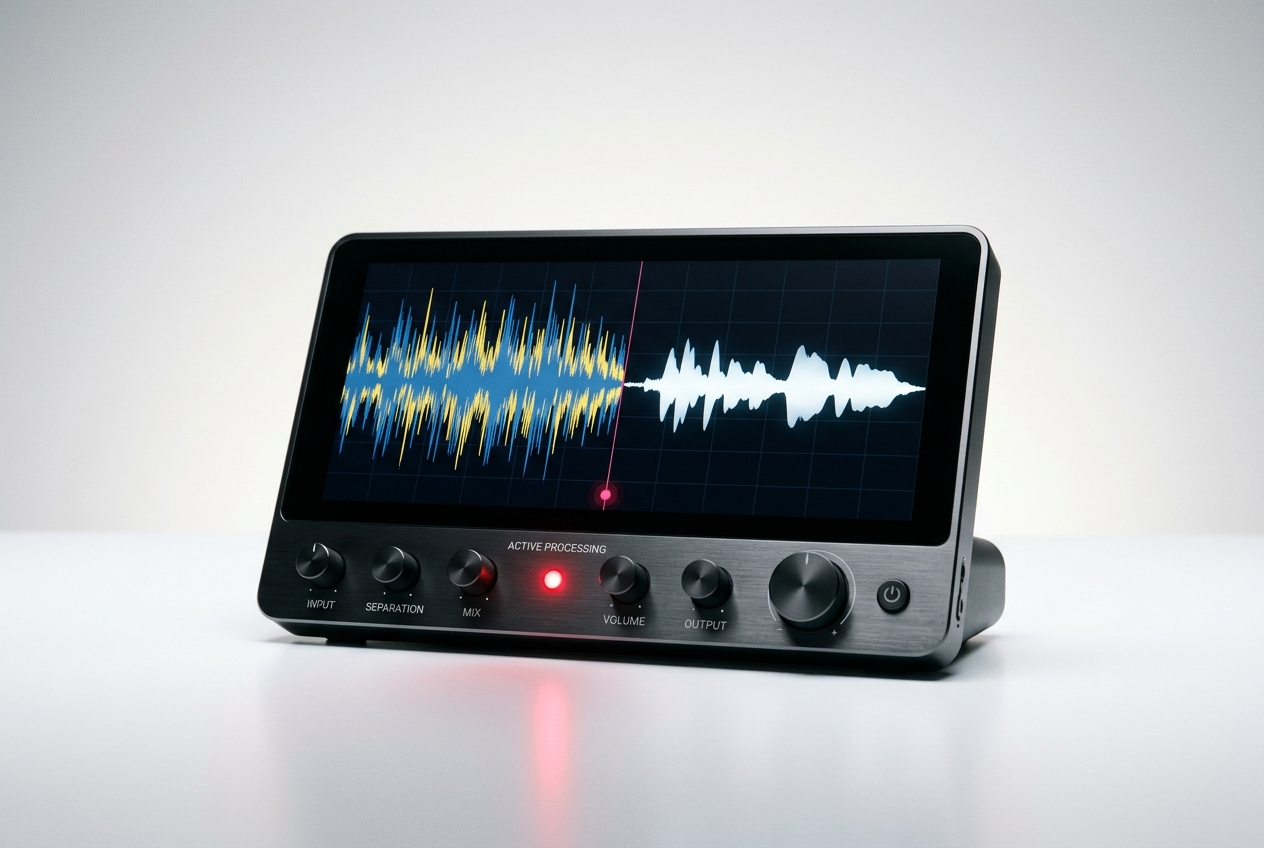
Crystal Clear Vocal Isolation
Extract pure vocals without background noise or instrumental bleed. Our tool uses deep learning to identify and separate vocal frequencies with studio precision.
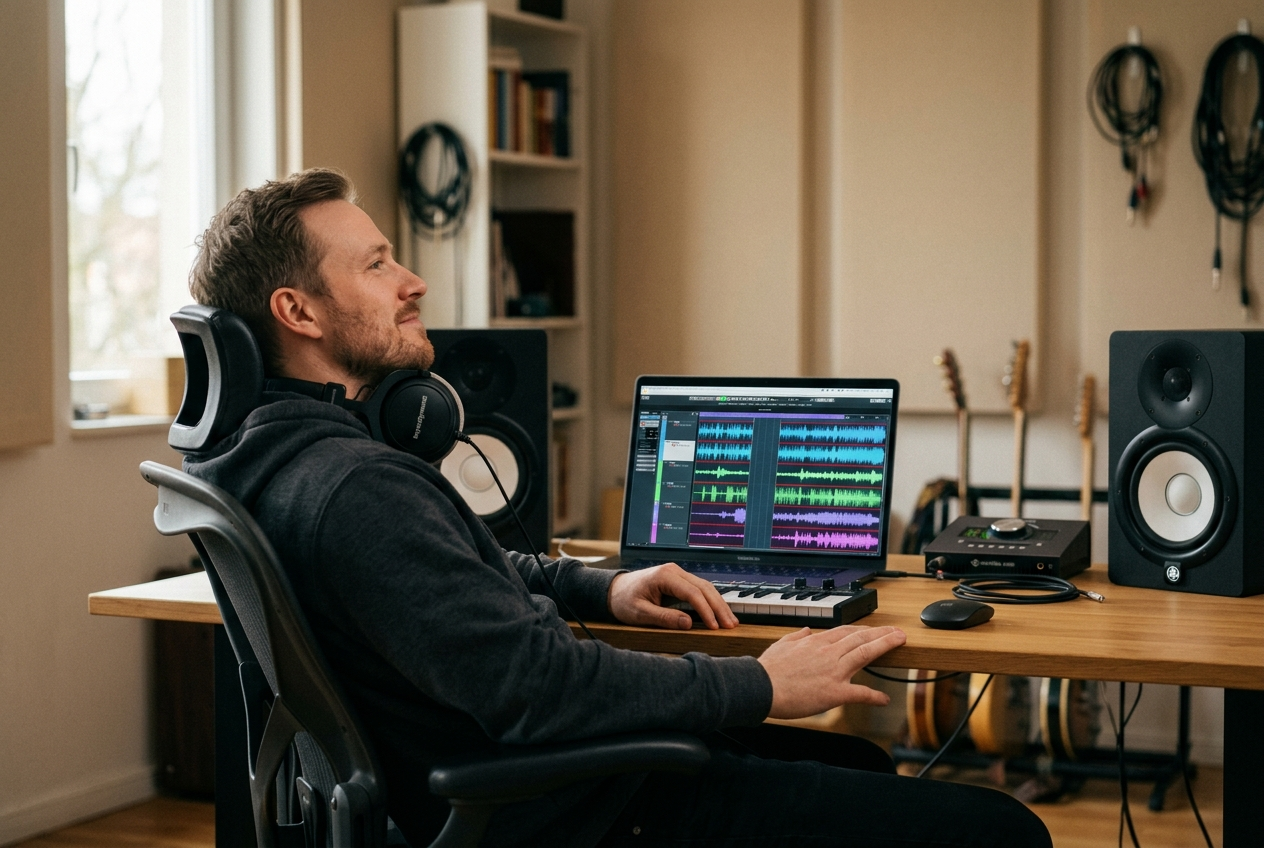
High Quality Instrumental Tracks
Get clean instrumentals perfect for covers, karaoke or remixes. Music remover from vocals preserves all musical elements while removing vocal layers completely.
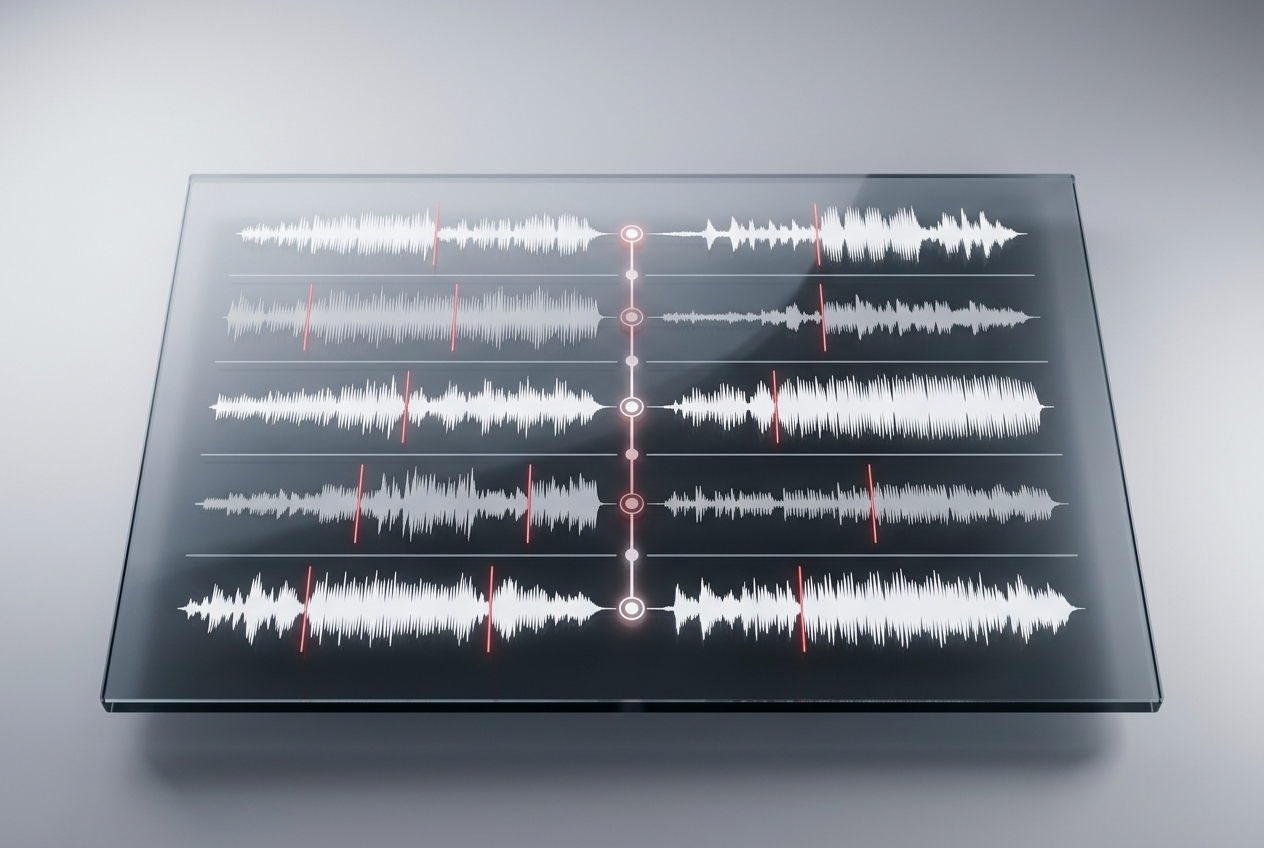
Batch Processing Support
Process multiple songs at once and save hours of work. The tool handles bulk uploads efficiently without compromising separation quality.
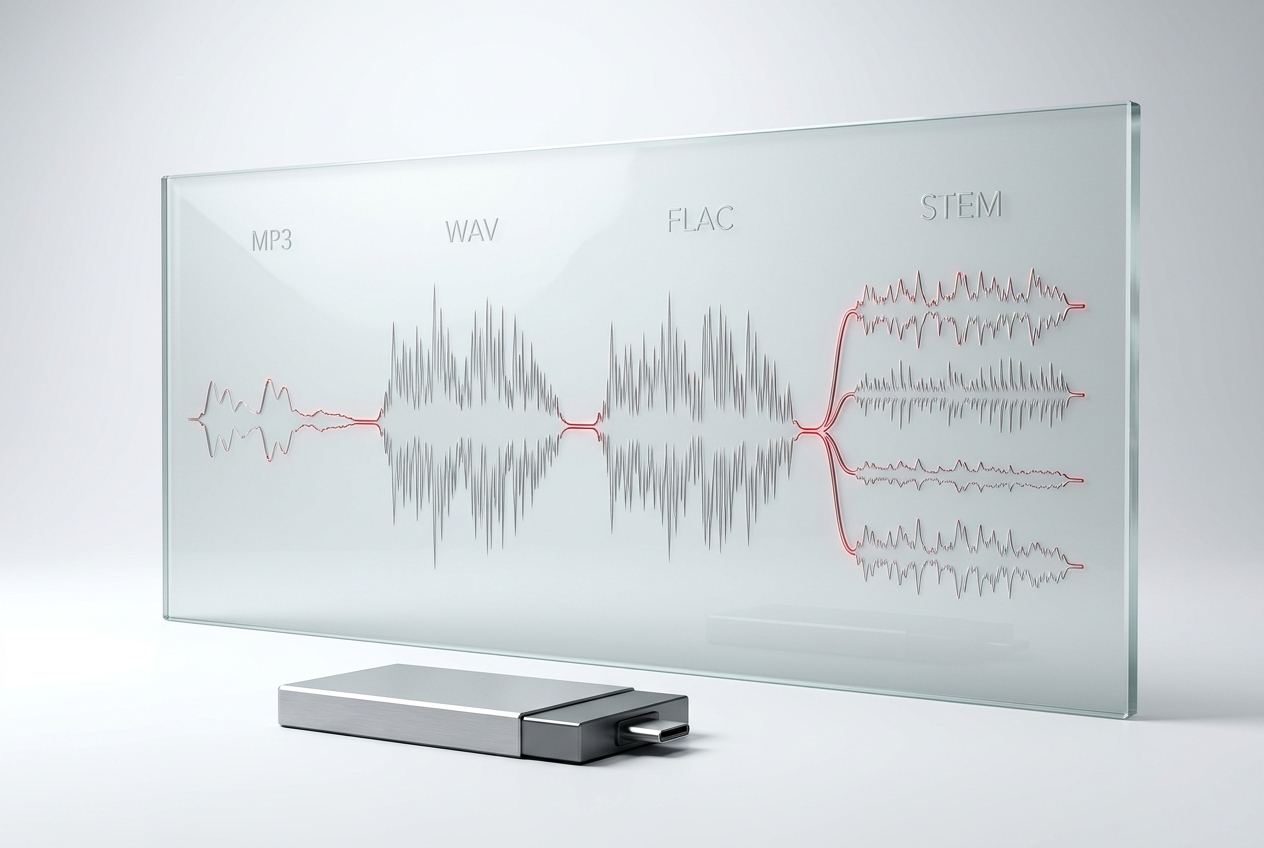
Multiple Format Export
Download separated tracks in MP3, WAV, FLAC or STEM format. Our system supports all major audio formats for seamless integration with your workflow.
Frequently Asked Questions
How accurate is the vocal remover from music separation?
Our AI achieves 95%+ separation accuracy on most tracks. Quality depends on original audio clarity and vocal mixing. Test with your music remover from vocals to see results.
Can I use separated tracks commercially?
Separated tracks retain original copyright. Check licensing terms for your source material before commercial use of our tool's outputs.
What audio formats does the tool support?
Our Music Vocals Remover accepts MP3, WAV, FLAC, M4A, OGG and more. Export in your preferred format after processing with our vocal remover from music tool.
How long does vocal removal processing take?
Most tracks process in 2-5 minutes depending on length. The tool uses cloud processing for fast results without waiting.
Is my uploaded music kept private?
All files are encrypted and deleted after processing. Your uploads never appear in public galleries or get shared with third parties.

Start Using Music Vocal Remover Today
Separate vocals and instrumentals instantly with AI precision. Get clean tracks ready for production, covers, or karaoke right now.