




What is AI Music Editor
Replace Lyrics & Melodies with Intelligent AI Technology
AI Music Editor lets you upload tracks and modify specific sections instantly. Replace song lyrics, adjust melodies, or refine audio without technical skills. OpenMusic AI's editor handles complex edits so you focus on creativity.
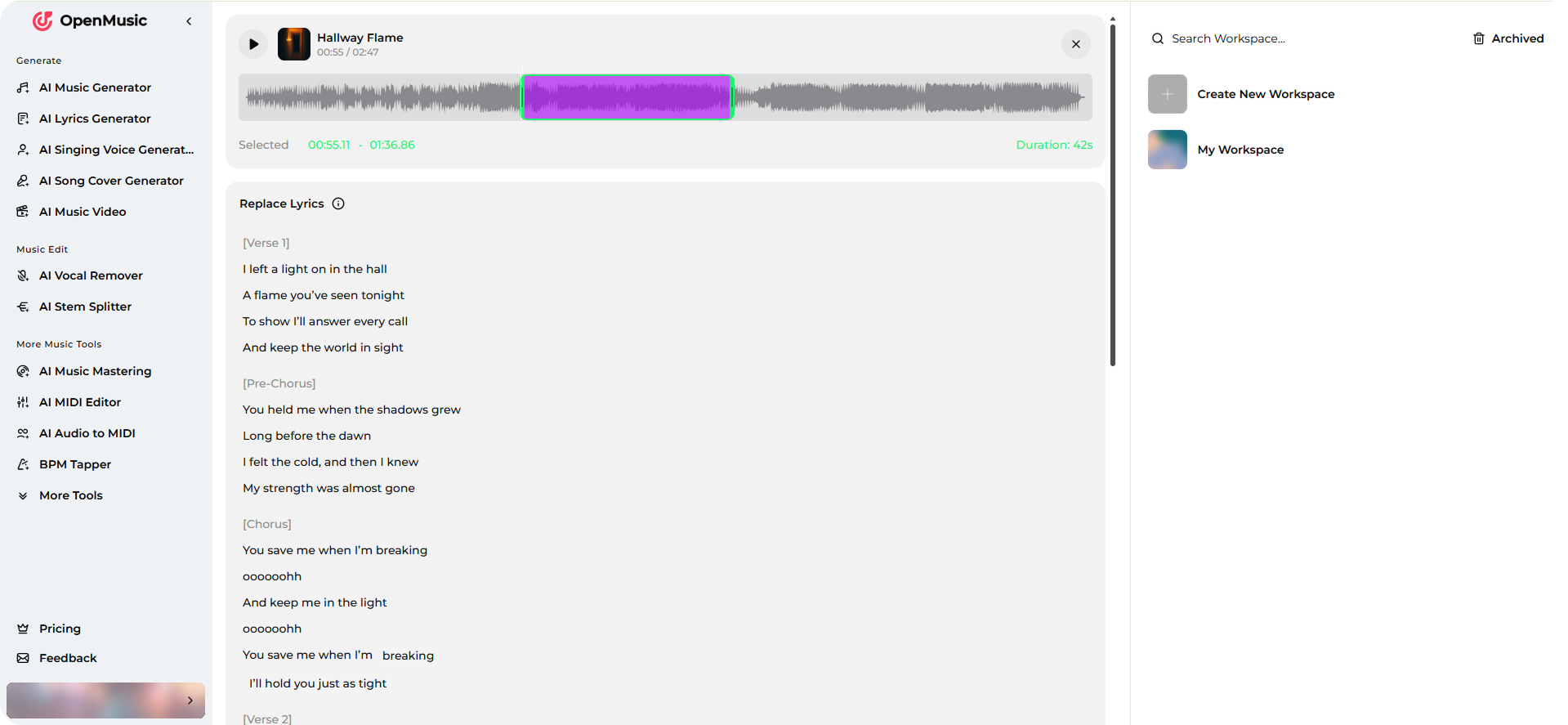
How AI Music Editor Works
Three Simple Steps to Professional Music Edits
Upload your track, select segments to modify, and let AI handle the rest. Our AI music editor processes changes in real-time, delivering polished results instantly.
Upload Your Track
Import your music file into the AI Music Editor. OpenMusic AI accepts standard audio formats and loads your song within seconds, ready for editing.
Select and Edit Segments
Choose the exact section you want to modify. Use our intuitive interface to highlight lyrics, melodies, or specific audio portions for your AI song editor to process.
Apply AI Modifications
Replace song lyrics, adjust melodies, or refine audio quality with one click. The AI Music Editor generates professional-grade results instantly without manual rework.
POWERFUL AI MUSIC EDITOR FEATURES
Everything You Need in One AI Music Editor
OpenMusic AI's music editor combines intelligent editing tools with user-friendly controls. Replace lyrics, modify melodies, and enhance audio quality all in one platform.
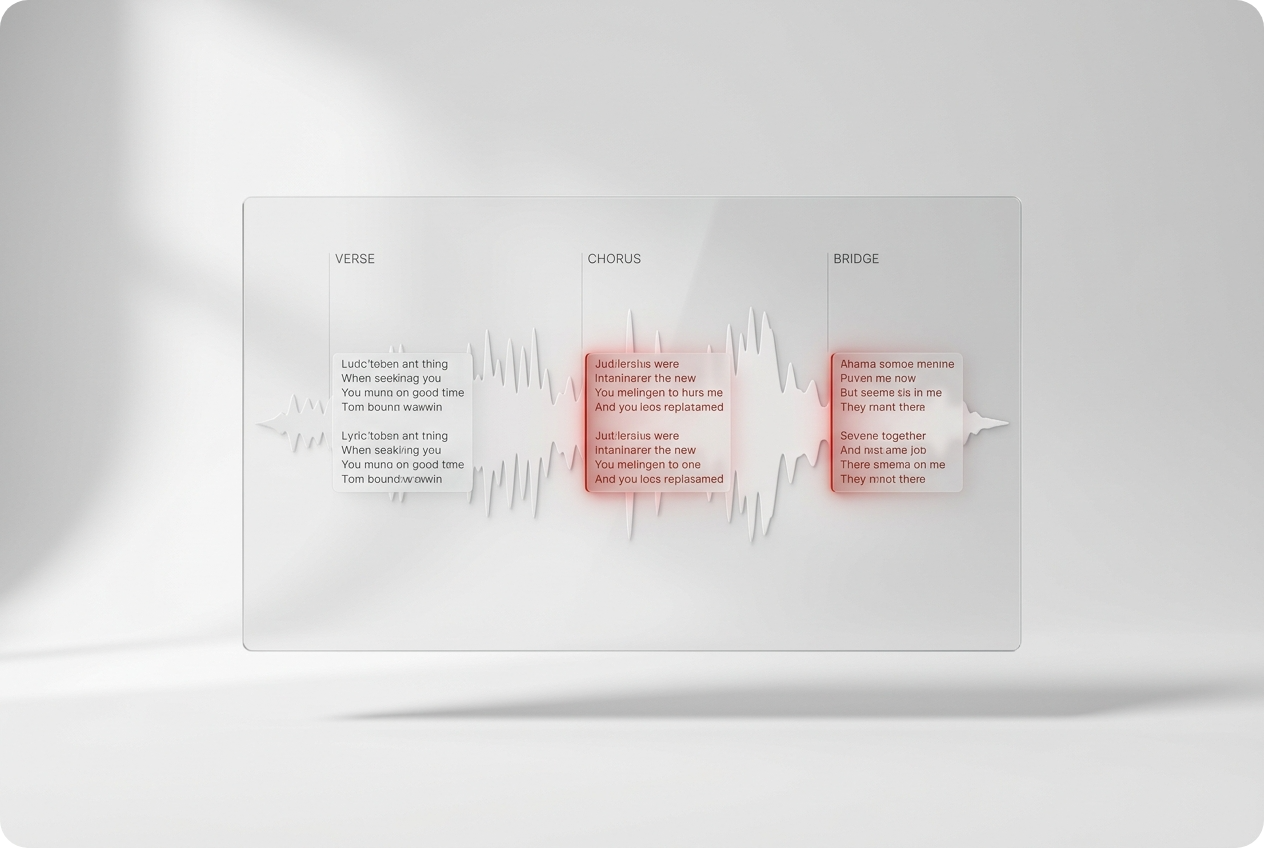
Smart Lyrics Replacement
Replace song lyrics instantly with AI precision. The music lyrics editor understands context and maintains natural flow. Perfect for creating covers, remixes, or custom versions of your favorite tracks.
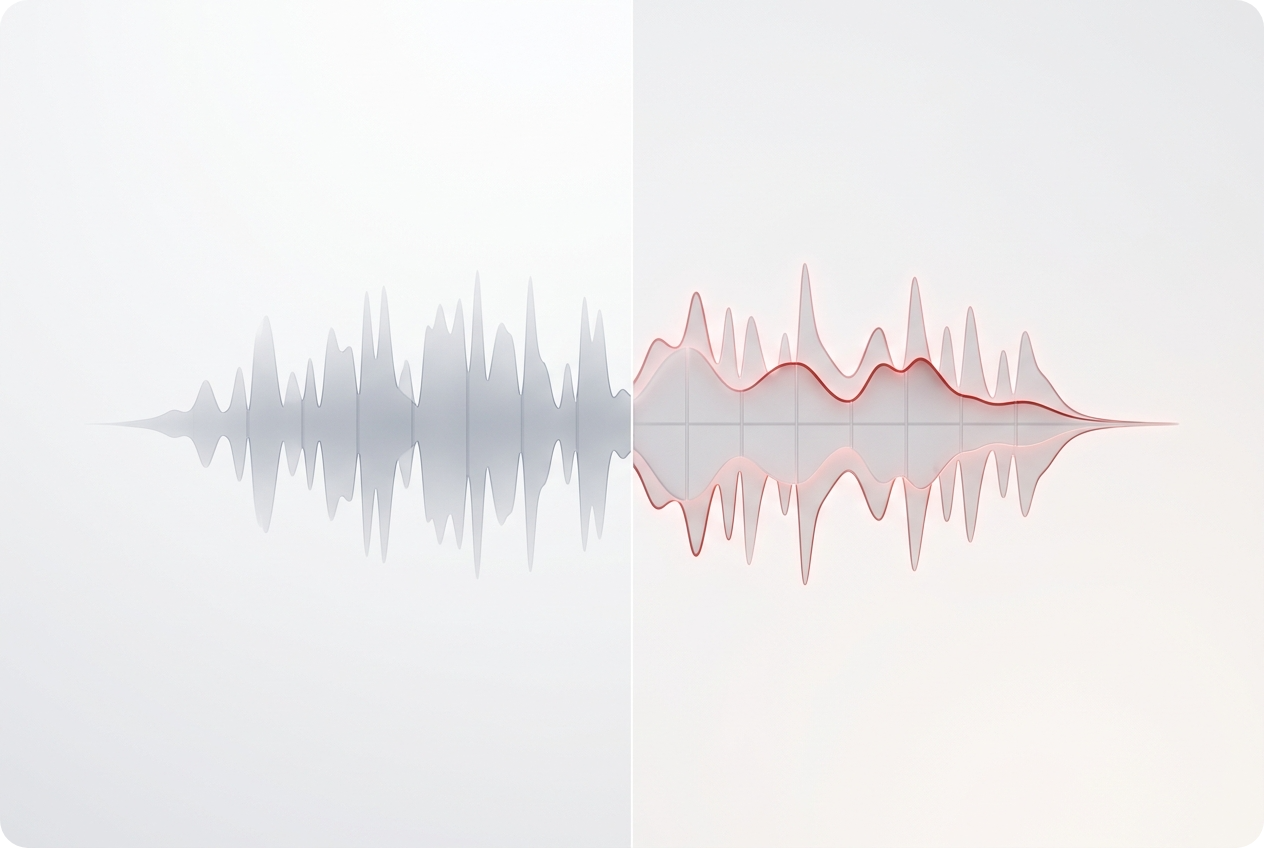
Melody Modification Engine
Adjust melodies without affecting timing or quality. Our AI song editor preserves the original track's essence while letting you customize musical elements. Ideal for producers and musicians seeking creative control.
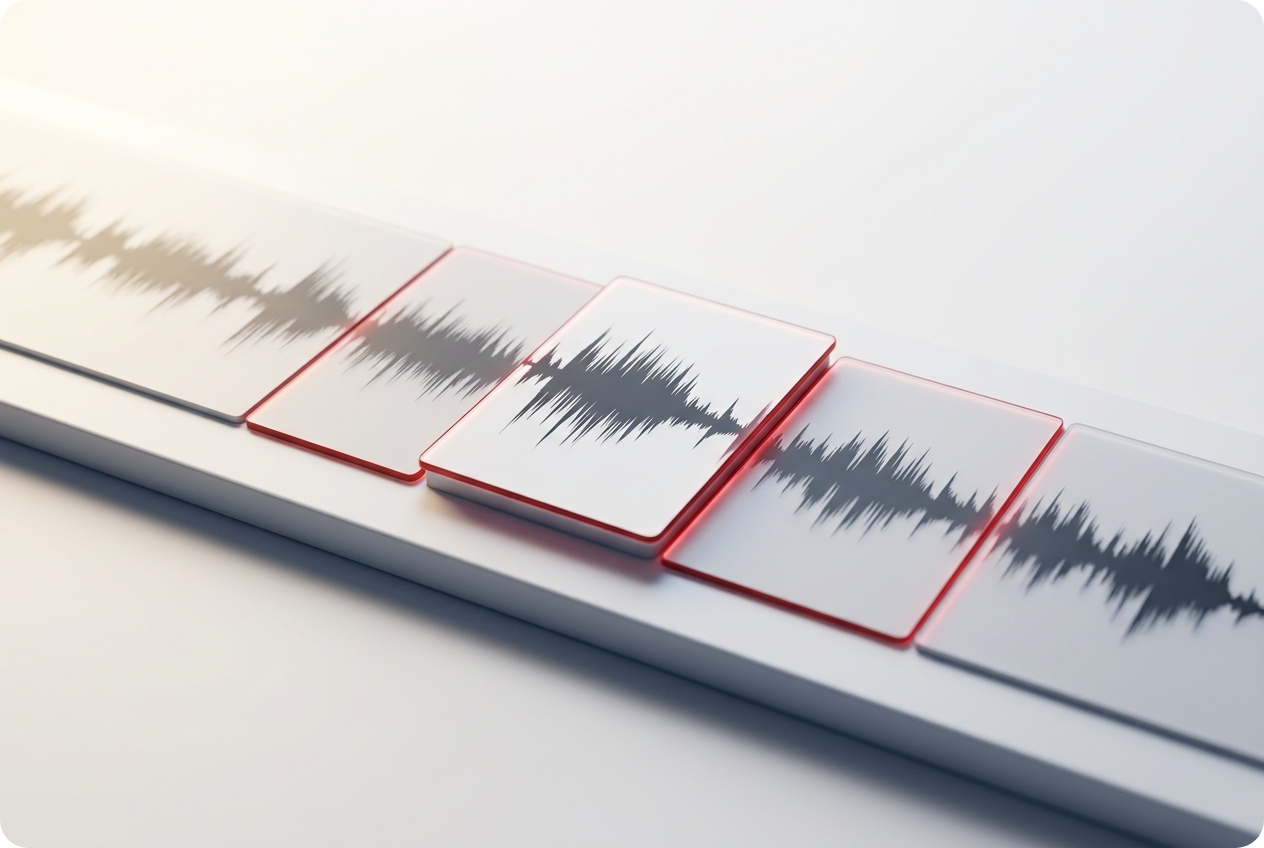
Segment-Based Editing
Edit specific sections of your music independently. The AI Music Editor isolates portions so you can replace music lyrics or refine audio in targeted areas without touching the rest of your track.
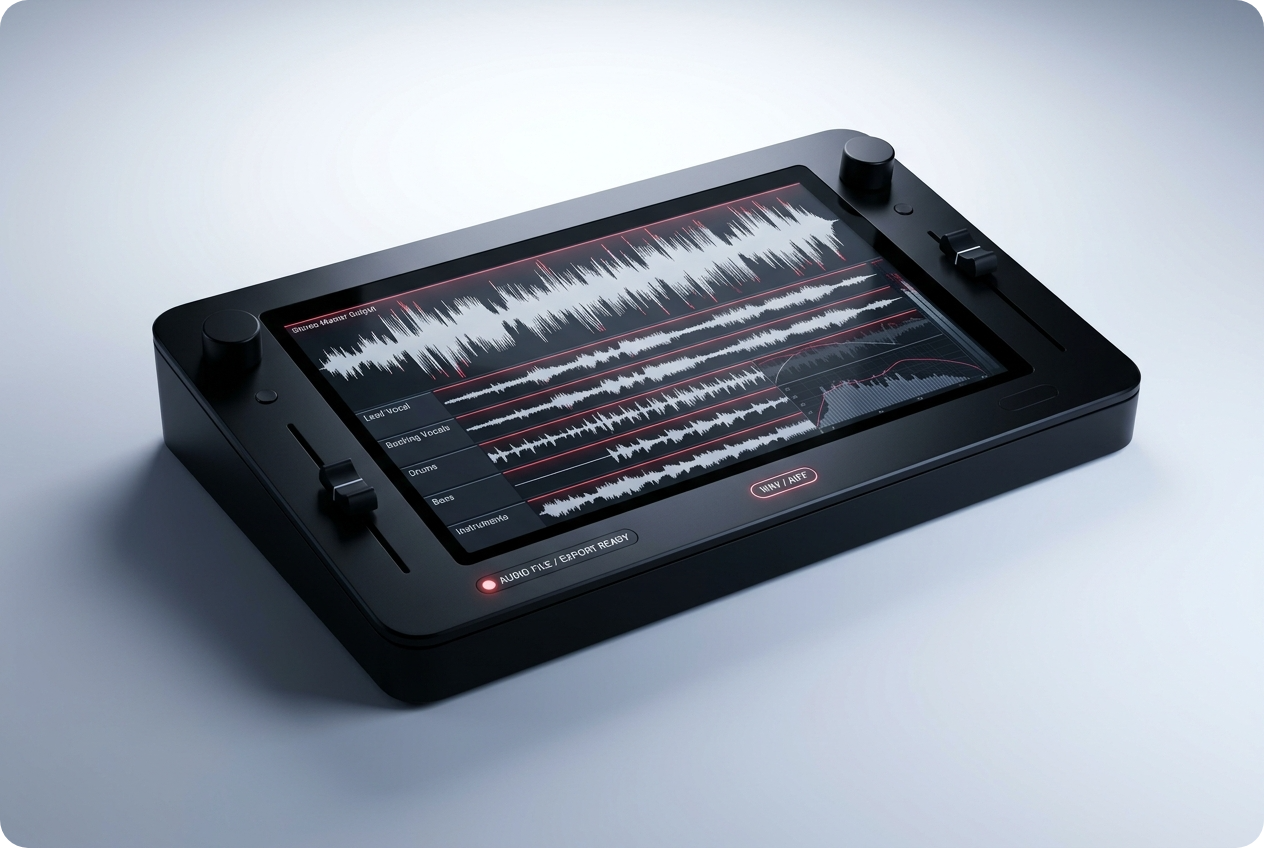
Professional Audio Output
Download edited tracks in high quality. Your AI music editor delivers studio-grade results ready for streaming, sharing, or further production work. No quality loss during processing.
Frequently Asked Questions
Can I edit any song with this AI song editor?
Yes, you can upload most audio formats into OpenMusic AI's editor. The AI song editor works with standard music files, though some heavily compressed formats may have limitations. Test with your track to see results.
How accurate is the lyrics replacement feature?
The music lyrics editor uses advanced AI to match phonetics and maintain natural pronunciation. Accuracy depends on audio clarity and original vocal quality. Most replacements sound natural and professional.
What audio formats does the AI music editor support?
OpenMusic AI's music editor accepts MP3, WAV, FLAC, and AAC files. Upload your preferred format and the AI music editor automatically processes it for editing and export.
How long does editing take with this AI music editor?
Most edits complete within seconds to minutes depending on track length and complexity. The AI music editor processes in real-time, so you see results almost instantly after applying changes.
Can I download my edited music immediately?
Yes, once your AI song editor finishes processing, download your track instantly. The music lyrics editor delivers final files ready for use without additional waiting or processing delays.

Start Using AI Music Editor Today
Transform your music with intelligent editing. Replace lyrics, modify melodies, and create professional tracks instantly.