
Why Choose Our Acapella Remover
Get Studio Quality Instrumentals Without the Studio Cost
Our Acapella Remover delivers professional vocal isolation faster than competitors. Save time, keep quality, and create freely.
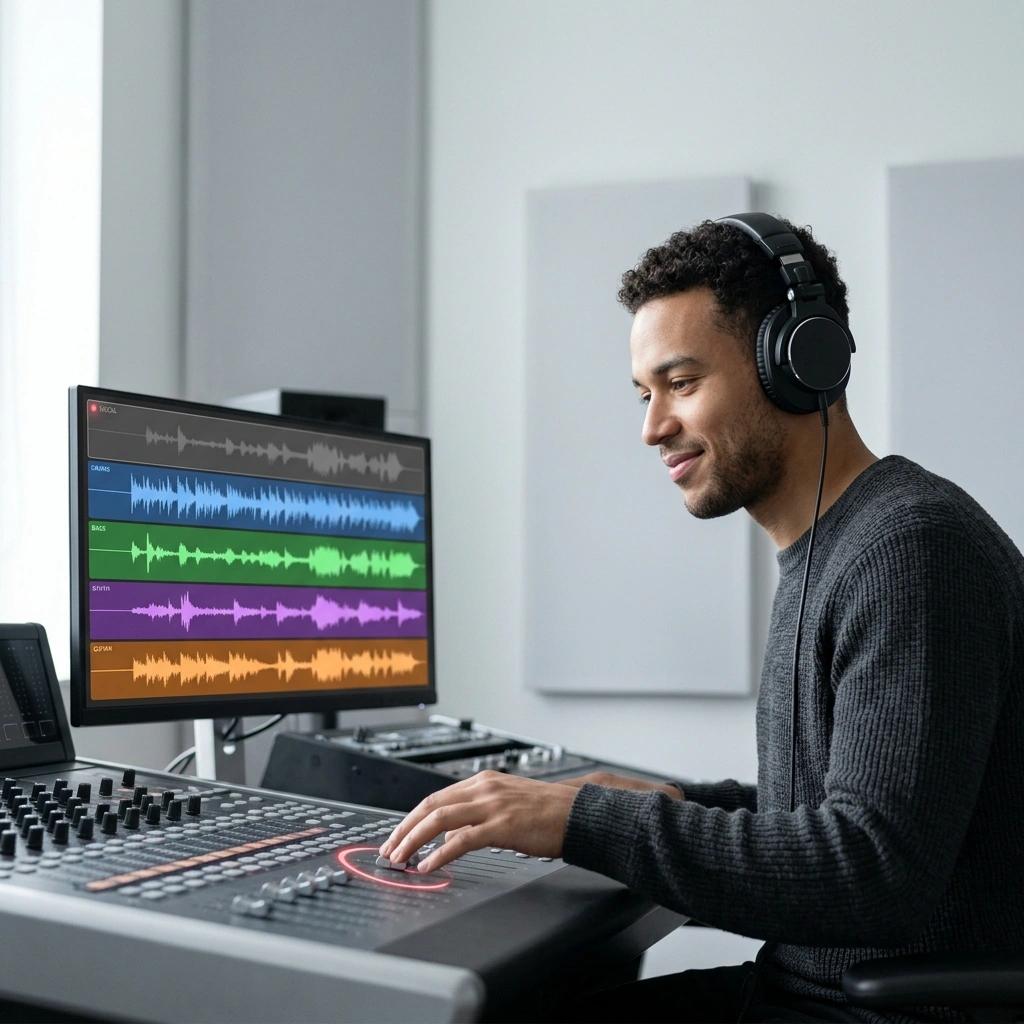
Precision Vocal Isolation
Our Acapella Remover uses advanced AI to detect and remove only vocals, leaving drums, bass, and instruments untouched. You get clean instrumentals ready to use immediately.

Process Any Audio Format
Upload MP3, WAV, FLAC, or OGG files. The Acapella Remover handles all formats without quality loss, so you work with whatever you have.

Download Instantly
No waiting in queues. Your Acapella Remover results download in minutes, not hours. Create karaoke tracks, backing music, or remix stems on your schedule.
Three Steps to Clean Instrumentals
Turn Any Song into a Karaoke Track Using Acapella Remover
Our Acapella Remover works in three simple steps. Upload, process, and download your instrumental version within minutes.
Upload Your Song
Select any audio file from your device. The Acapella Remover accepts MP3, WAV, FLAC, and more. No account required to start.
AI Removes Vocals
Our Acapella Remover analyzes the track and separates vocals from instruments automatically. The process takes just a few minutes depending on song length.
Download Your Instrumental
Get your clean instrumental track ready to use. Use it for karaoke, covers, remixes, or background music. The Acapella Remover delivers studio-quality results.
POWERFUL FEATURES
Everything You Need in an Acapella Remover
Our Acapella Remover combines speed, quality, and ease of use. Remove vocals and create instrumentals without technical knowledge.
One-Click Vocal Removal
No settings to adjust. Upload and the Acapella Remover handles everything. Get professional instrumental tracks without touching a single slider or button.
High Quality Output
The Acapella Remover preserves audio clarity and depth. Your instrumentals sound professional, not robotic. Perfect for covers, karaoke, and serious music projects.
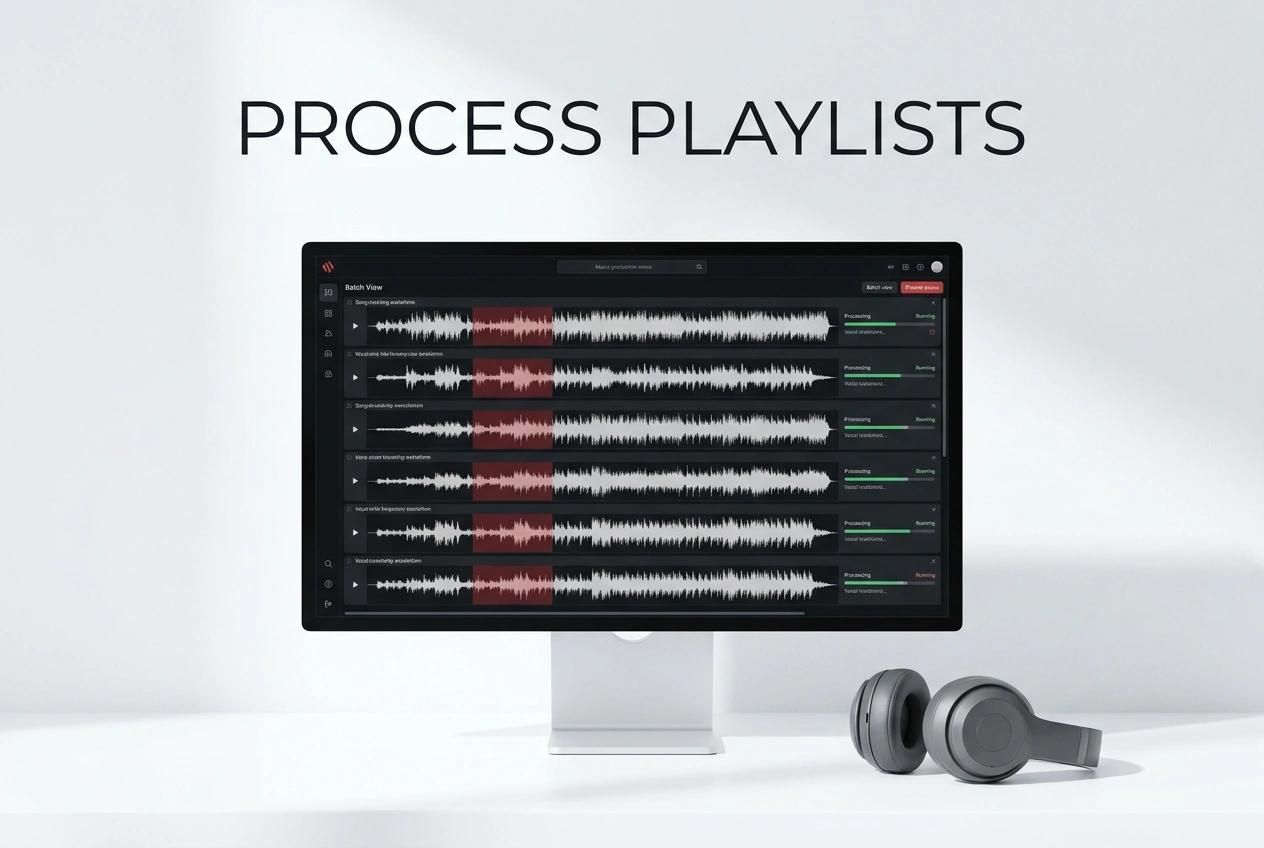
Batch Processing
Remove vocals from multiple songs at once. The Acapella Remover processes your entire playlist while you work on other tasks.
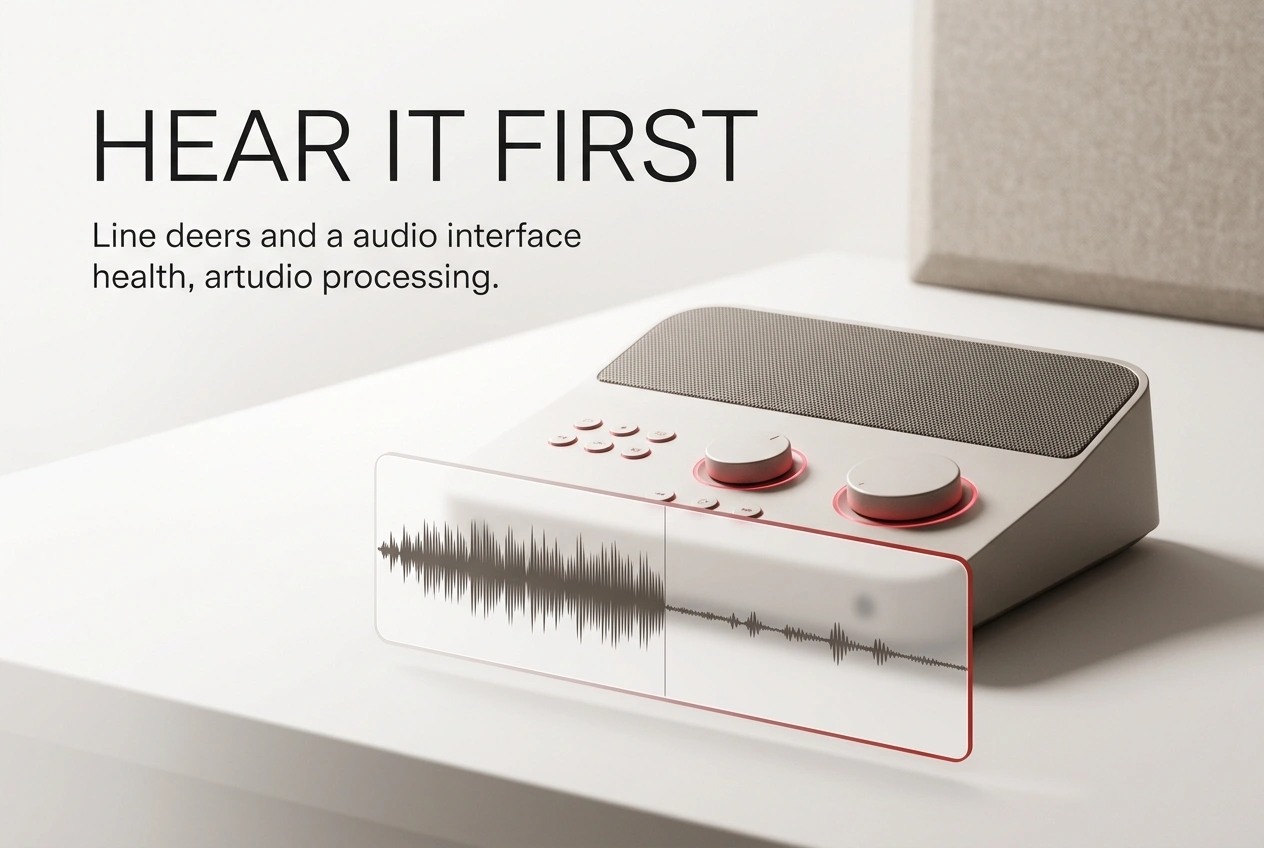
Instant Preview
Hear your instrumental before downloading. The Acapella Remover lets you preview results and confirm quality matches your needs.
Frequently Asked Questions
How does the Acapella Remover separate vocals from music?
Our Acapella Remover uses AI trained on thousands of songs to identify vocal frequencies and isolate them from instrumental elements. The technology analyzes pitch, timing, and audio patterns to remove only the vocals while preserving drums, bass, and instruments.
What audio formats does the Acapella Remover support?
The Acapella Remover accepts MP3, WAV, FLAC, OGG, and M4A files. Upload any format and download your instrumental in the same quality. No conversion needed.
How long does the Acapella Remover take to process a song?
Processing time depends on song length. Most tracks complete within 2-5 minutes. The Acapella Remover works in the background, so you can start another task while waiting.
Can I use the Acapella Remover for commercial projects?
Yes. You can use instrumentals created with the Acapella Remover for karaoke, covers, remixes, and background music. Check your original song's copyright status before commercial use.
Does the Acapella Remover work with live recordings?
The Acapella Remover works best with studio recordings where vocals and instruments are clearly separated. Live recordings with crowd noise may produce less precise results, but you can still get usable instrumentals.

Remove Vocals Today with Acapella Remover
Get clean instrumentals in minutes. No signup required. Start using our Acapella Remover now.