For Audio Content Creators
Who Needs A Music Visualizer For Apple Music
Content creators and musicians use our advanced online tools to turn static songs into engaging streaming audio visuals for daily social media sharing.

Social Media Influencers
Grab viewer attention on TikTok or Instagram immediately. Sync your tracks with dynamic waves to keep followers watching your personal MV longer and boost your overall channel engagement metrics significantly.

Independent Musicians
Promote new releases effectively across all digital platforms. Generate professional streaming visualizers that give your listeners a captivating visual experience alongside your fresh beats, helping you stand out from the crowd.

Playlist Curators
Upgrade your YouTube channel aesthetics with minimal effort. Replace the old Apple Music visualizer style with modern reactive graphics that match your curated vibe and keep subscribers coming back for more.
Fast Video Generation Process
Generate Streaming Visualizers In Three Simple Steps
Start your creative process by uploading audio. Customize dynamic effects and export high quality streaming music visuals in just a few minutes without hassle.
Upload Your Audio File
Import your saved tracks directly into the secure platform. The intelligent system instantly analyzes the beat, rhythm, and frequency to prepare the perfect visual foundation for your upcoming music video project.
Customize Visual Effects
Select your preferred wave colors and dynamic shapes from our extensive library. Add custom lyric fonts or toggle subtitles to match your specific video style and enhance viewer comprehension effortlessly.
Export The Final Video
Save the final high resolution render directly to your device. Share your new audio reactive video across multiple social platforms to immediately boost viewer engagement and grow your dedicated audience.
Powerful Customization Tools
Build Engaging Videos With Apple Music Visualizer
Our online Apple Music visualizer provides smart audio analysis and customizable effects. Build professional streaming audio visuals that perfectly match your unique sound profile.

Smart Audio Analysis Engine
The advanced engine detects beats and frequencies automatically without manual input. Your visual elements react perfectly to every bass drop and vocal melody in real time, creating a deeply immersive viewing experience.
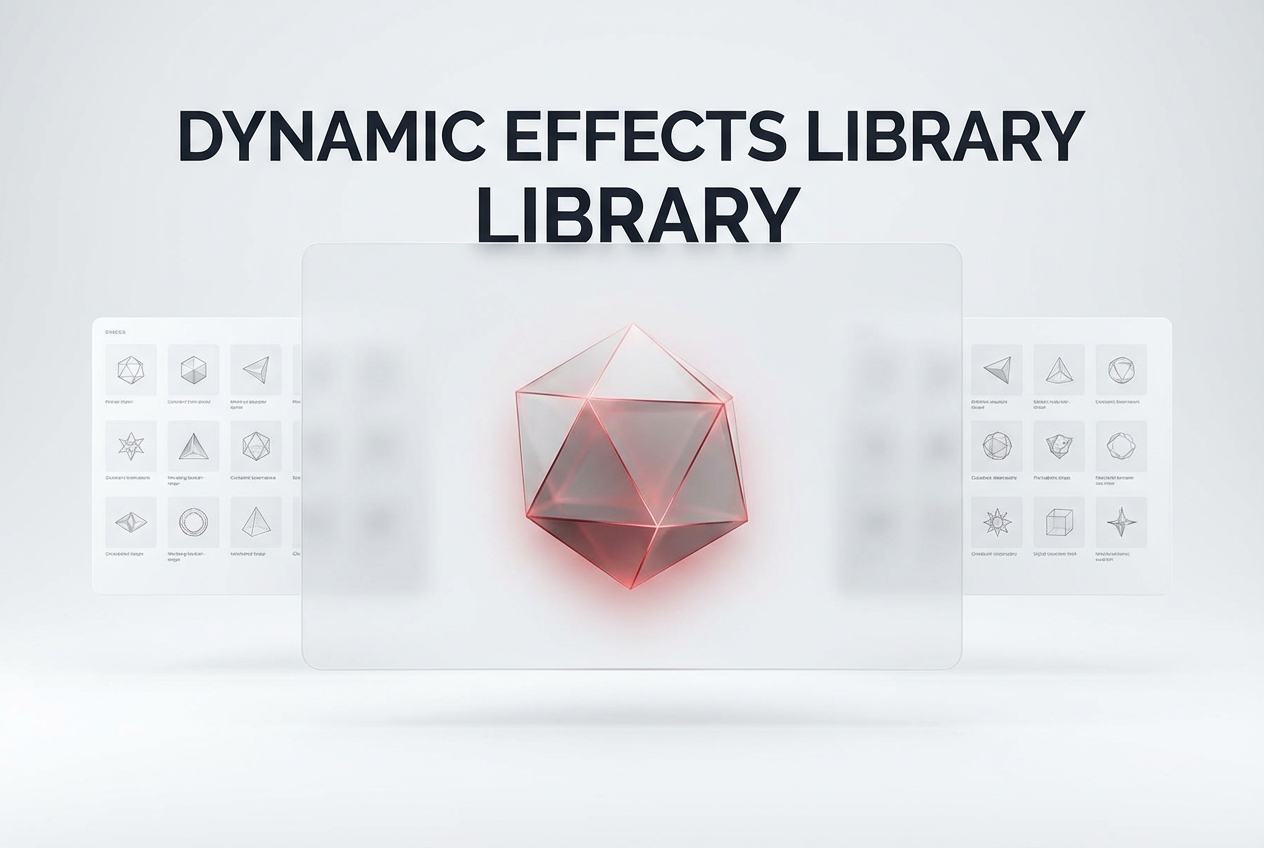
Dynamic Wave Effects Library
Choose from multiple audio reactive shapes, patterns, and vibrant colors. Ditch the outdated iTunes music visualizer look for modern, sleek graphics that fit your personal brand and captivate your target audience.

Custom Lyric Subtitles Integration
Help your audience sing along effortlessly while watching your content. Generate accurate lyric subtitles with various typography choices to make your personal MV highly accessible and visually appealing on any screen.
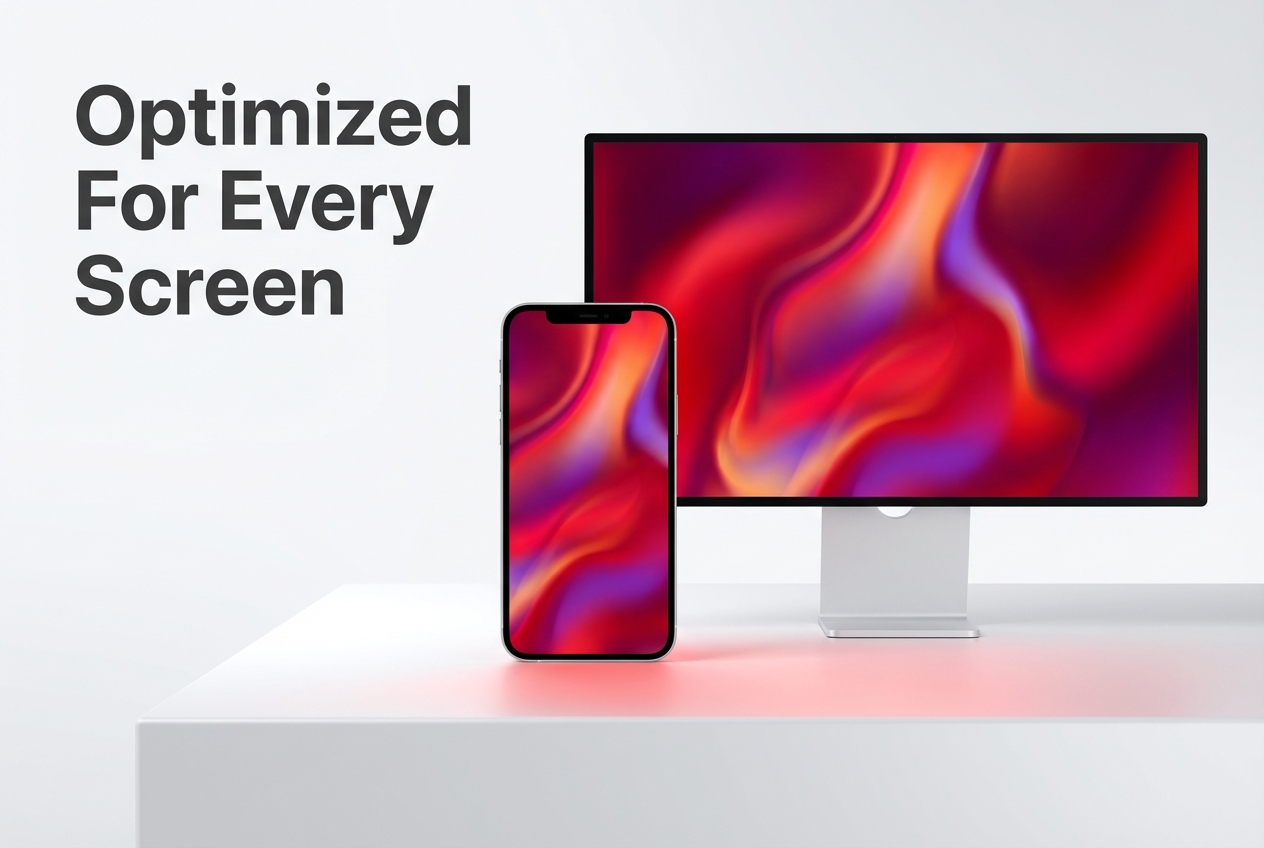
Cross Platform Video Export
Download media files optimized for absolutely any screen size or orientation. Use the Apple Music visualizer iPhone format for mobile sharing or select landscape mode for premium desktop viewing experiences.
Frequently Asked Questions
How does this modern iTunes music visualizer alternative analyze my audio files?
The system reads the frequency and amplitude of your uploaded track automatically. It then maps these specific audio data points to visual shapes and colors instantly to create seamless animations.
Can I use the Apple music visualizer pc version on my Mac?
Yes, our web based platform works seamlessly across all major desktop operating systems. You only need a modern internet browser to generate and customize your videos without installing heavy software.
What formats are supported for the Apple music visualizer download export process?
You can export your final video in standard high definition MP4 format. This ensures maximum compatibility for uploading directly to YouTube, Instagram, TikTok, or any other major video sharing platform.
Does the Apple music visualizer iPhone tool require a dedicated app installation?
No application installation is necessary to create your dynamic videos on mobile. The responsive web interface allows you to upload tracks and customize visuals directly from your smartphone browser easily.
Are the generated streaming visualizers safe from copyright claims on social media?
The visual elements and graphics we generate are completely safe to use anywhere. However, you must ensure you hold the proper rights or licenses to the underlying audio track you upload.

Start Using The Best Apple Music Visualizer
Create stunning streaming music visuals today. Upload your track and engage your audience instantly online.